Bridges & Routers
How to choose bridges & routers
Coverage
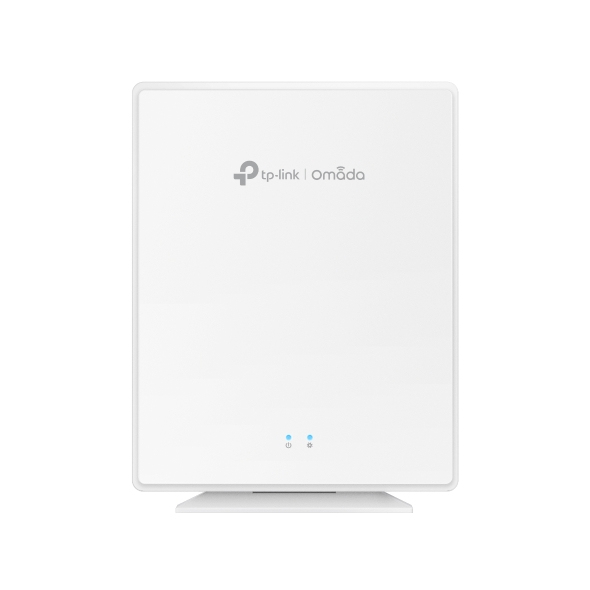
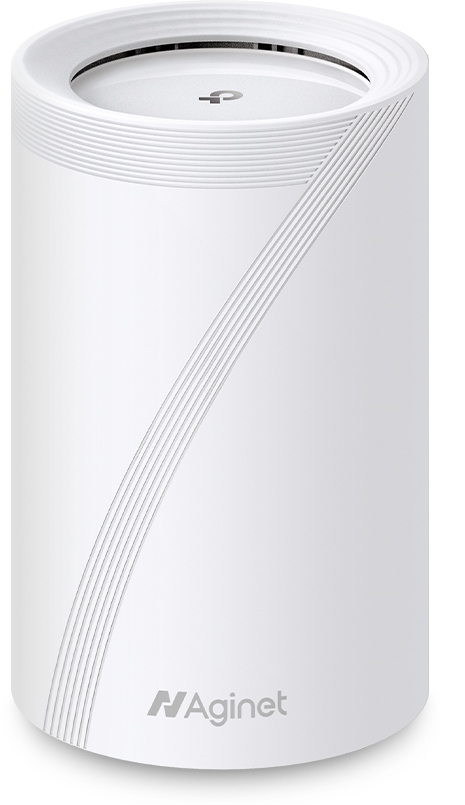
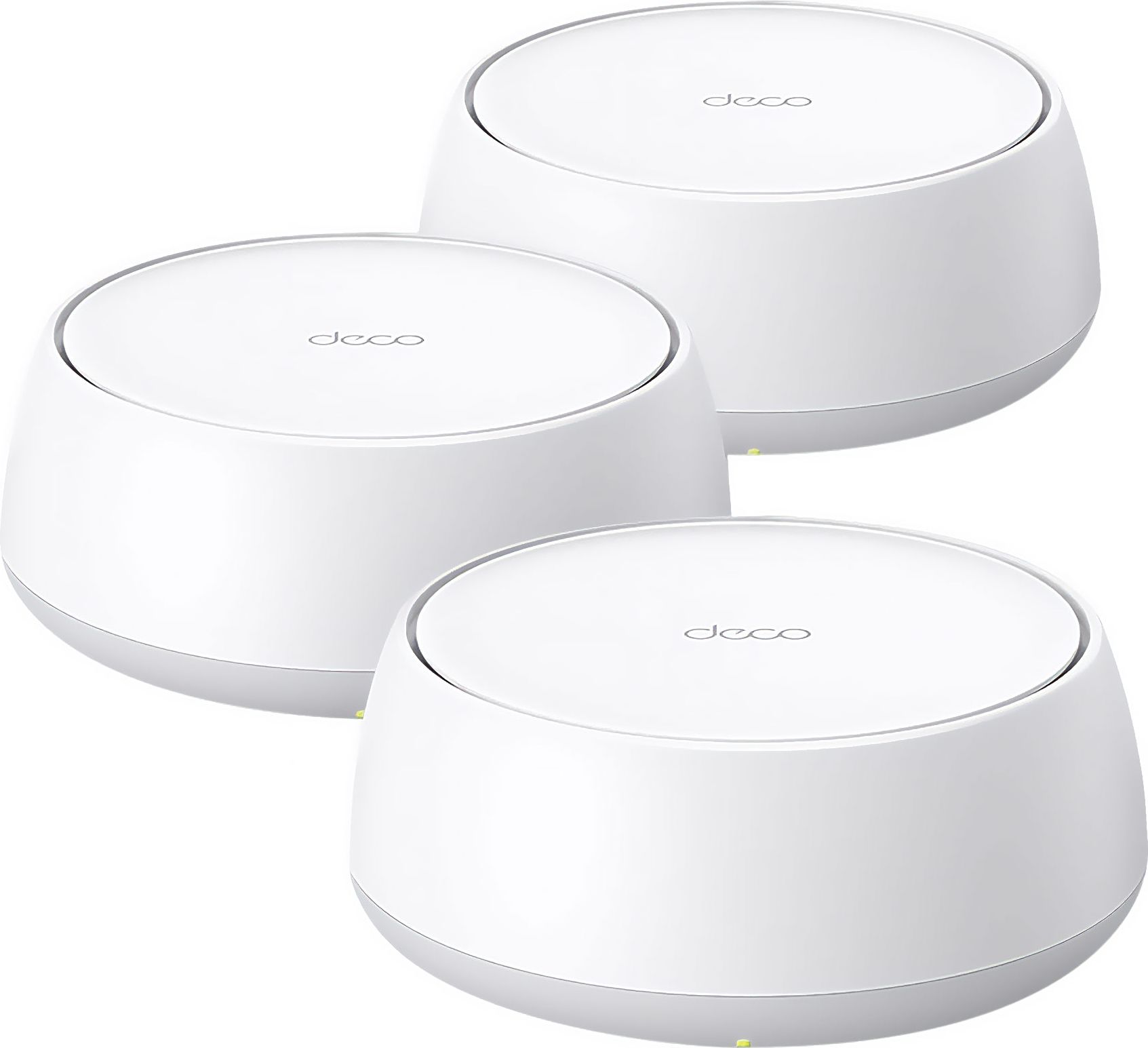
Building size: pick whole-home mesh (multiple nodes) over a single wall plate access point if walls are thick.
Installation
Power source: PoE access points need structured cabling, while 4G mobile routers use plugs or batteries.
Appearance
Colour and material: white or light units disappear into homes, black or metal suit racks, plastic saves weight.
Compatibility
Protocol match: network bridges only work with specific bus or door systems, not as Wi-Fi extenders.
Use case
Mobility: choose a mobile 4G router for moving use, not a fixed access point meant for one location.
What's good
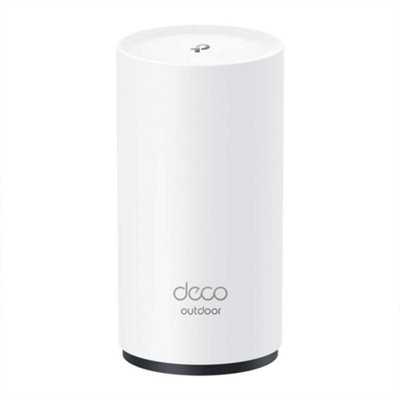
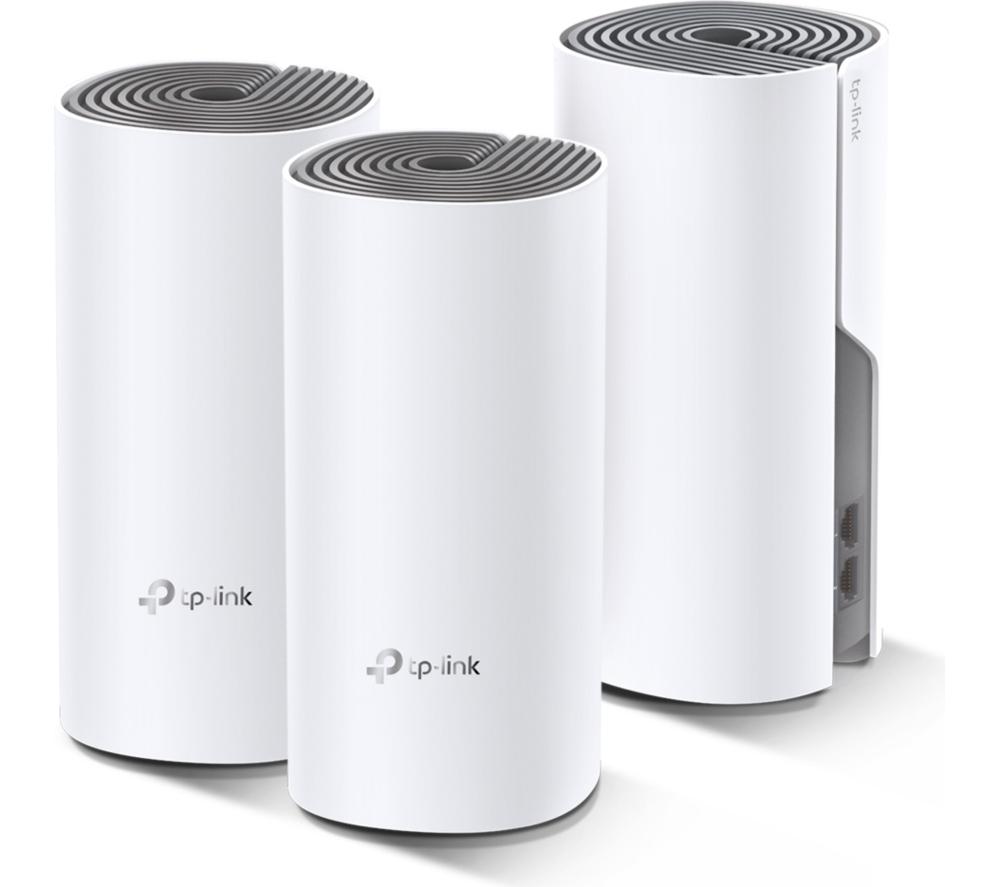
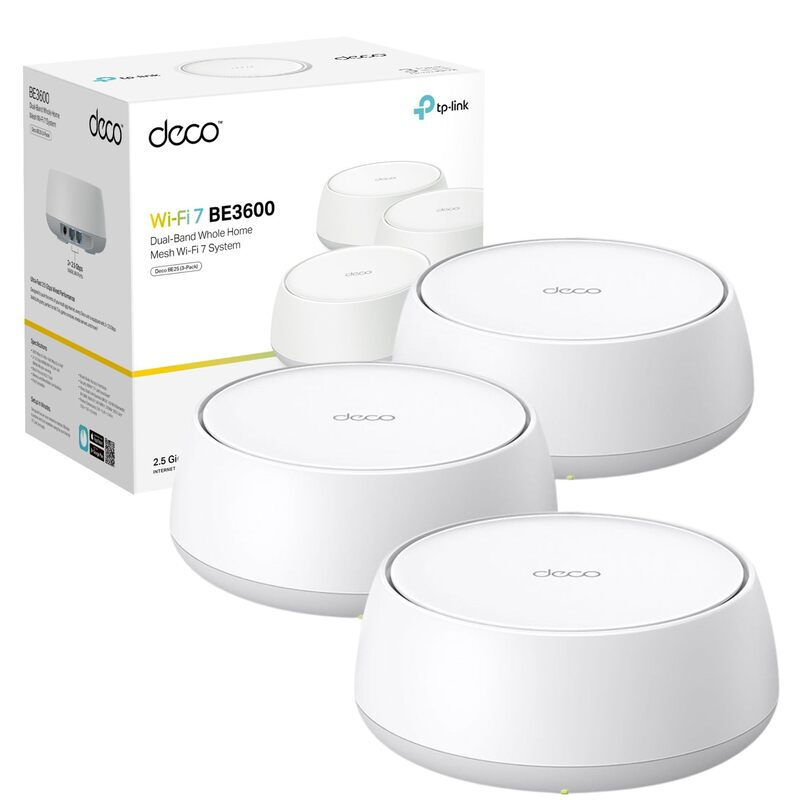
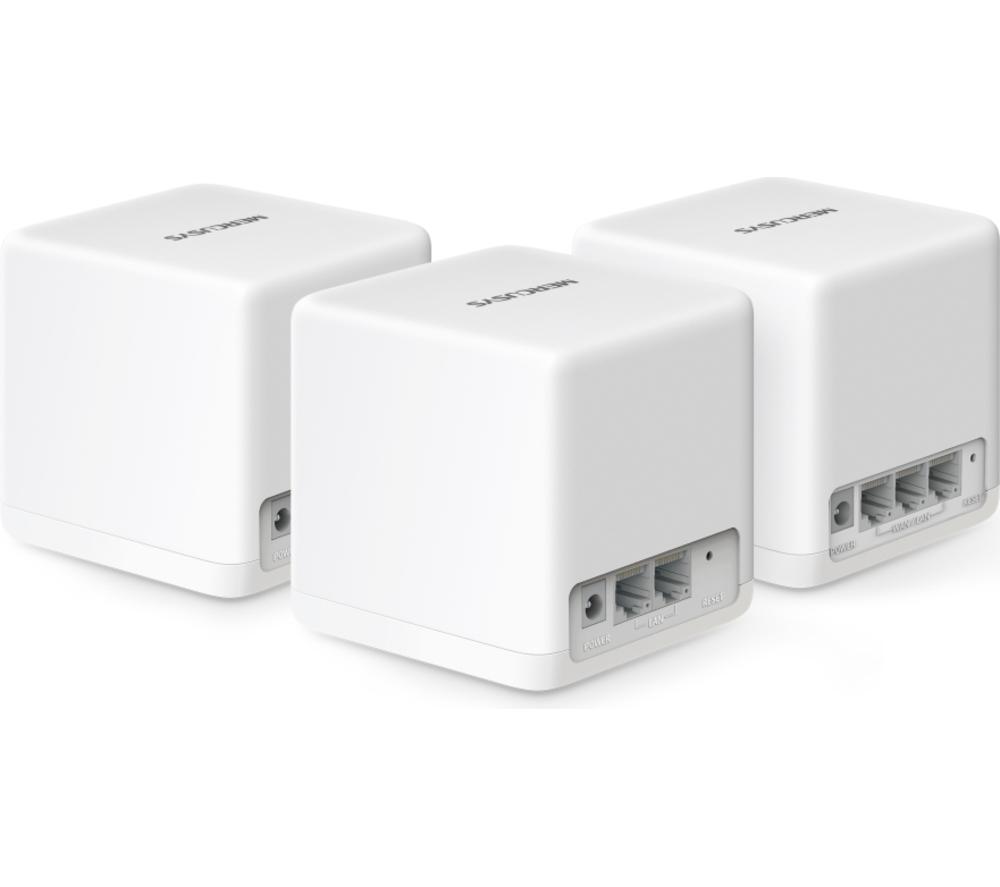
- Whole-home mesh wireless systems (Networking, Wireless Access Points) blanket large houses in Wi-Fi without extra cabling between rooms.
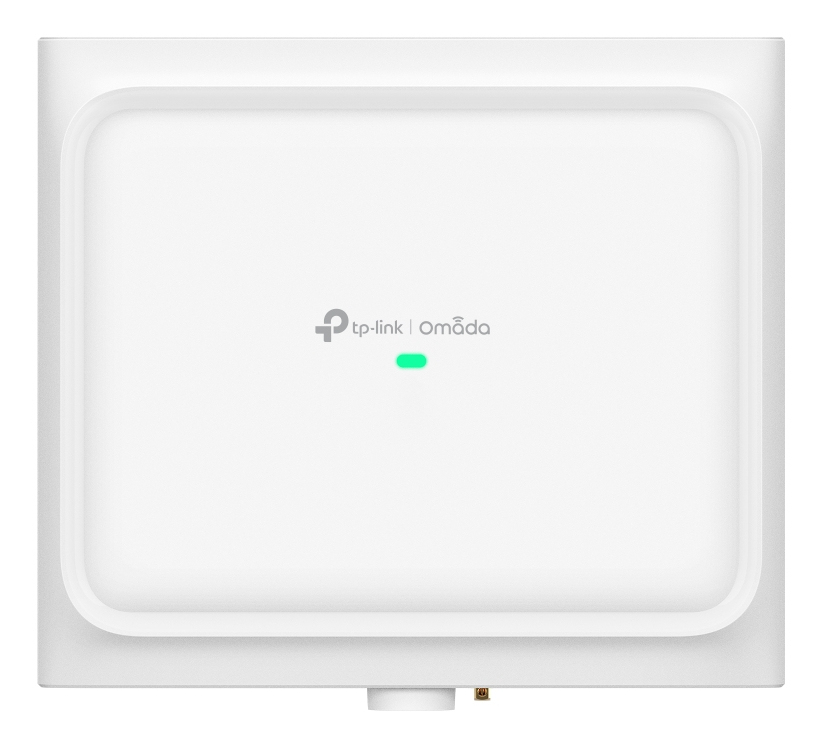
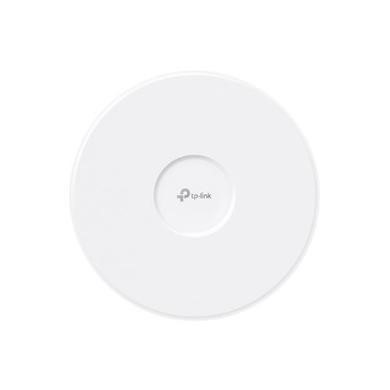
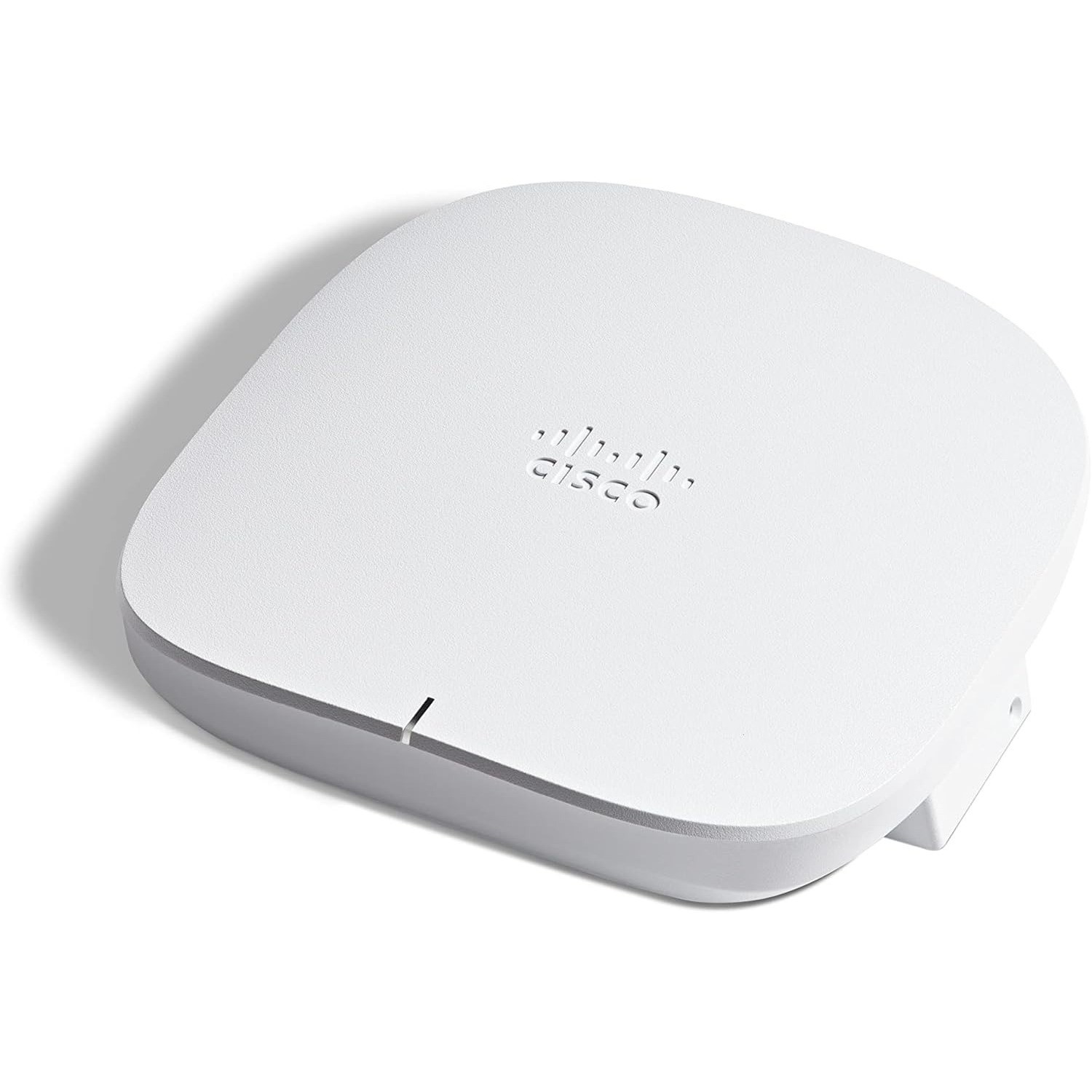
- Wall plate access points (Wireless Access Points) sit flush in existing sockets, keeping spaces tidy in white or black.
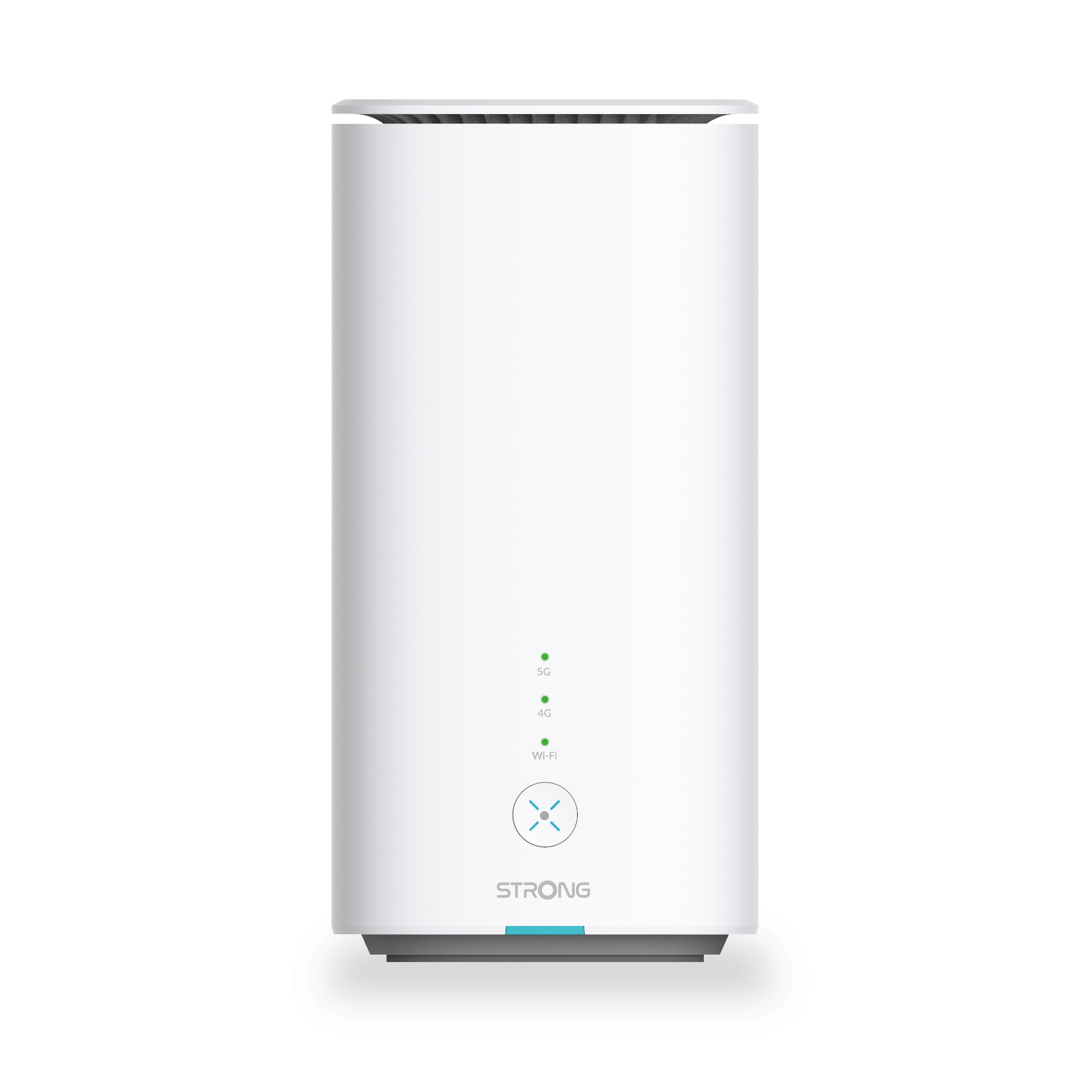
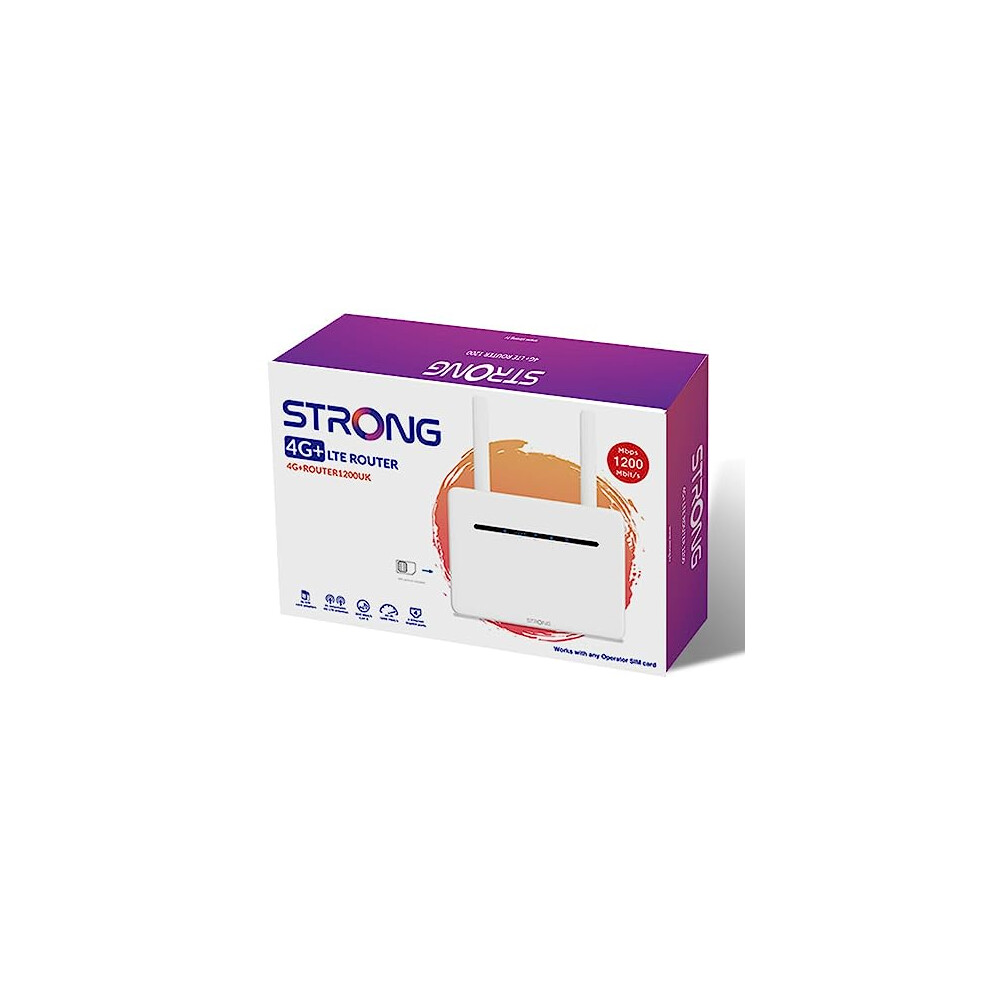
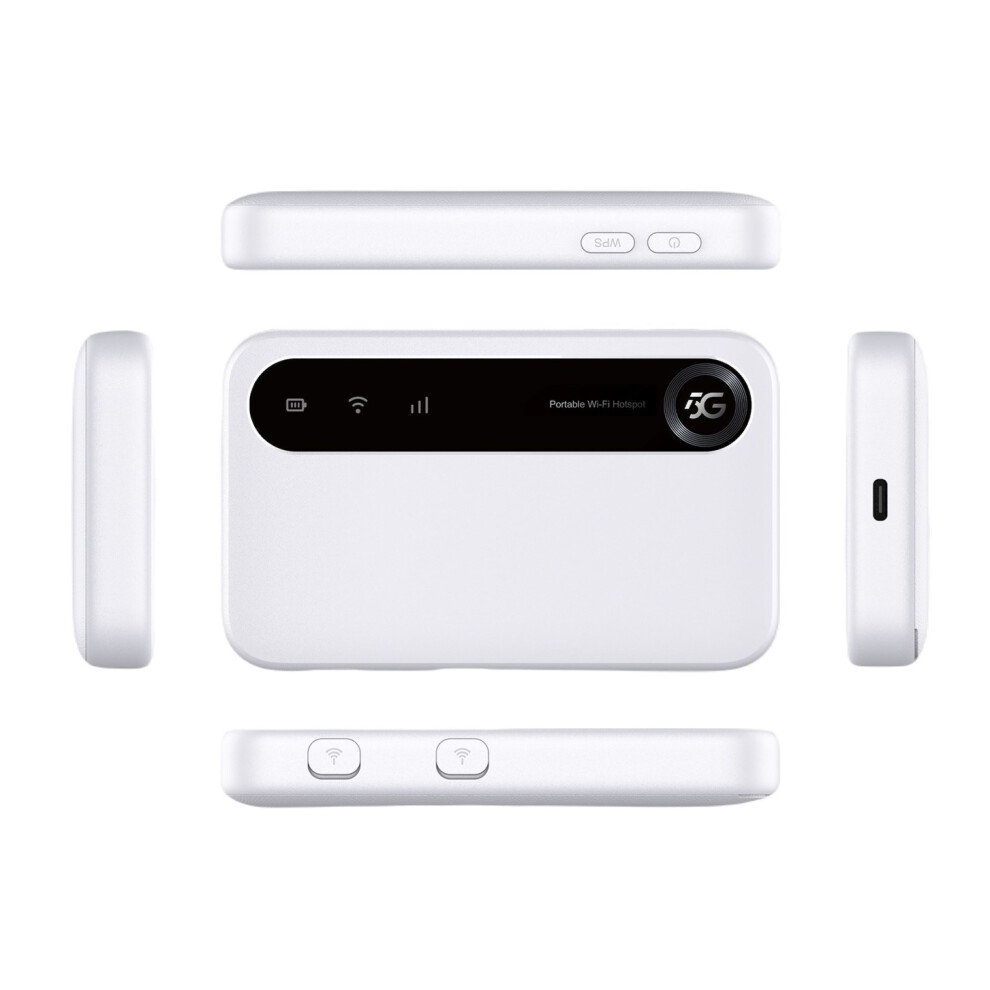
- Mobile 4G LTE routers (Networking) give internet where no fixed line exists, handy for sheds or vehicles.
- Network bridges such as bus repeaters or IP gateways (Network Bridges) link legacy building systems to modern IP networks.
- Plain electronics modules (Electronics) like single-port terminals offer a simple wired bridge for fibre input without extra features.
Things to watch
- Single adaptor mesh kits (Wireless Access Points) reach only one area, leaving far rooms weak.
- PoE whole-home mesh (Networking) demands a capable switch and proper copper or lead cabling to power nodes.
- Mobile 4G routers (Networking) drop speed where cellular coverage is thin, unlike wired access points.
- Licensed IP gateways (Network Bridges) bind to a set number of door or bus endpoints, so they cannot serve as general routers.
- Bare electronics terminals (Electronics) offer a single port and no wireless, needing extra gear to serve a home.
Care & maintenance
Cleaning
Wipe wall plate and ceiling access points (Wireless Access Points) with a dry cloth each quarter to keep vents clear.
Updates
Log in to mesh and mobile routers (Networking) to apply firmware updates when prompted.
Connections
Tighten terminals on bus repeaters and bridges (Network Bridges) yearly, especially copper or iron connections.
Storage
Store mobile routers (Networking) in dry spots; check rubber seals (Material: rubber) if used outdoors.
Frequently Asked Questions
What should I look for when buying bridges & routers?
When shopping for bridges & routers, consider factors such as quality, price, brand reputation, and customer reviews. Compare prices across multiple retailers to ensure you're getting the best deal. Look for products that match your specific needs and budget.
How do I choose the right bridges & routers?
Choosing the right bridges & routers depends on your individual needs, budget, and preferences. Research different options, read customer reviews, and compare specifications. Consider what features are most important to you and look for products that offer the best value for money.
Where can I find the best deals on bridges & routers?
You can find the best deals on bridges & routers by comparing prices across multiple retailers. Our price comparison tool helps you find the lowest prices from trusted UK retailers including Amazon, eBay, and other major online stores. Check regularly as prices and deals change frequently.
Are bridges & routers products worth the investment?
The value of bridges & routers products depends on your specific needs and how you plan to use them. Quality products from reputable brands often provide better long-term value, even if they cost more initially. Consider your budget and requirements when making your decision.
What's the difference between different types of bridges & routers?
Different types of bridges & routers vary in features, quality, price, and intended use. Some may offer premium features while others focus on affordability. Research the specific differences between models or brands to find the option that best suits your needs and budget.







+(3-pack)-bundle.jpg)