Video Cards & Adapters
How to choose video cards & adapters
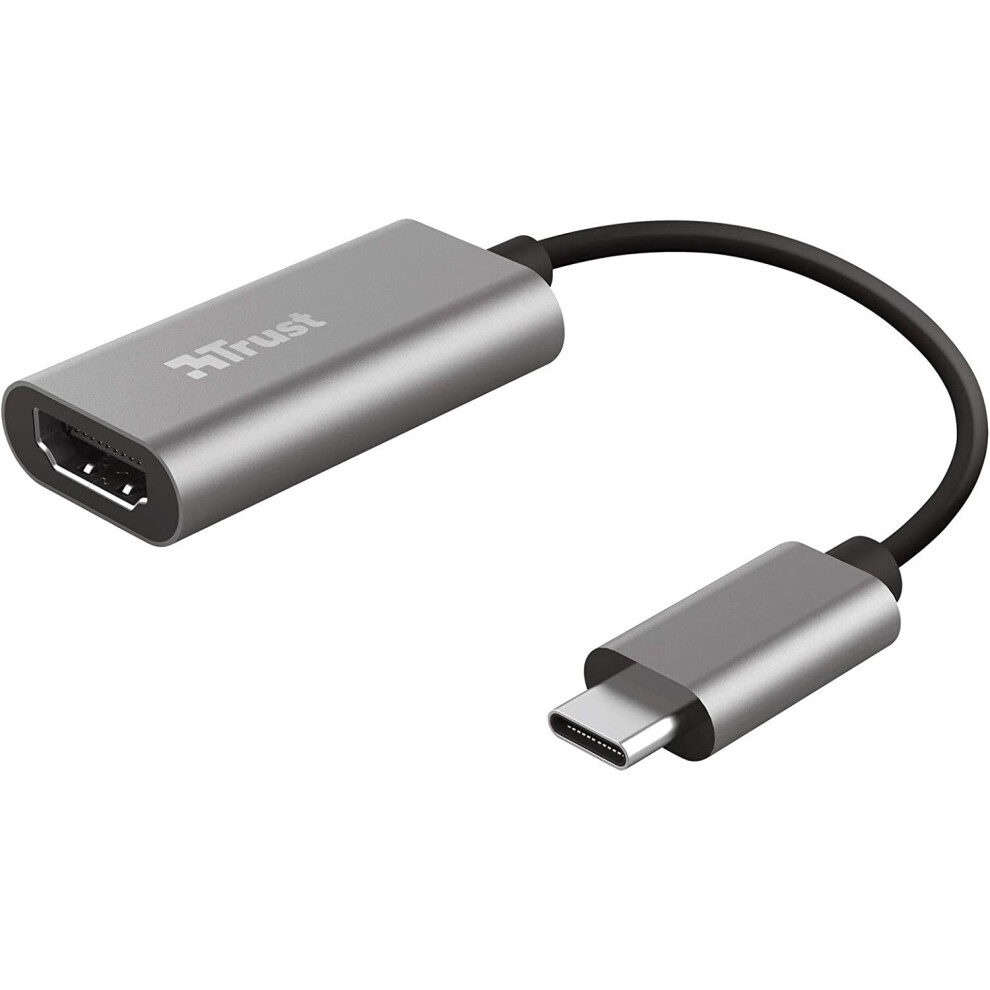
Choose between a full Graphics Cards & Video Adaptors model and a simple I/O Cards & Adaptors unit. The first boosts rendering, the second only adds ports.
Choose between a full Graphics Cards & Video Adaptors model and a simple I/O Cards & Adaptors unit. The first boosts rendering, the second only adds ports.
Pick a colour that fits your case: black or grey hides dust, white or silver looks sharp but needs more cleaning.
Pick a colour that fits your case: black or grey hides dust, white or silver looks sharp but needs more cleaning.
Weigh material: aluminium or steel/metal shrouds cool well and feel solid, plastic is lighter yet less sturdy.
Weigh material: aluminium or steel/metal shrouds cool well and feel solid, plastic is lighter yet less sturdy.
Match memory tier to task. A 2GB card suits office and media, while 8GB or 16GB cards suit gaming and heavy creative work.
Match memory tier to task. A 2GB card suits office and media, while 8GB or 16GB cards suit gaming and heavy creative work.
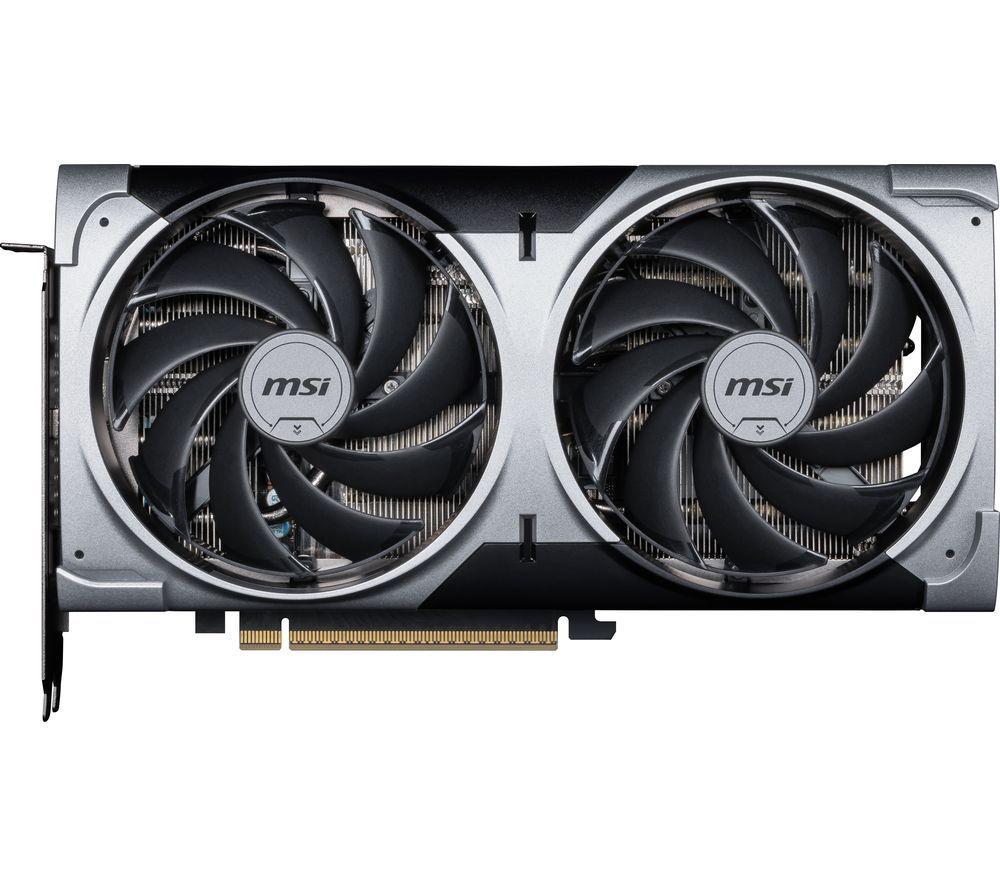
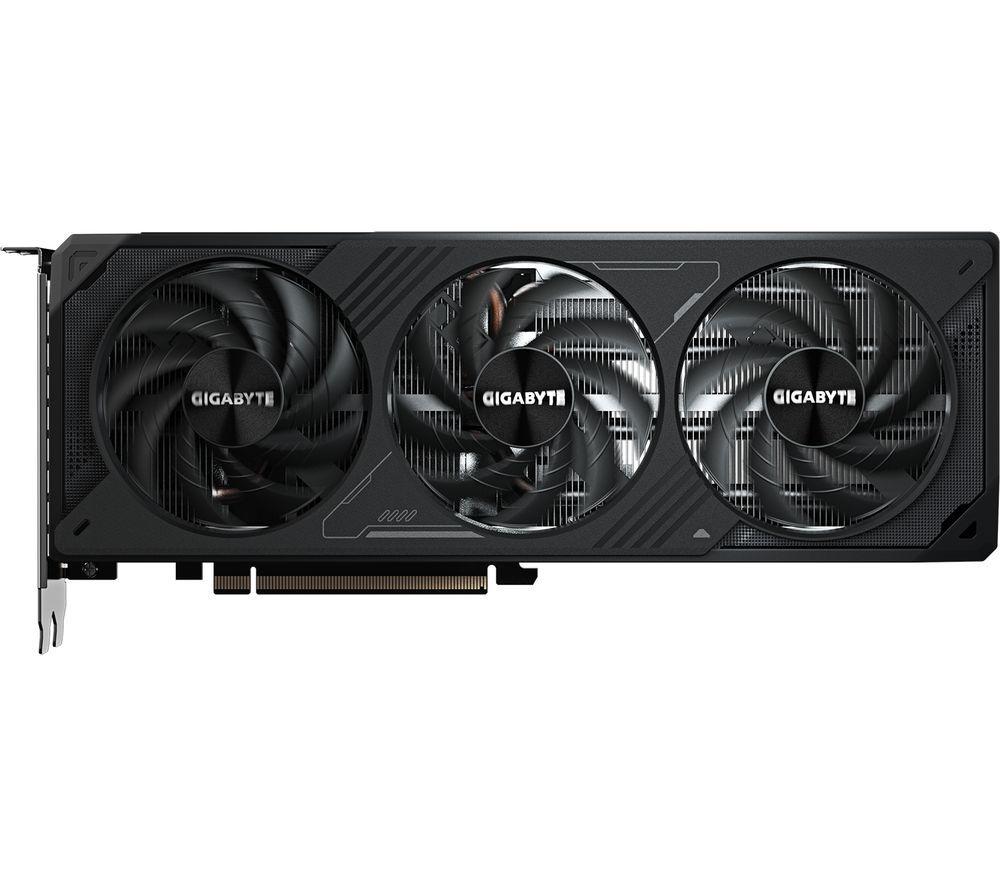
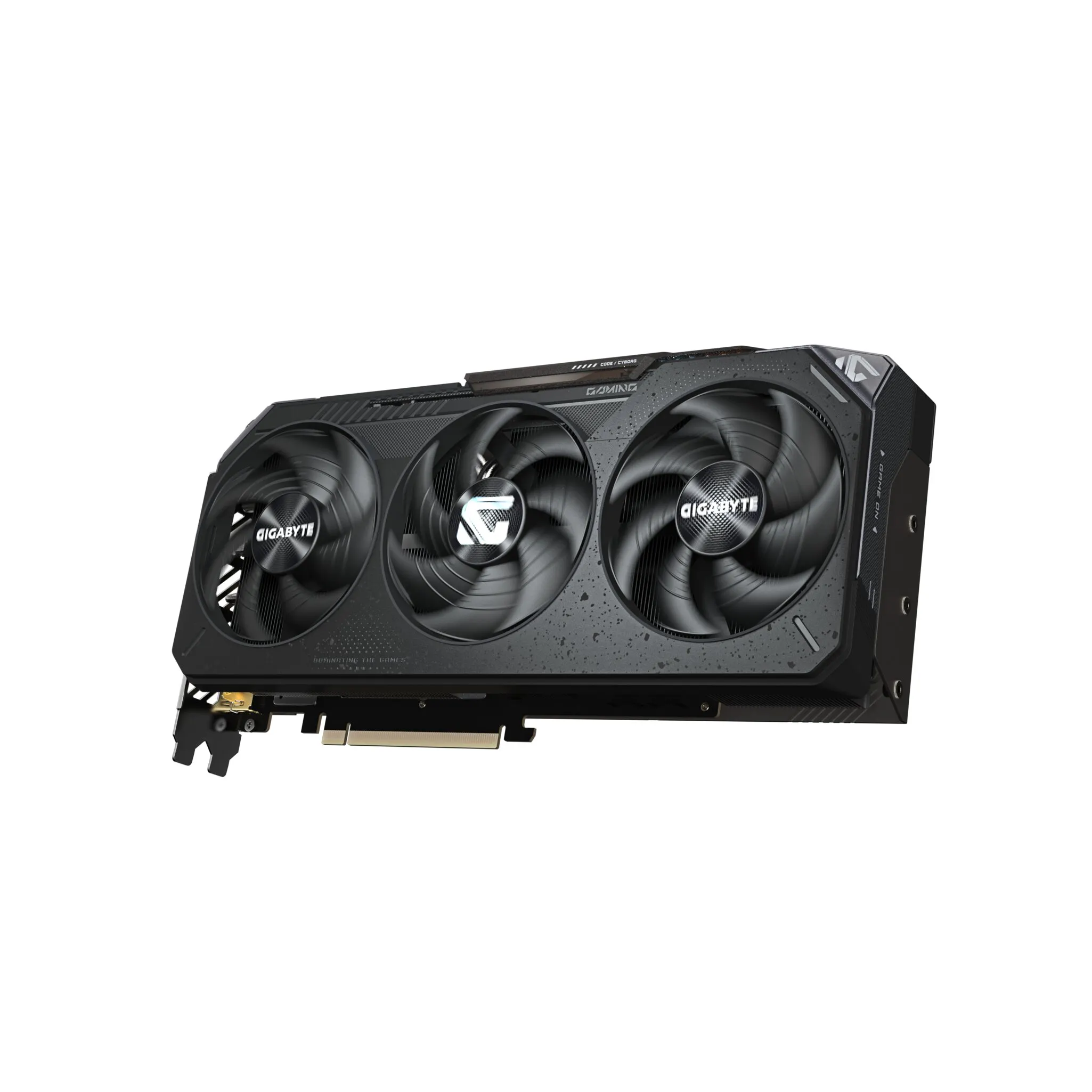
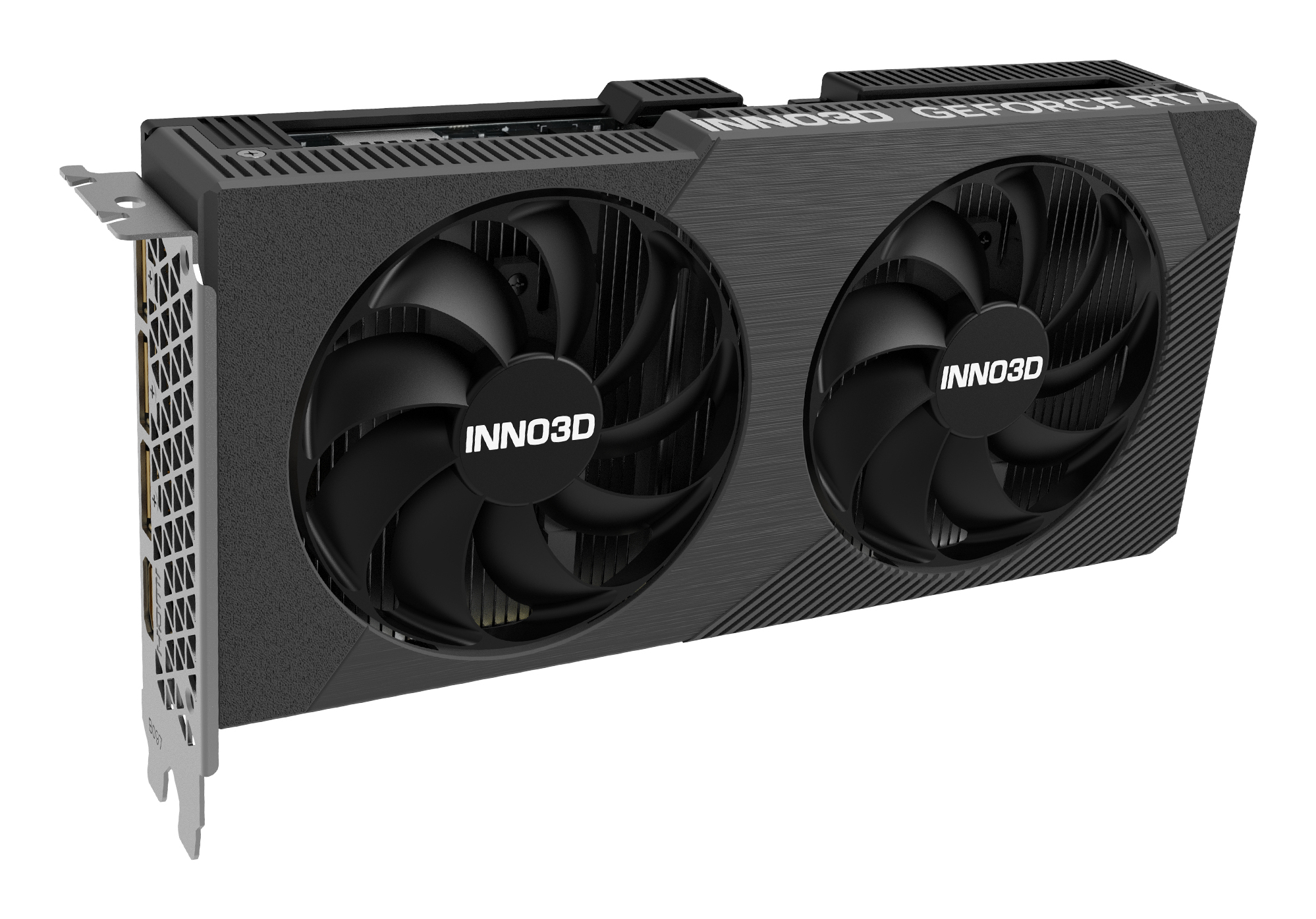
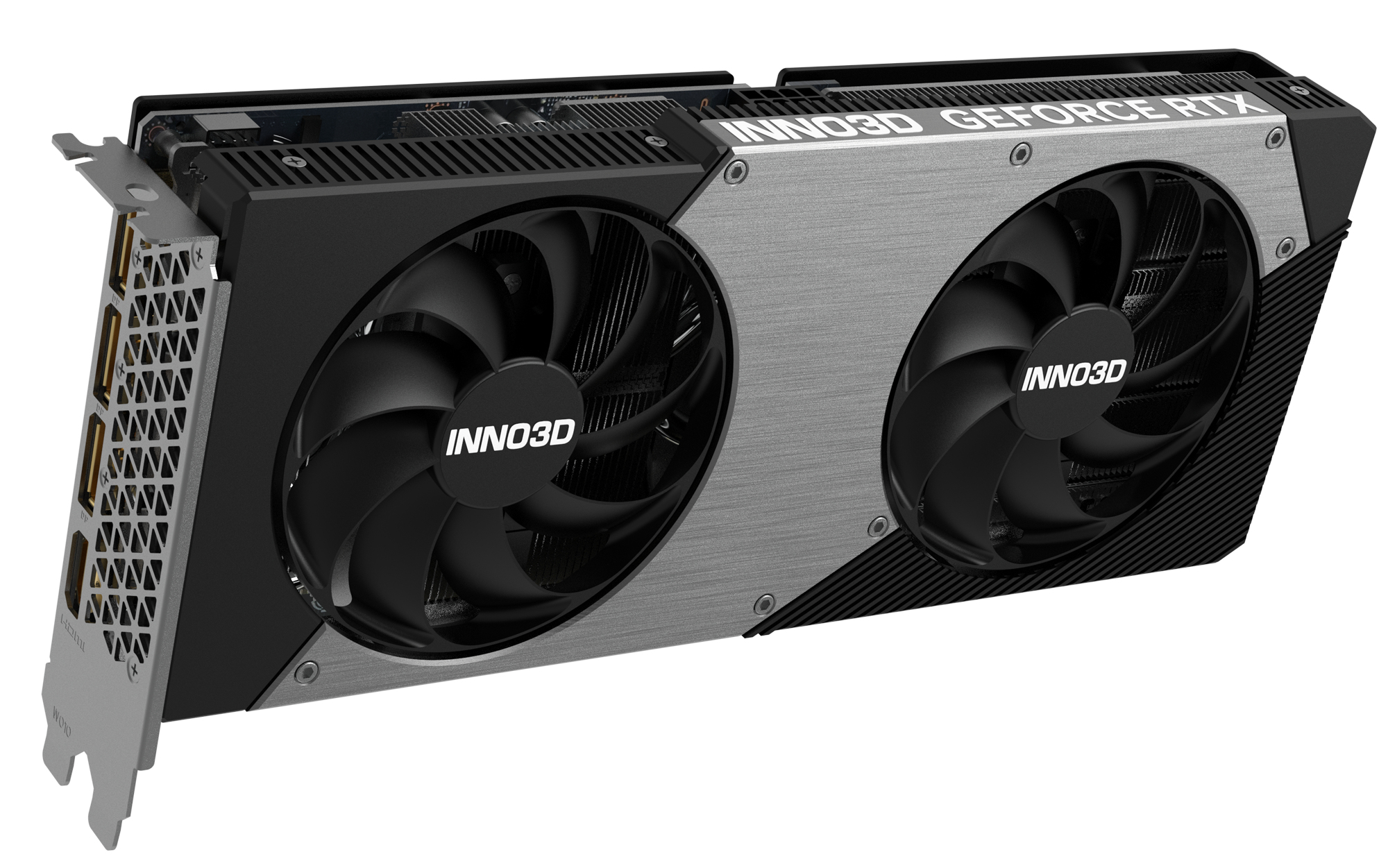
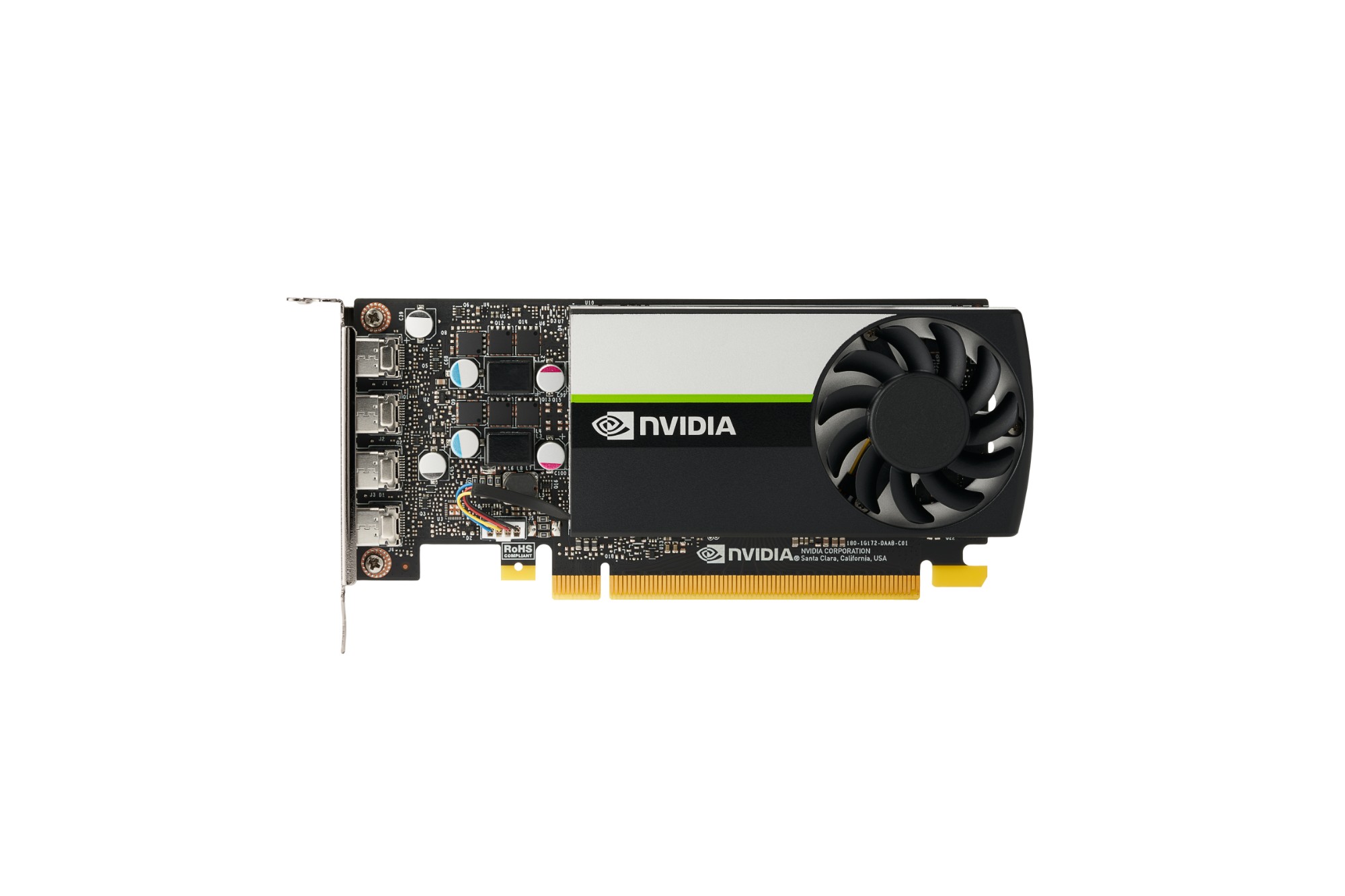
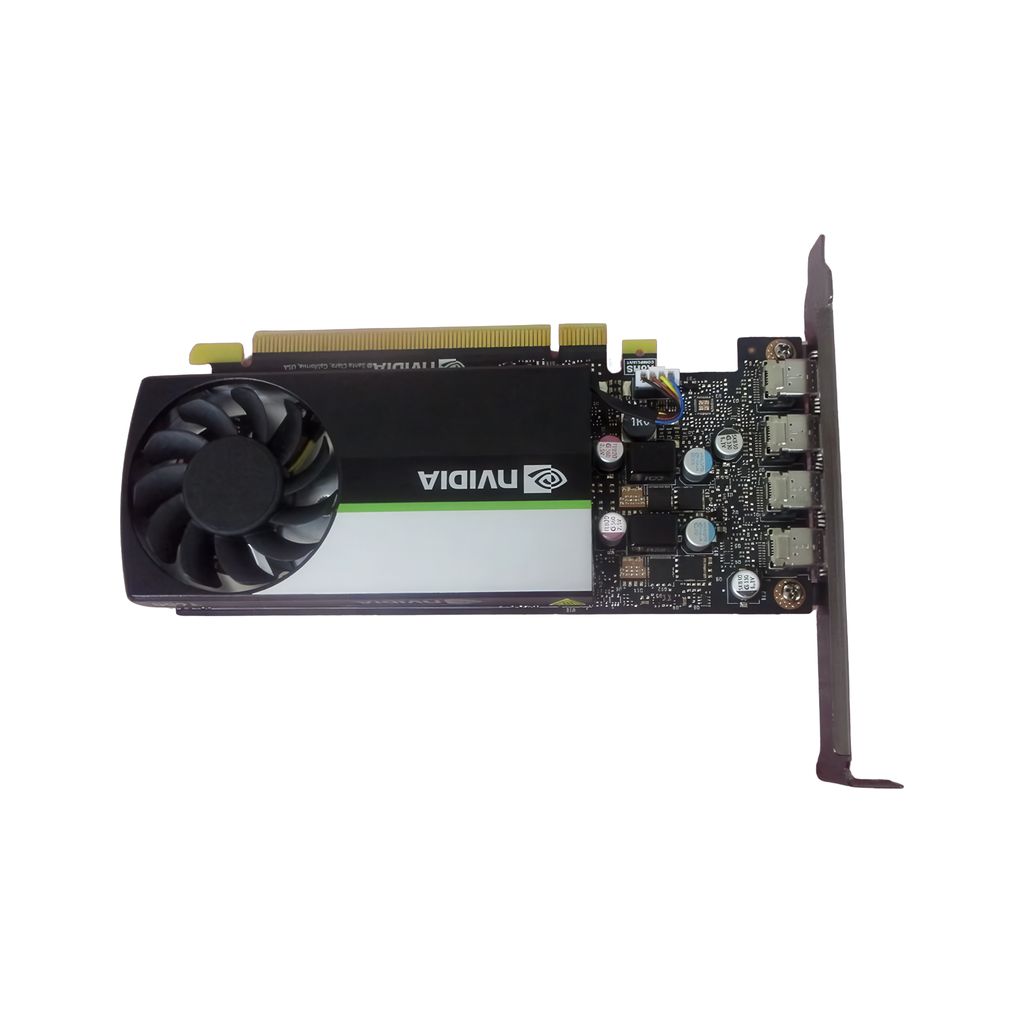
Think about size. Low profile entry GPUs fit small builds, larger OC cards need clearance. When you have weighed these, the grid below shows the live mix of brands and specs.
Think about size. Low profile entry GPUs fit small builds, larger OC cards need clearance. When you have weighed these, the grid below shows the live mix of brands and specs.
What's good
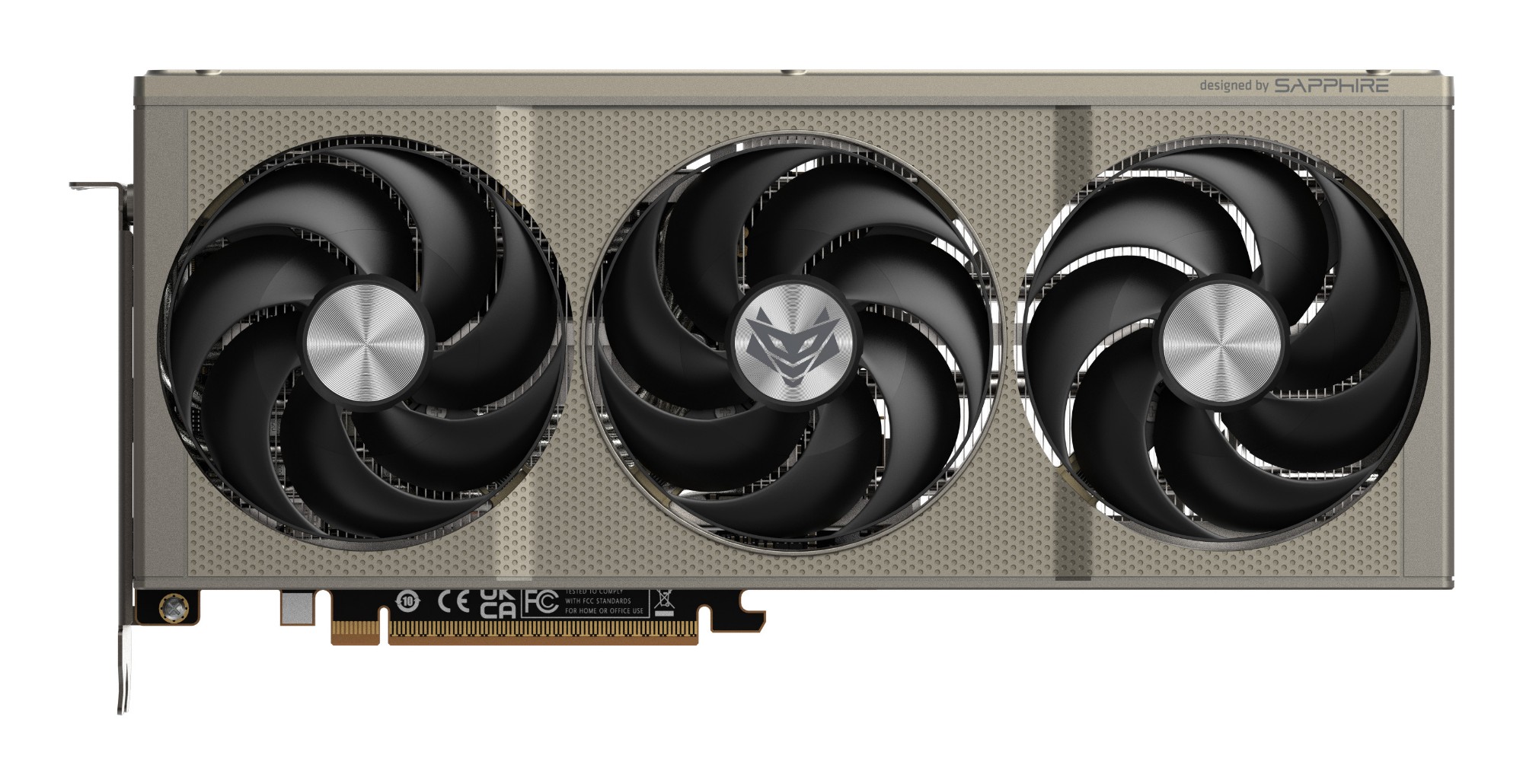
- A dedicated graphics card from the Computer Components or Graphics Cards & Video Adaptors sub-types brings real gaming and rendering muscle that integrated graphics lack.
- Entry tier cards with 2GB memory fit low profile cases and handle daily display work without fuss.
- Mid and higher tier cards with 8GB or 16GB memory run modern titles and creative apps far more smoothly than basic options.
- Colour choices like white, black, or grey let you match a build, with some finishes using aluminium or metal for a tidy look.
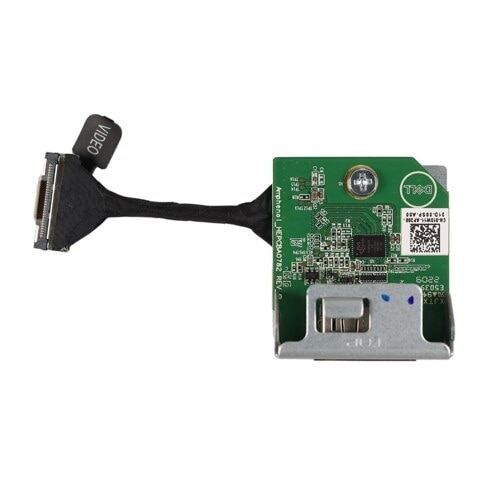
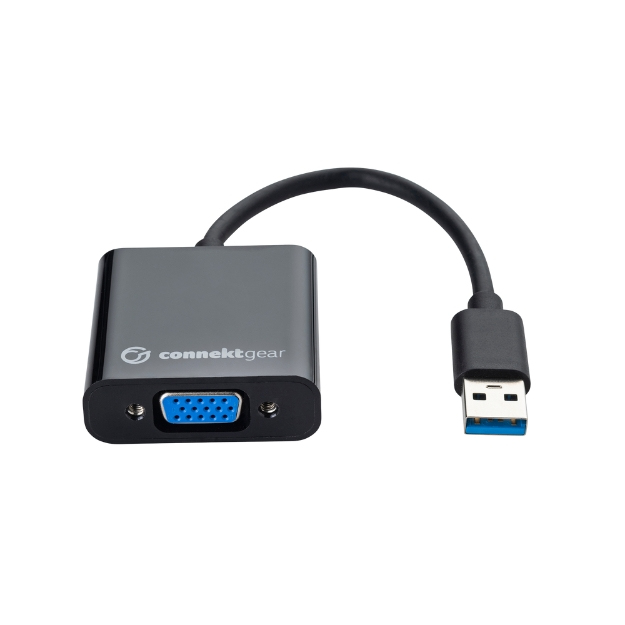
- Simple I/O Cards & Adaptors add extra video outputs to a desktop without the size or power draw of a full GPU.
Things to watch
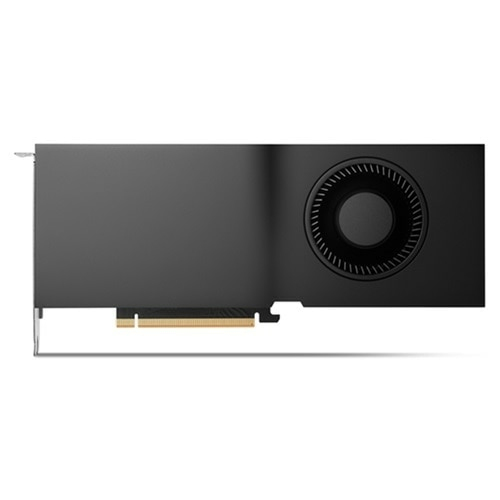
- Large OC edition graphics cards need roomy cases, while low profile entry cards sacrifice performance for size.
- Cards with 8GB or 16GB memory pull more power and run warmer than a 2GB office card.
- White or silver coloured shrouds show dust and fingerprints faster than black or grey ones.
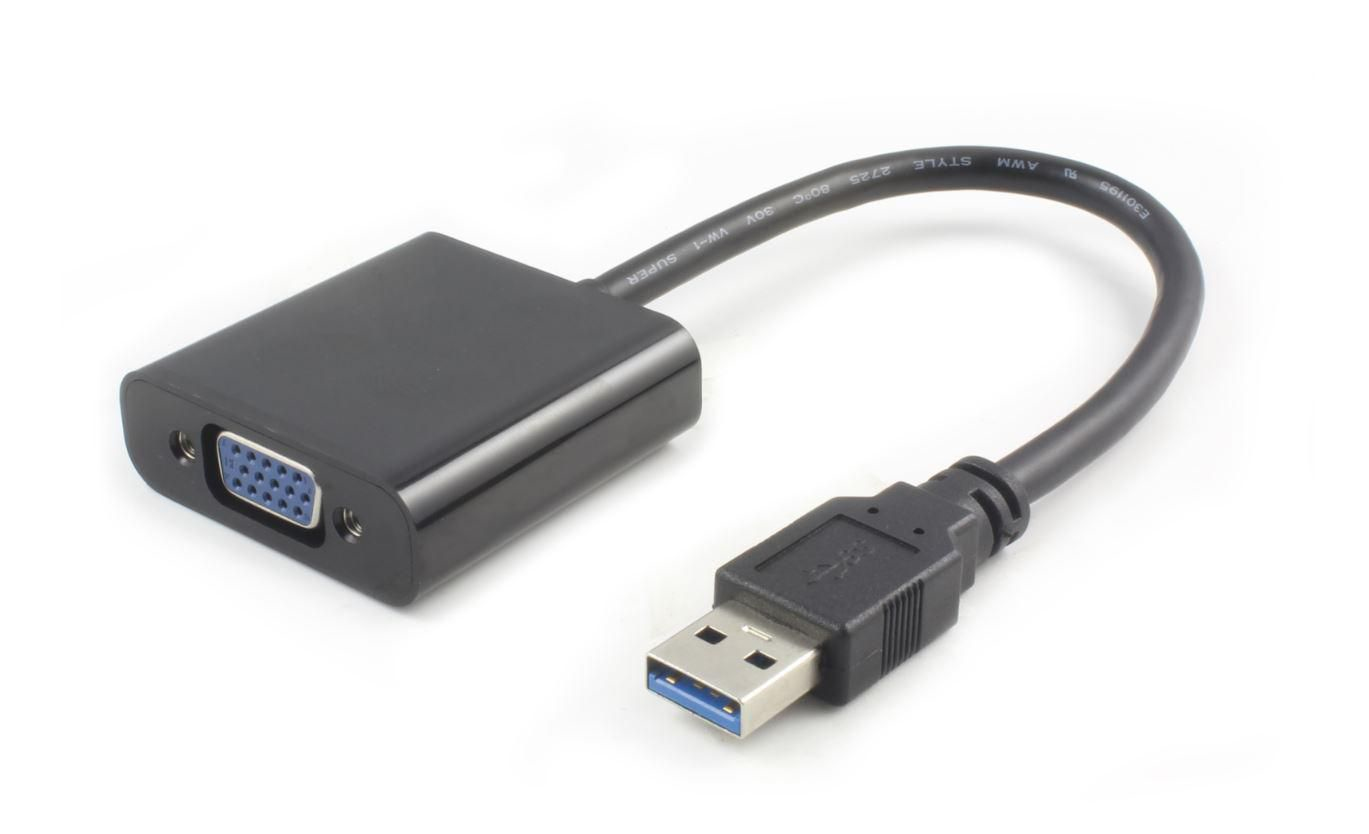
- Basic adapters in the I/O Cards & Adaptors sub-type extend connectivity but do nothing for frame rates.
- Plastic bodied accessories are light but less hard wearing than steel/metal or aluminium alternatives.
Care & maintenance
Vacuum or brush the fan and shroud every couple of months, particularly on metal or copper cooled cards.
Vacuum or brush the fan and shroud every couple of months, particularly on metal or copper cooled cards.
Wipe white or light coloured graphics cards with a soft cloth to keep the finish clean.
Wipe white or light coloured graphics cards with a soft cloth to keep the finish clean.
Keep spare Electronics Accessories like adaptors in a dry place, as fur or plastic parts can degrade in damp air.
Keep spare Electronics Accessories like adaptors in a dry place, as fur or plastic parts can degrade in damp air.
Frequently Asked Questions
What should I look for when buying video cards & adapters?
When shopping for video cards & adapters, consider factors such as quality, price, brand reputation, and customer reviews. Compare prices across multiple retailers to ensure you're getting the best deal. Look for products that match your specific needs and budget.
How do I choose the right video cards & adapters?
Choosing the right video cards & adapters depends on your individual needs, budget, and preferences. Research different options, read customer reviews, and compare specifications. Consider what features are most important to you and look for products that offer the best value for money.
Where can I find the best deals on video cards & adapters?
You can find the best deals on video cards & adapters by comparing prices across multiple retailers. Our price comparison tool helps you find the lowest prices from trusted UK retailers including Amazon, eBay, and other major online stores. Check regularly as prices and deals change frequently.
Are video cards & adapters products worth the investment?
The value of video cards & adapters products depends on your specific needs and how you plan to use them. Quality products from reputable brands often provide better long-term value, even if they cost more initially. Consider your budget and requirements when making your decision.
What's the difference between different types of video cards & adapters?
Different types of video cards & adapters vary in features, quality, price, and intended use. Some may offer premium features while others focus on affordability. Research the specific differences between models or brands to find the option that best suits your needs and budget.