USB & FireWire Hubs
How to choose usb & firewire hubs
Sub-type
Pick sub-type first. Electronics Accessories cover simple port needs, Electronics add video and PD, Computer Components fit desk installations.
Material
Material changes the feel. Metal or aluminium hubs survive drops, plastic or metal/plastic blends save grams.
Colour
Colour runs from black and white to blue or gold. Match it to your existing kit or ignore it if hidden under a desk.
Port layout
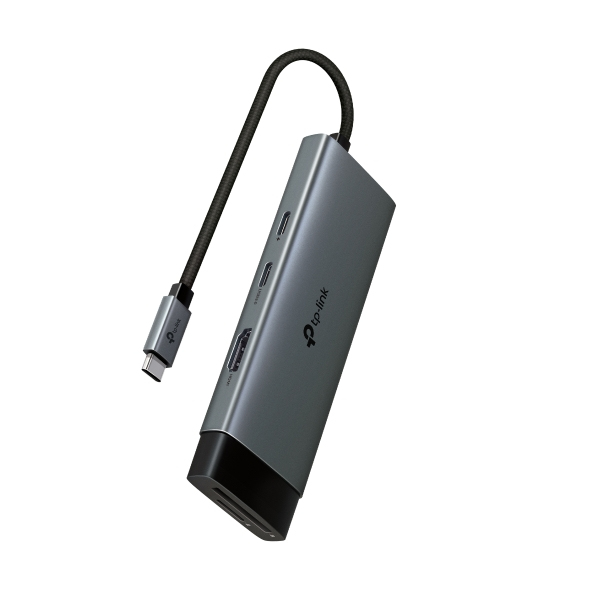
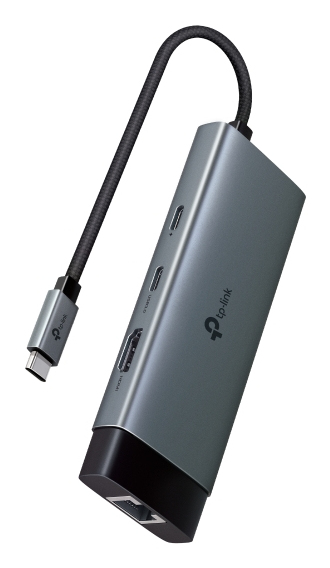
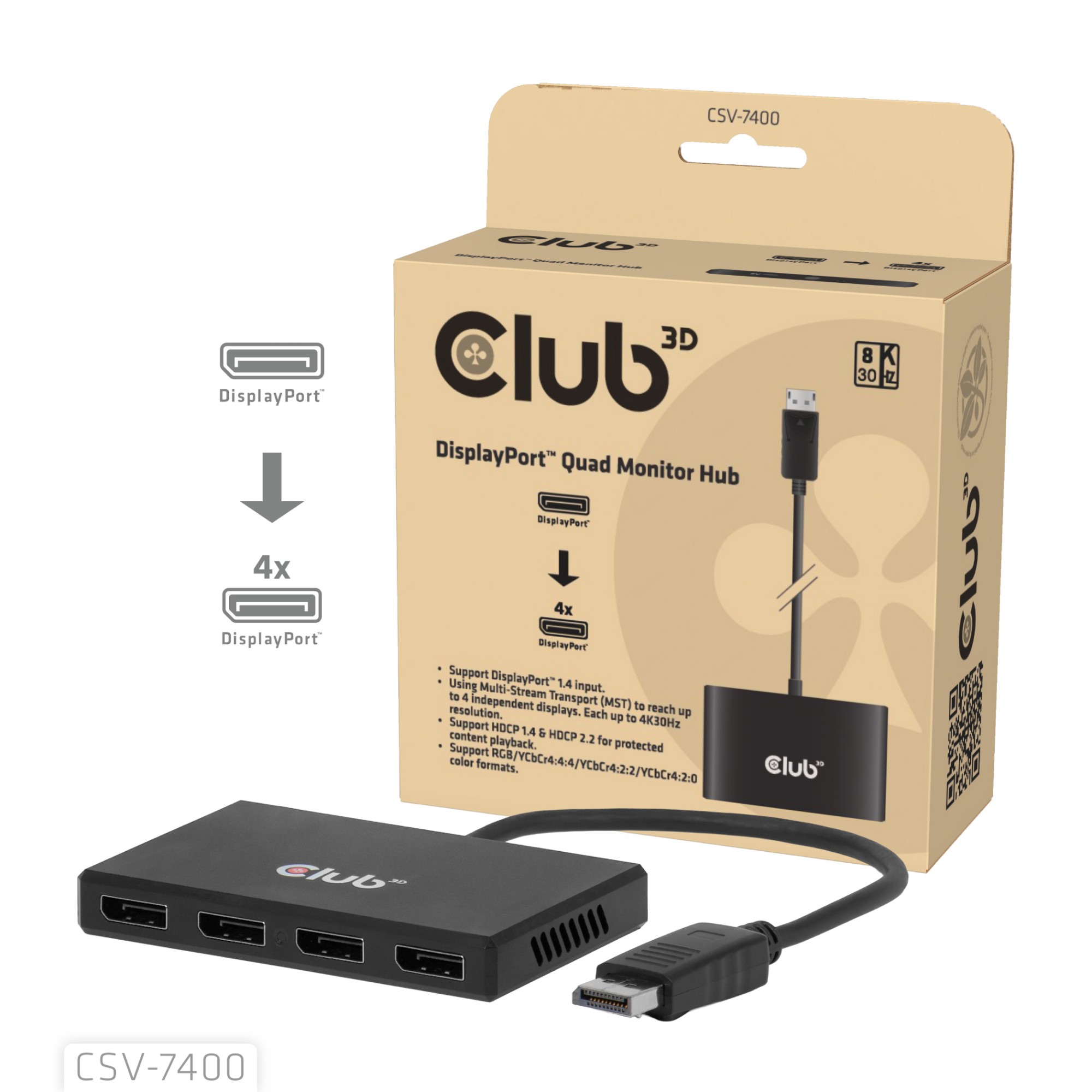
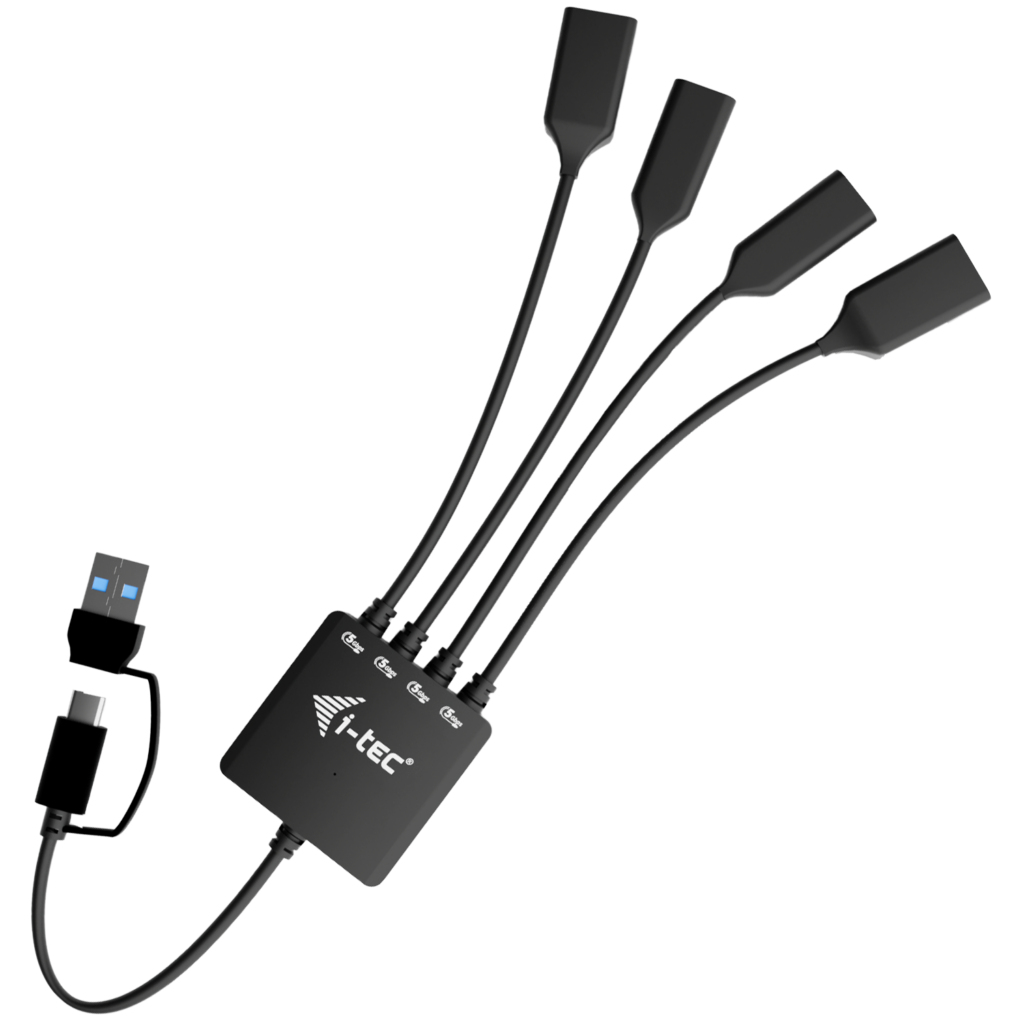
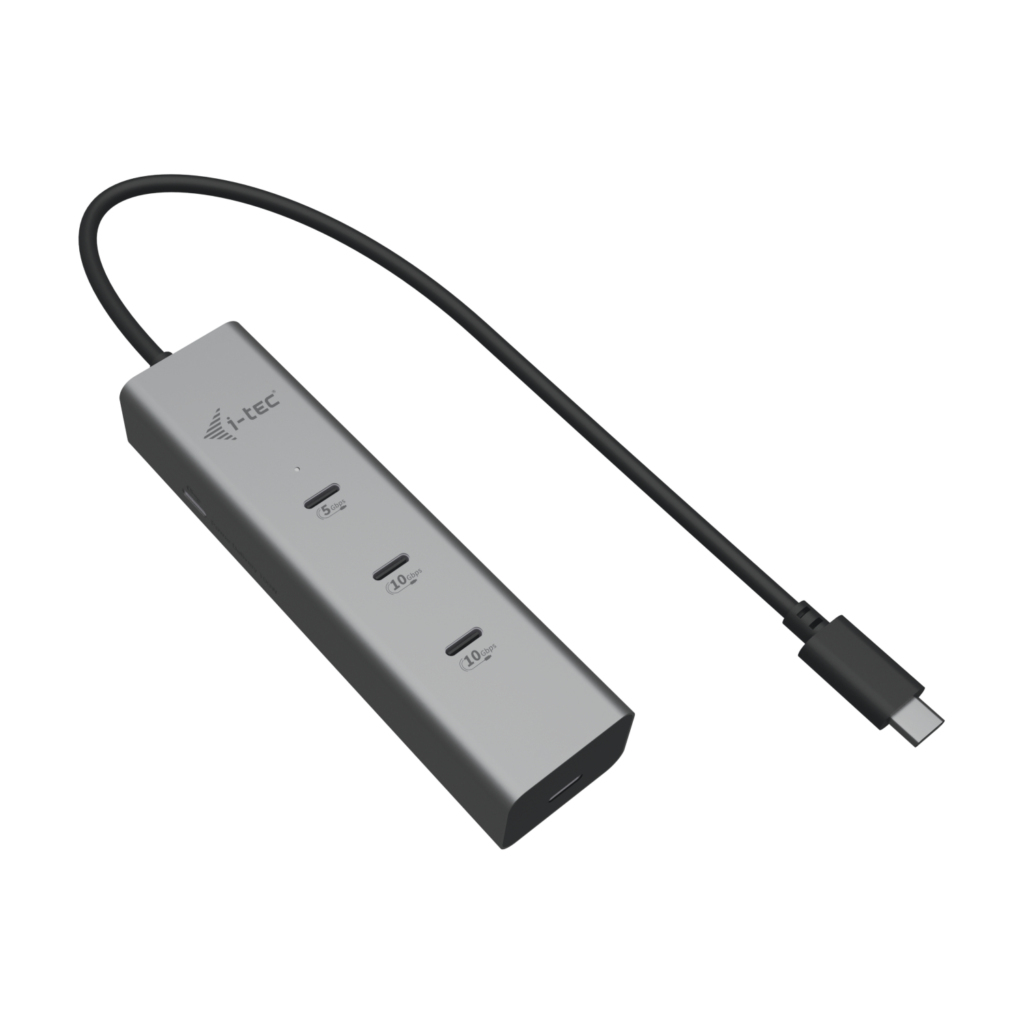
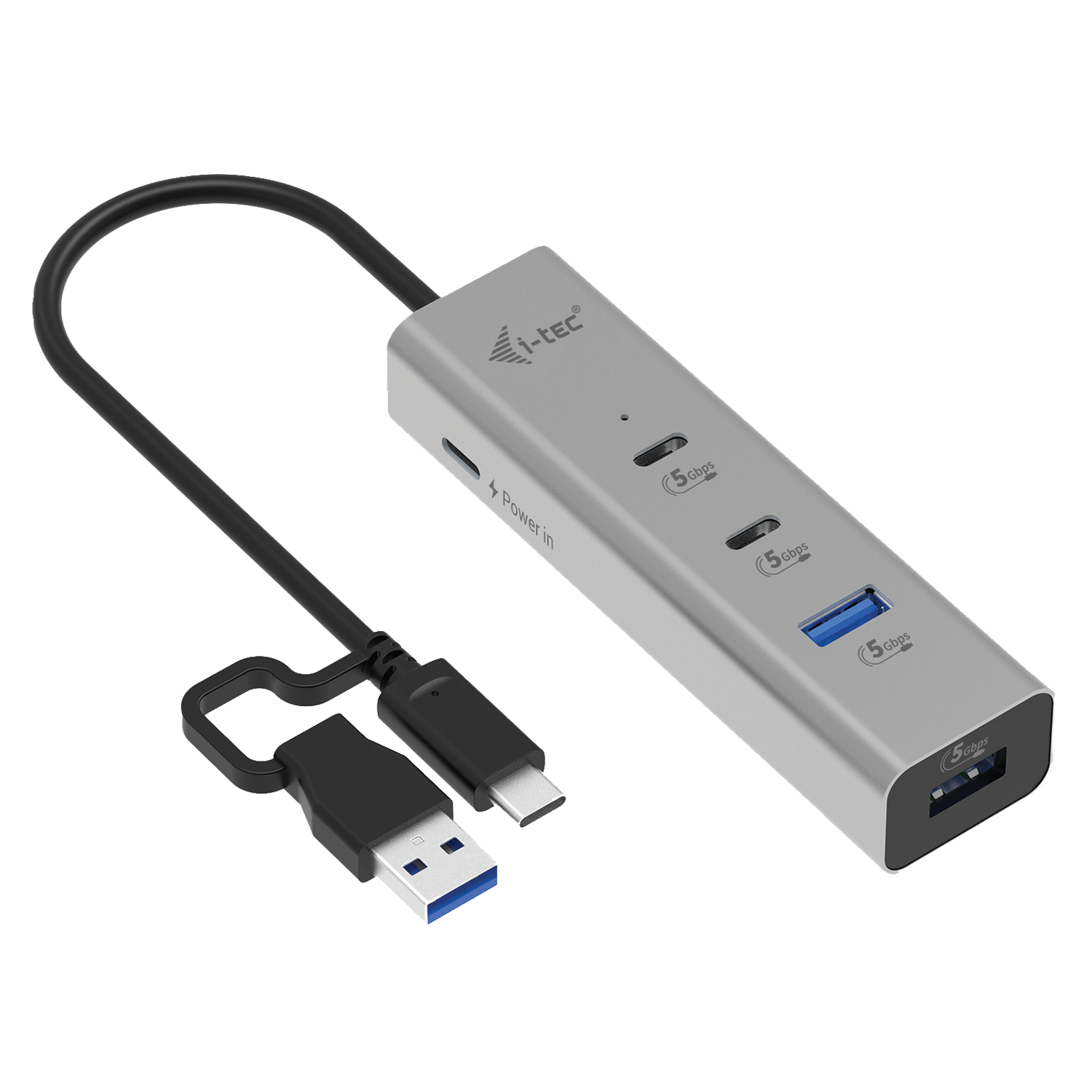
Port layout matters. A USB-C to 3x USB-A plus 1 USB-C hub serves mixed devices, while a dual DisplayPort MST hub targets multi-screen setups.
Switches
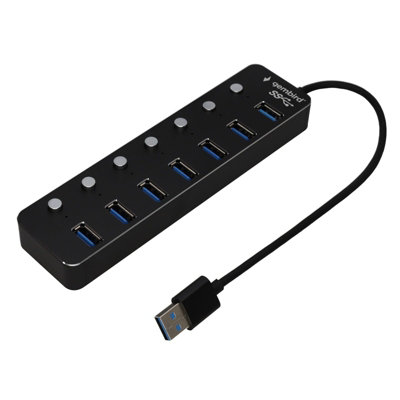
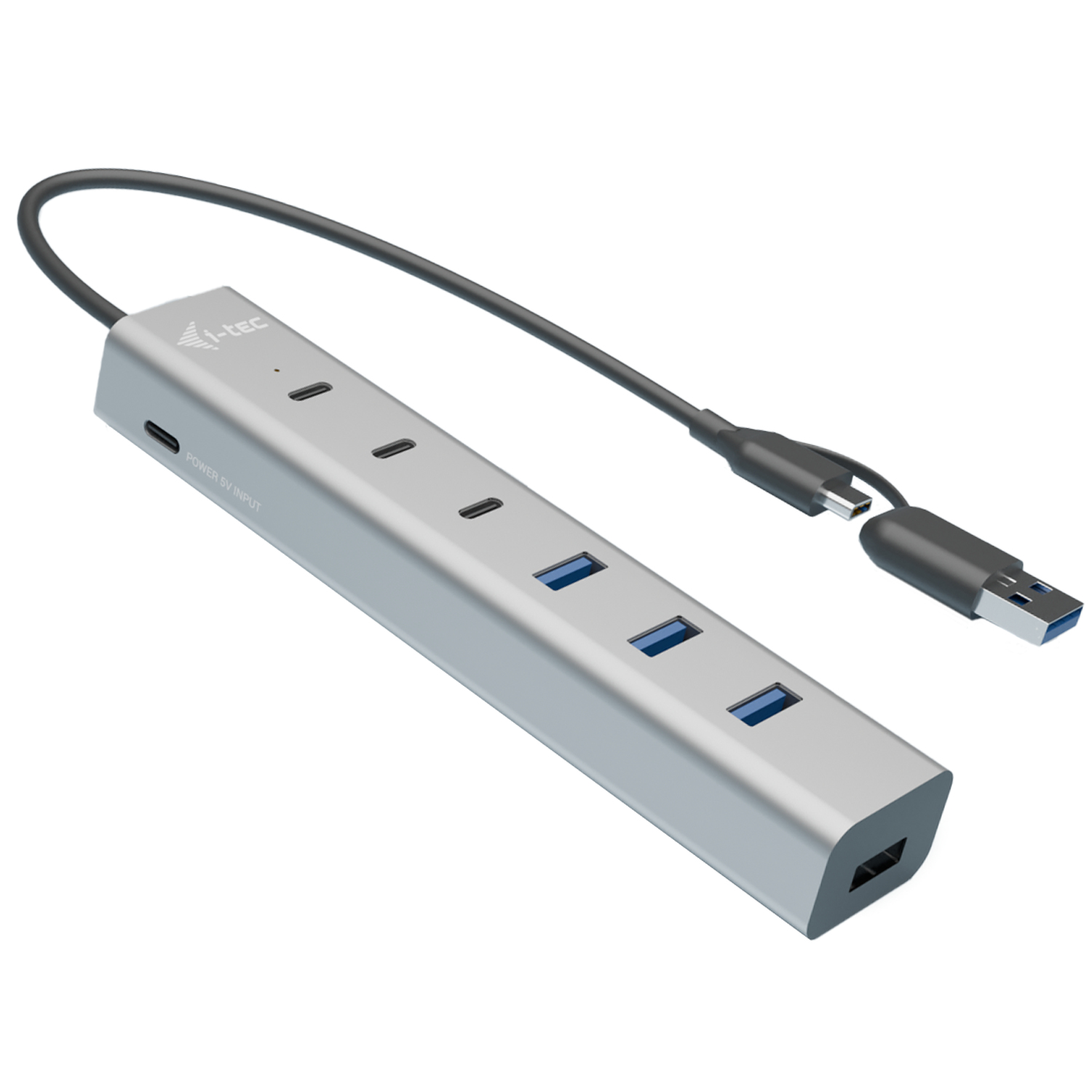
Switches or no switches. A 7 port hub with per-port toggle suits crowded desks, a fixed desktop unit does not need them.
What's good
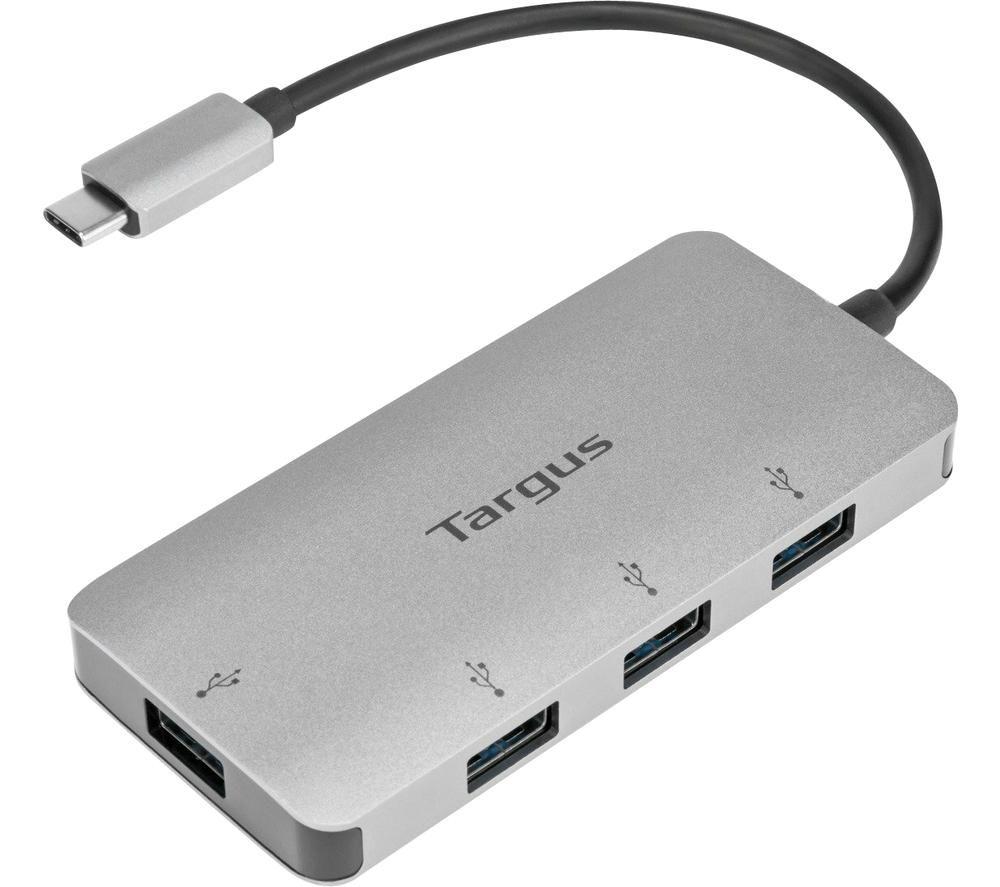
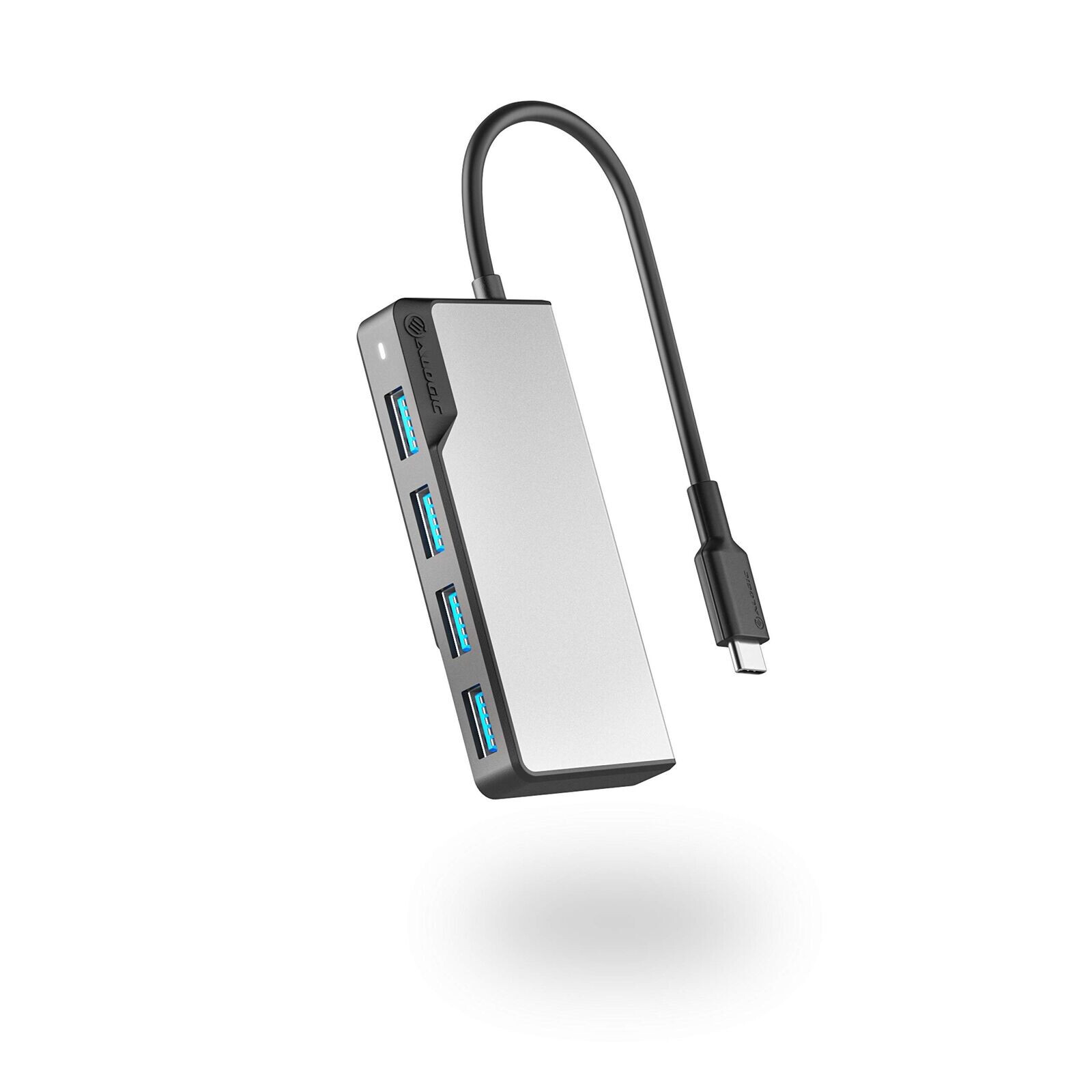
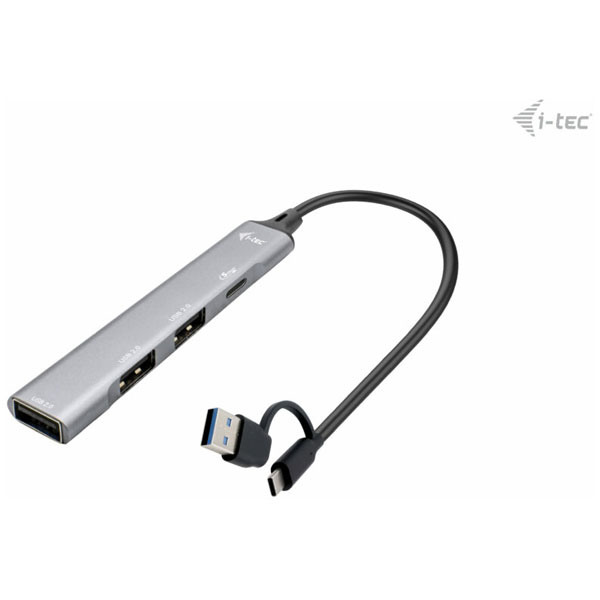
- A compact 4 port USB 3.0 hub (Electronics Accessories) adds USB-A sockets to a laptop with no extra power brick. It suits commuters who pack light.
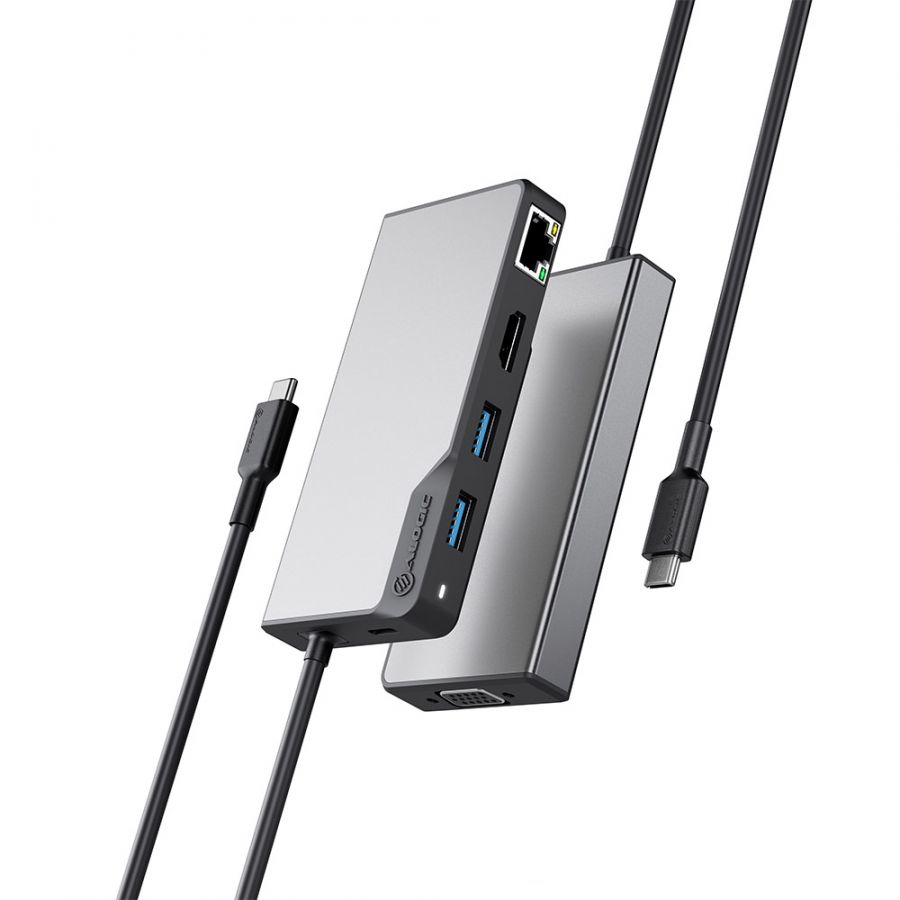
- An 8 port multiport hub (Electronics) bundles USB, SD, and PD in one block. You leave separate dongles at home, though the unit is larger.
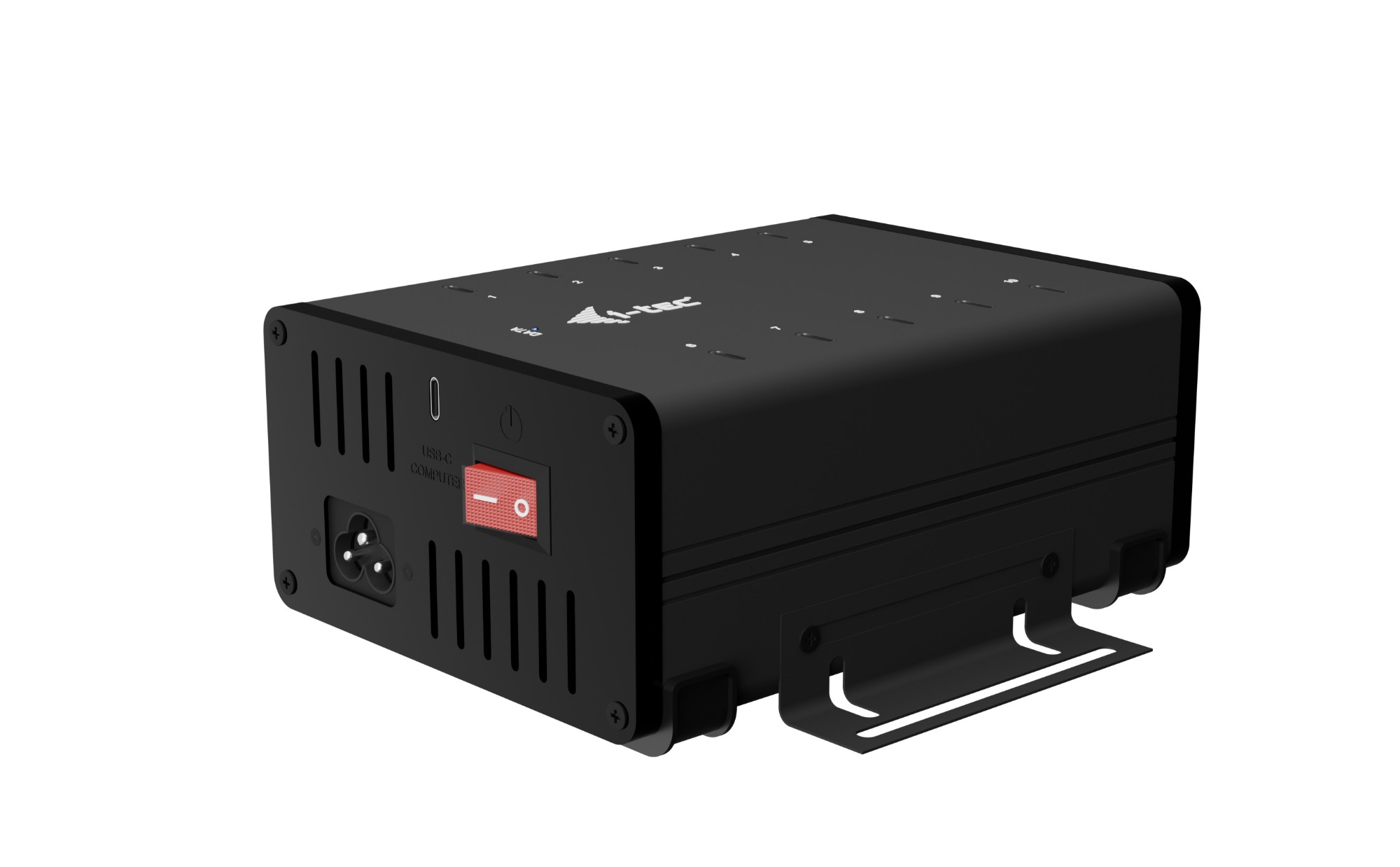
- A desktop unit with Cat6 and a 2 gang power section (Computer Components) puts network, USB, and sockets at one spot. Good for a fixed workstation, wrong for a backpack.
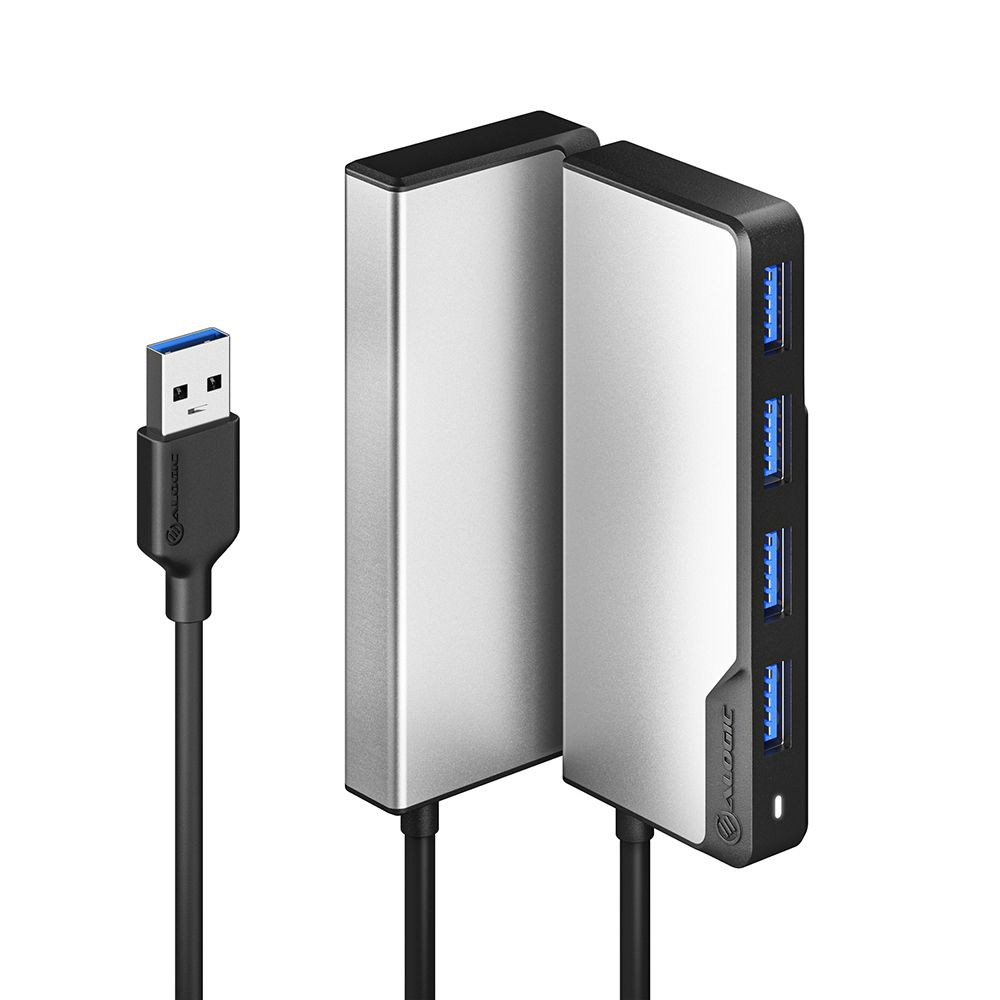
- Some 7 port hubs include individual power switches. You can cut juice to a printer or light without yanking cables.
Things to watch
- Plastic-bodied hubs keep weight down but show scuffs faster than metal or aluminium ones. Metal builds resist marks yet feel heavier in a bag.
- Pro multiport hubs with 8K video and 100W PD carry features a plain data user will never touch. They take more desk room than a simple 4 port.
- Desktop 2 gang units need a mains socket and a permanent home. They are a poor fit for hot-desking or tight desks.
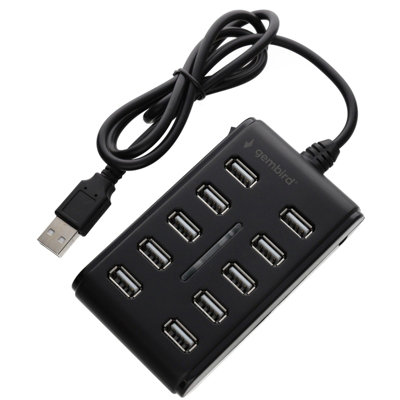
- High port count hubs (7 or 8 port) are bulky next to a slim 4 port. You trade portability for expansion.
Care & maintenance
Clean shell
Dust the black, silver, or grey shell with a dry cloth so debris stays out of ports.
Use switches
If your hub has individual switches, flick them off overnight to ease wear on connected gear.
Desk placement
Desktop units with Cat6 and power should sit clear of drinks to avoid spills near the gang sockets.
Cable care
Re-seat USB-C leads gently. Angled tugs strain the hub's internal solder.
Frequently Asked Questions
What should I look for when buying usb & firewire hubs?
When shopping for usb & firewire hubs, consider factors such as quality, price, brand reputation, and customer reviews. Compare prices across multiple retailers to ensure you're getting the best deal. Look for products that match your specific needs and budget.
How do I choose the right usb & firewire hubs?
Choosing the right usb & firewire hubs depends on your individual needs, budget, and preferences. Research different options, read customer reviews, and compare specifications. Consider what features are most important to you and look for products that offer the best value for money.
Where can I find the best deals on usb & firewire hubs?
You can find the best deals on usb & firewire hubs by comparing prices across multiple retailers. Our price comparison tool helps you find the lowest prices from trusted UK retailers including Amazon, eBay, and other major online stores. Check regularly as prices and deals change frequently.
Are usb & firewire hubs products worth the investment?
The value of usb & firewire hubs products depends on your specific needs and how you plan to use them. Quality products from reputable brands often provide better long-term value, even if they cost more initially. Consider your budget and requirements when making your decision.
What's the difference between different types of usb & firewire hubs?
Different types of usb & firewire hubs vary in features, quality, price, and intended use. Some may offer premium features while others focus on affordability. Research the specific differences between models or brands to find the option that best suits your needs and budget.