Laptops & Computers
Find the best deals on laptops, desktops, and computer accessories
How to choose laptops & computers
New or refurbished
New gives latest chips, refurbished gives a metal body at an older spec tier.
RAM and storage
4GB and 128GB suits web and email, 16GB and 512GB handles office work, 32GB and 1TB serves creative jobs.
Shape
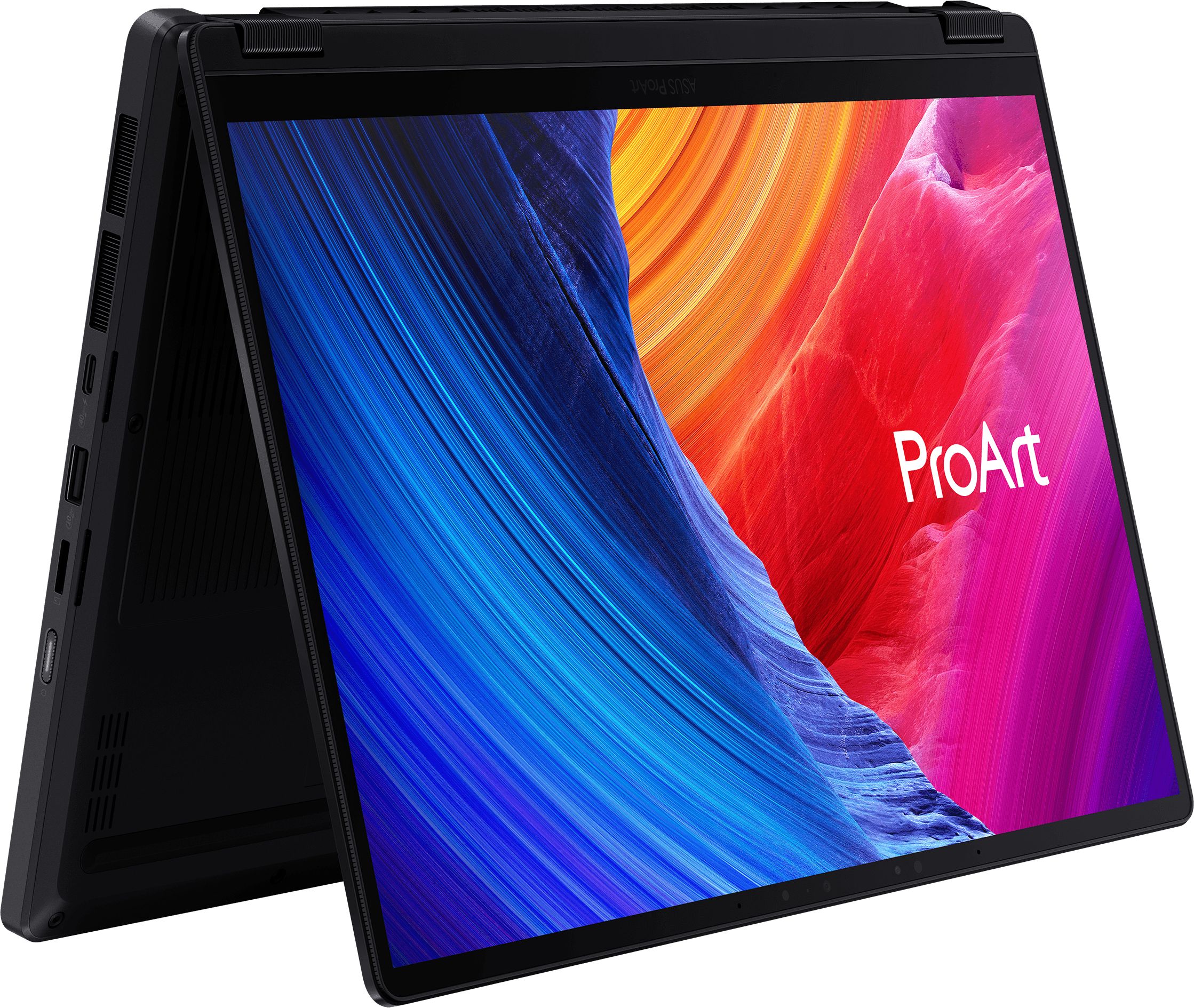
Traditional clamshell for typing, 2-in-1 for touch and tablet use.
Build and colour
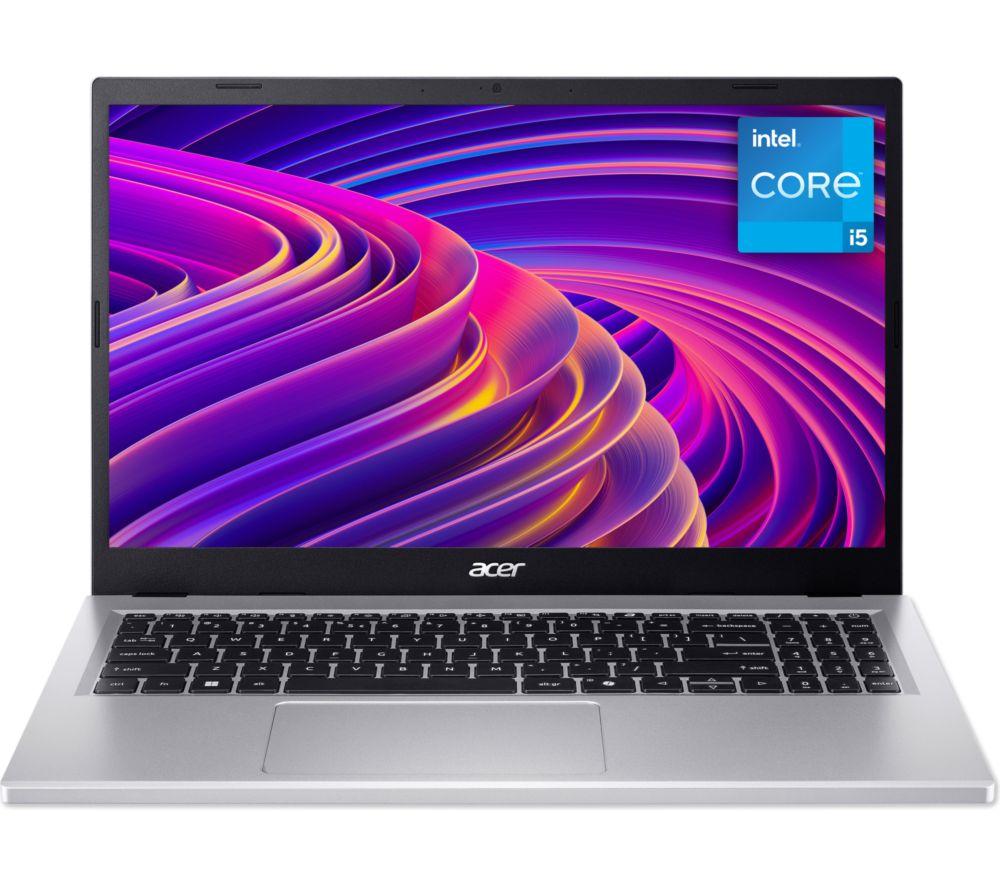
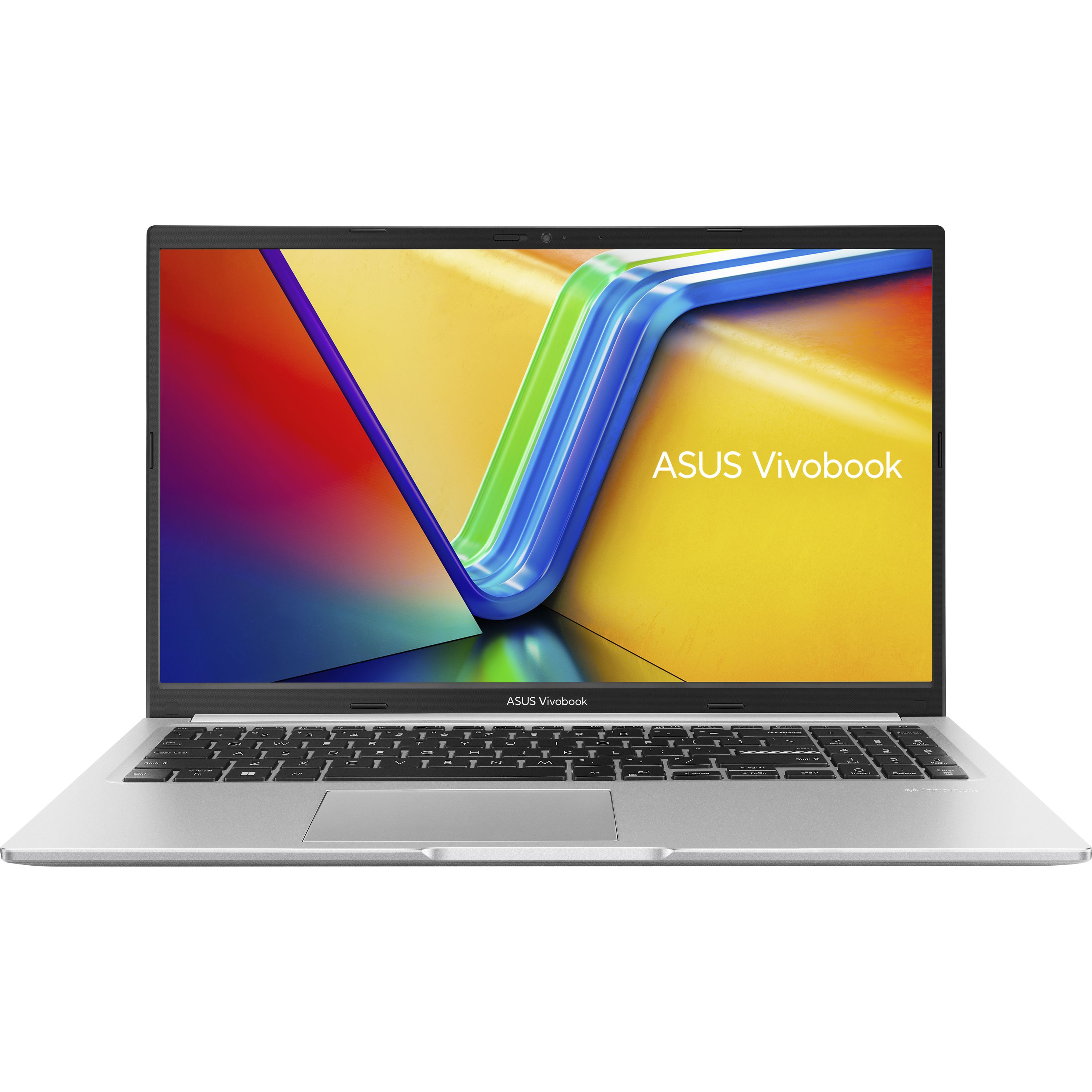
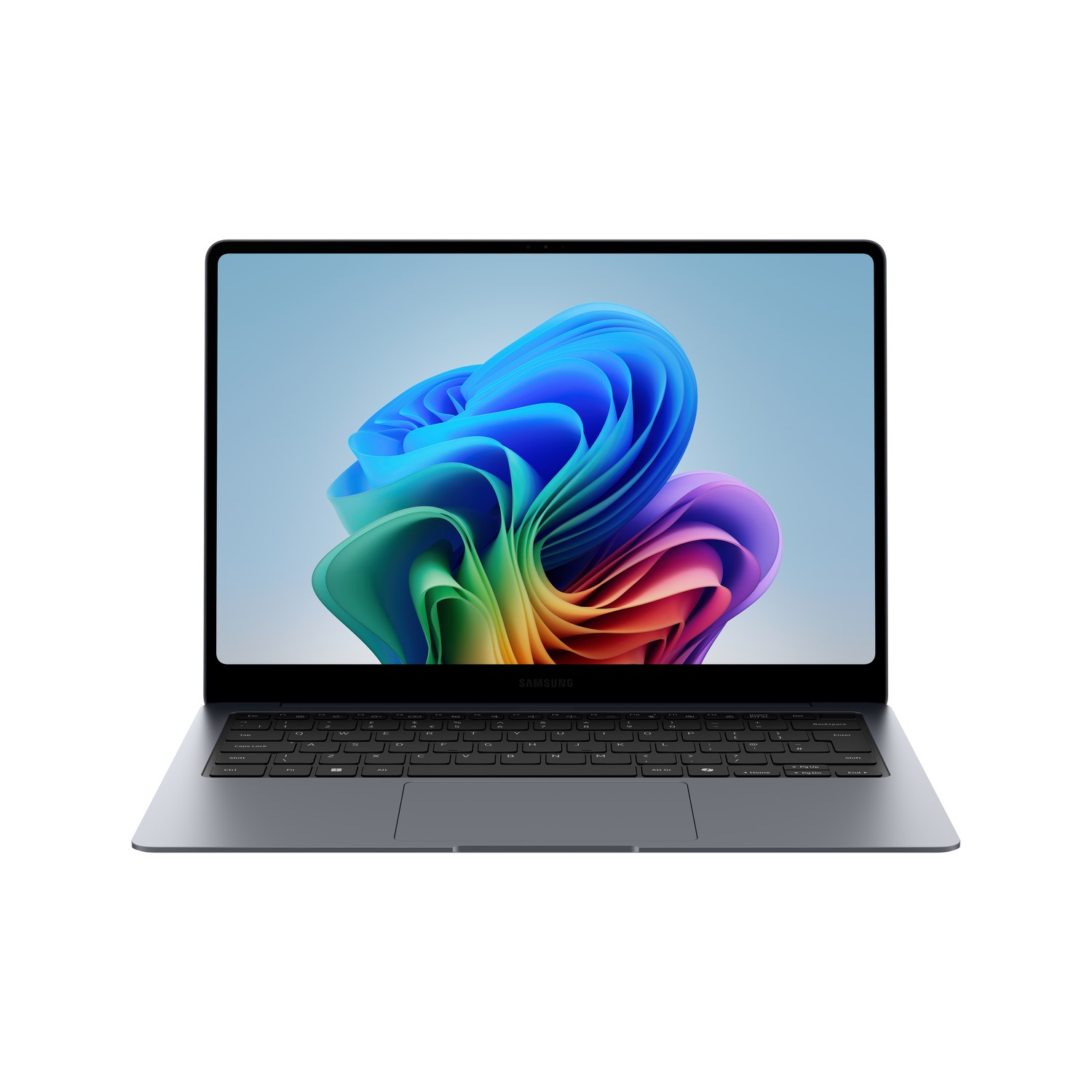
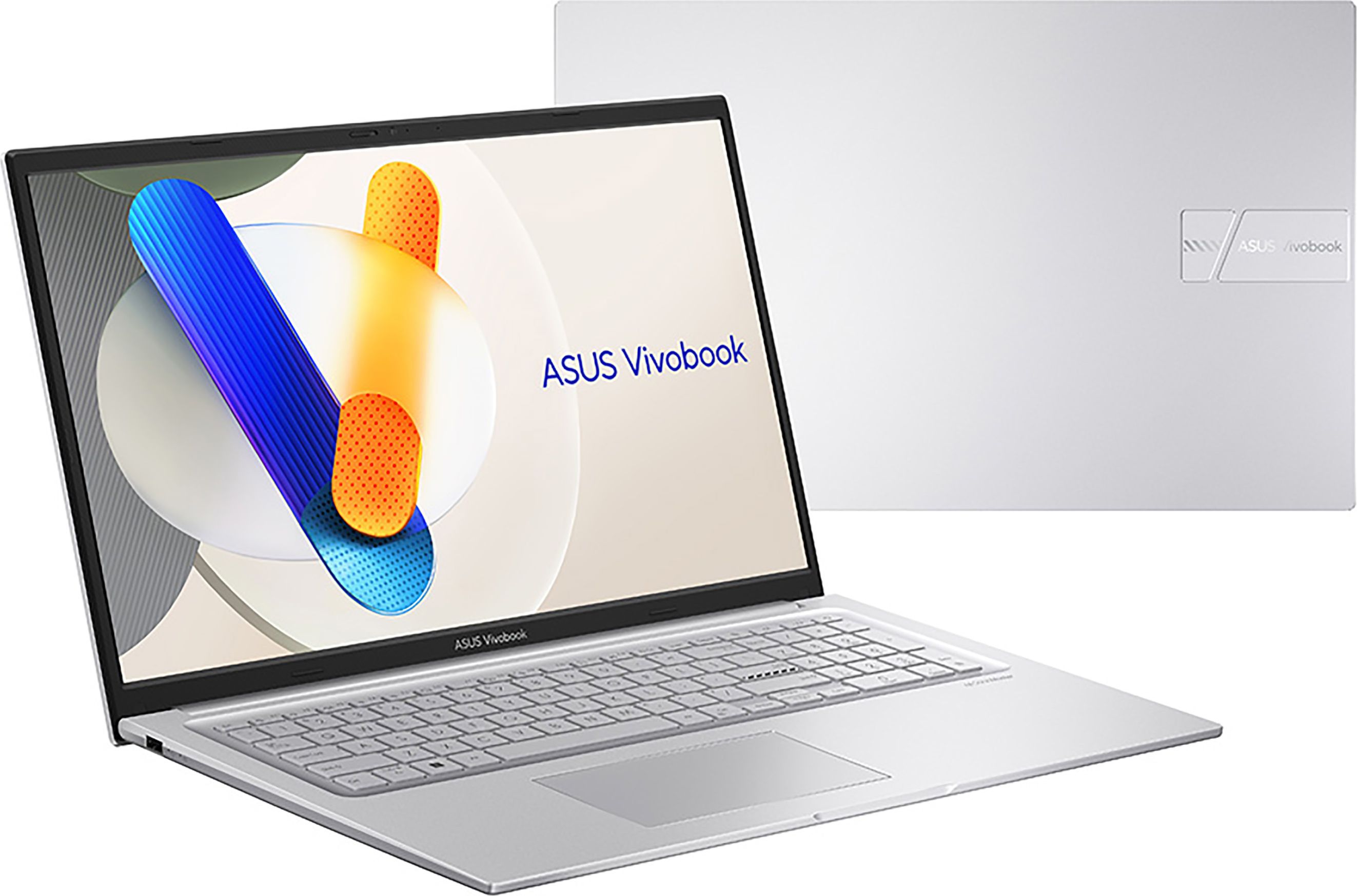
Plastic silver stays light, aluminium blue looks smart but adds heft, pink or gold stand out.
Sub-type
Filter to Computers to see laptops, since Electronics entries also sit in this category.
What's good
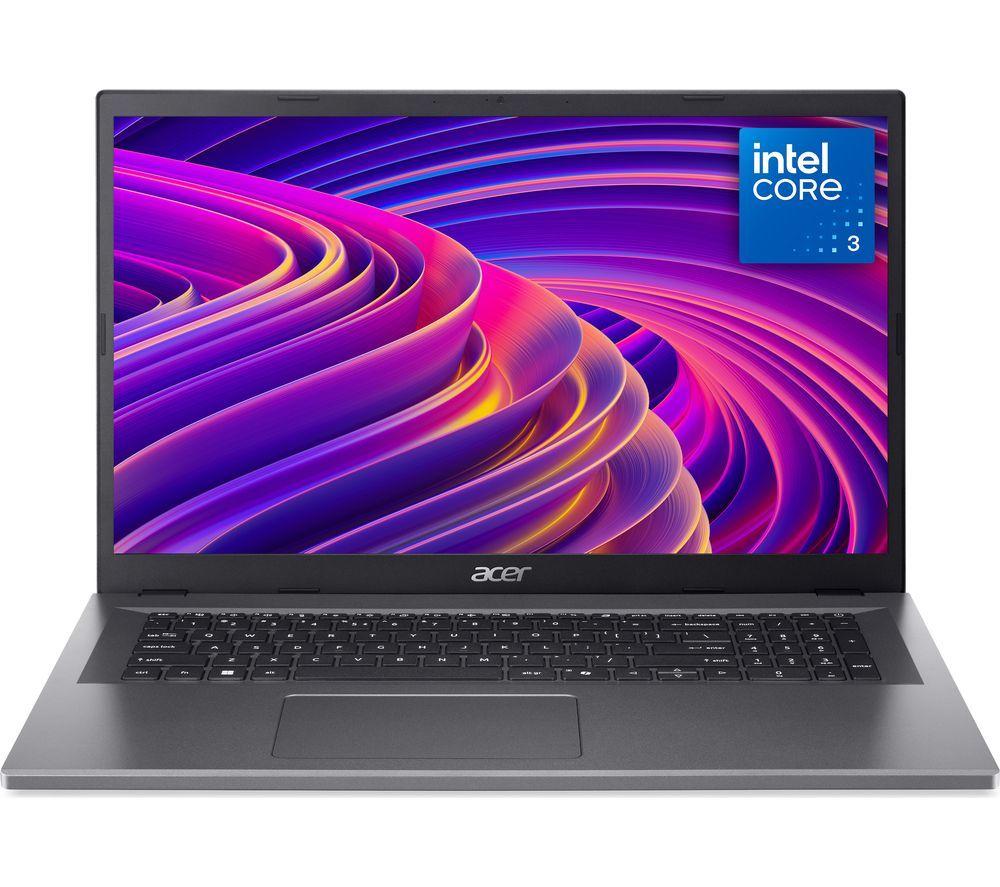
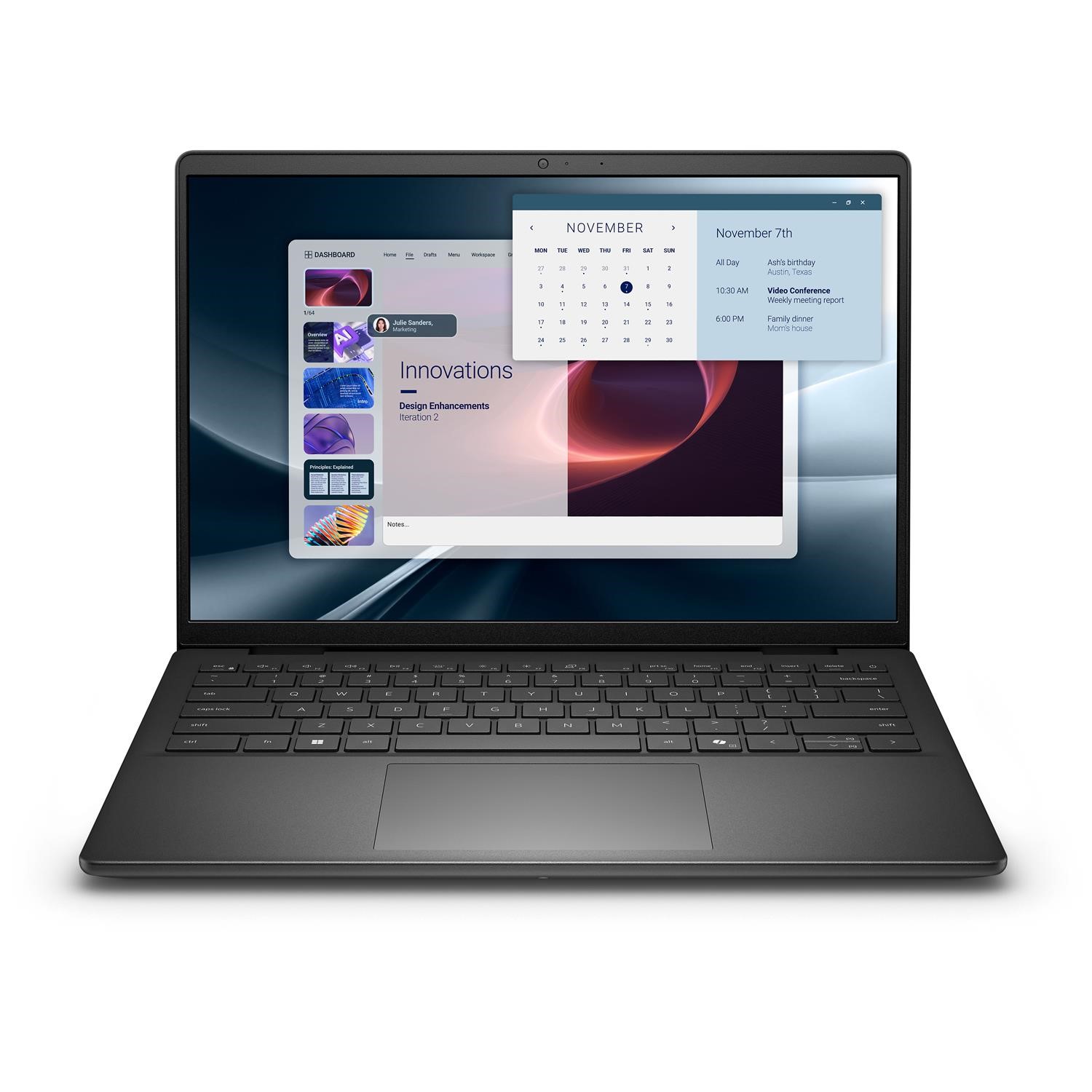
- New entry-level laptops often ship with Windows 11, and some include an Office 365 bundle, so you can start work straight away.
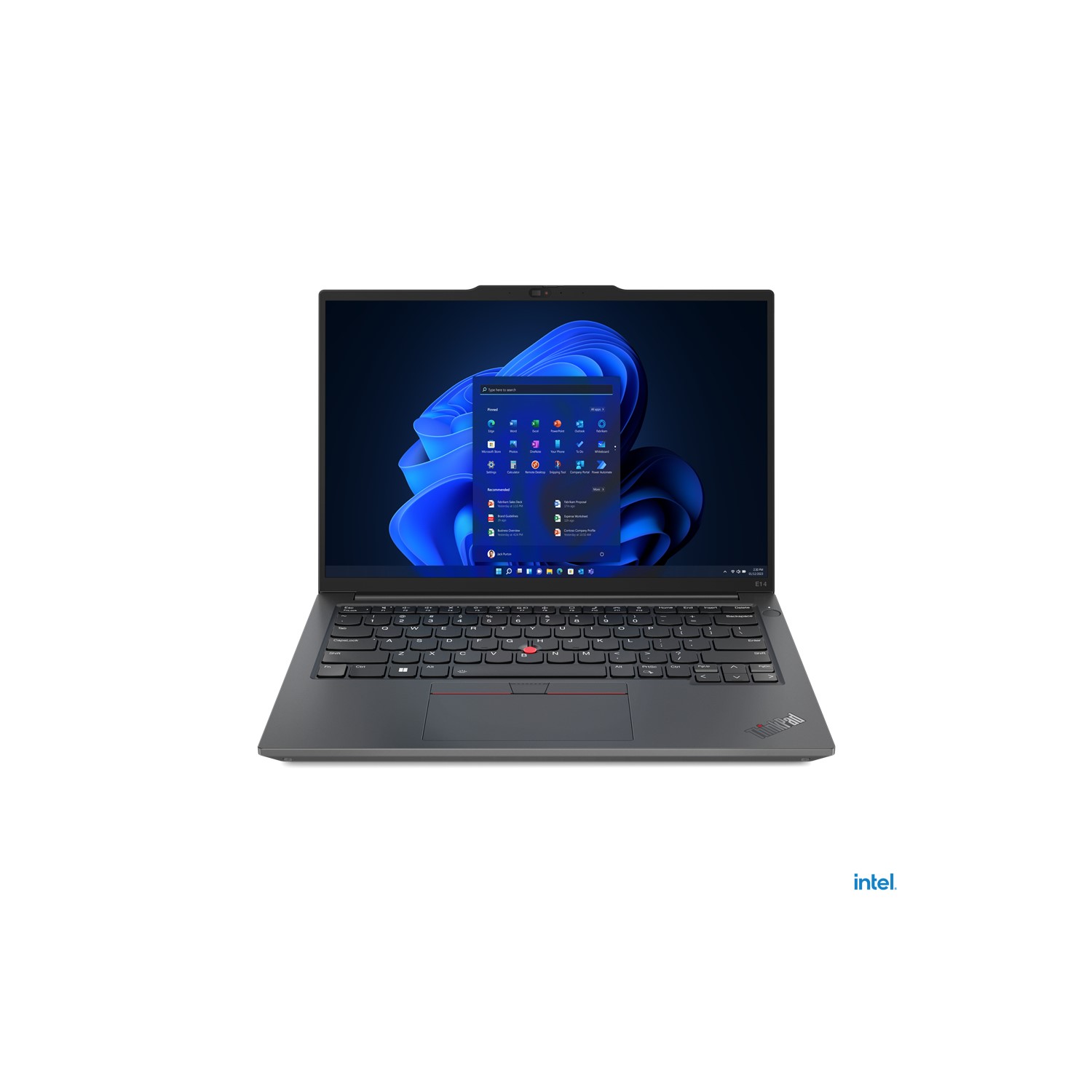
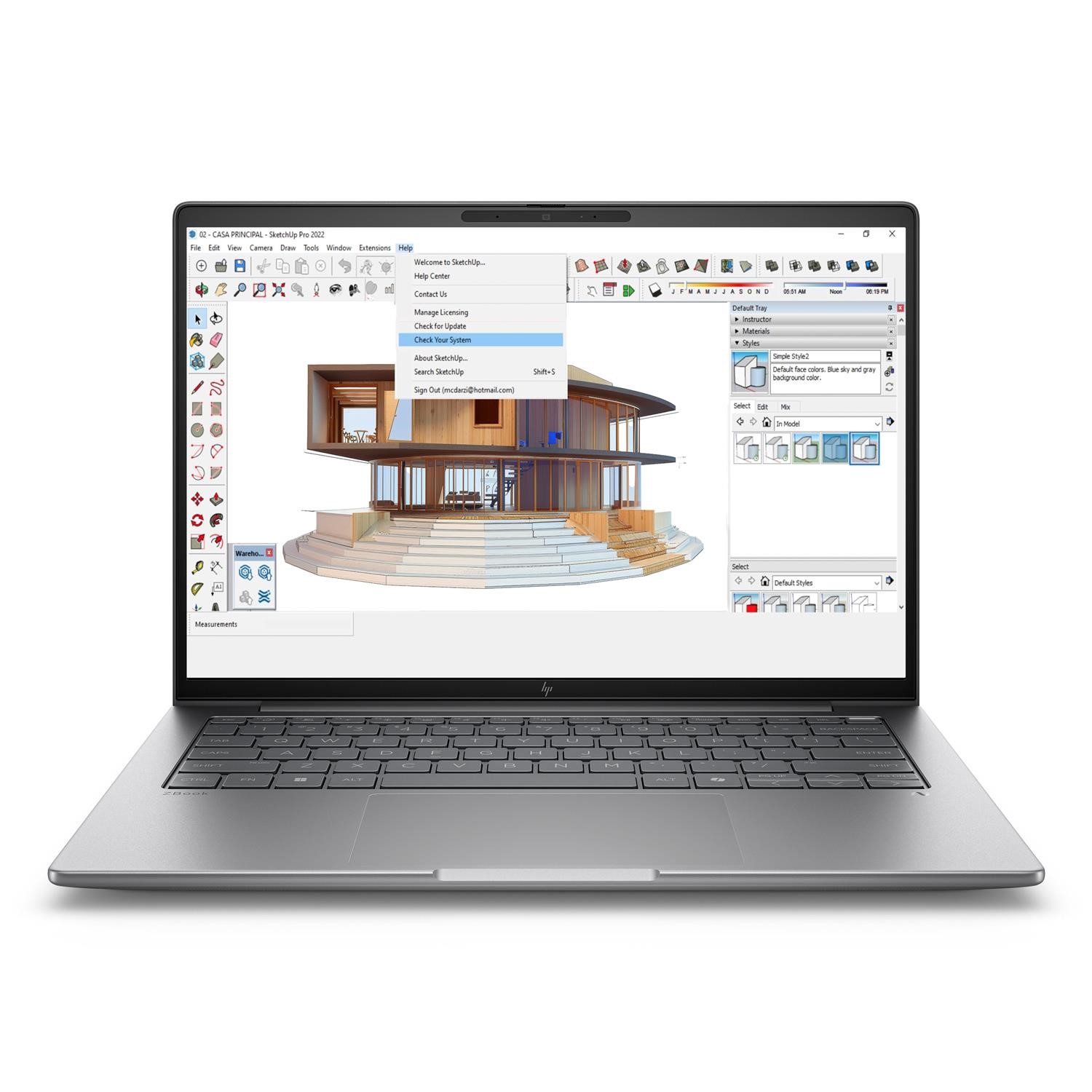
- Refurbished business laptops commonly pair metal or aluminium builds with 16GB RAM, giving a sturdy machine for daily tasks.
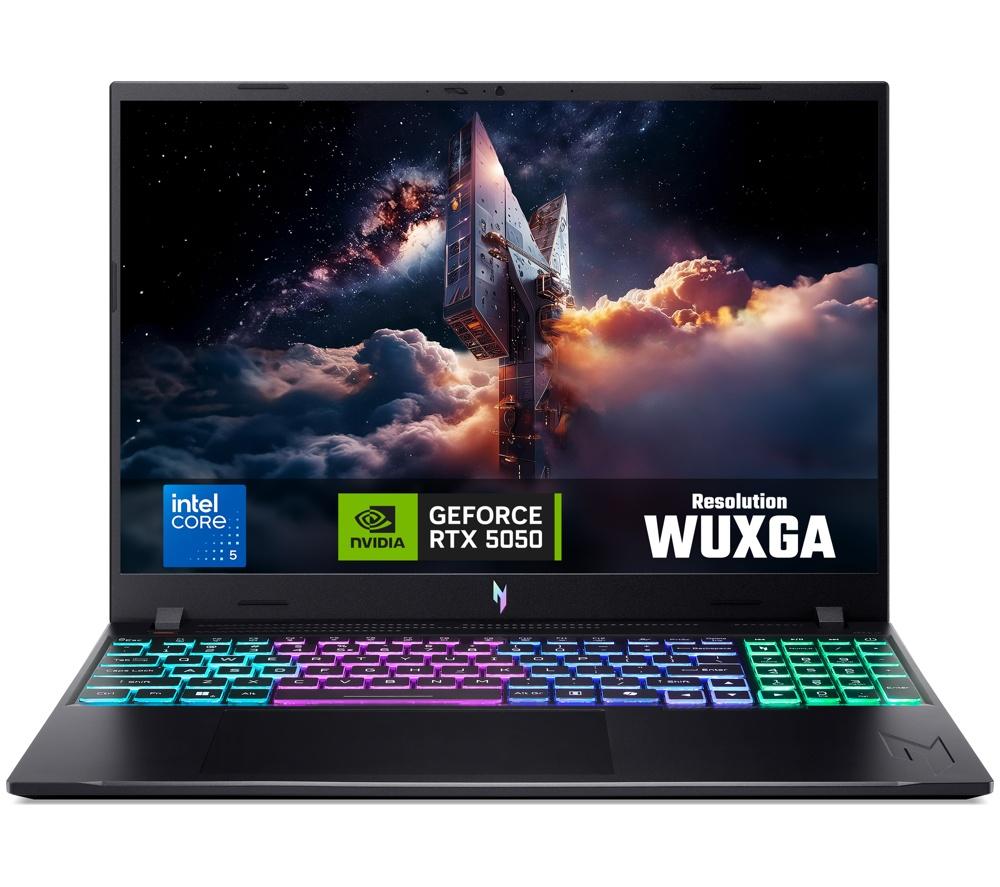
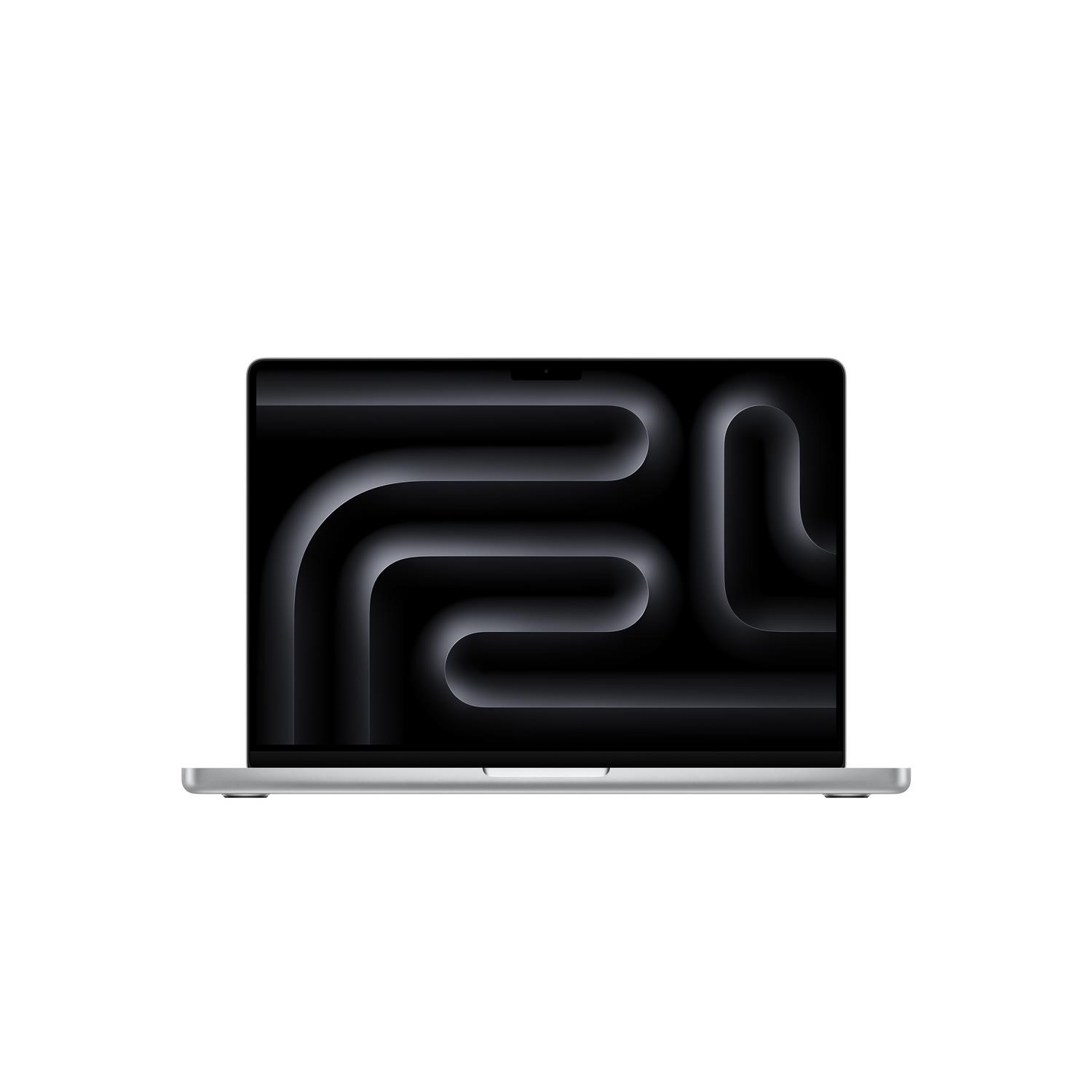
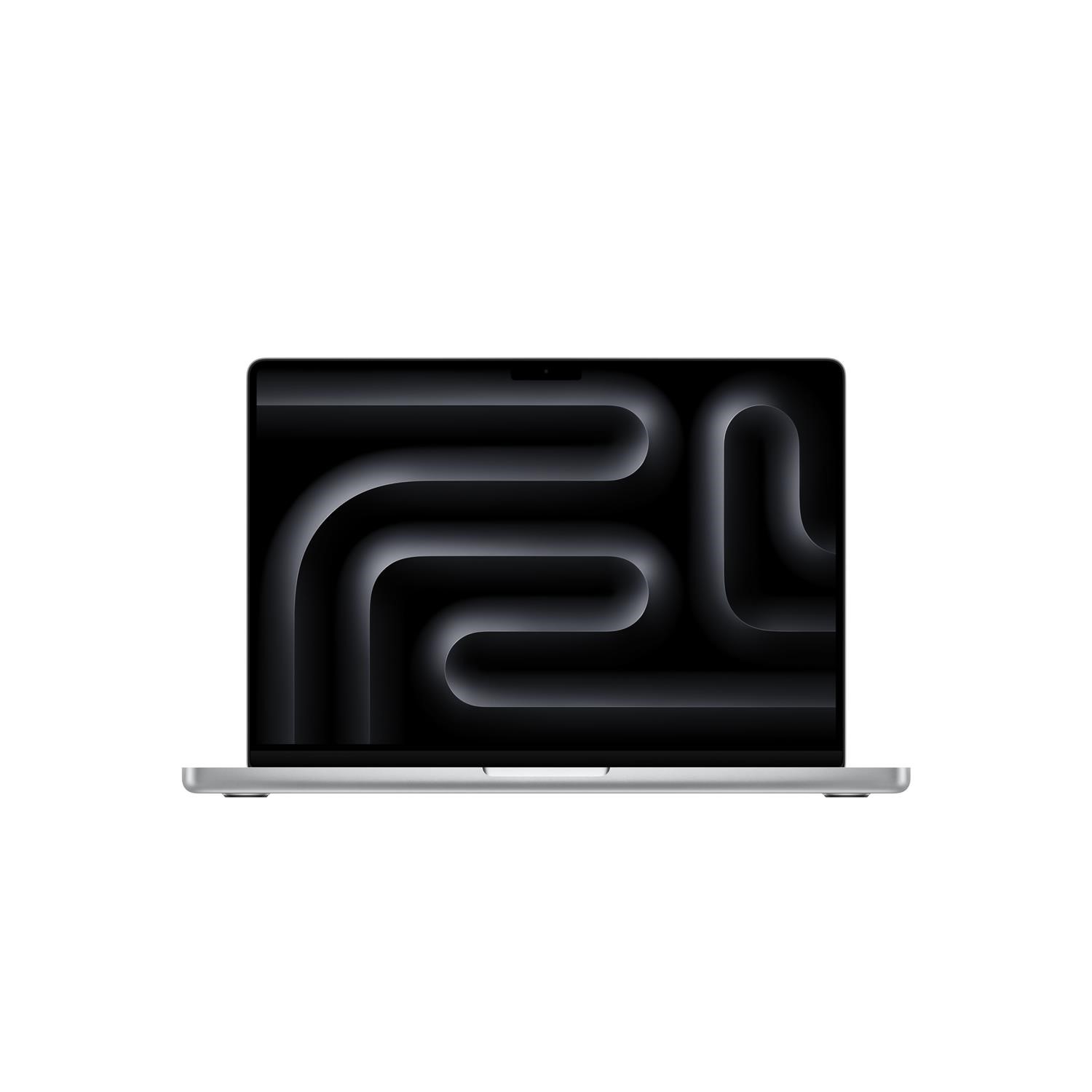
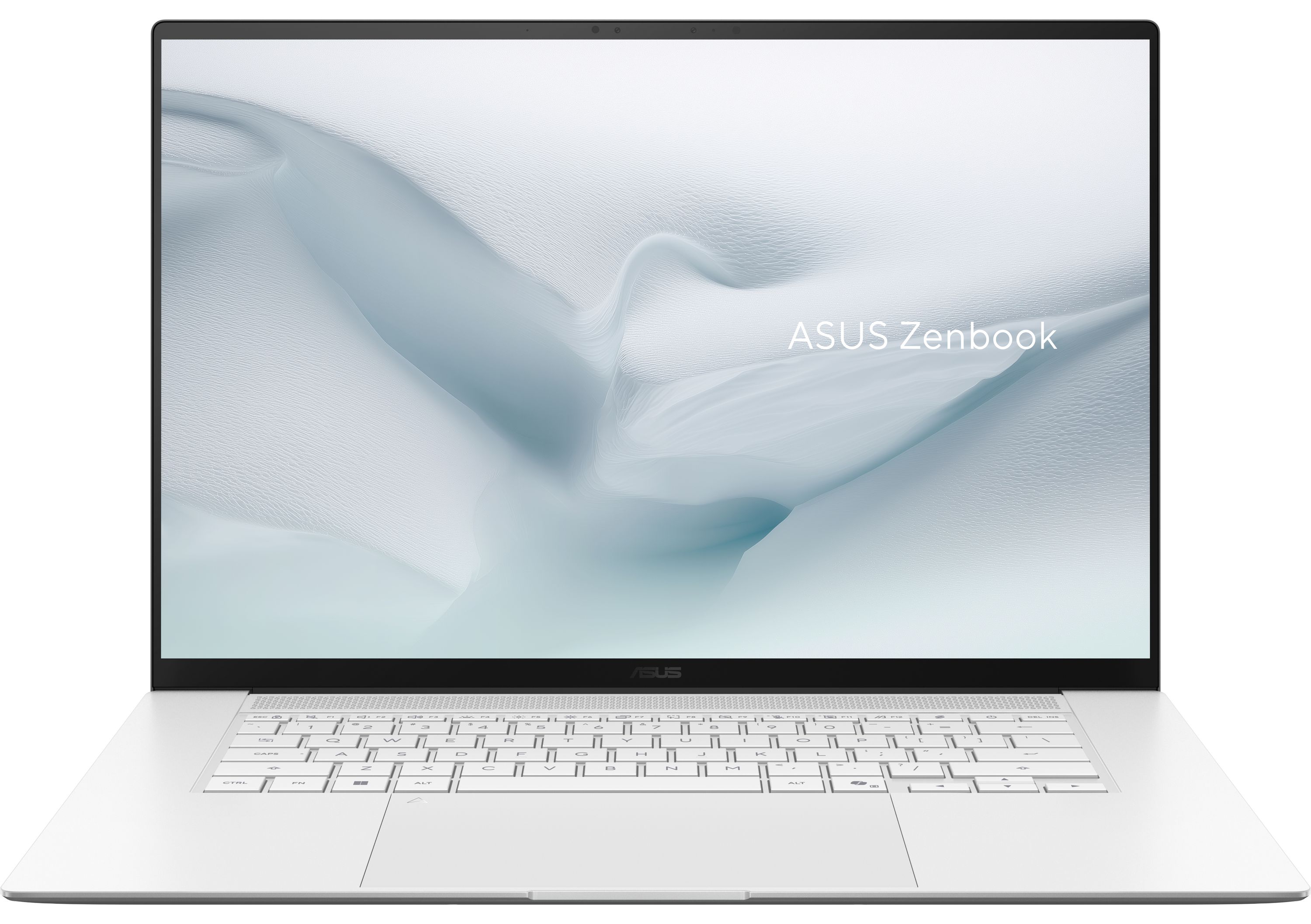
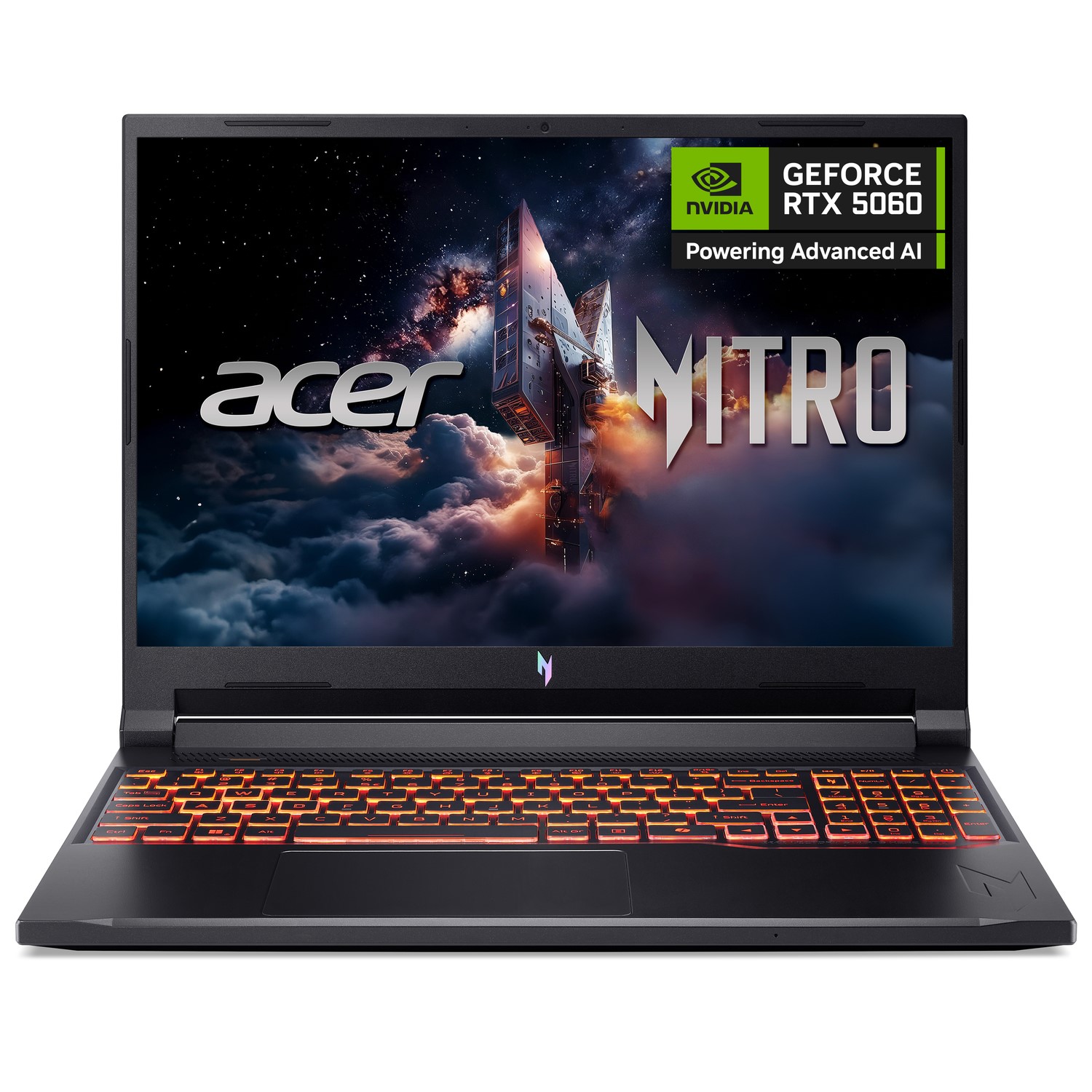
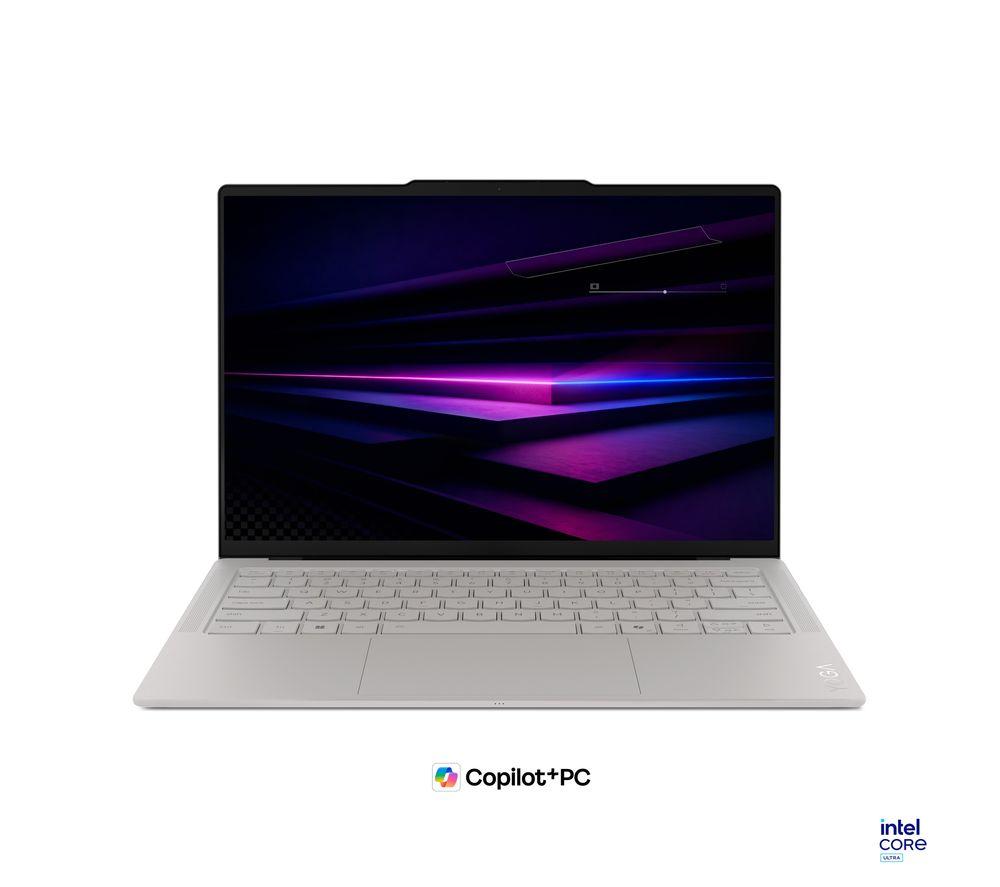
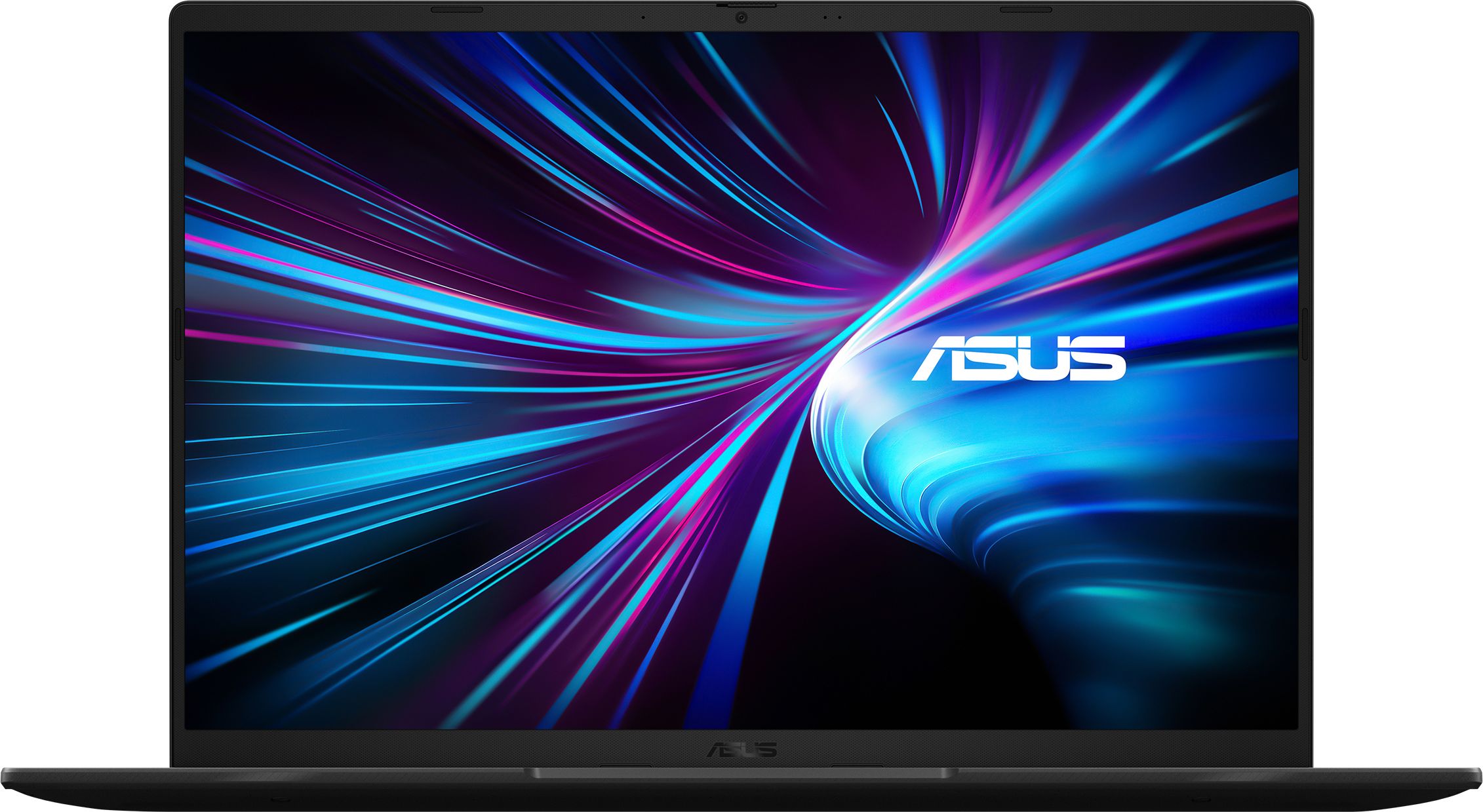
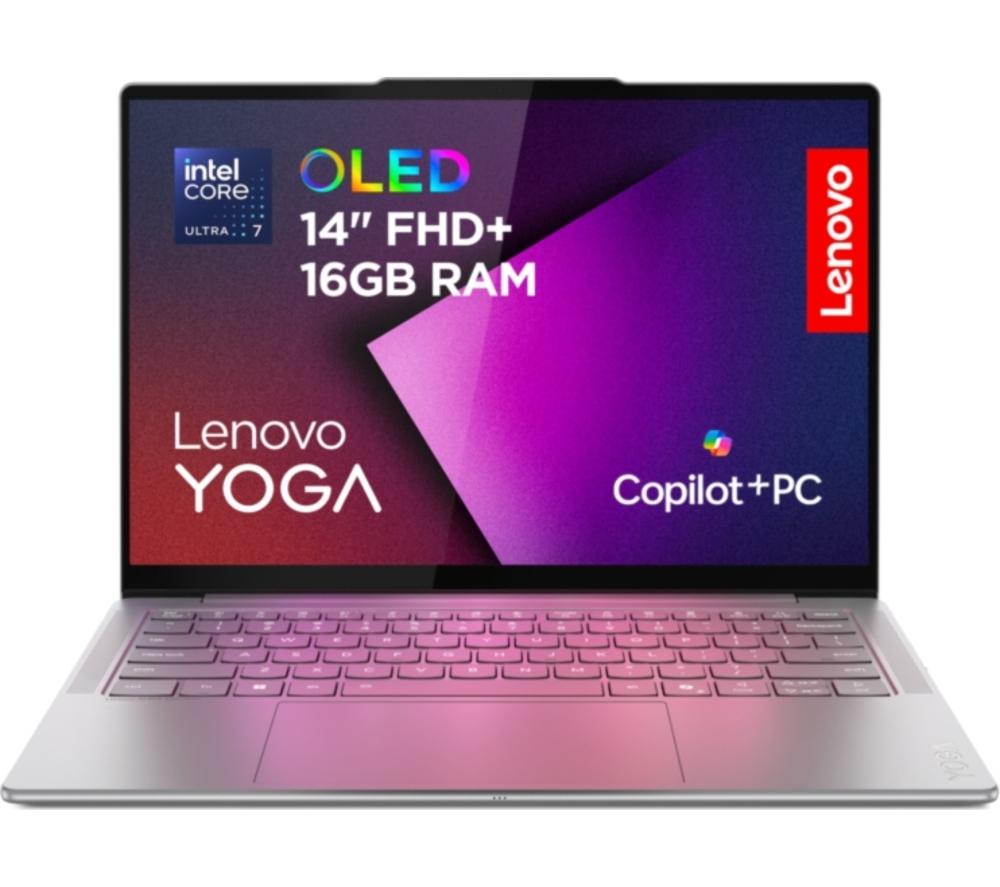
- High-spec new laptops offer 32GB memory and 1TB storage for heavy use, with OLED screens and slim aluminium cases.
- Convertible 2-in-1 models add touchscreen flexibility for sketching or presenting.
- Colours run from silver and black to pink, sky blue and indigo, so you can match your style.
Things to watch
- Entry-level new laptops with 4GB RAM and 128GB storage slow down with many browser tabs or large documents.
- Refurbished units may show wear and use older processors than the newest releases.
- Large high-spec laptops with metal builds weigh more in a backpack than basic plastic ones.
- Bundle laptops with Office 365 lock you to a modest RAM tier that struggles with demanding editing.
- The category mixes Computers and Electronics sub-types, so some listings are not laptops.
Care & maintenance
Clean the shell
Wipe plastic and aluminium shells with a damp microfibre cloth, and keep ports clear of dust.
Clear vents
Clear fan vents on metal laptops each month to avoid overheating.
Touchscreen care
For touchscreen convertibles, use a soft dry cloth on the glass to maintain touch accuracy.
Refurbished battery
With refurbished buys, monitor battery health and run a full charge cycle occasionally.
Frequently Asked Questions
What should I look for when buying laptops & computers?
When shopping for laptops & computers, consider factors such as quality, price, brand reputation, and customer reviews. Compare prices across multiple retailers to ensure you're getting the best deal. Look for products that match your specific needs and budget.
How do I choose the right laptops & computers?
Choosing the right laptops & computers depends on your individual needs, budget, and preferences. Research different options, read customer reviews, and compare specifications. Consider what features are most important to you and look for products that offer the best value for money.
Where can I find the best deals on laptops & computers?
You can find the best deals on laptops & computers by comparing prices across multiple retailers. Our price comparison tool helps you find the lowest prices from trusted UK retailers including Amazon, eBay, and other major online stores. Check regularly as prices and deals change frequently.
Are laptops & computers products worth the investment?
The value of laptops & computers products depends on your specific needs and how you plan to use them. Quality products from reputable brands often provide better long-term value, even if they cost more initially. Consider your budget and requirements when making your decision.
What's the difference between different types of laptops & computers?
Different types of laptops & computers vary in features, quality, price, and intended use. Some may offer premium features while others focus on affordability. Research the specific differences between models or brands to find the option that best suits your needs and budget.