Print, Copy, Scan & Fax
How to choose print, copy, scan & fax
Device vs supplies
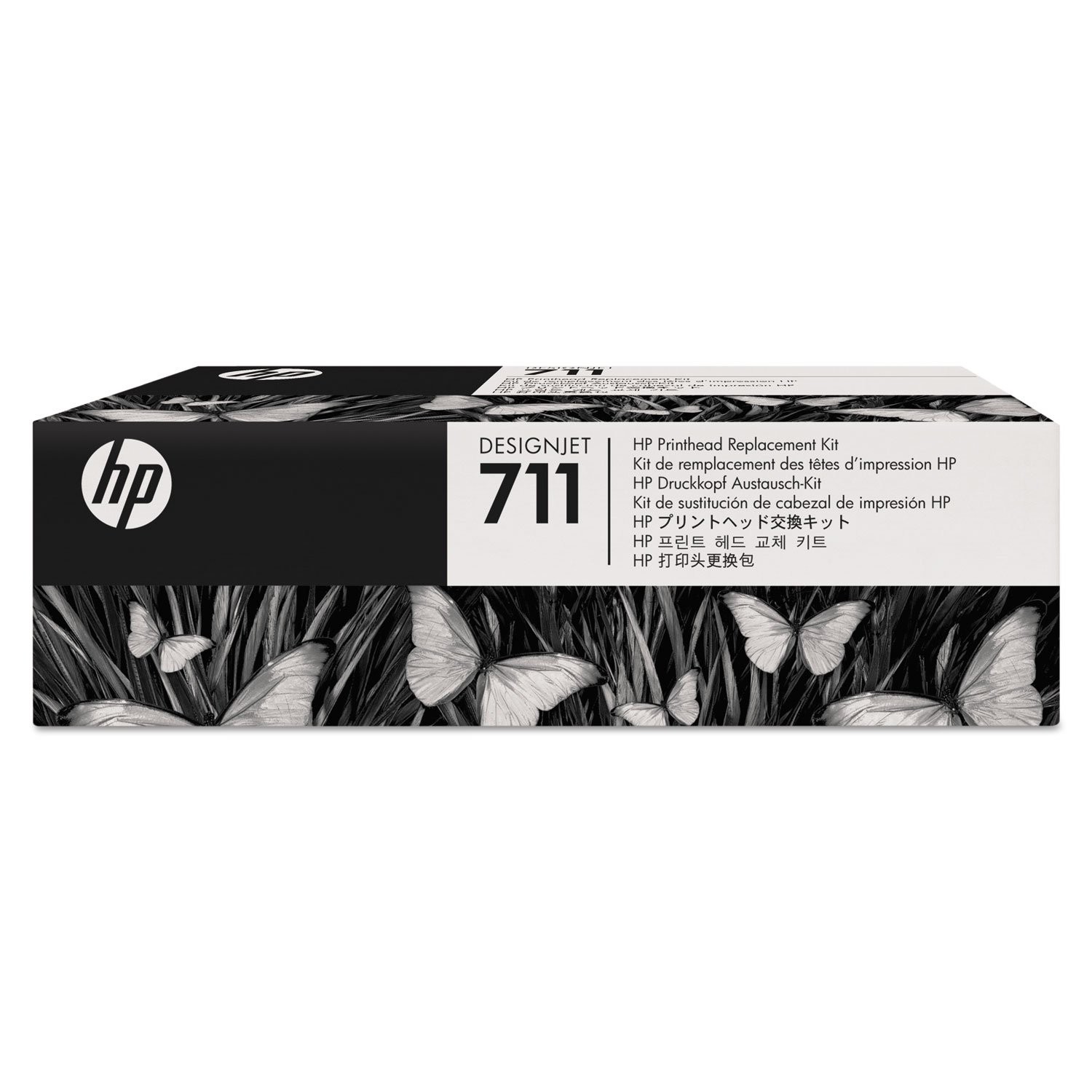
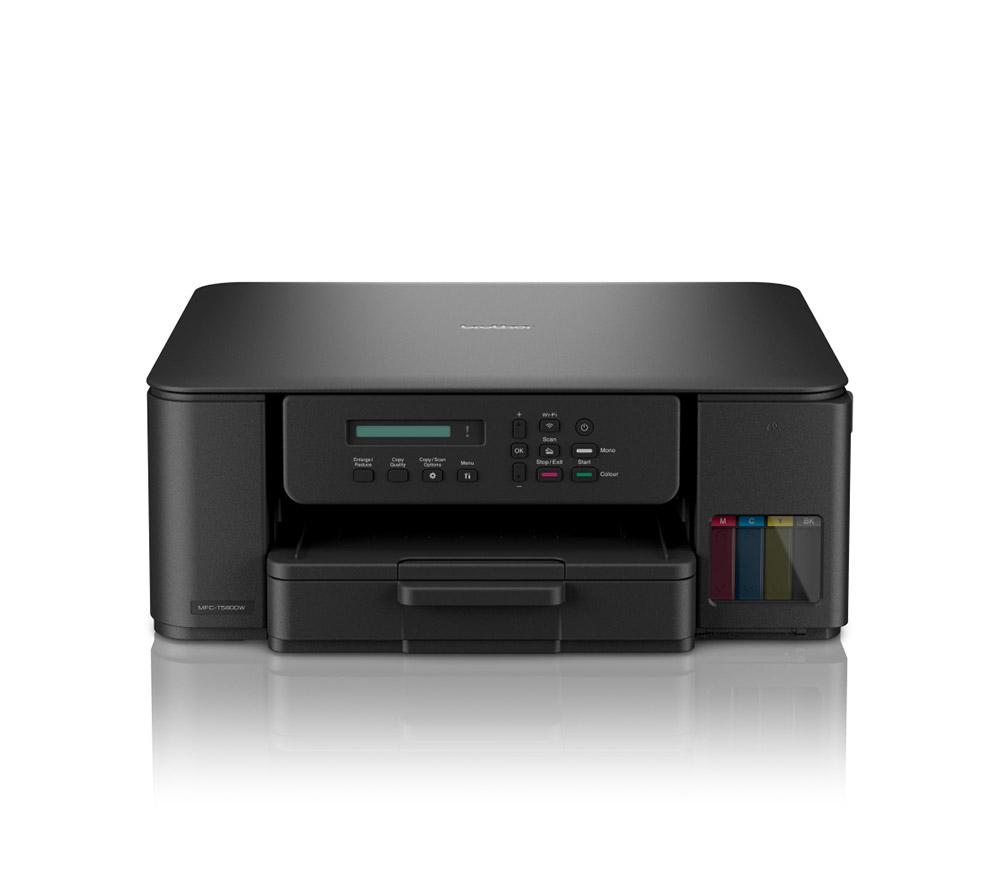
First, decide if you need a full Electronics machine or only Printer Consumables and Accessories for a unit you own.
Colour need
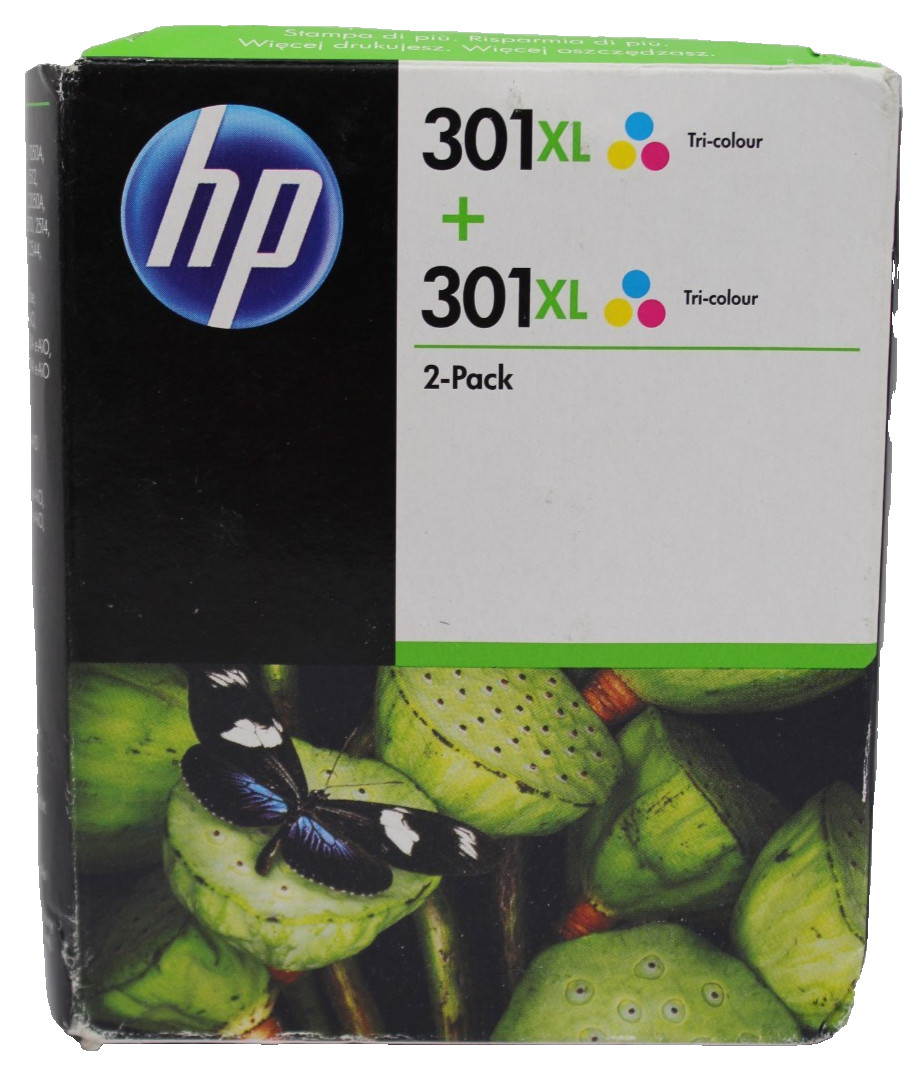
Colour choice matters: black for text, multicolor or cyan/magenta/yellow for graphics, grey for neutral fills.
Build material
Accessory material should follow workload: plastic for home, steel or aluminium for constant office runs.
Cartridge yield
Cartridge tier depends on volume: standard for occasional use, high yield for frequent big prints.
Original vs compatible
Original manufacturer cartridges give predictable colour, while compatibles from ink specialists broaden shade range.
What's good
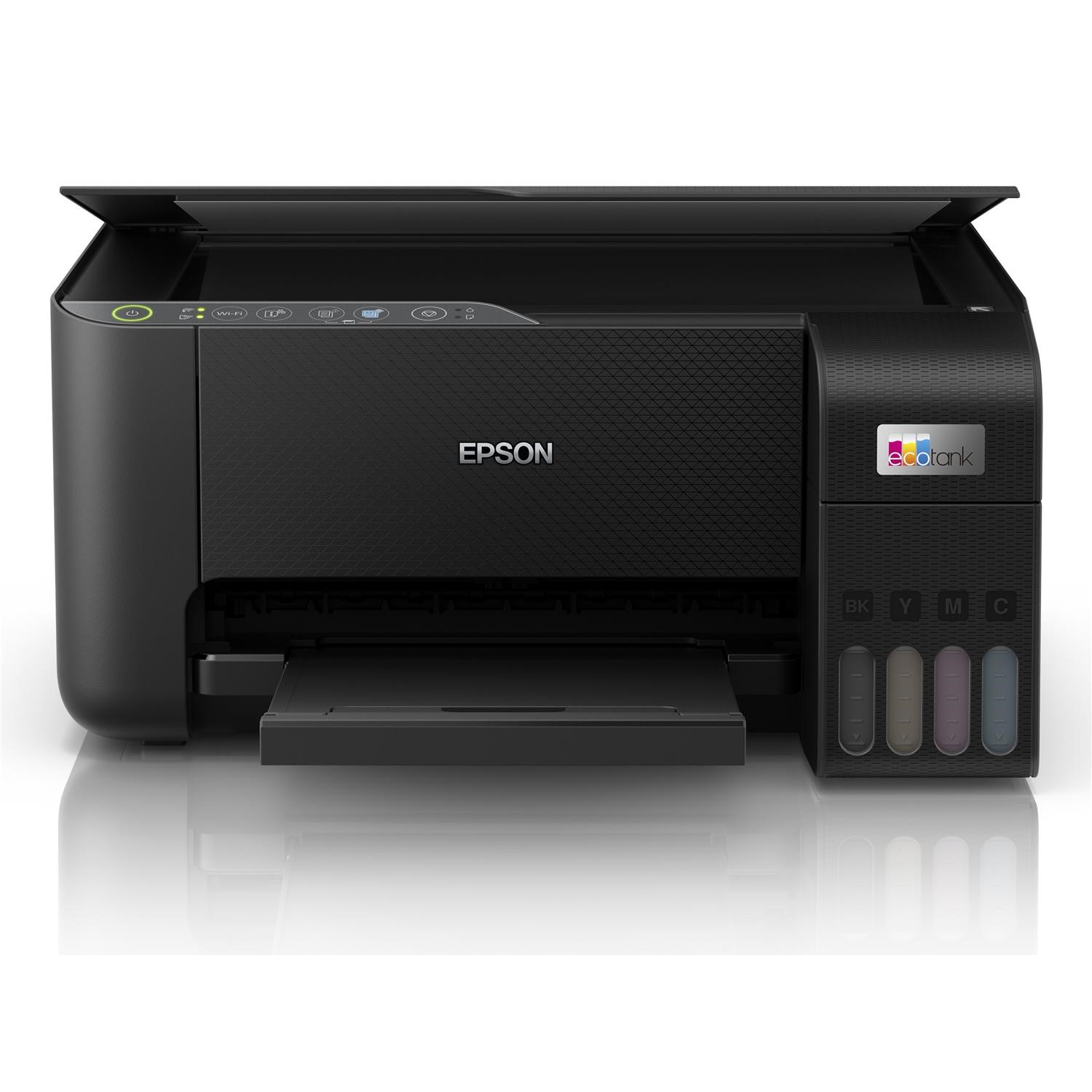
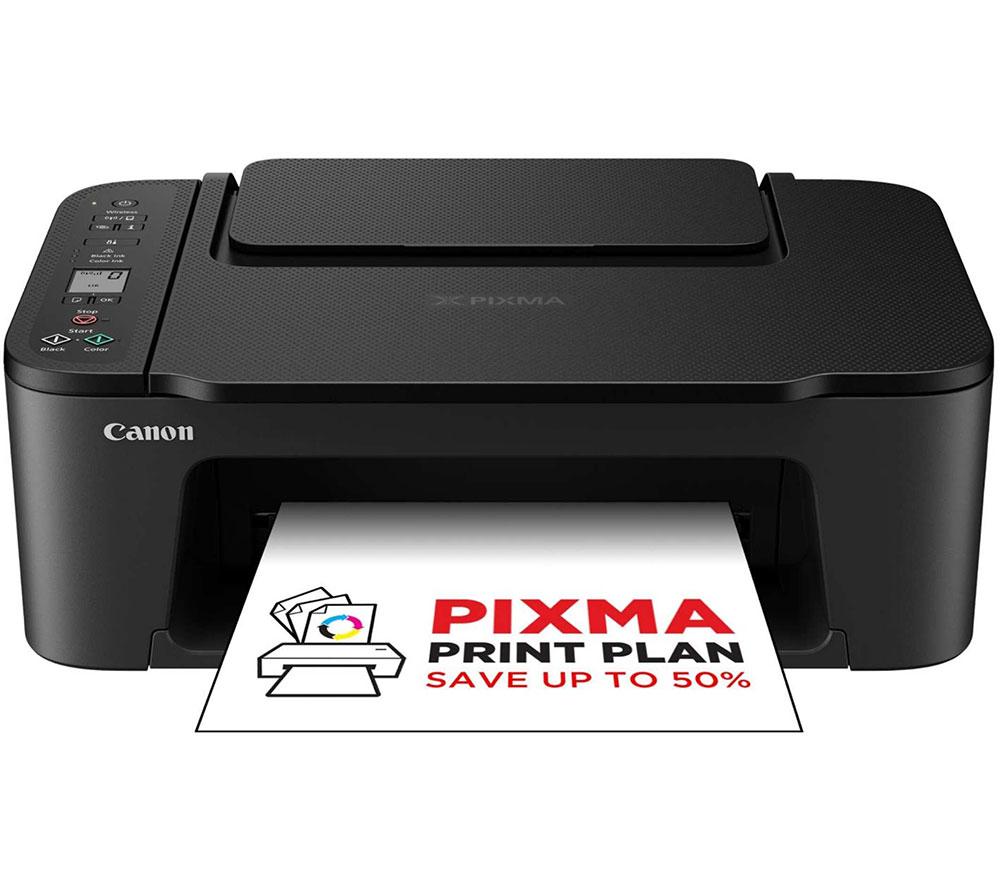
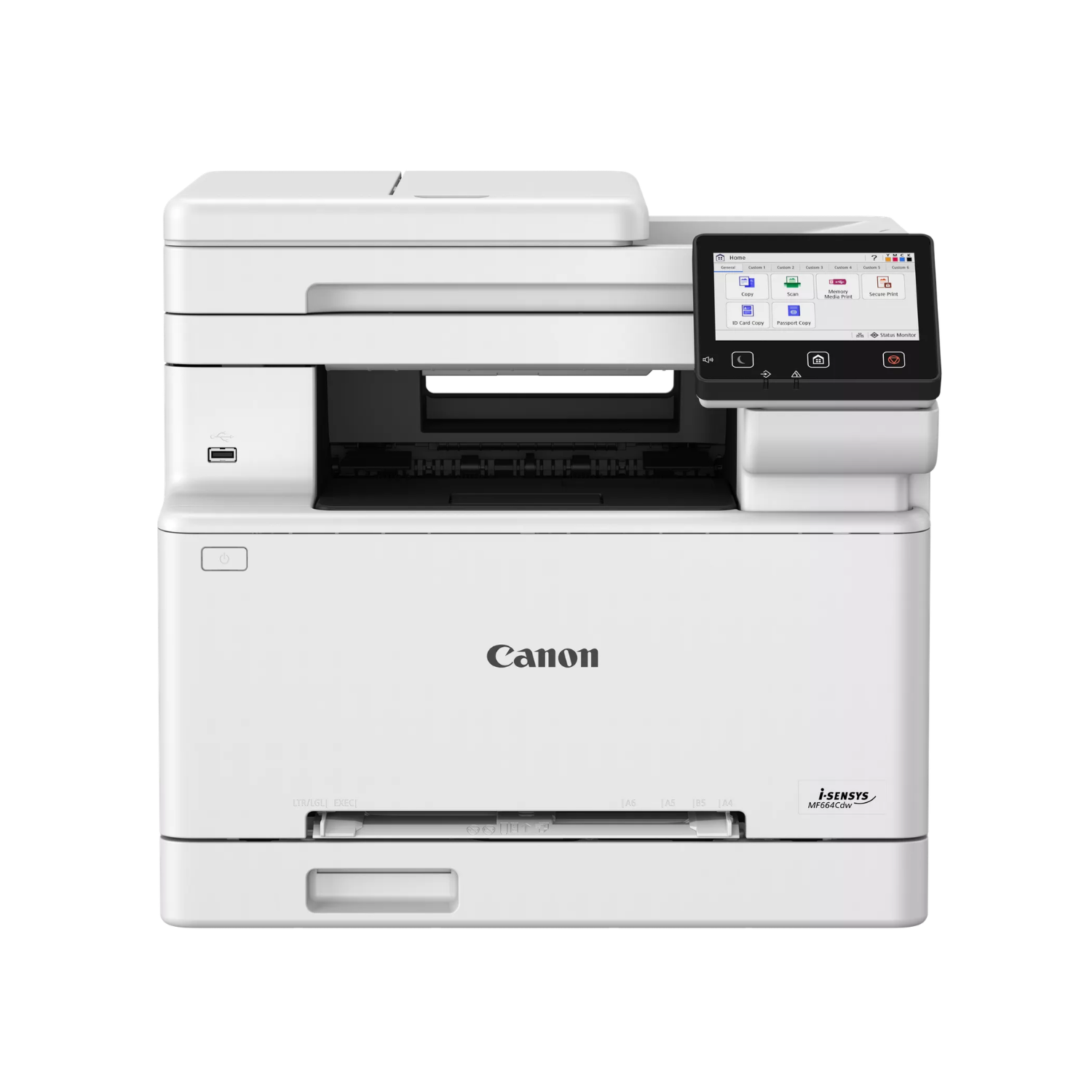
- A single Electronics device can handle print, copy, scan and fax, clearing space on a small desk.
- High yield Toner & Inkjet Cartridges carry more ink or toner, so busy teams swap them less often.
- Printer Consumables include media like paper, wax and nylon, letting you match stock to labels or documents.
- Compatible cartridges from specialist ink brands open up shades such as grey, pink and blue beyond standard black and tri colour.
Things to watch
- Multifunction Electronics weigh more and need more involved repairs than a basic single task unit.
- High yield cartridges are bulkier, which frustrates low volume users with little storage room.
- Compatible inks may shift colour slightly against original tones, a real issue for brand critical prints.
- Accessories made from plastic stay light but wear quicker than steel or aluminium parts under daily use.
- Buying cyan, magenta and yellow separately (instead of a multicolor pack) leaves you managing more items.
Care & maintenance
Roller care
Clean rubber or silicone rollers in Printer, Photocopier & Fax Machine Accessories to prevent dust driven jams.
Cartridge storage
Store Toner & Inkjet Cartridges sealed and cool, since wax based components can dry in heat.
Device casing
Dust the metal or plastic shell of Electronics often, keeping vents clear for steady cooling.
Media match
Stick to media specs for your device, whether paper, nylon or rubber elements, to avoid mechanical strain.
Frequently Asked Questions
What should I look for when buying print, copy, scan & fax?
When shopping for print, copy, scan & fax, consider factors such as quality, price, brand reputation, and customer reviews. Compare prices across multiple retailers to ensure you're getting the best deal. Look for products that match your specific needs and budget.
How do I choose the right print, copy, scan & fax?
Choosing the right print, copy, scan & fax depends on your individual needs, budget, and preferences. Research different options, read customer reviews, and compare specifications. Consider what features are most important to you and look for products that offer the best value for money.
Where can I find the best deals on print, copy, scan & fax?
You can find the best deals on print, copy, scan & fax by comparing prices across multiple retailers. Our price comparison tool helps you find the lowest prices from trusted UK retailers including Amazon, eBay, and other major online stores. Check regularly as prices and deals change frequently.
Are print, copy, scan & fax products worth the investment?
The value of print, copy, scan & fax products depends on your specific needs and how you plan to use them. Quality products from reputable brands often provide better long-term value, even if they cost more initially. Consider your budget and requirements when making your decision.
What's the difference between different types of print, copy, scan & fax?
Different types of print, copy, scan & fax vary in features, quality, price, and intended use. Some may offer premium features while others focus on affordability. Research the specific differences between models or brands to find the option that best suits your needs and budget.