Tablet Computer Docks & Stands
How to choose tablet computer docks & stands
Material and weight
Pick a material first. Steel and iron hold a tablet still but weigh down a travel bag, while aluminium balances weight and strength.
Colour and setting
Colour sets the room tone. Black, grey and silver suit offices, while pink, green or blue fit nursery or gift use.
Fixed vs foldable
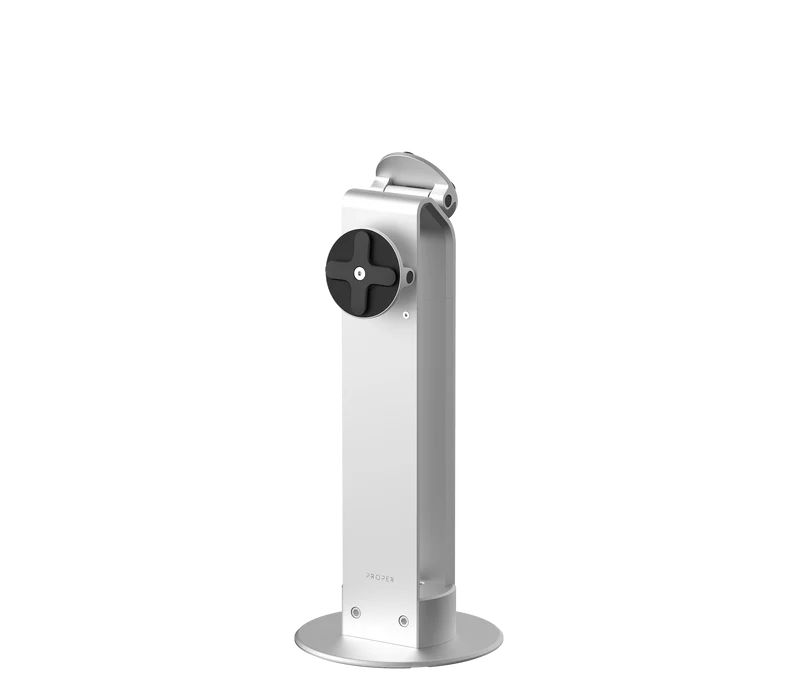
Choose between a fixed mount plate and a foldable stand. Mounts stay put for kiosks, stands move with the user.
Category sub-type
Sub-type filters the grid. Electronics Accessories cover simple holders, Electronics includes the remaining mounted items, and Computer Accessories lean to desk mounts and rig add ons.
User profile
Match the user. A passive nylon or silicone holder suits a child's tablet, but a lockable metal plate protects a shared work device.
What's good
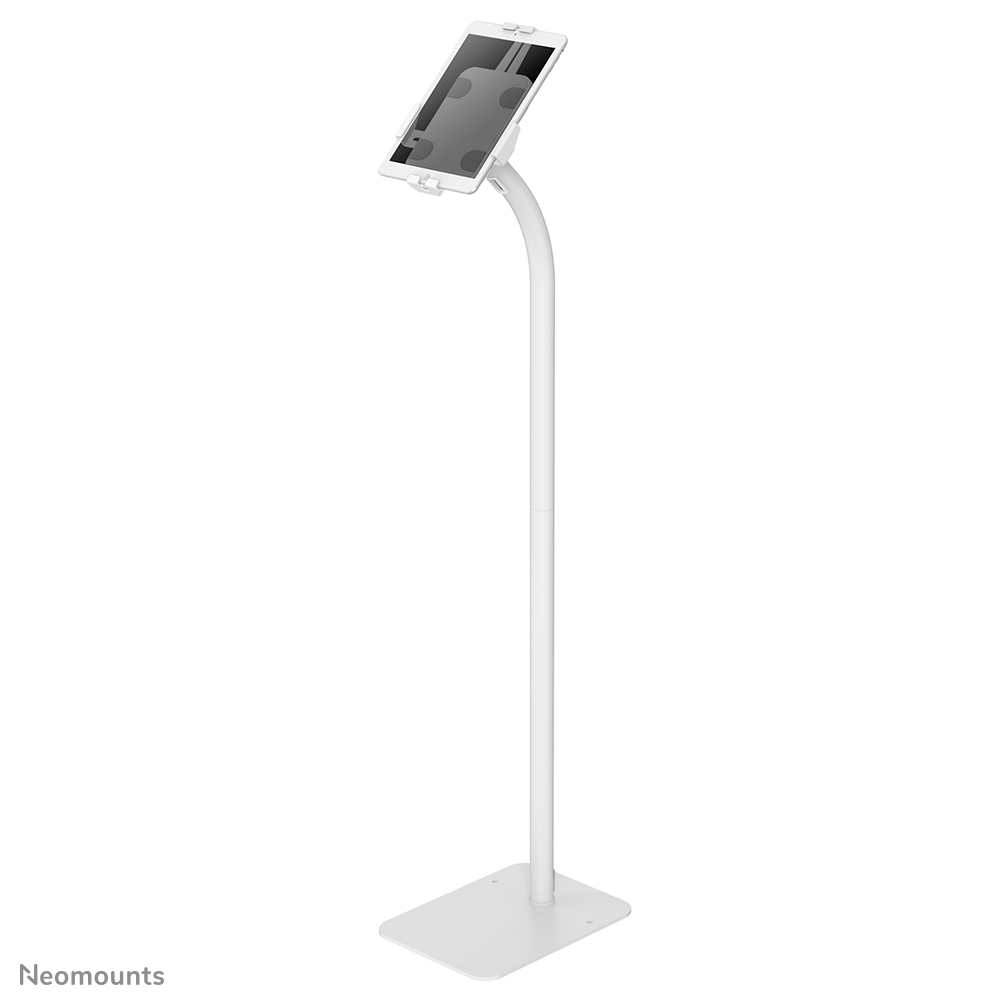
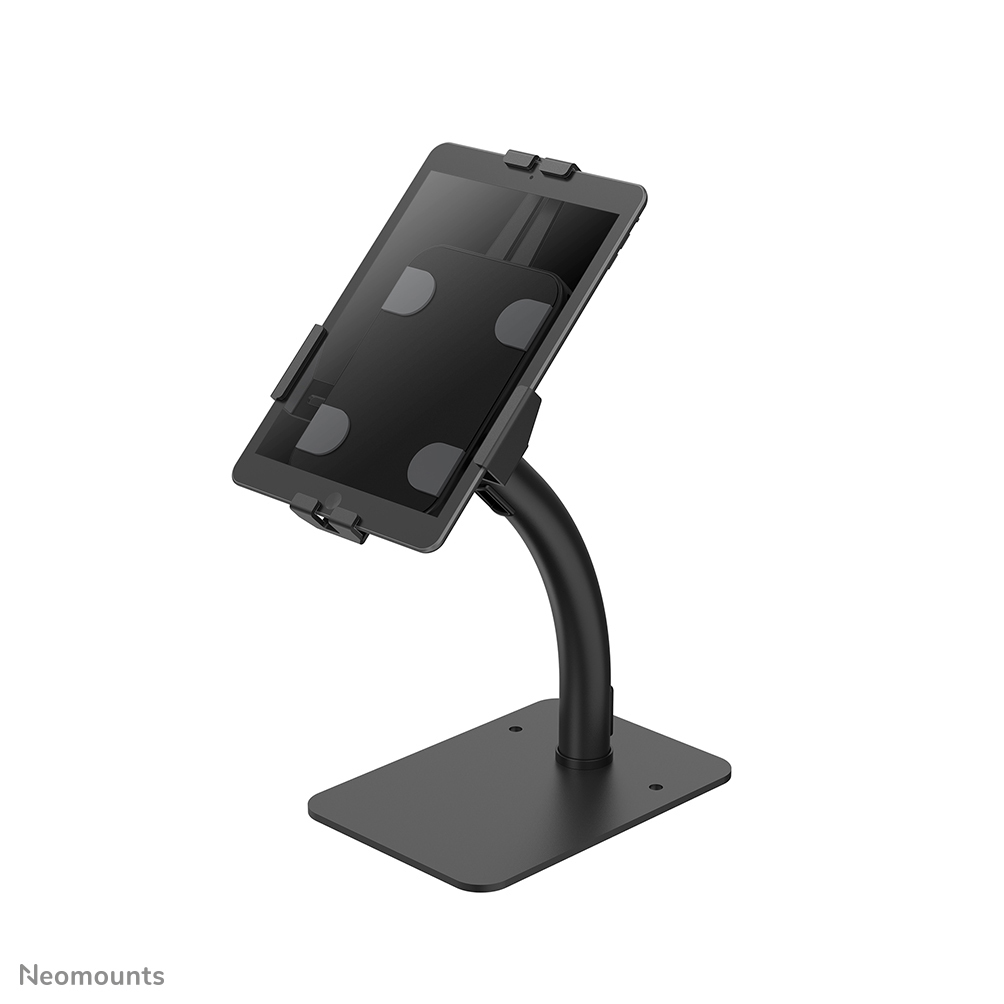
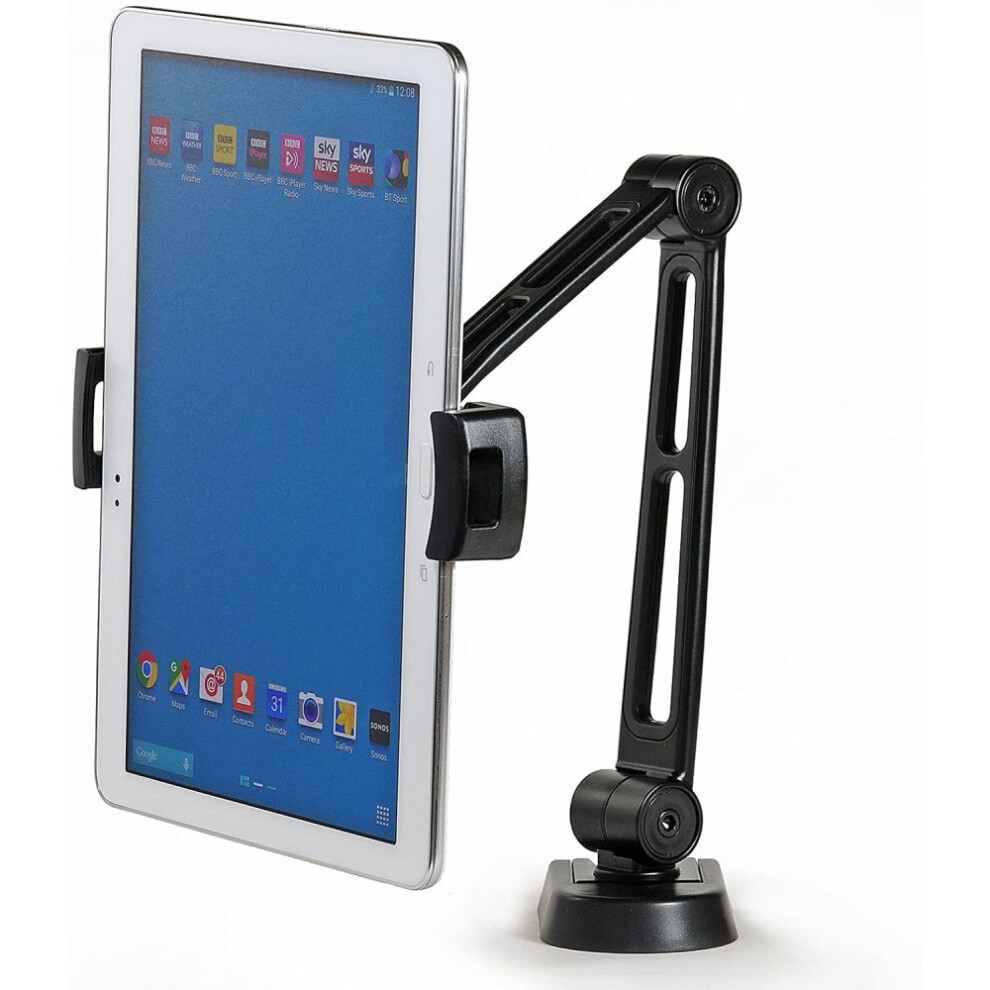
- Passive universal holders in plastic or aluminium keep a tablet upright on a desk without adding bulk. They suit home users who shift between rooms.
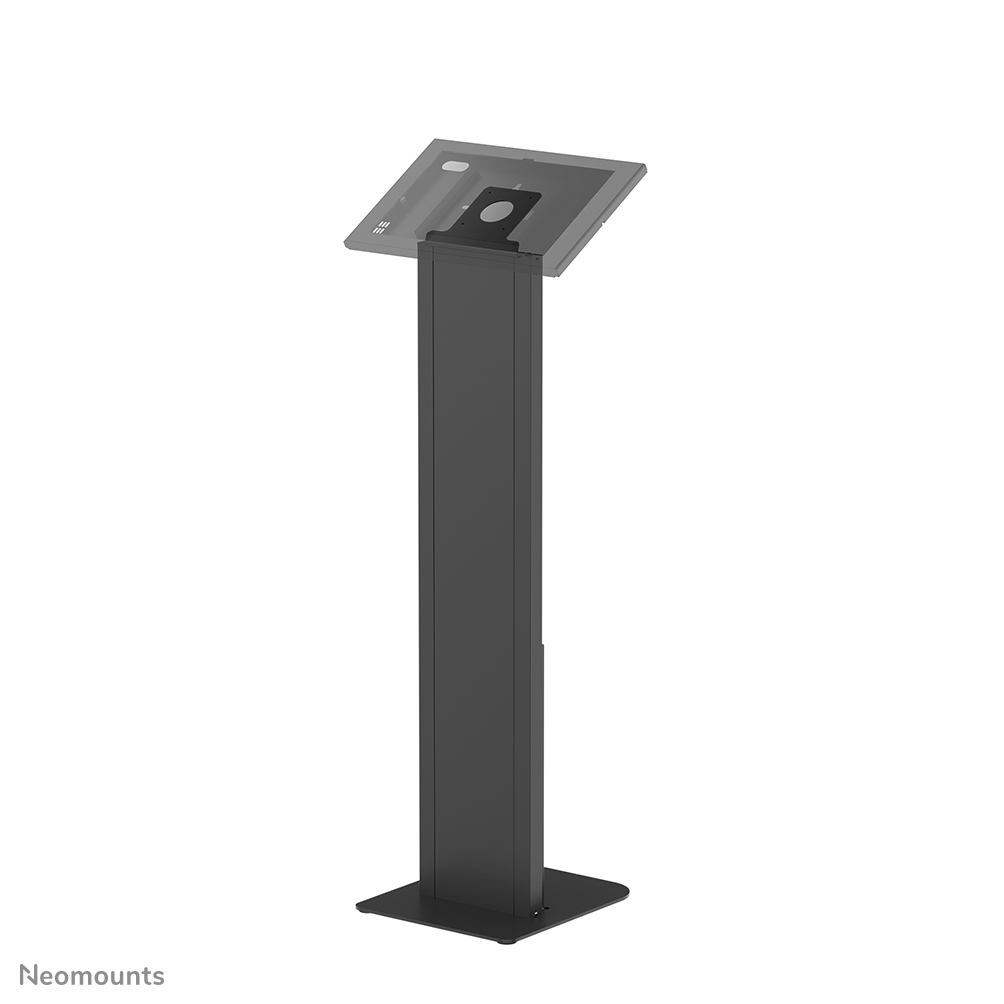
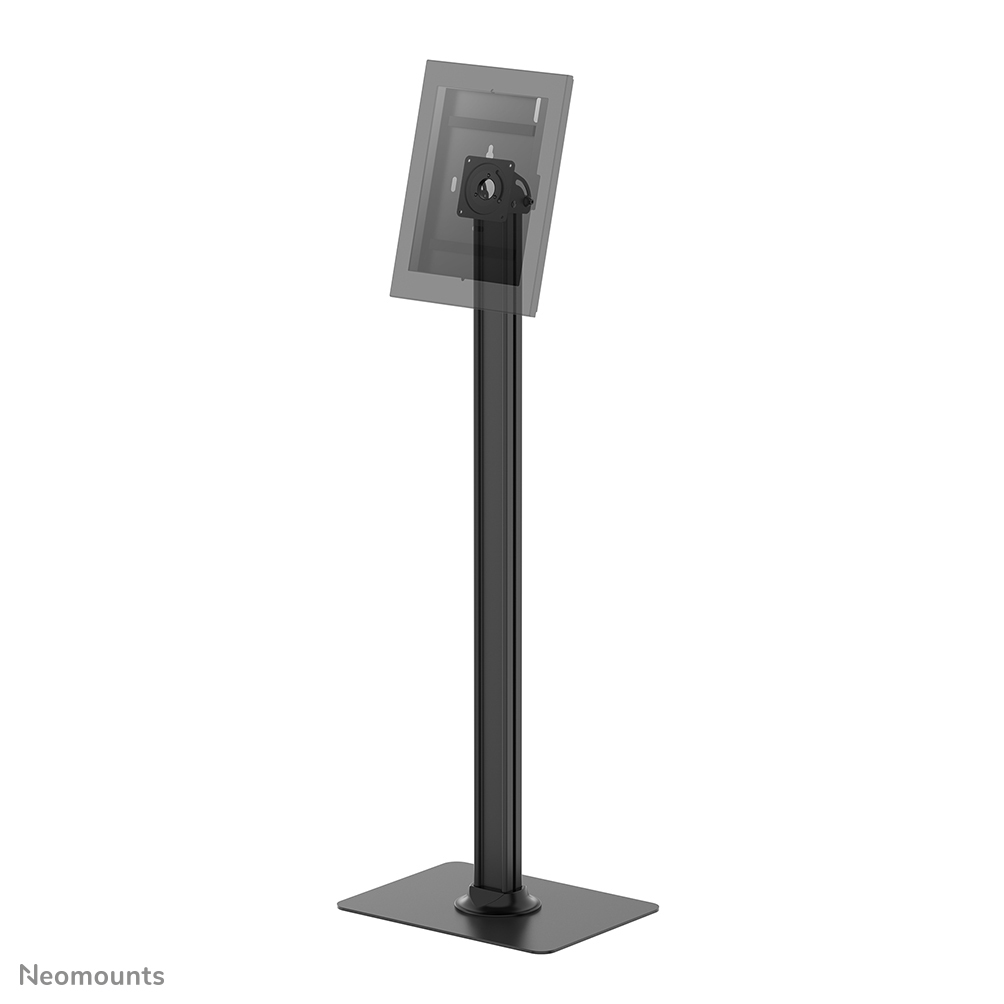
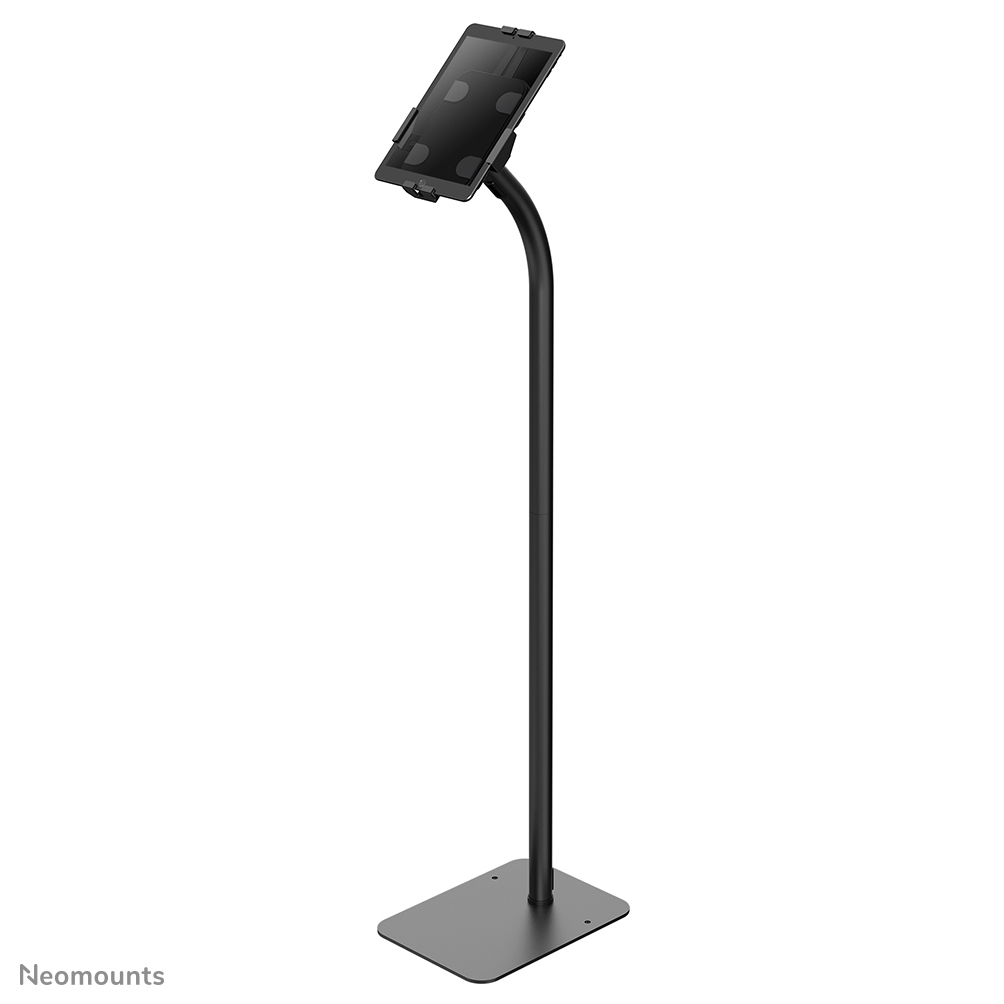
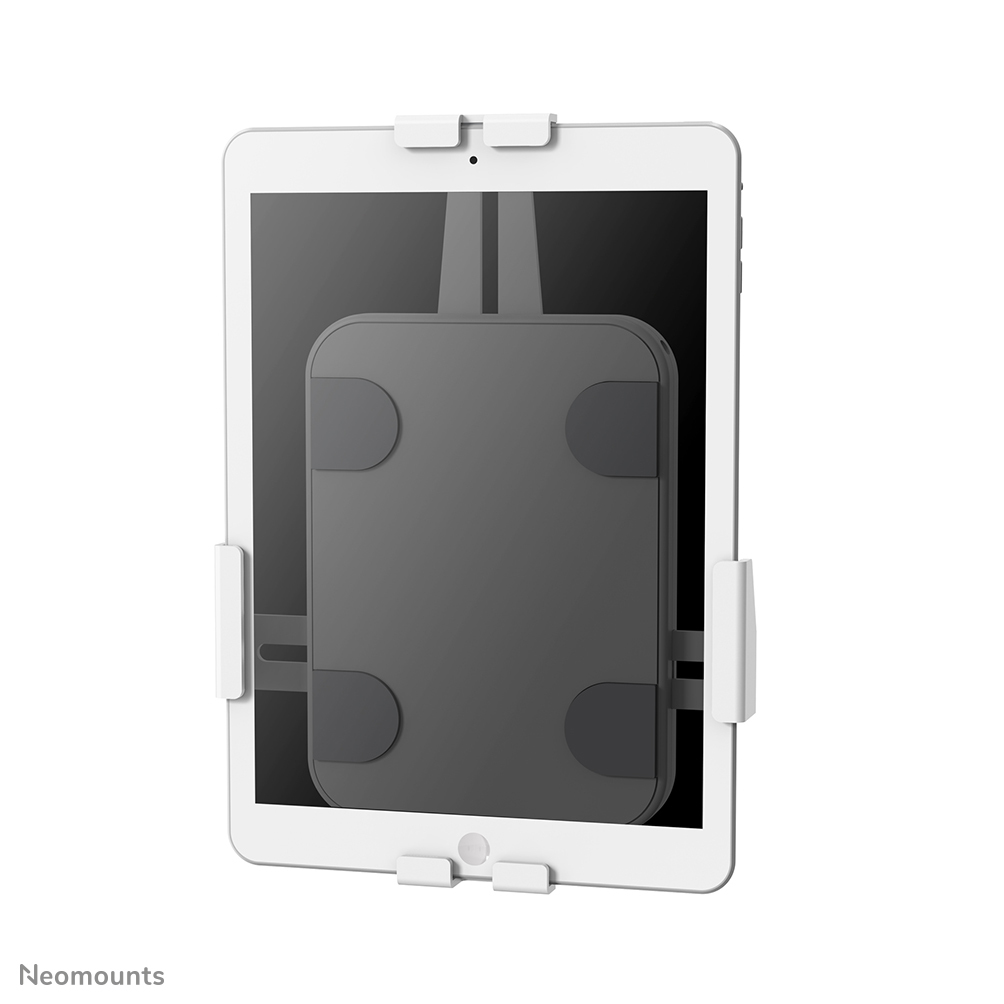
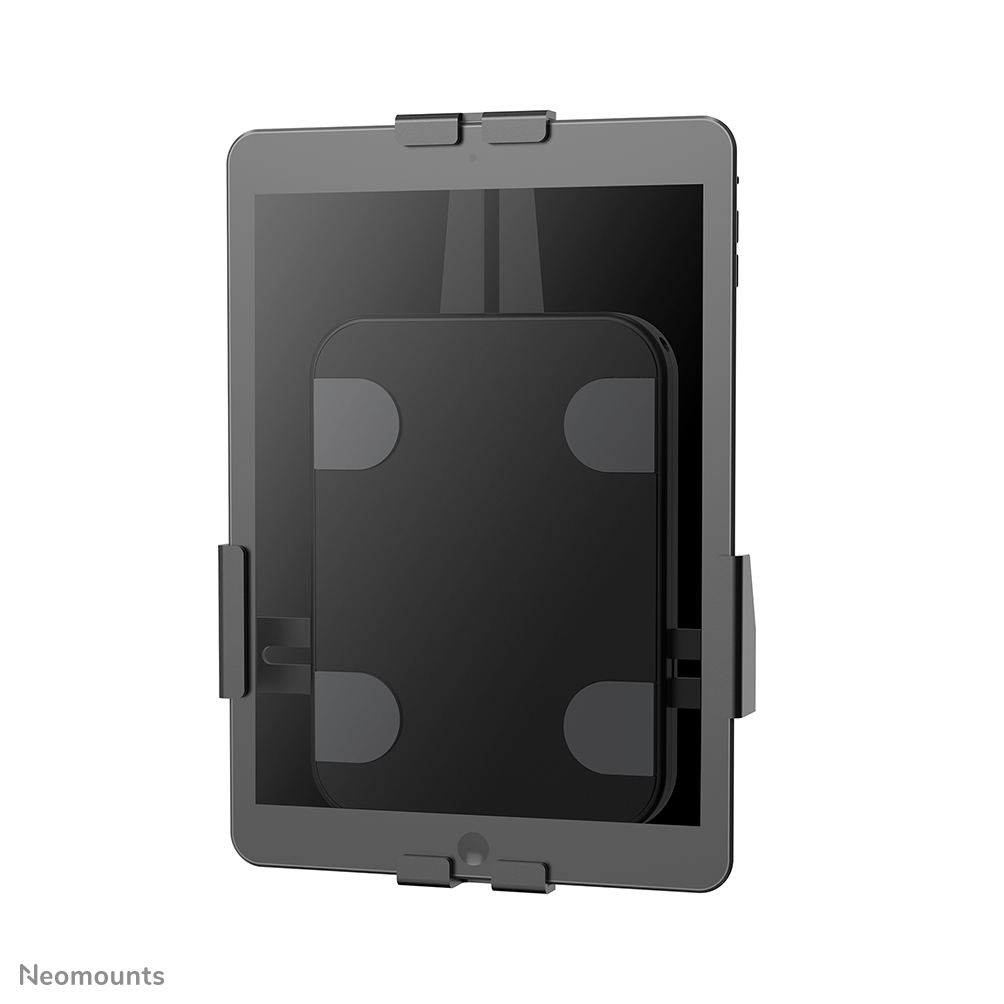
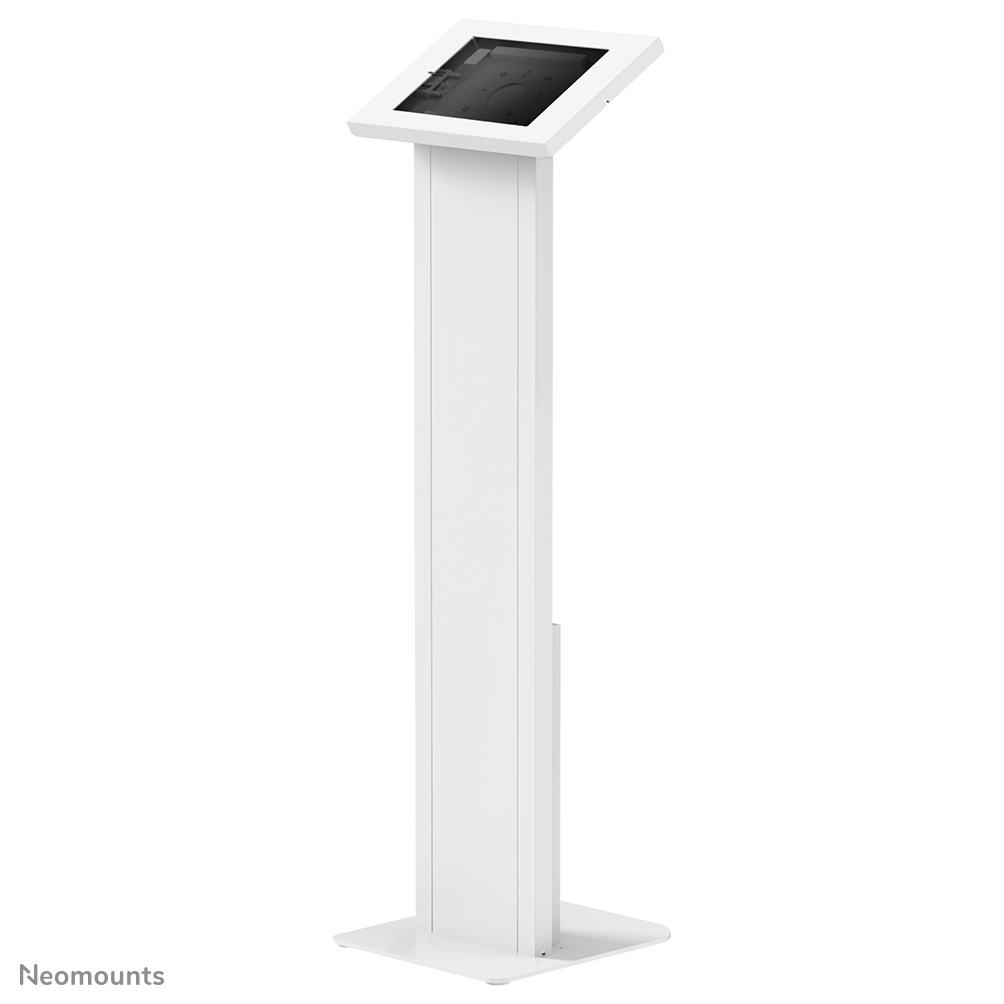
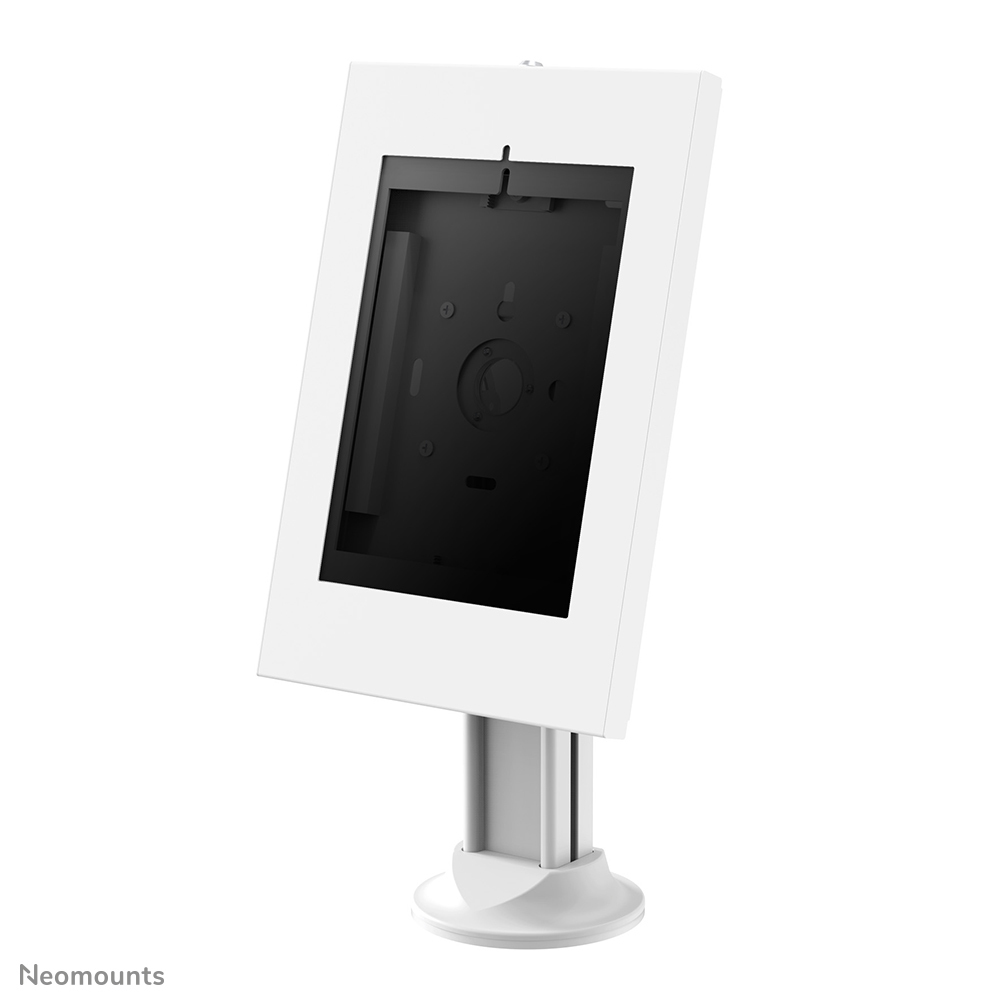
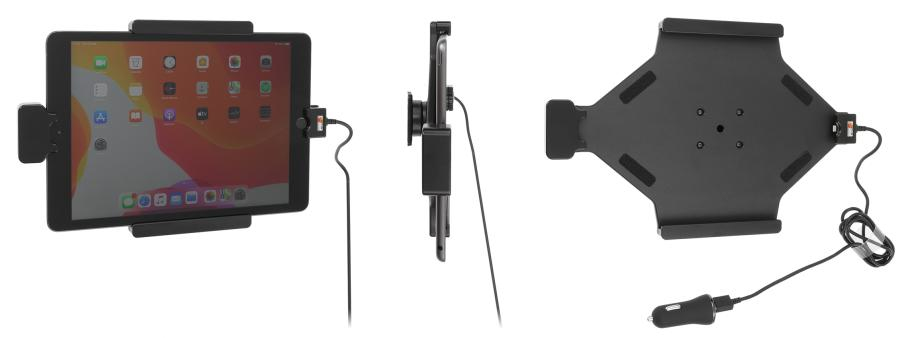
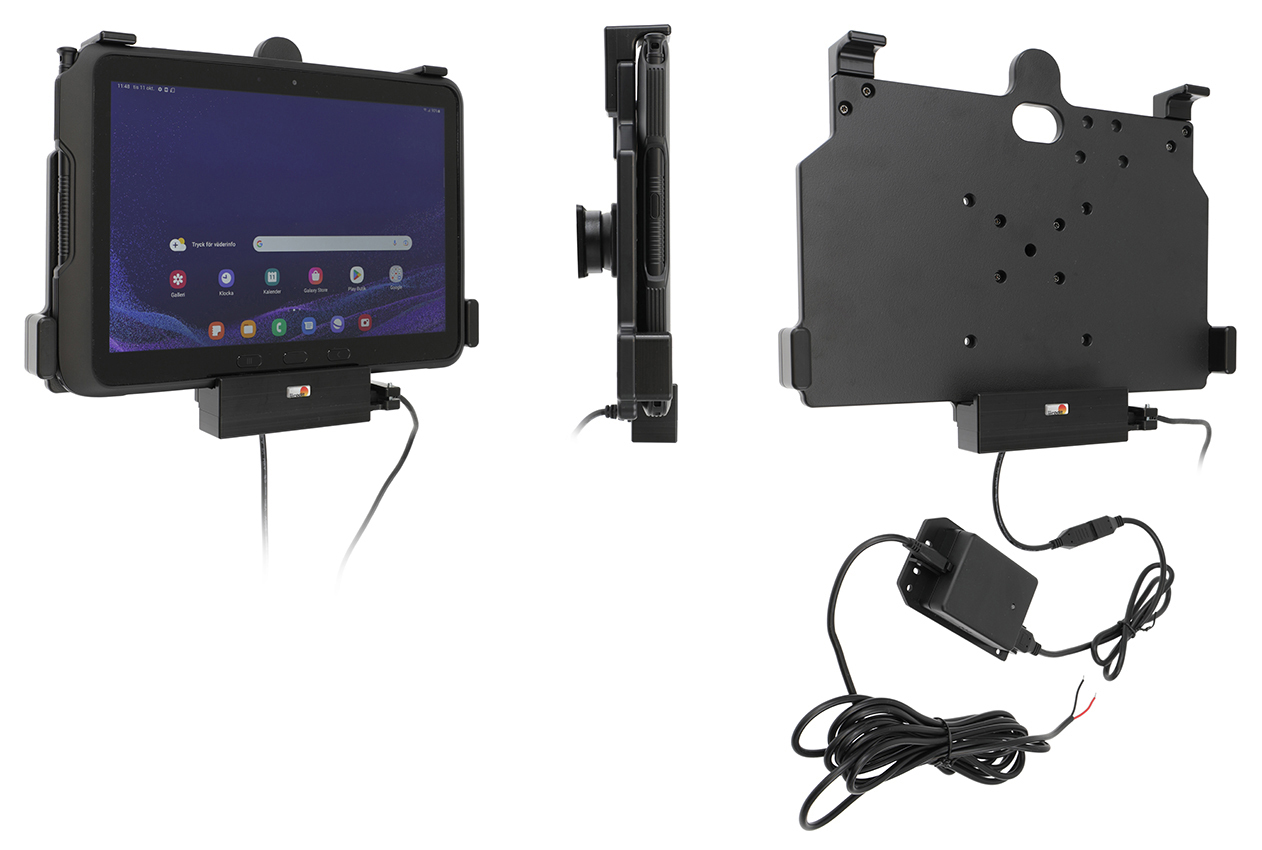
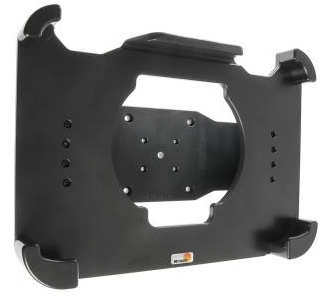
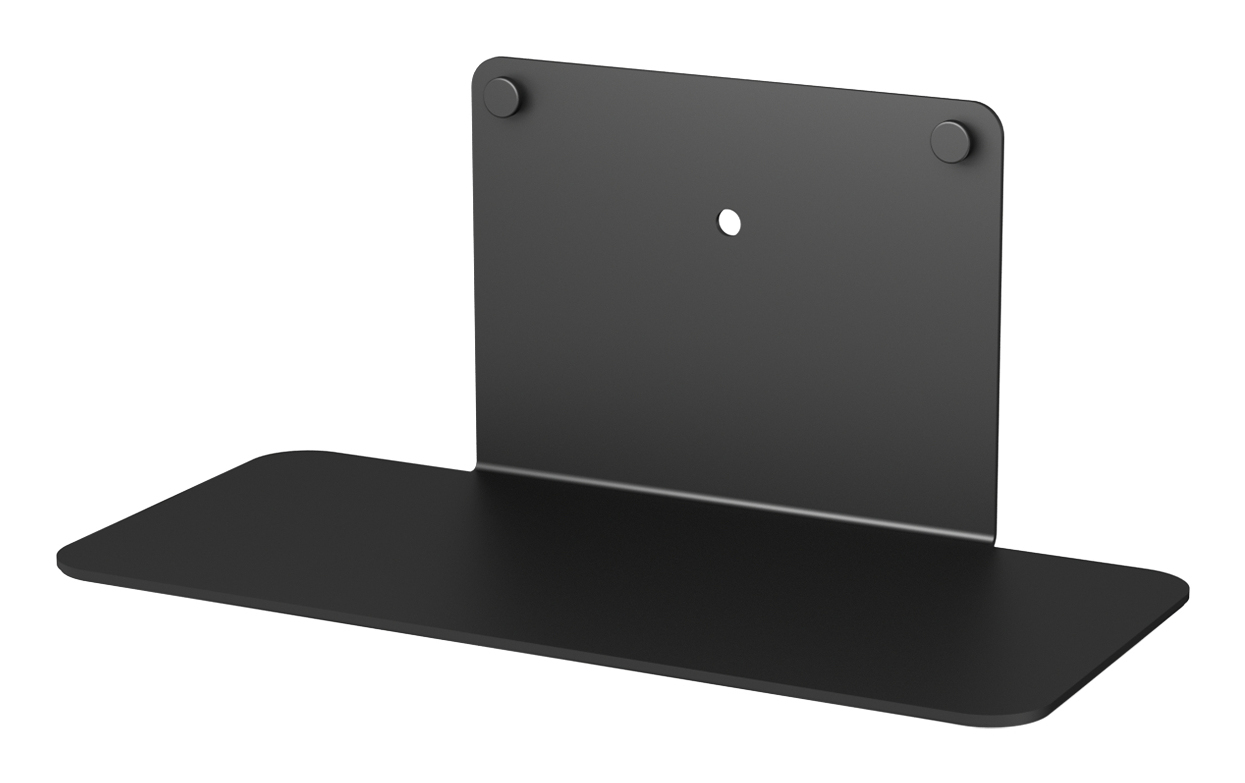
- Lockable and rotatable mount plates (often black or silver metal) fix a tablet to a wall or counter. They stop theft, but need screws to fit.
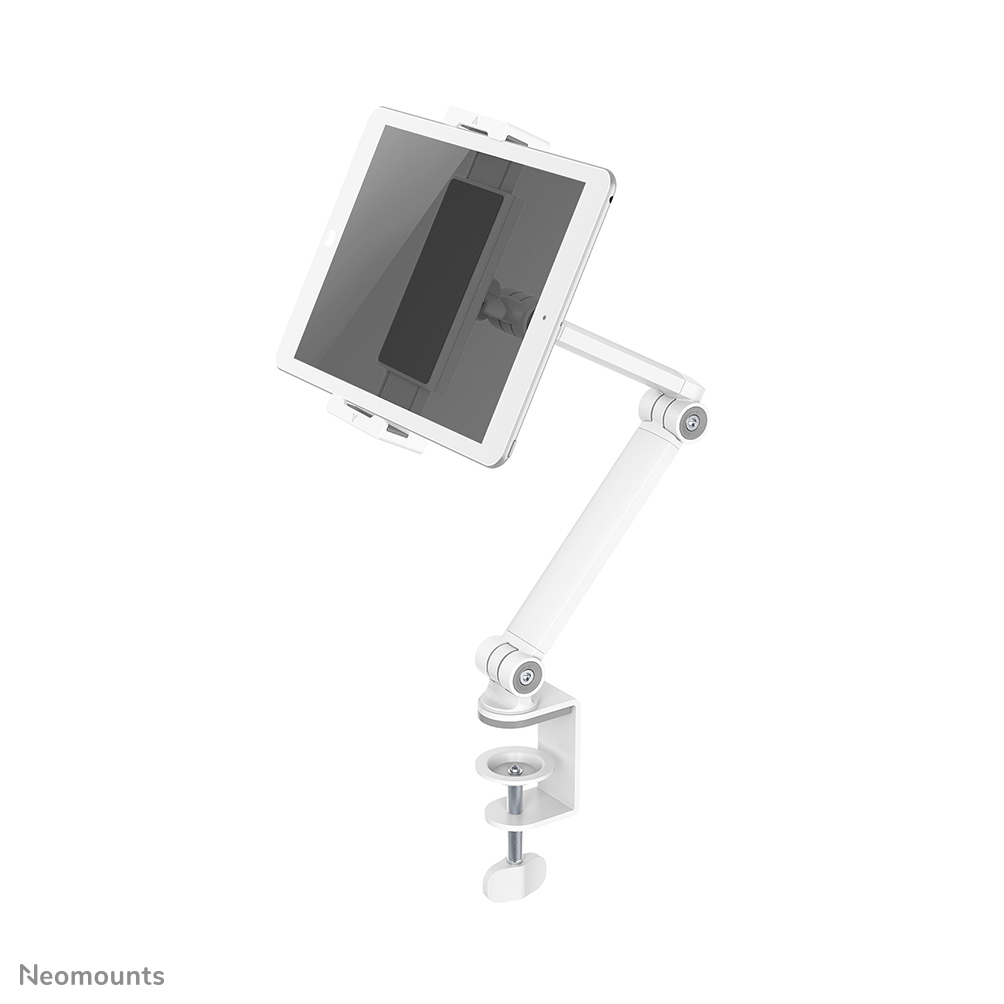
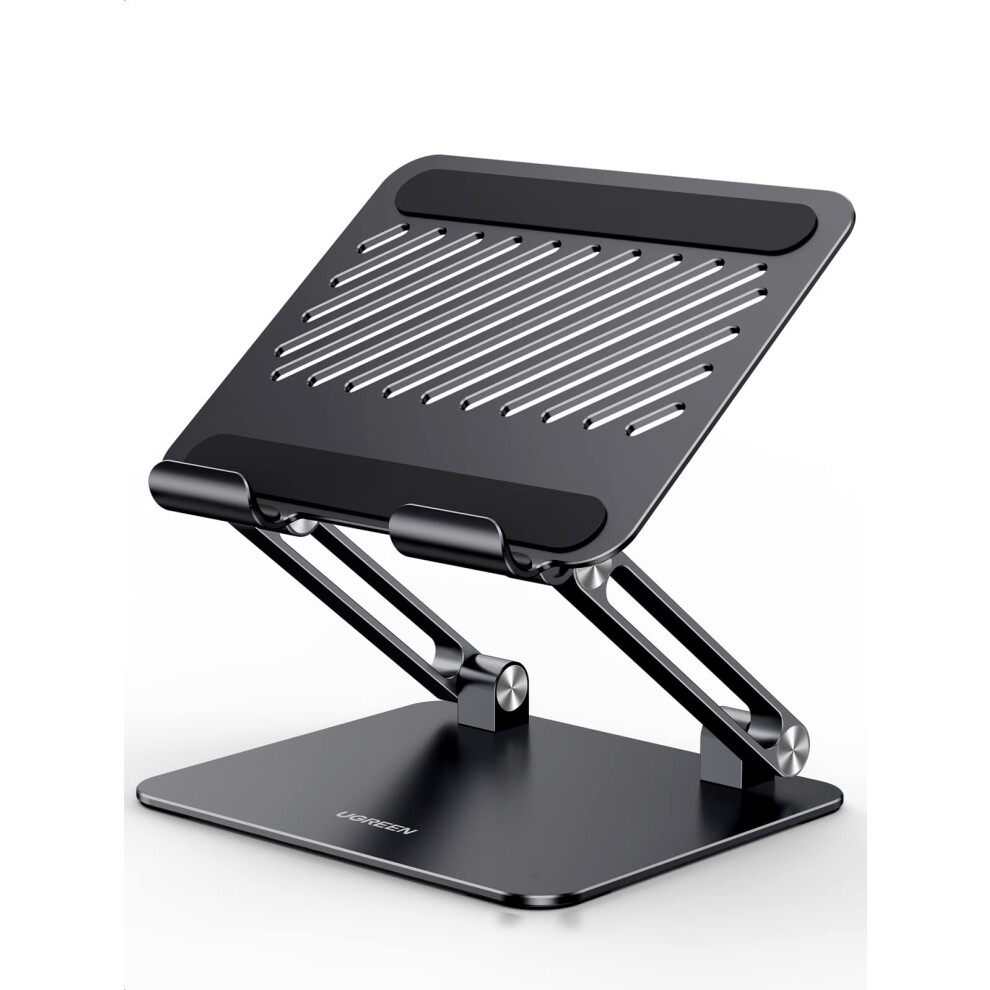
- Foldable stands in colours like pink or blue pack into a bag. They beat fixed rig mounts for shared family use.
- Wood or silicone holders work as decorative gifts. They blend into a shelf better than steel brackets.
Things to watch
- Universal passive holders grip loosely. They suit light tablets but wobble with heavy devices on iron bases.
- Lockable mount plates need permanent surface fixing. Renters and desk sharers should skip them.
- Foldable aluminium stands give adjustability but lack the rigid stability of a sim rig or cockpit add on. Wrong for race sim users who need a fixed bracket.
- Wood and bright colours look warm but show scratches faster than grey nylon or black rubber.
Care & maintenance
Metal care
Wipe metal and aluminium stands with a dry cloth. Hand sweat dulls silver finishes.
Wood care
Wood holders need kept dry. Kitchen steam warps the grain.
Hinge checks
Check hinge screws on foldable plastic stands every few months. They loosen with daily opening.
Rubber feet
Rubber feet on desk stands grip less if clogged with dust. Brush them off weekly.
Frequently Asked Questions
What should I look for when buying tablet computer docks & stands?
When shopping for tablet computer docks & stands, consider factors such as quality, price, brand reputation, and customer reviews. Compare prices across multiple retailers to ensure you're getting the best deal. Look for products that match your specific needs and budget.
How do I choose the right tablet computer docks & stands?
Choosing the right tablet computer docks & stands depends on your individual needs, budget, and preferences. Research different options, read customer reviews, and compare specifications. Consider what features are most important to you and look for products that offer the best value for money.
Where can I find the best deals on tablet computer docks & stands?
You can find the best deals on tablet computer docks & stands by comparing prices across multiple retailers. Our price comparison tool helps you find the lowest prices from trusted UK retailers including Amazon, eBay, and other major online stores. Check regularly as prices and deals change frequently.
Are tablet computer docks & stands products worth the investment?
The value of tablet computer docks & stands products depends on your specific needs and how you plan to use them. Quality products from reputable brands often provide better long-term value, even if they cost more initially. Consider your budget and requirements when making your decision.
What's the difference between different types of tablet computer docks & stands?
Different types of tablet computer docks & stands vary in features, quality, price, and intended use. Some may offer premium features while others focus on affordability. Research the specific differences between models or brands to find the option that best suits your needs and budget.