Storage & Data Transfer Cables
How to choose storage & data transfer cables
Length
0.25m suits internal brackets, 1m for peripherals, 5m for across room, but longer runs may drop speed.
Connector
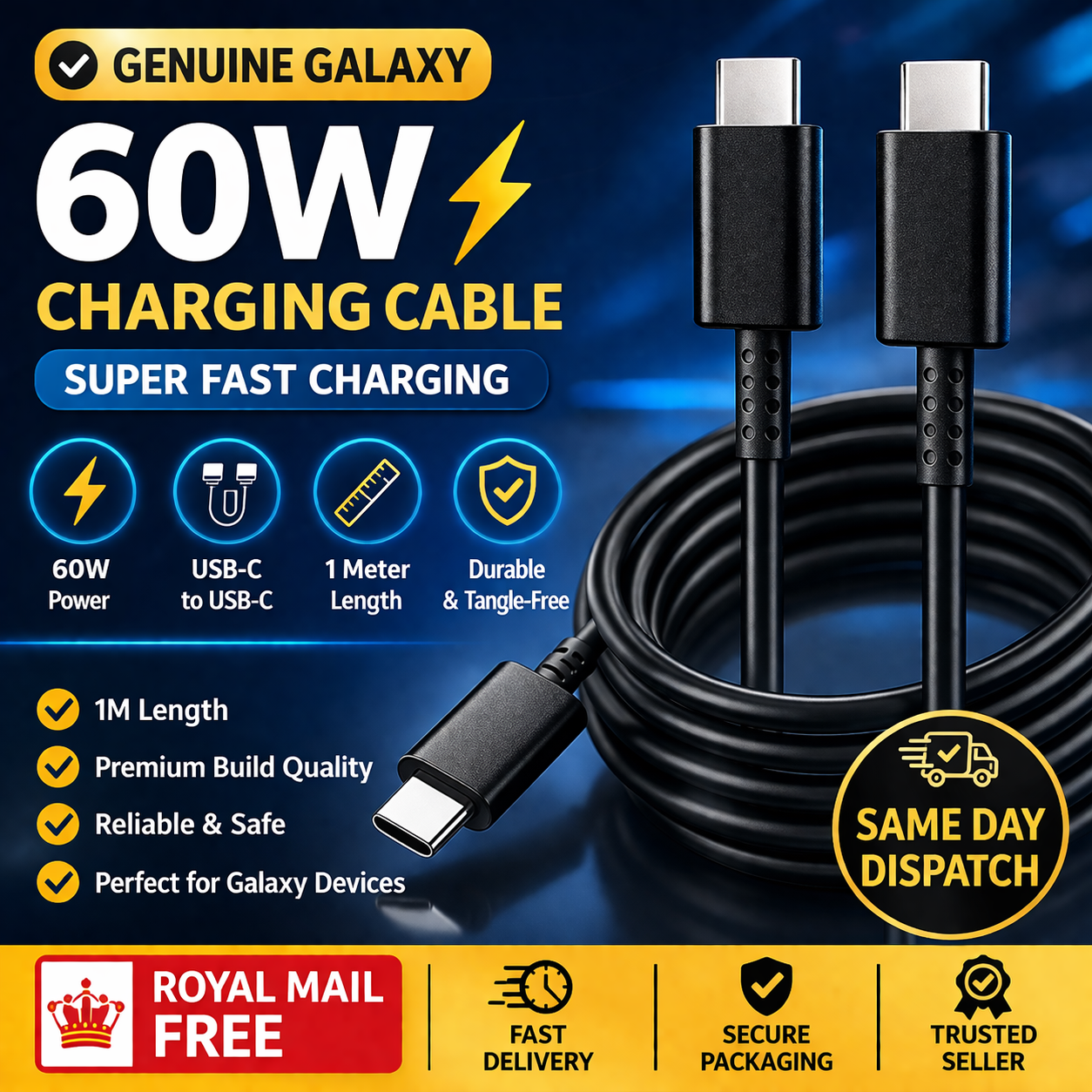
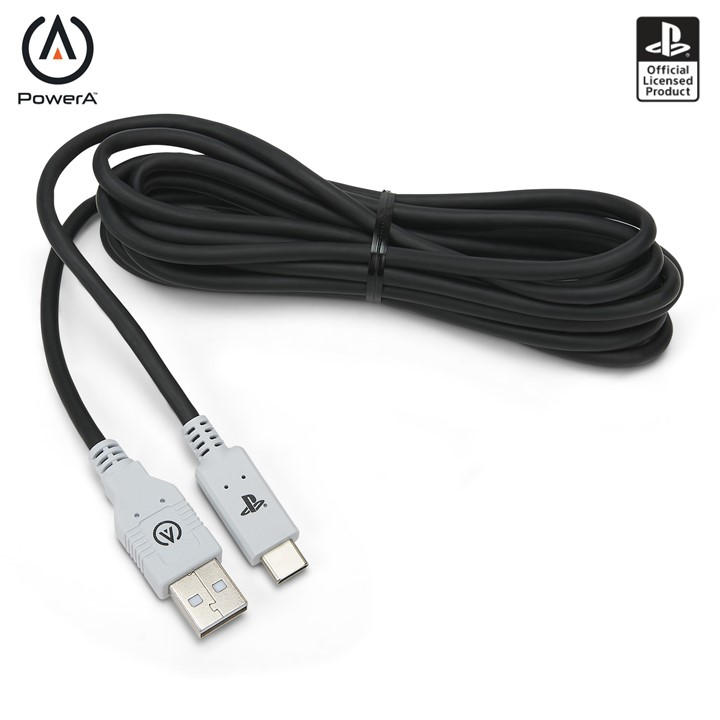
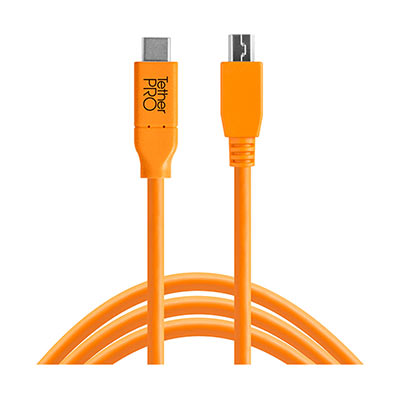
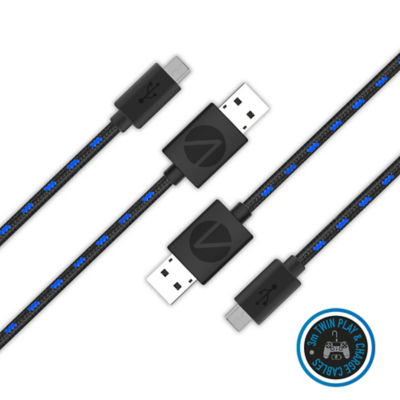
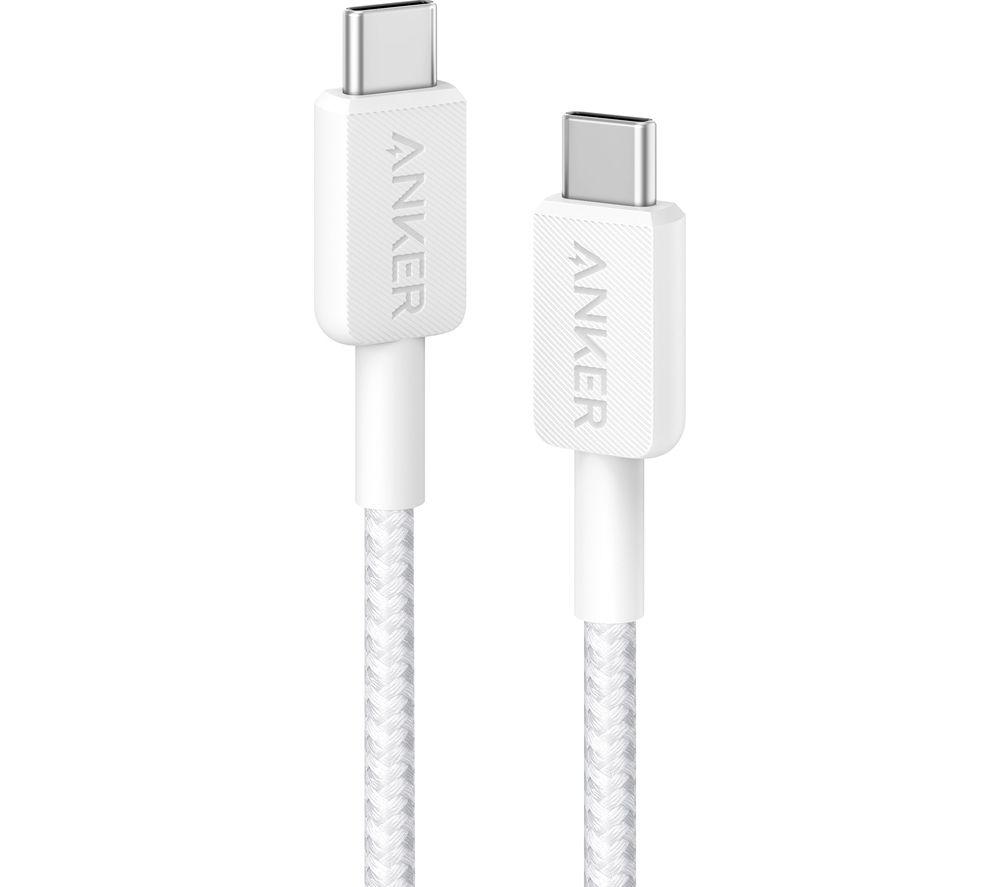
USB-C to USB-C for new gear, USB-A to Micro B for older phones, SATA for internal drives, each maps to a sub-type.
Material
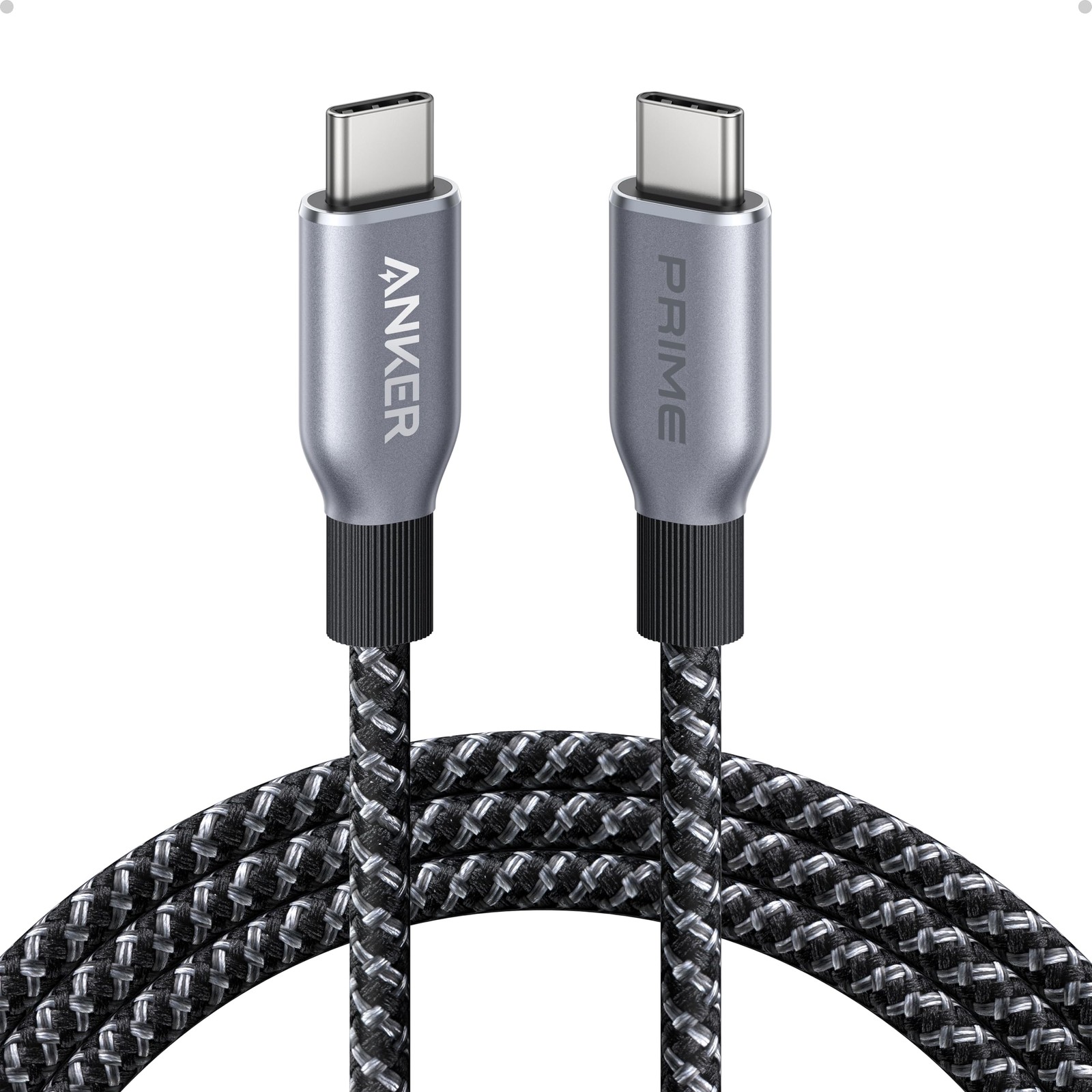
copper/gold or metal for solid signal, plastic for throwaway use, nylon for tangle free desks.
Colour
black or grey hides in plain sight, blue or pink stands out, but shade is cosmetic only.
Power
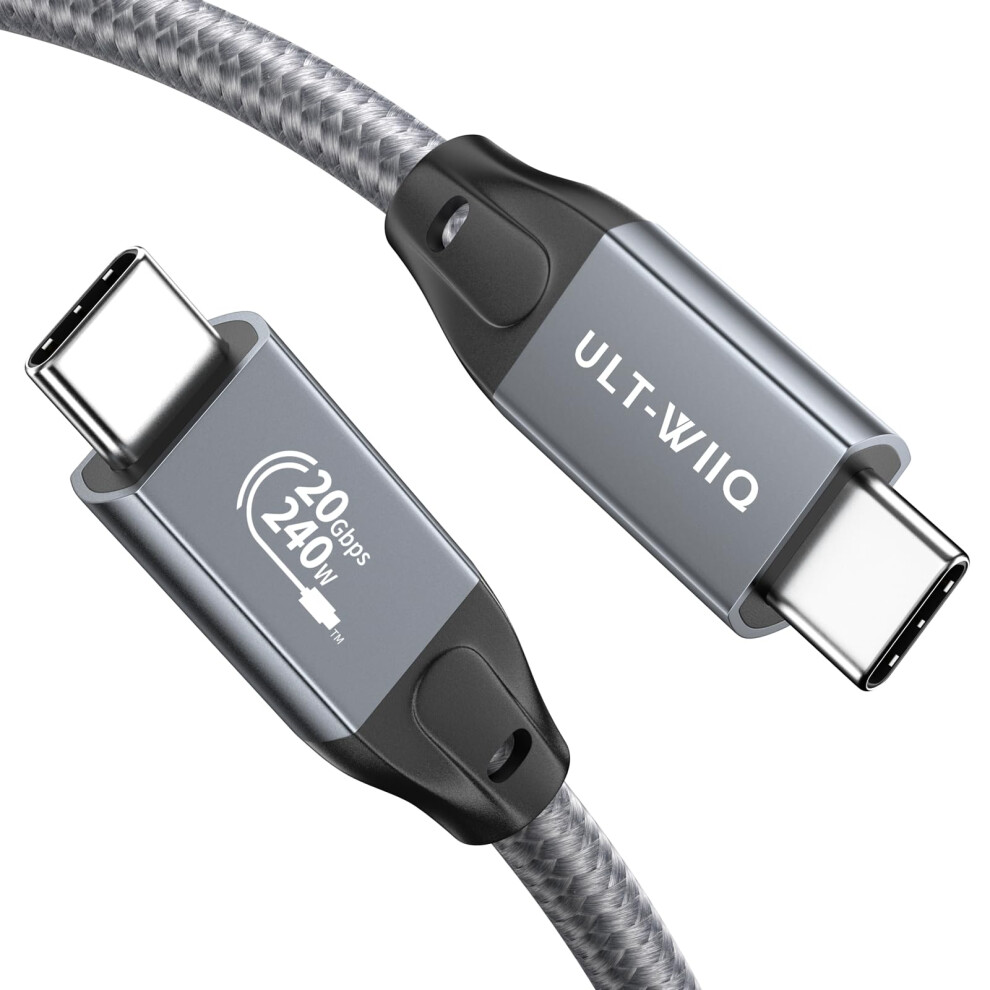
if you need laptop charging, choose a USB 3.1 Type-C lead with 5A delivery, not a USB 2.0 tier.
What's good
- Cables in this range span 0.25m to 5m, so you can pick a short lead for tidy internals or a long run for desk to TV.
- USB 3.1 Type-C tiers with 5A power delivery handle laptop charging and 10Gb/s transfers in one lead.
- Internal SATA 3.0 leads with latches (Cables sub-type) lock into drives, preventing accidental disconnects in a PC build.
- Electronics Accessories like bracket receptacles extend a motherboard header to a rear port, useful for older cases.
- Colour choices from black to pink let you match a visible cable to your setup without affecting performance.
Things to watch
- USB 2.0 leads cap at slower transfer speeds, a poor choice for large backups despite being a simpler tier.
- Passive 5m USB 3.0 leads may lose signal over distance, the tradeoff for a long desk to device run.
- Plastic or lead material cables bend stiffly and wear faster than nylon or silicone jacketed tiers.
- Picking an Electronics item instead of a Cables lead can leave you without the connector needed for a transfer.
- Micro B and A to B tiers are legacy formats, wrong if your devices are all modern USB-C.
Care & maintenance
Unplug safely
Grip the connector shell, not the cable lead, when unplugging to protect copper cores.
Latch care
Release the latch on SATA leads before pulling, or you risk damaging the drive socket.
Coil loosely
Keep nylon braided leads loosely coiled, tight kinks can break internal wires.
Clean contacts
Wipe gold or silver contacts with a dry cloth to stop dust hurting the connection.
Frequently Asked Questions
What should I look for when buying storage & data transfer cables?
When shopping for storage & data transfer cables, consider factors such as quality, price, brand reputation, and customer reviews. Compare prices across multiple retailers to ensure you're getting the best deal. Look for products that match your specific needs and budget.
How do I choose the right storage & data transfer cables?
Choosing the right storage & data transfer cables depends on your individual needs, budget, and preferences. Research different options, read customer reviews, and compare specifications. Consider what features are most important to you and look for products that offer the best value for money.
Where can I find the best deals on storage & data transfer cables?
You can find the best deals on storage & data transfer cables by comparing prices across multiple retailers. Our price comparison tool helps you find the lowest prices from trusted UK retailers including Amazon, eBay, and other major online stores. Check regularly as prices and deals change frequently.
Are storage & data transfer cables products worth the investment?
The value of storage & data transfer cables products depends on your specific needs and how you plan to use them. Quality products from reputable brands often provide better long-term value, even if they cost more initially. Consider your budget and requirements when making your decision.
What's the difference between different types of storage & data transfer cables?
Different types of storage & data transfer cables vary in features, quality, price, and intended use. Some may offer premium features while others focus on affordability. Research the specific differences between models or brands to find the option that best suits your needs and budget.