Hard Drive Accessories
How to choose hard drive accessories
Mount vs enclose
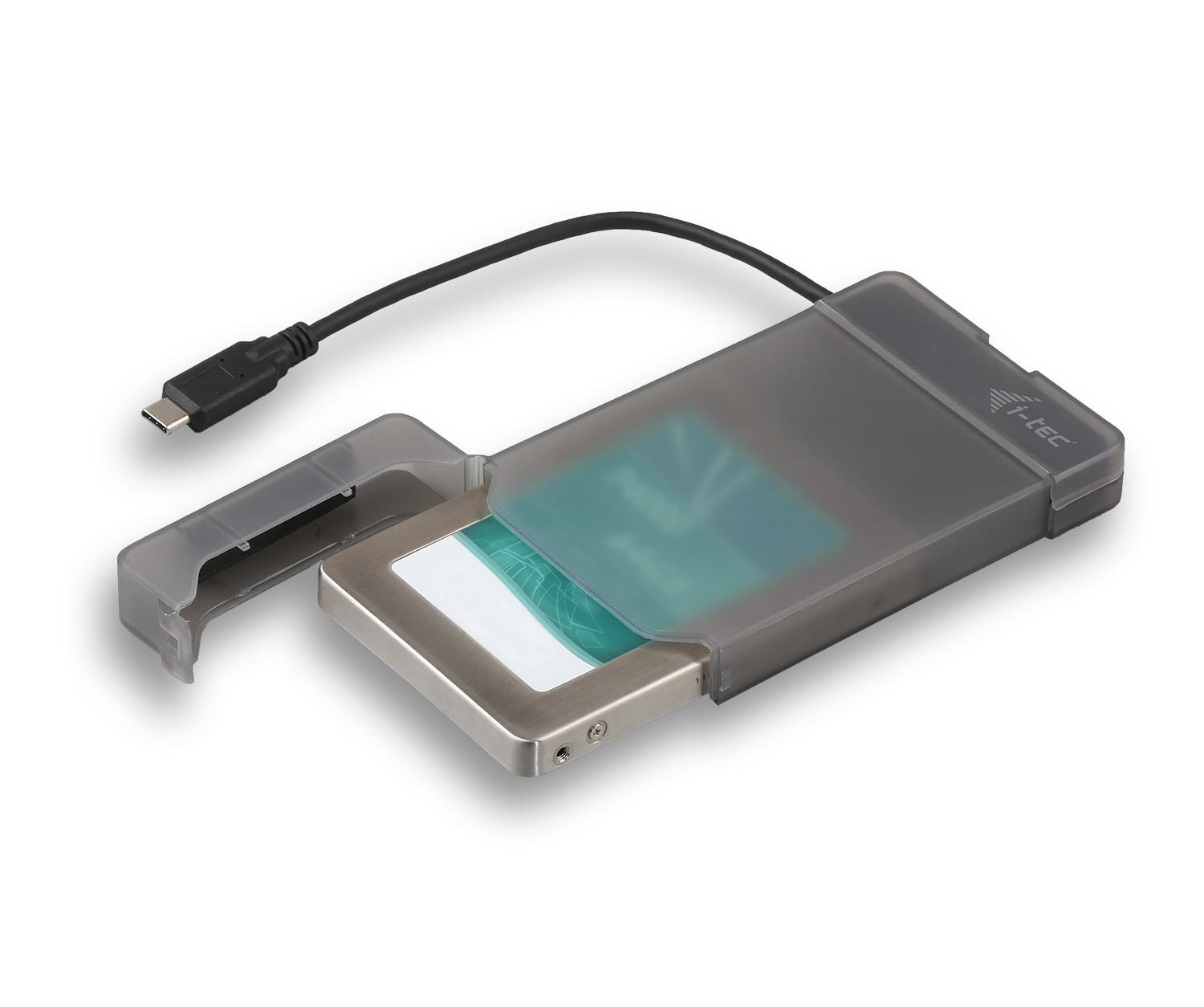
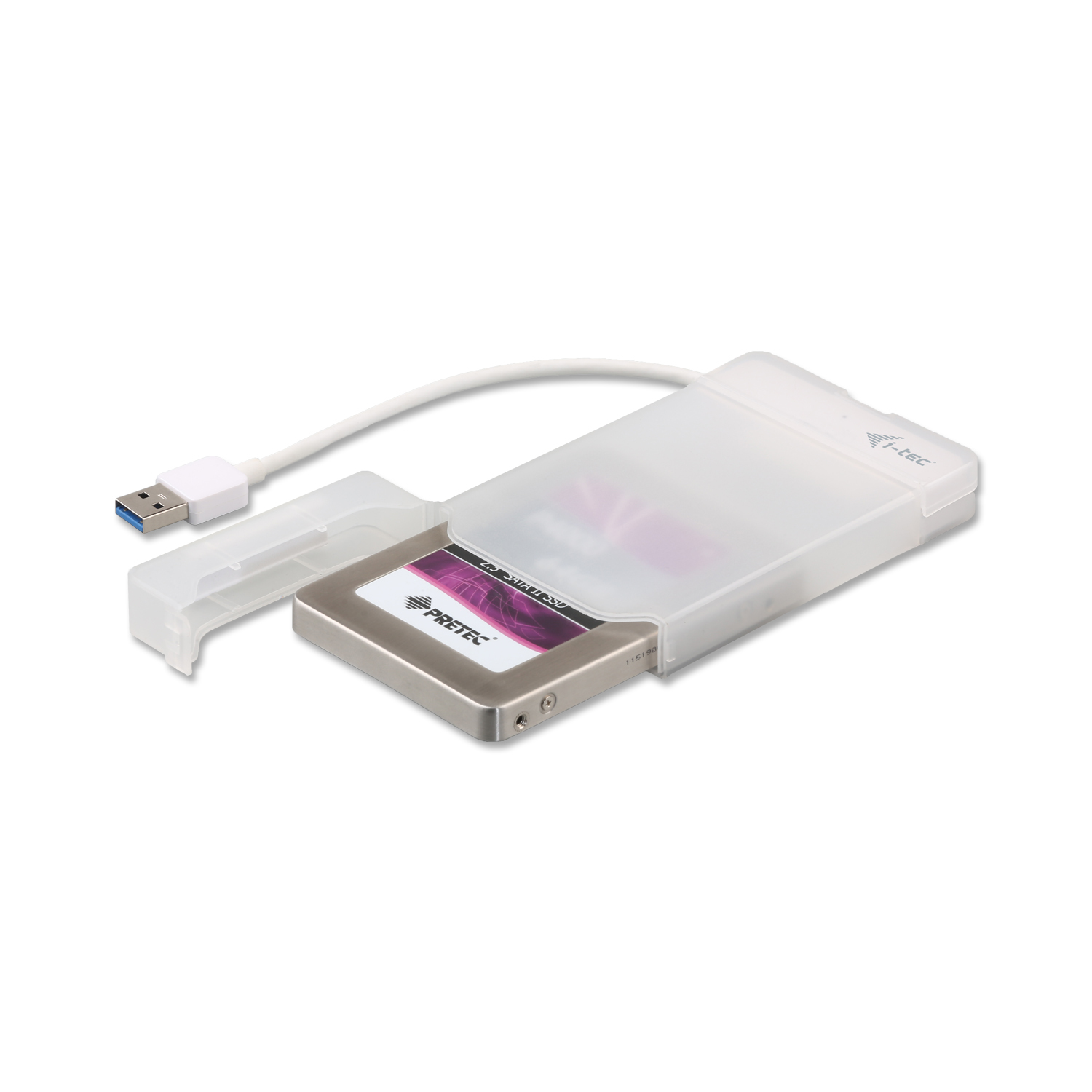
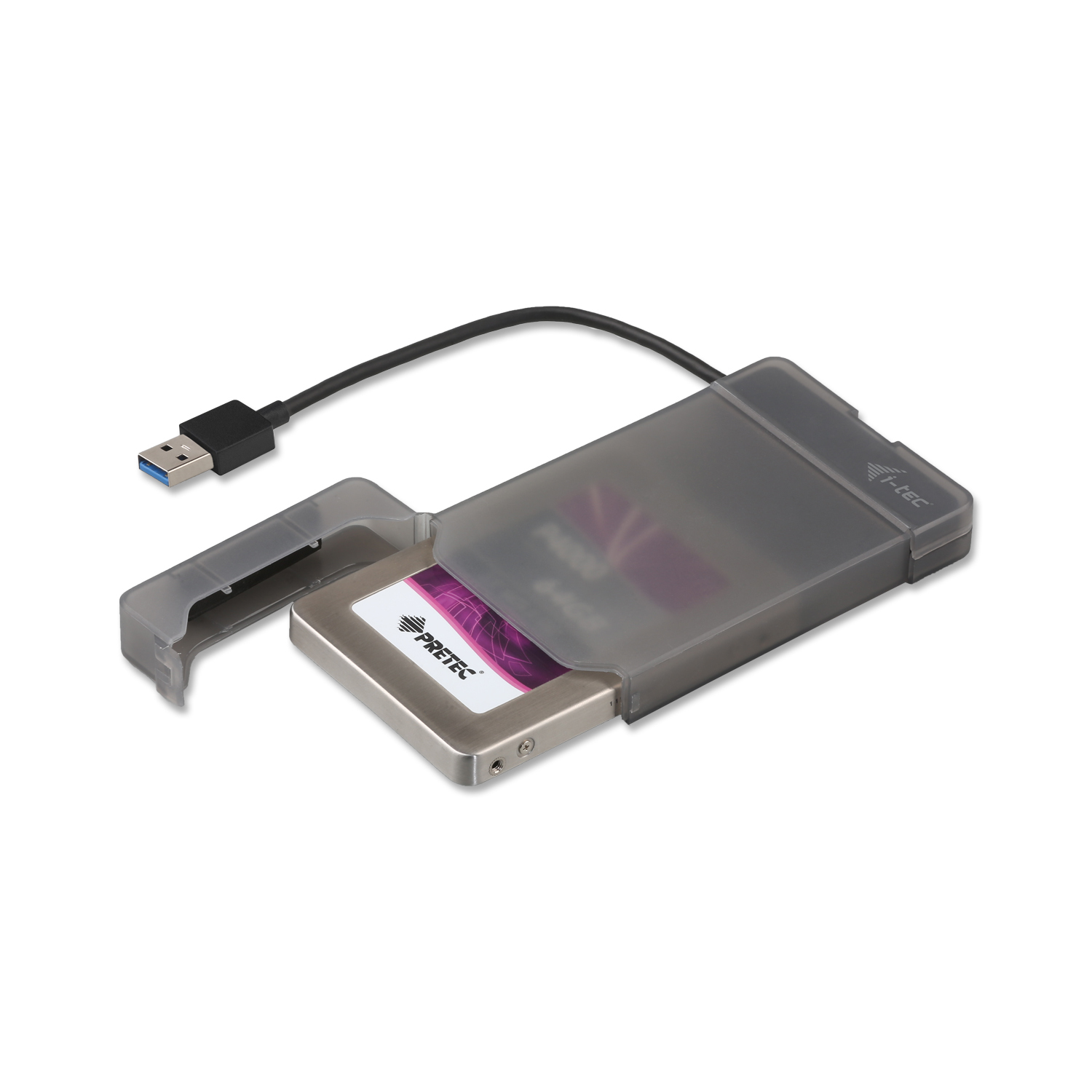
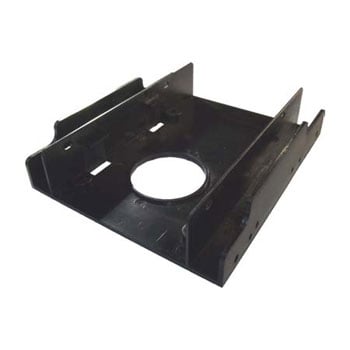
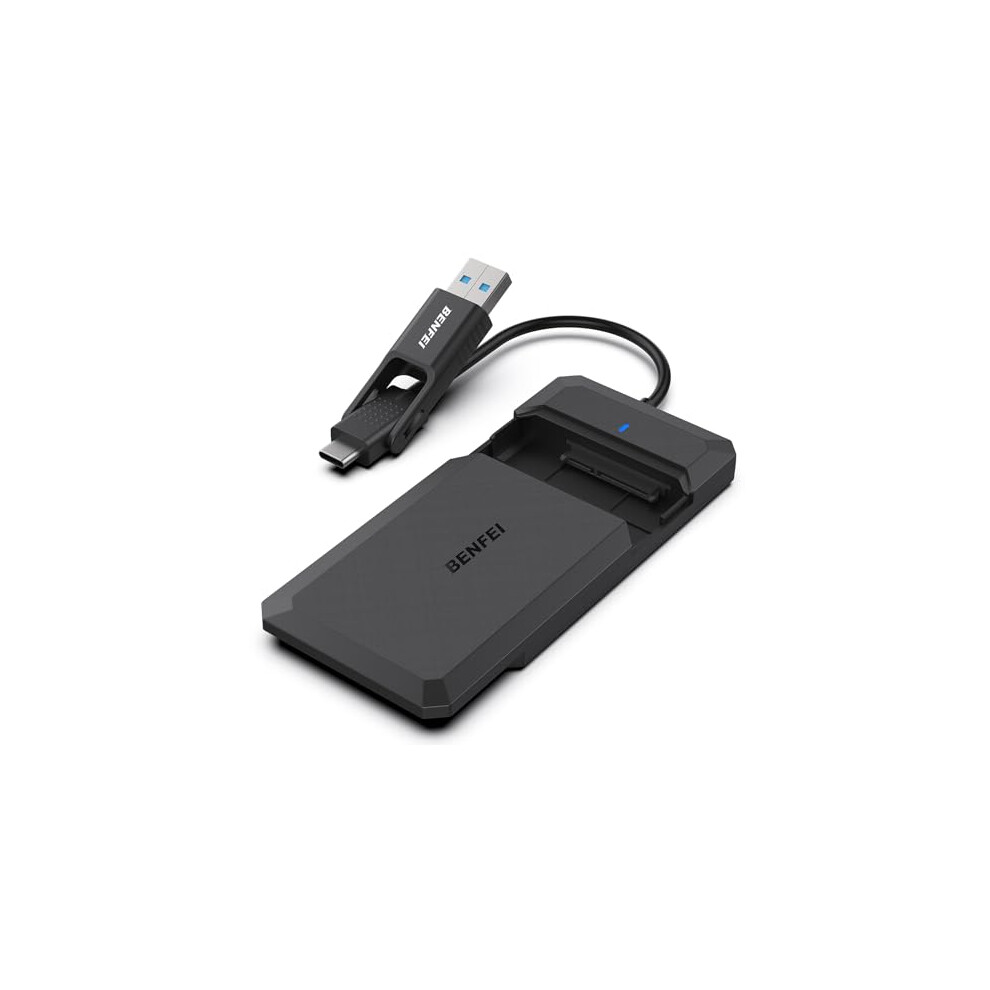
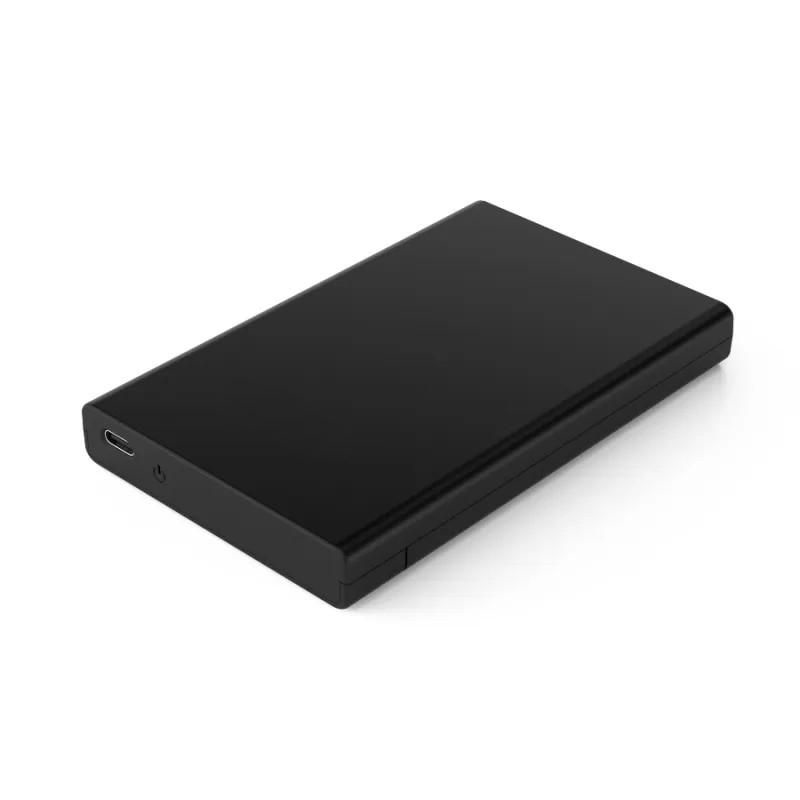
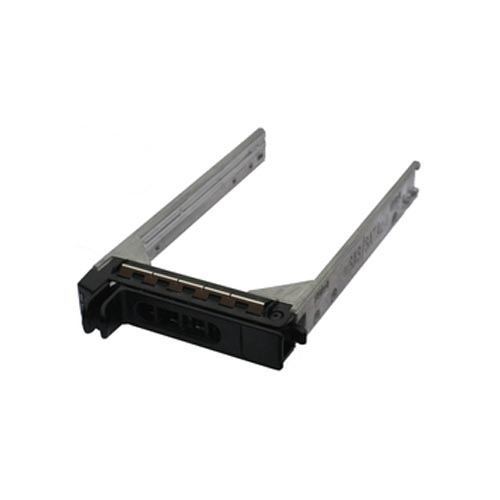
Choose a bracket (Computer Components) if the drive just needs mounting, or an enclosure (Storage Devices) if it must be protected from bumps.
Match the colour
Colour options like silver/black suit office PCs, while red/black fits a gaming case.
Active or passive
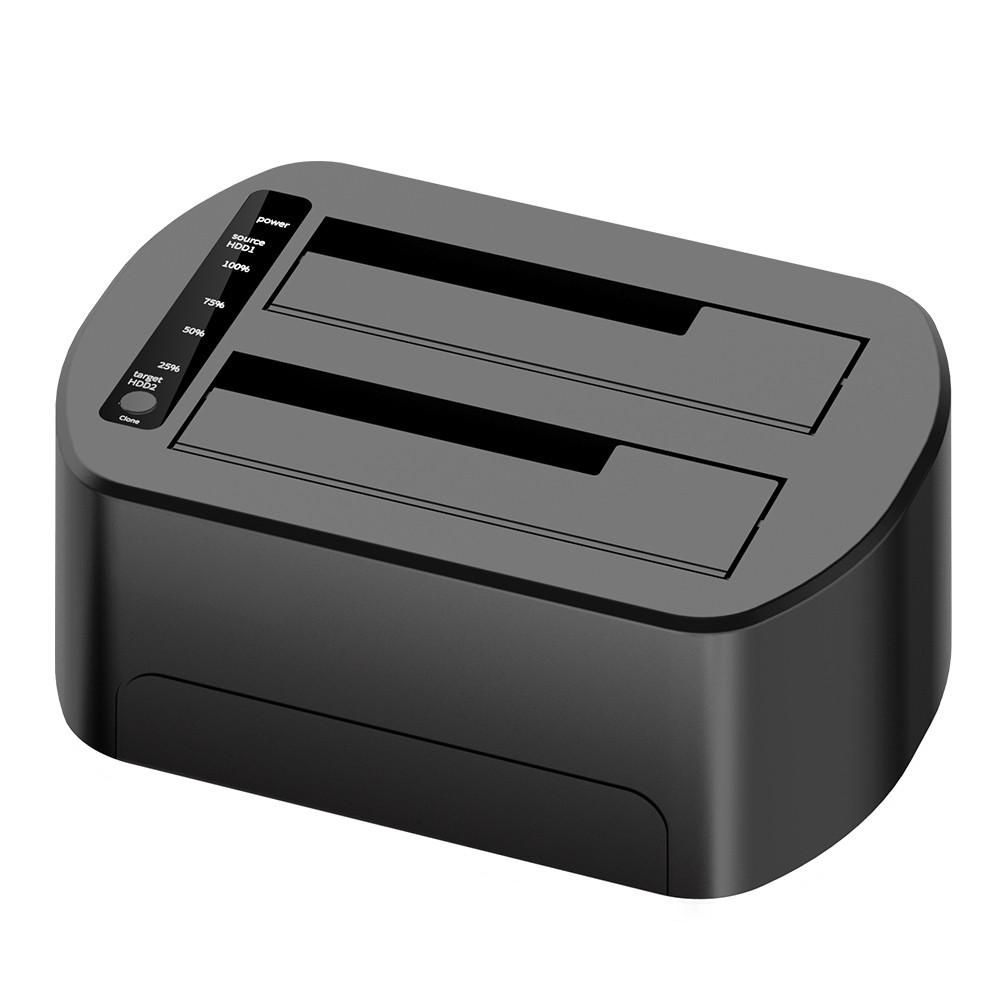
Active docks (Electronics Accessories) suit drive clones and backups, but a passive caddy is enough for an internal upgrade.
Check drive size
Confirm drive size first, as some caddies target 2.5 inch only, others take 3.5 inch.
What's good
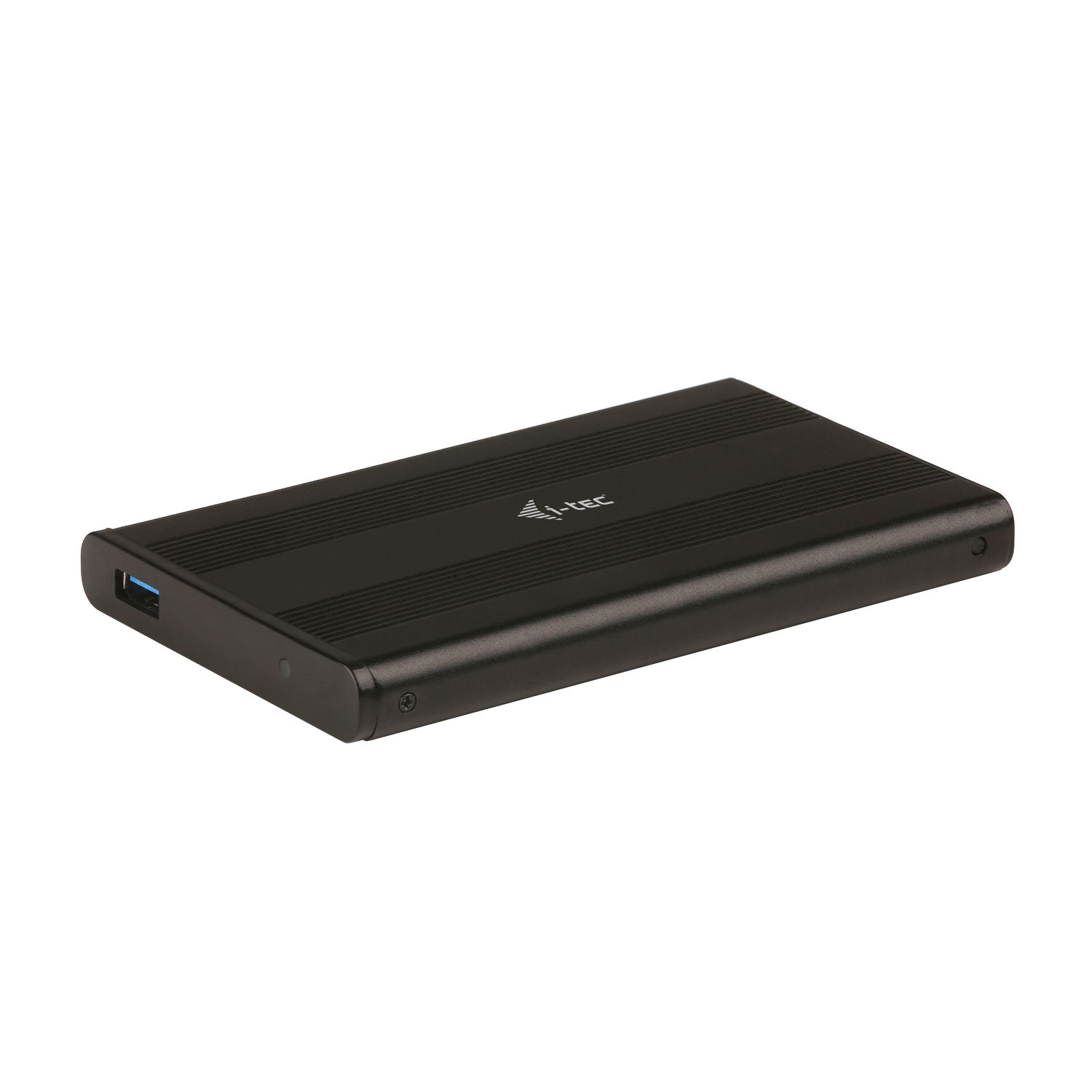
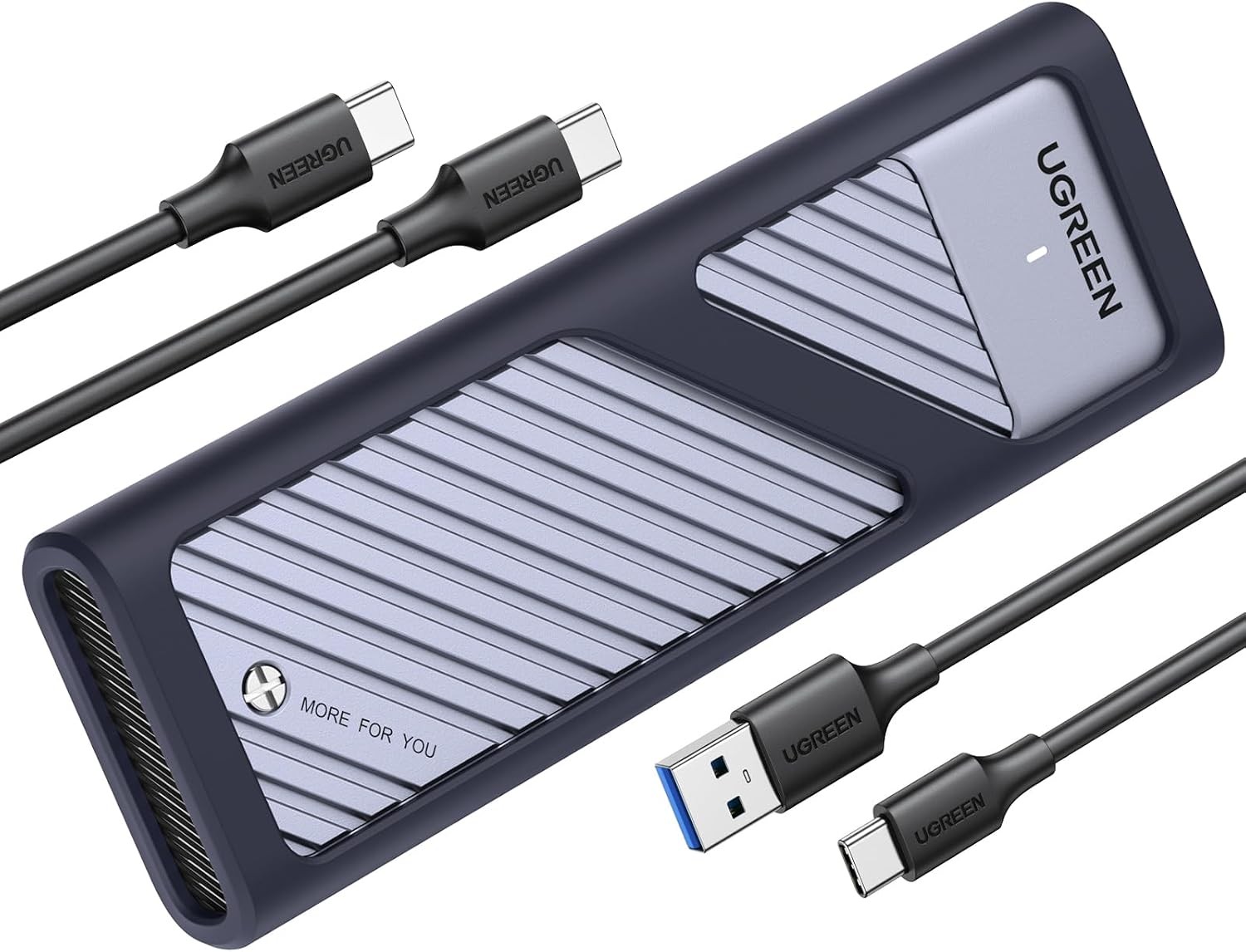
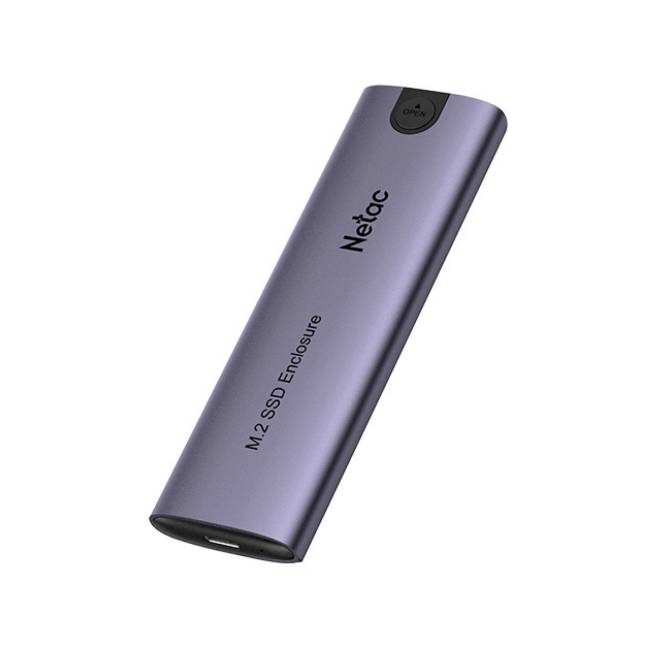
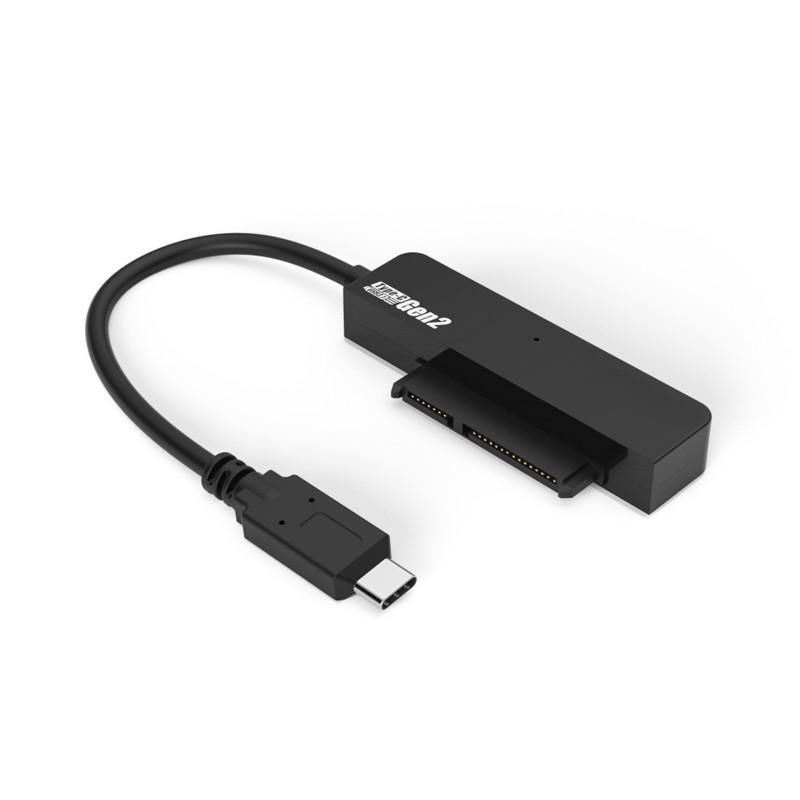
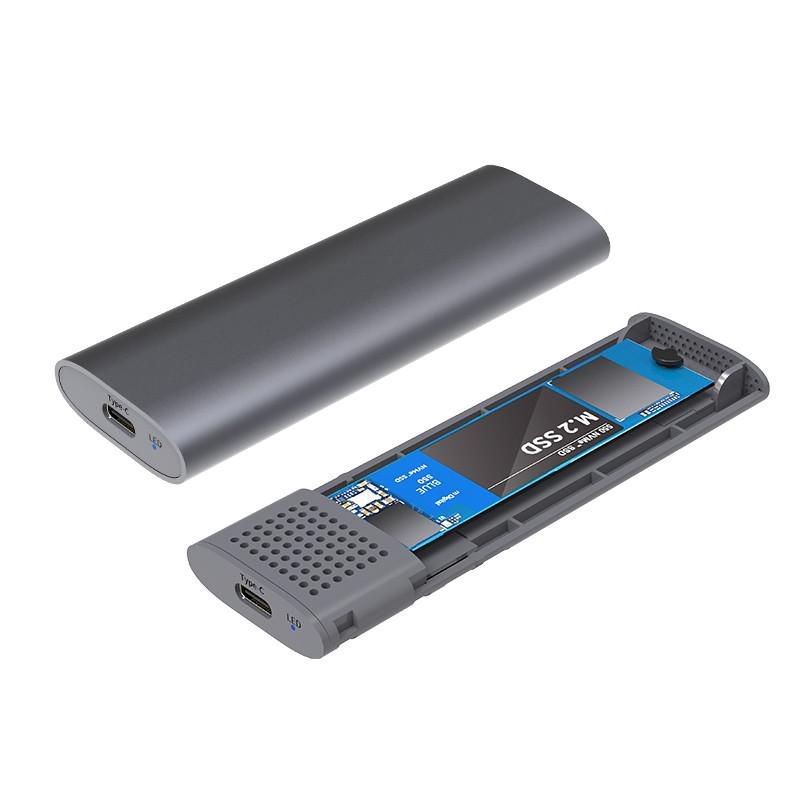
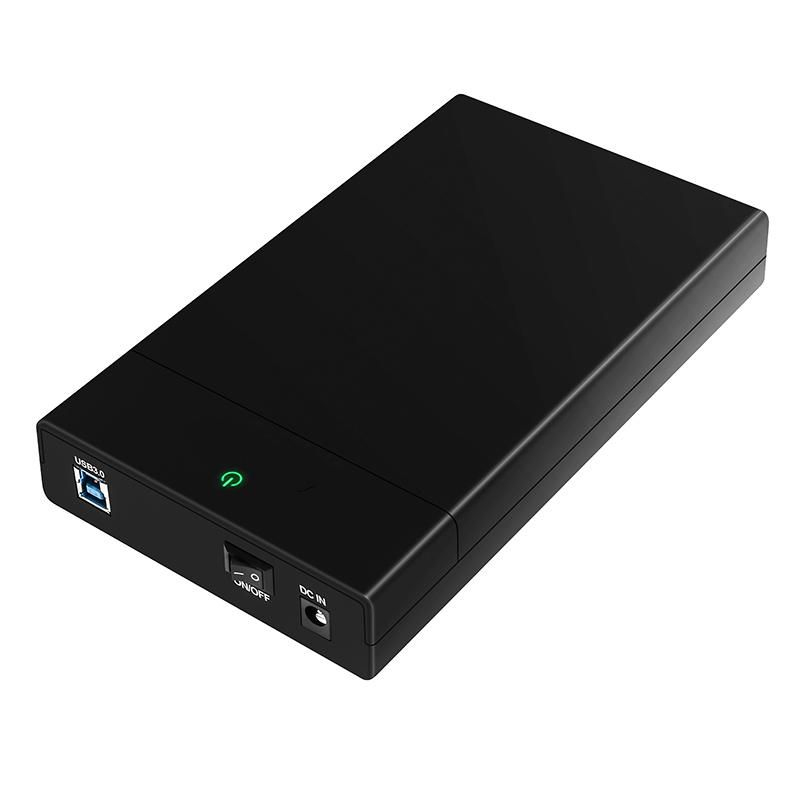
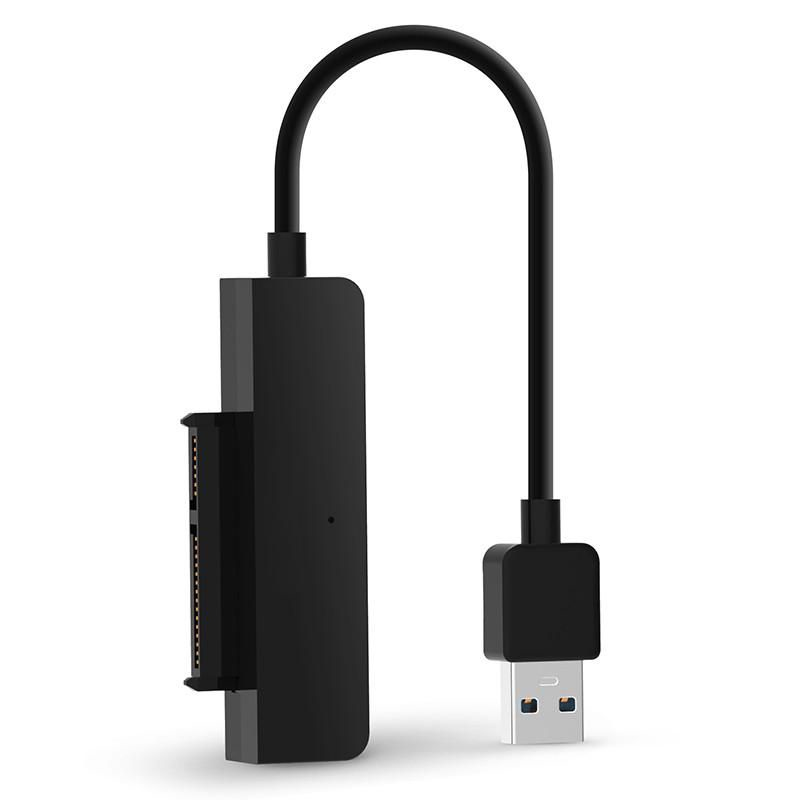
- Enclosures in the Storage Devices sub-type turn an idle M.2 or SATA drive into a working external disk.
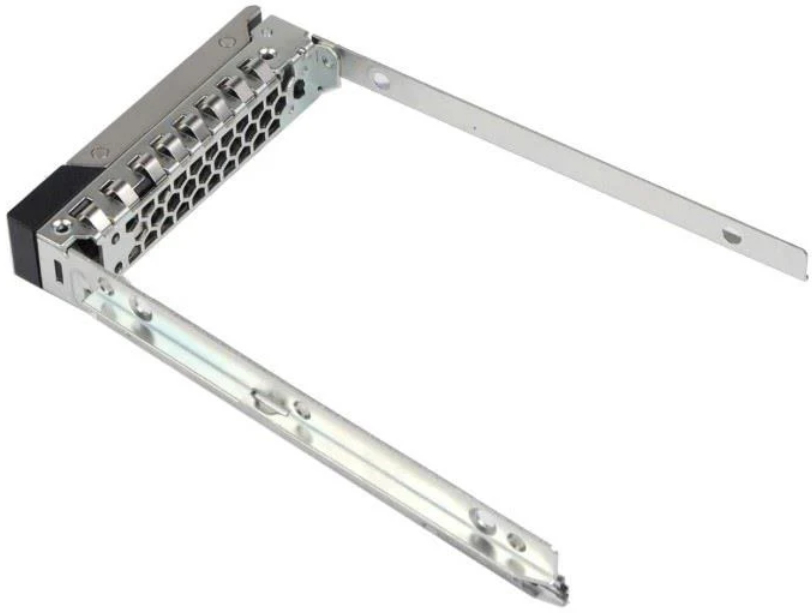
- Caddies from Computer Components let you slot a 2.5 inch SSD into a 3.5 inch bay, extending an existing PC.
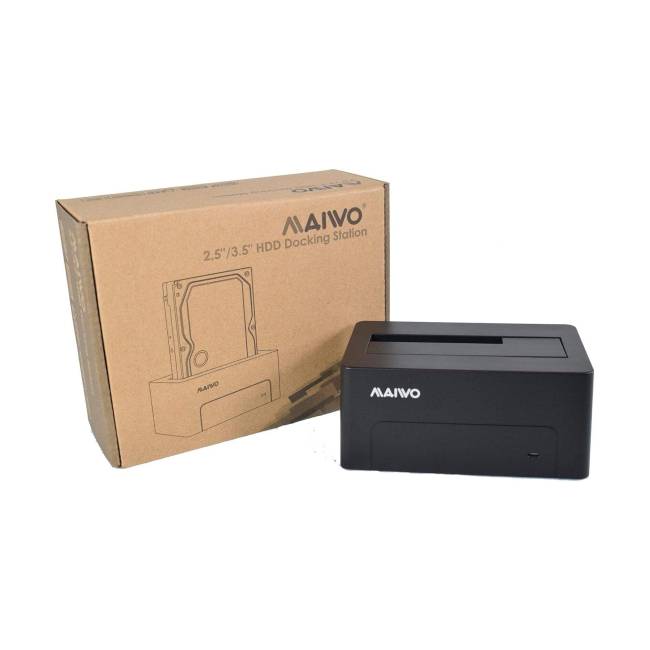
- Docking stations under Electronics Accessories often support clone mode, copying drives without a host PC.
- Metal or aluminium builds, seen across the range, pull heat away from busy SSDs better than plastic.
Things to watch
- Docking stations from the Electronics Accessories sub-type are bulky and need a power lead, unlike a slim enclosure.
- A bare bracket in Computer Components leaves the drive exposed to dust and accidental knocks.
- Plastic/metal hybrid builds can flex if screws are overtightened during fitting.
- Fur or acrylic finishes, listed in the material axis, look odd on a drive cage and trap heat near the electronics.
Care & maintenance
Keep metal clean
Wipe aluminium enclosures with a dry cloth to stop tarnish building on the metal.
Clear the vents
Keep docking station vents free of fluff so the fan or passive fins can breathe.
Retighten screws
Recheck caddy screws after the first week of use to catch any loosening from vibration.
Dry storage
Store spare brackets in a dry box to avoid rust on steel or copper parts.
Frequently Asked Questions
What should I look for when buying hard drive accessories?
When shopping for hard drive accessories, consider factors such as quality, price, brand reputation, and customer reviews. Compare prices across multiple retailers to ensure you're getting the best deal. Look for products that match your specific needs and budget.
How do I choose the right hard drive accessories?
Choosing the right hard drive accessories depends on your individual needs, budget, and preferences. Research different options, read customer reviews, and compare specifications. Consider what features are most important to you and look for products that offer the best value for money.
Where can I find the best deals on hard drive accessories?
You can find the best deals on hard drive accessories by comparing prices across multiple retailers. Our price comparison tool helps you find the lowest prices from trusted UK retailers including Amazon, eBay, and other major online stores. Check regularly as prices and deals change frequently.
Are hard drive accessories products worth the investment?
The value of hard drive accessories products depends on your specific needs and how you plan to use them. Quality products from reputable brands often provide better long-term value, even if they cost more initially. Consider your budget and requirements when making your decision.
What's the difference between different types of hard drive accessories?
Different types of hard drive accessories vary in features, quality, price, and intended use. Some may offer premium features while others focus on affordability. Research the specific differences between models or brands to find the option that best suits your needs and budget.