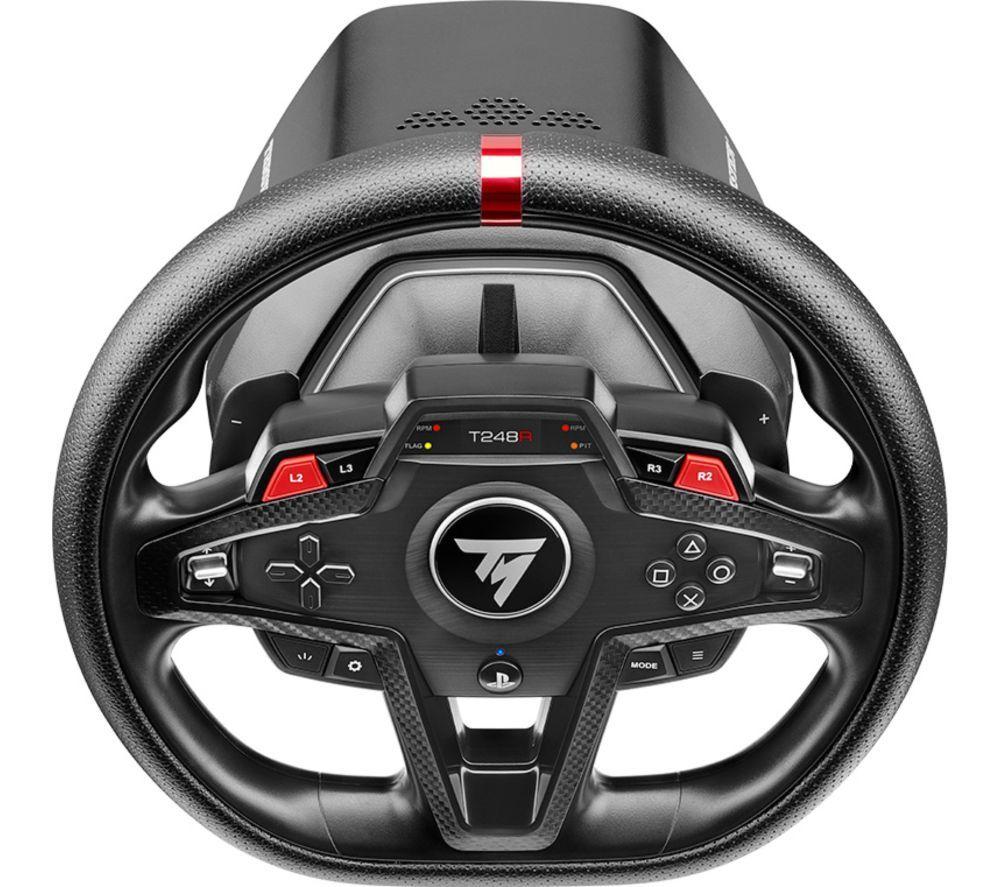
Input Devices
How to choose input devices
Power type
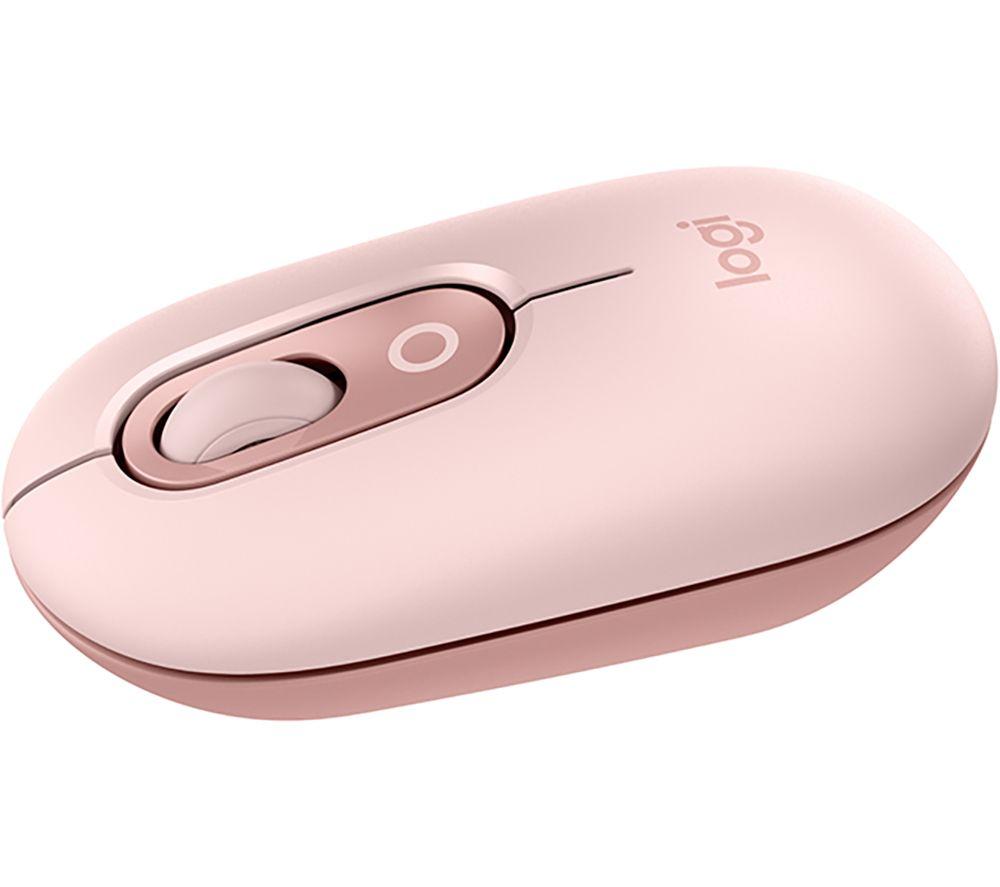
Decide between a corded Computer Component and a cordless Mouse based on battery chores. Some users hate charging.
Colour
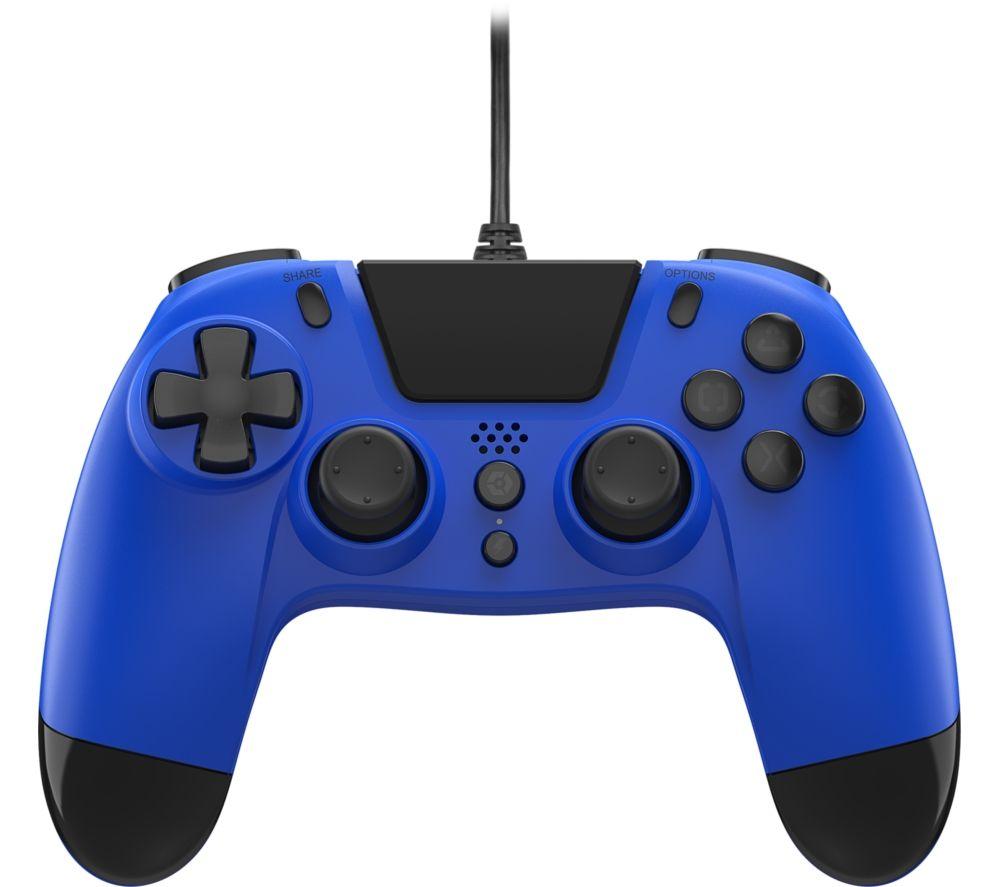
Pick a colour. Black, grey or silver disappears into an office, while blue or red marks the gear as yours.
Material
Material choice splits the category. Plastic keeps weight low, aluminium and metal raise heft but feel cooler to touch.
Setup reach
Check if you need Electronics Accessories like extenders, or just a single direct input device for one PC.
Form factor
Trackball vs standard mouse depends on desk space. A trackball stays put, a mouse needs room to glide.
What's good
- Cordless mice and trackballs (Mice & Trackballs) remove cable clutter. They let you work from a sofa or across a room.
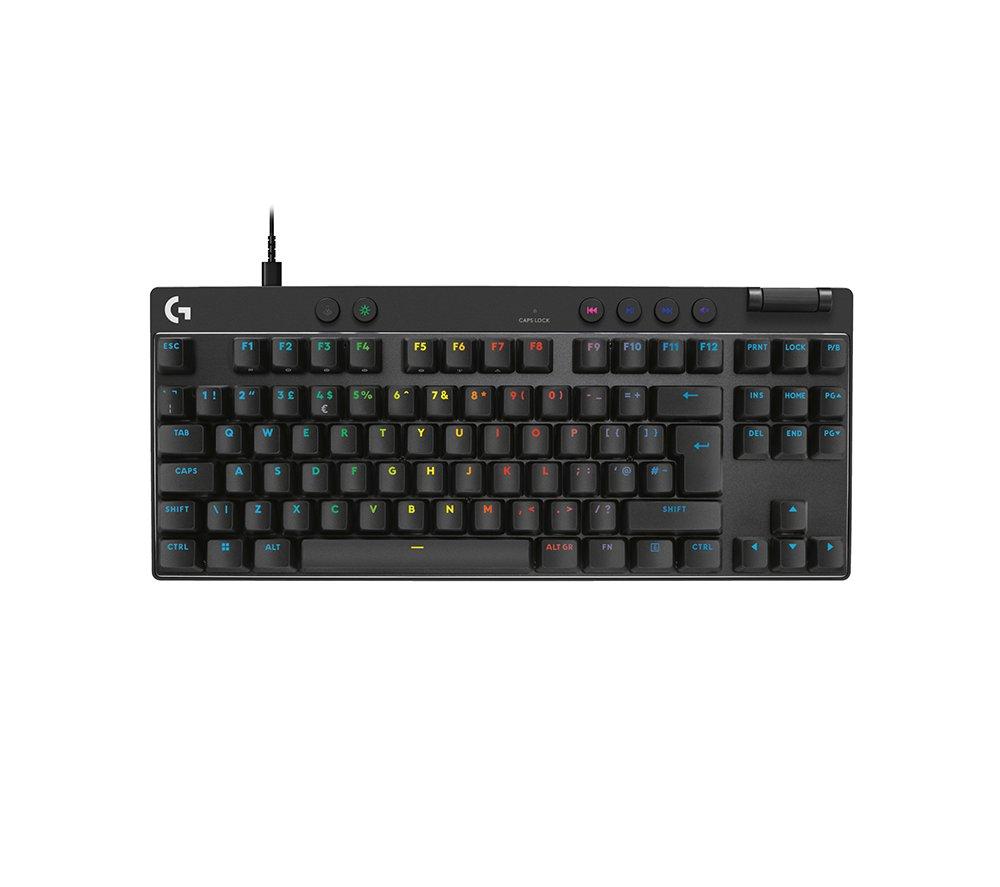
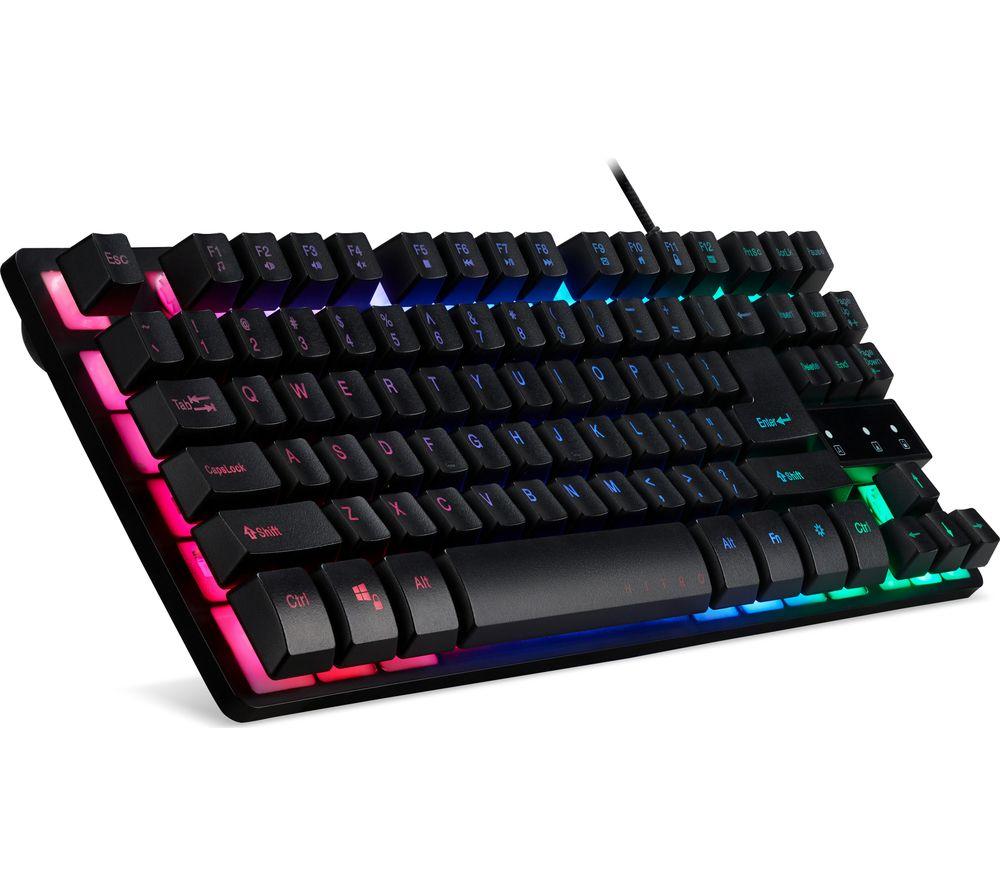
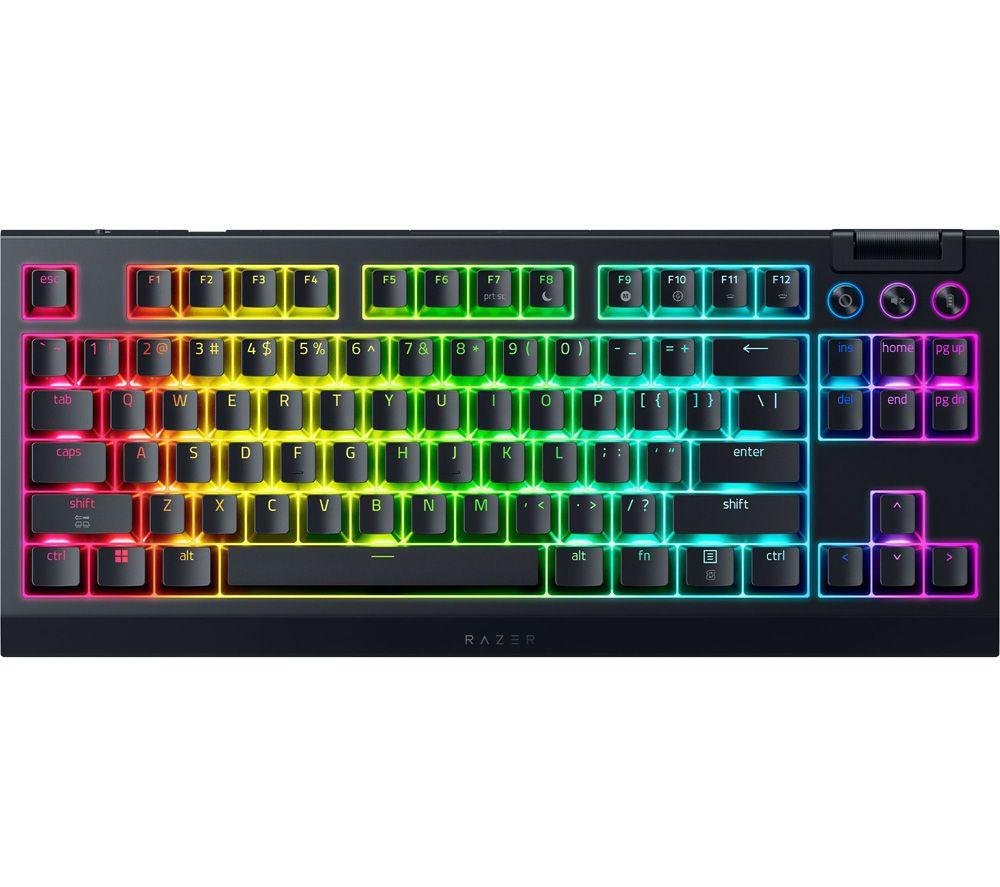
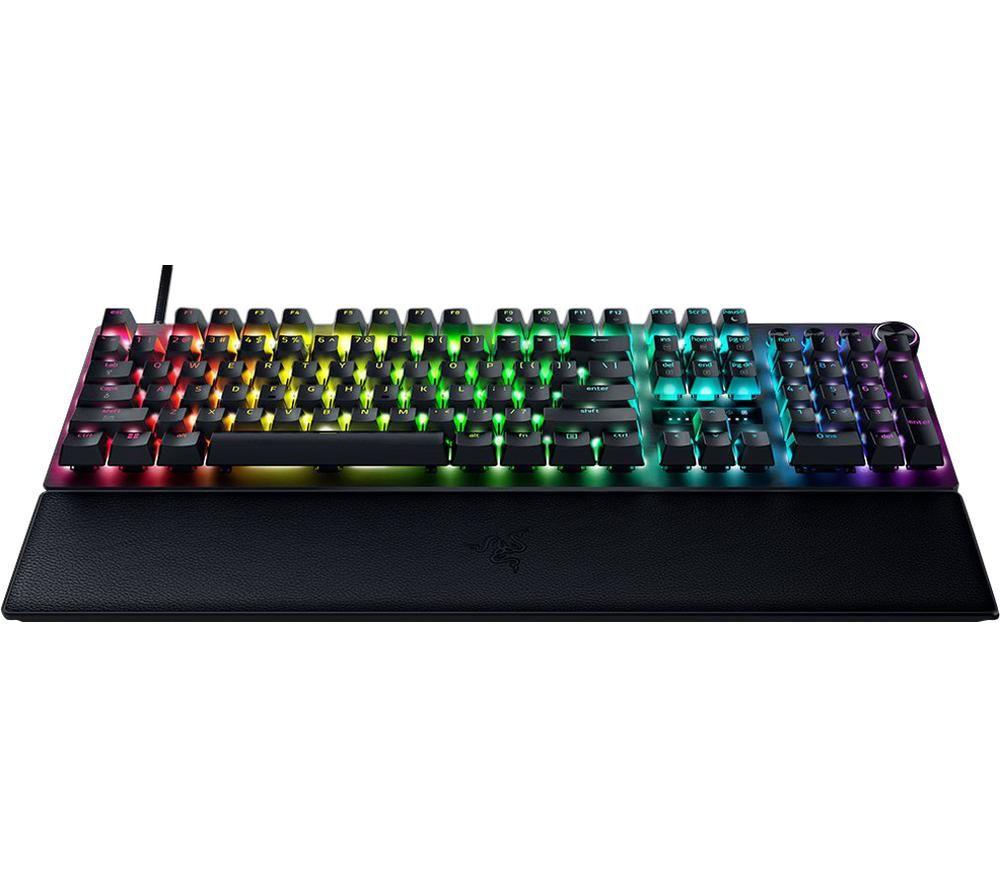
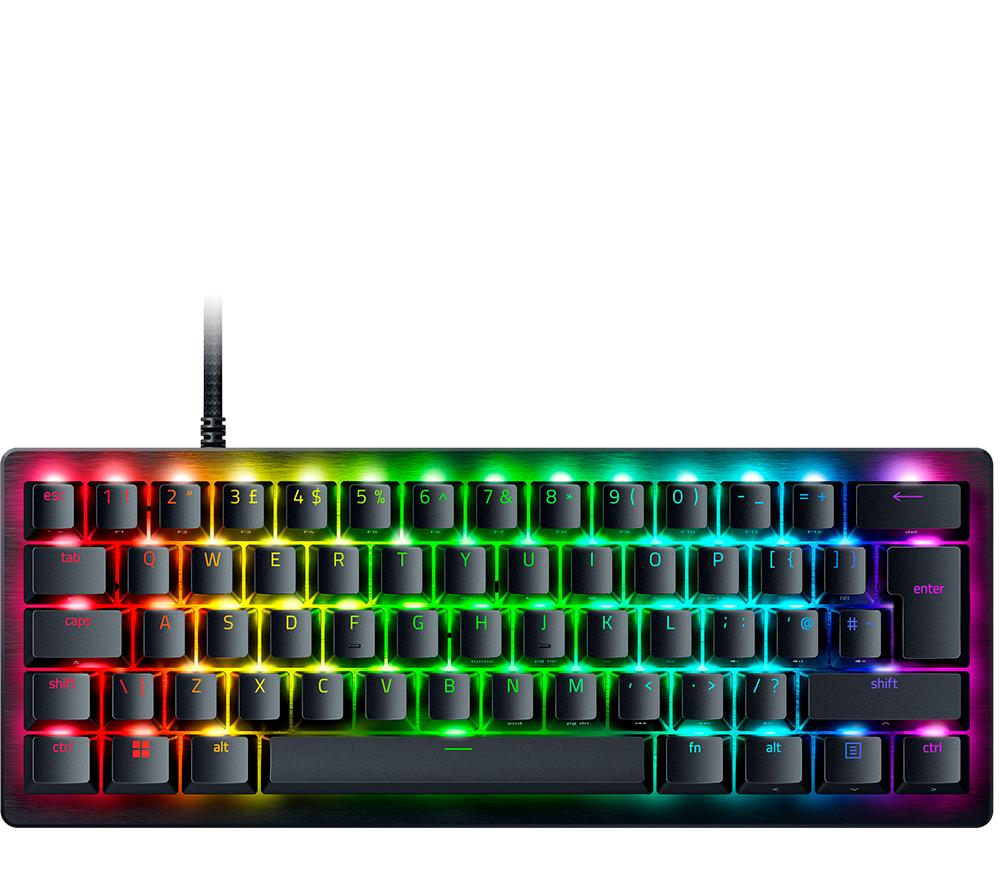
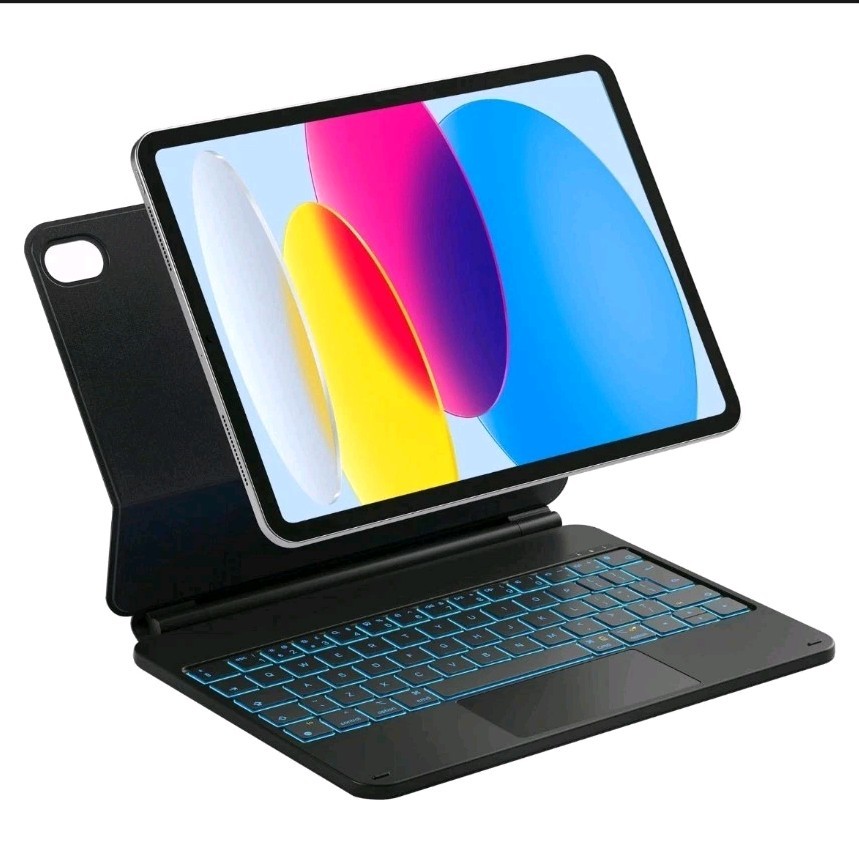
- Computer Components like USB keyboards with a built-in touchpad shrink your peripheral count. Good for a small desk.
- Electronics Accessories such as KVM extenders let one mouse and keyboard drive several separated machines. That saves desk swaps.
- Input devices in silicone or rubber grips give a secure hold for long sessions. Trackballs benefit most.
Things to watch
- Cordless input devices need charging or battery swaps, while corded Computer Components just plug in and run.
- Trackballs suit precision but feel odd to anyone raised on moving a whole mouse across a mat.
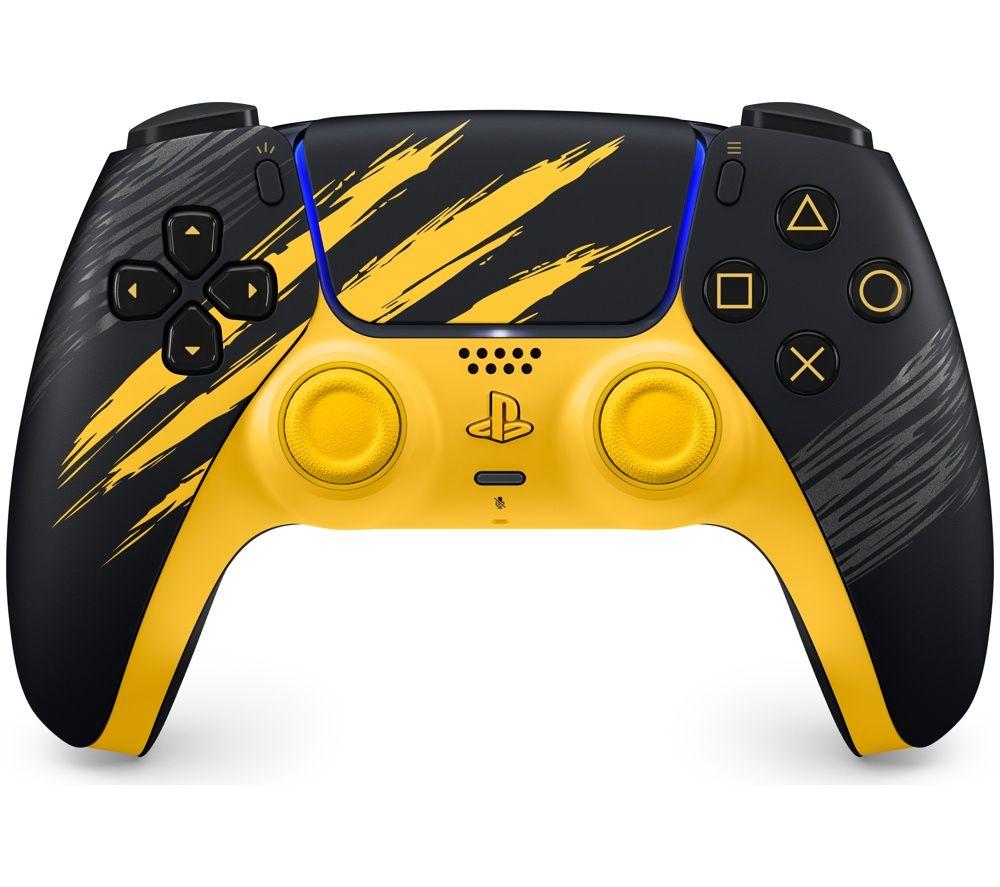
- Bright colour options (pink, purple, yellow) lift your mood, yet they look out of place in a strict corporate setting.
- Metal or aluminium builds read as solid but add weight compared with plastic Electronics Accessories.
Care & maintenance
Surface wipe
Wipe plastic or rubber mouse shells with a lightly damp cloth. This stops sweat build-up.
Trackball care
Roll the trackball out and clear lint from its socket every few weeks.
Spill defence
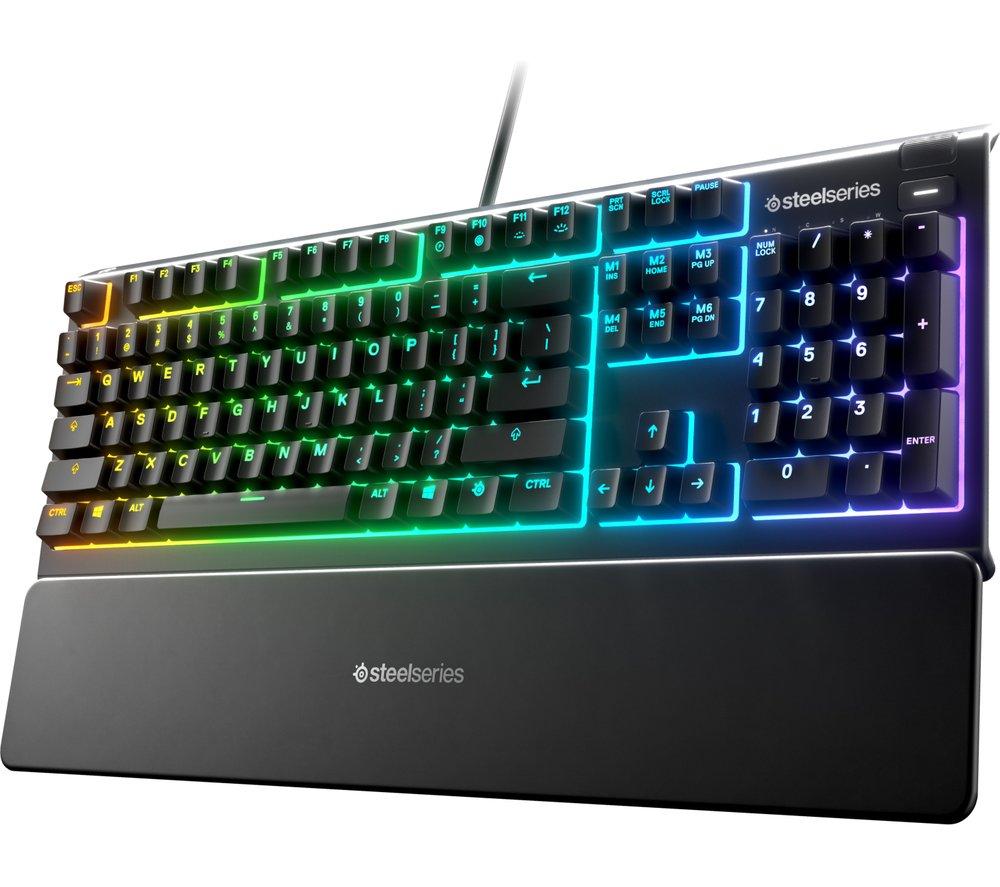
Keep corded keyboards dry. Spillage on paper or acrylic parts can warp them.
Battery rest
Remove batteries from wireless Mice & Trackballs if unused for a month.
Frequently Asked Questions
What should I look for when buying input devices?
When shopping for input devices, consider factors such as quality, price, brand reputation, and customer reviews. Compare prices across multiple retailers to ensure you're getting the best deal. Look for products that match your specific needs and budget.
How do I choose the right input devices?
Choosing the right input devices depends on your individual needs, budget, and preferences. Research different options, read customer reviews, and compare specifications. Consider what features are most important to you and look for products that offer the best value for money.
Where can I find the best deals on input devices?
You can find the best deals on input devices by comparing prices across multiple retailers. Our price comparison tool helps you find the lowest prices from trusted UK retailers including Amazon, eBay, and other major online stores. Check regularly as prices and deals change frequently.
Are input devices products worth the investment?
The value of input devices products depends on your specific needs and how you plan to use them. Quality products from reputable brands often provide better long-term value, even if they cost more initially. Consider your budget and requirements when making your decision.
What's the difference between different types of input devices?
Different types of input devices vary in features, quality, price, and intended use. Some may offer premium features while others focus on affordability. Research the specific differences between models or brands to find the option that best suits your needs and budget.