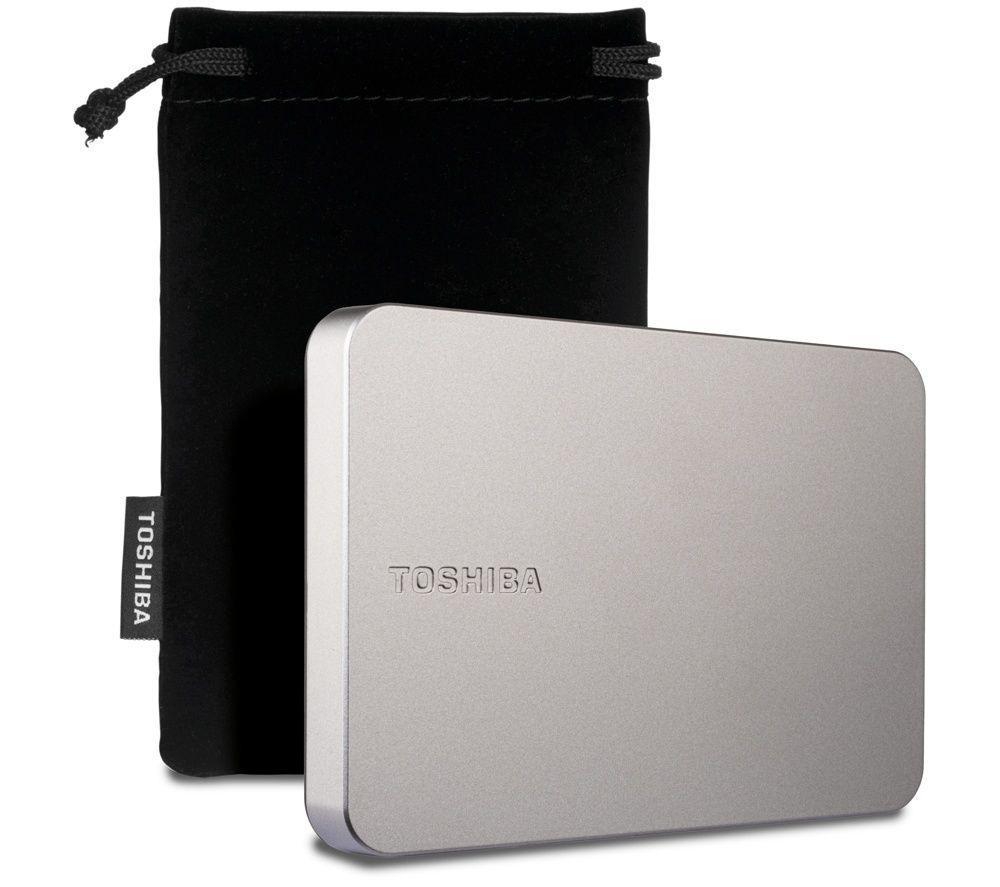
Storage Devices
How to choose storage devices
Form factor matters.
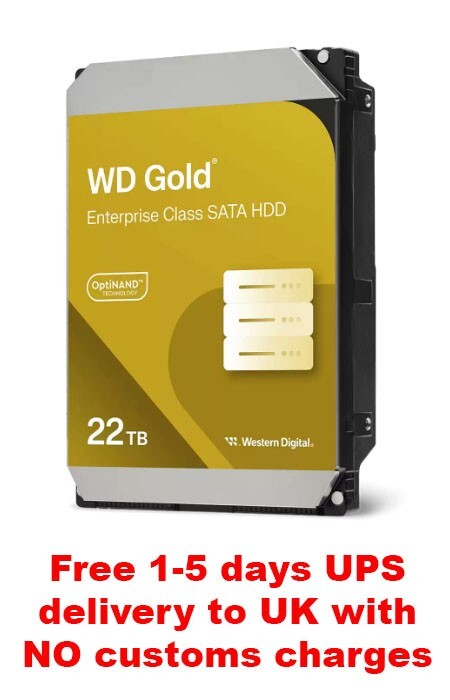
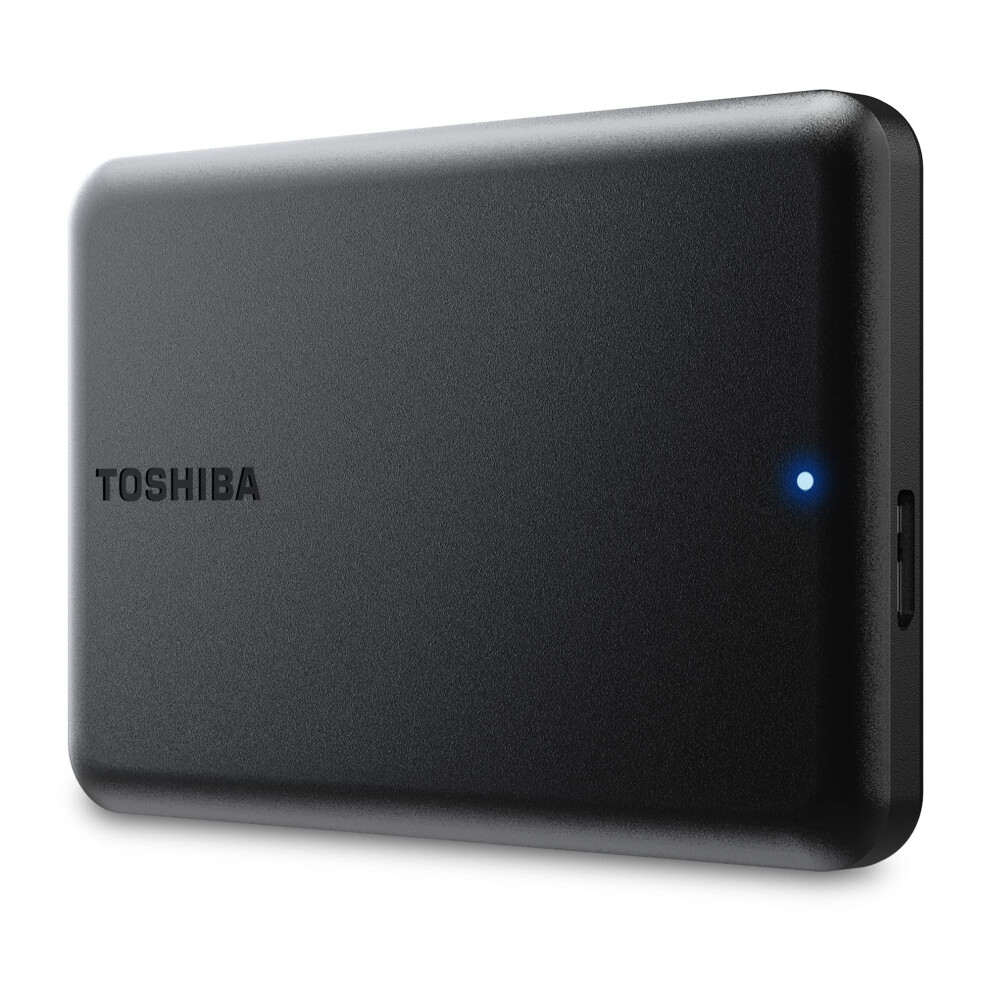
A 2.5" External Hard Drive runs off one USB lead, while a 3.5" internal drive needs a PC bay and mains power.
Material changes the feel.
Plastic stays light on a commute, but metal or stainless steel survives a fall on the platform.
Colour is more than style.
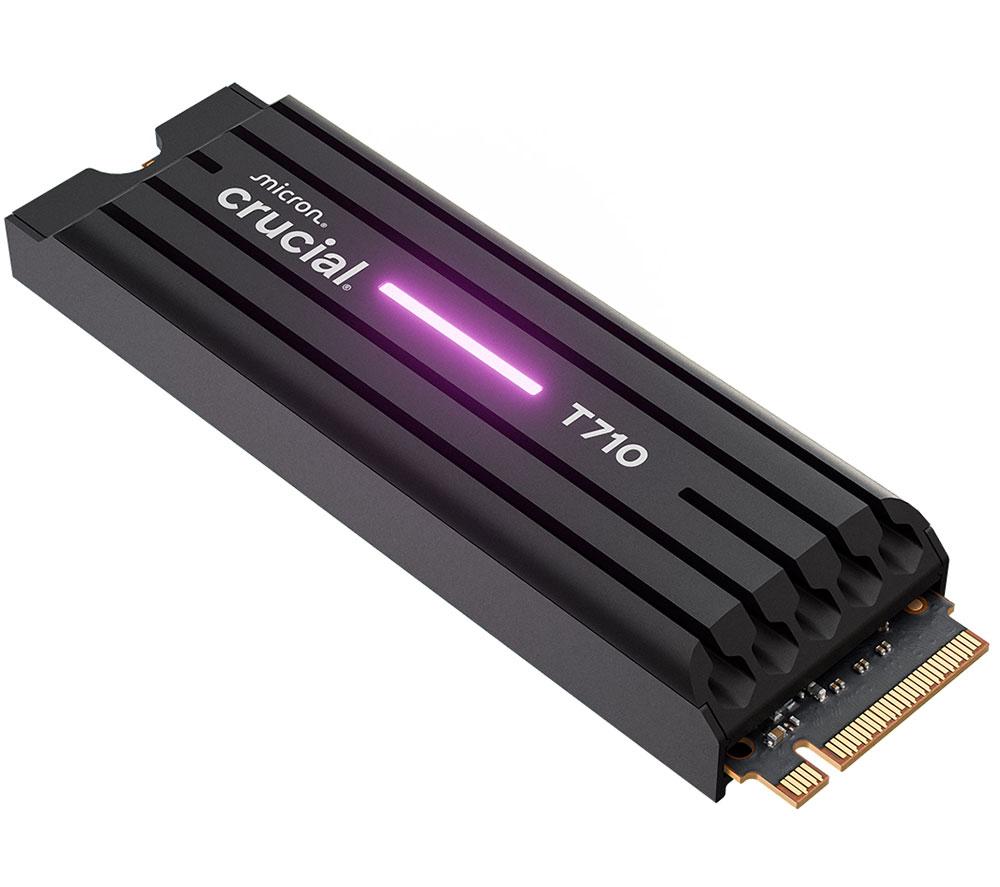
Black or grey hides in an office, while a purple or green Electronics Accessory is easier to spot on a desk.
Condition splits buyers.
New sealed kit pleases those wanting pristine gear, yet certified refurbished drives suit eco-minded users.
Task defines the pick.
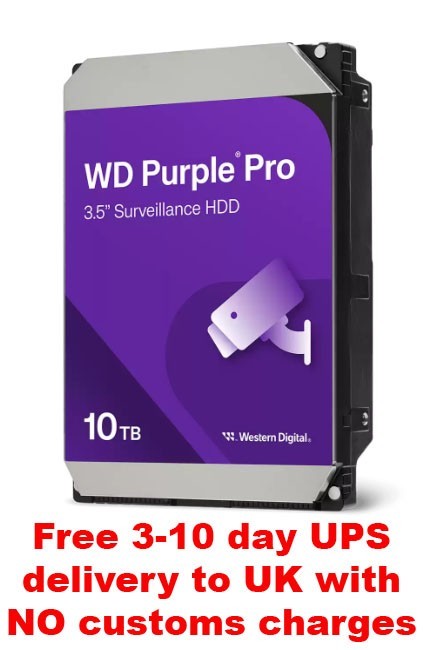
A USB flash multipack shares files across colleagues, whereas a surveillance grade Hard Drive suits constant recording.
What's good
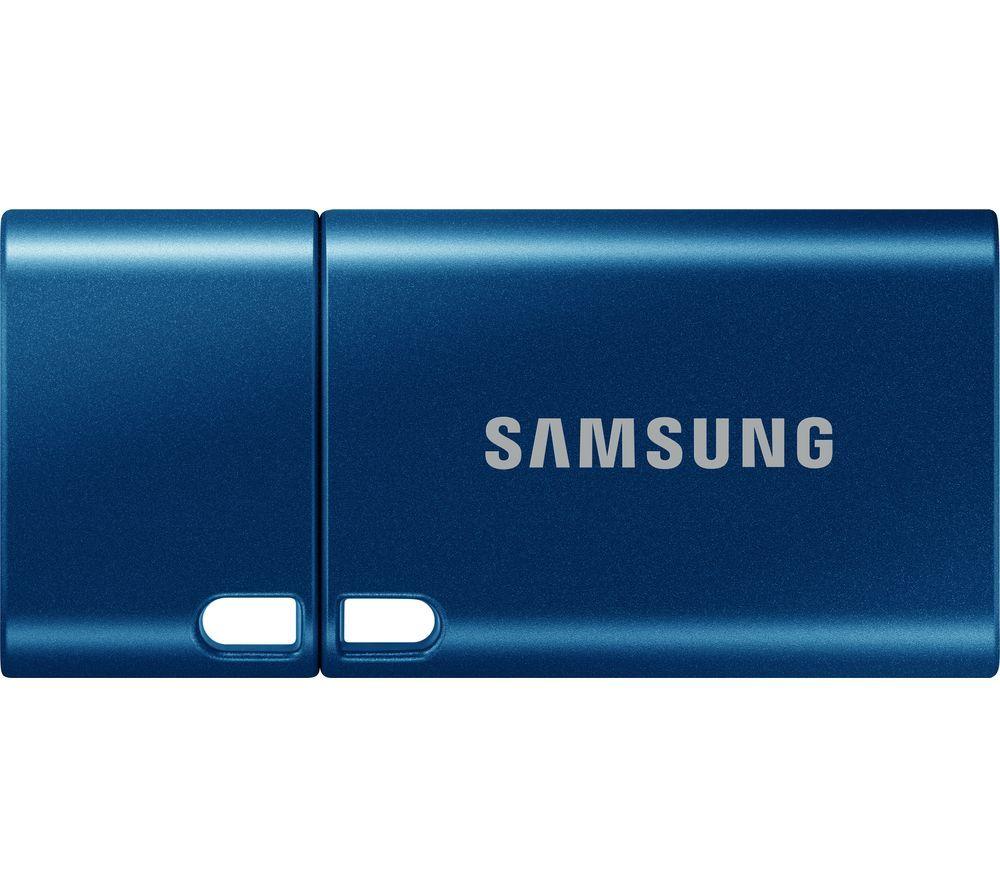
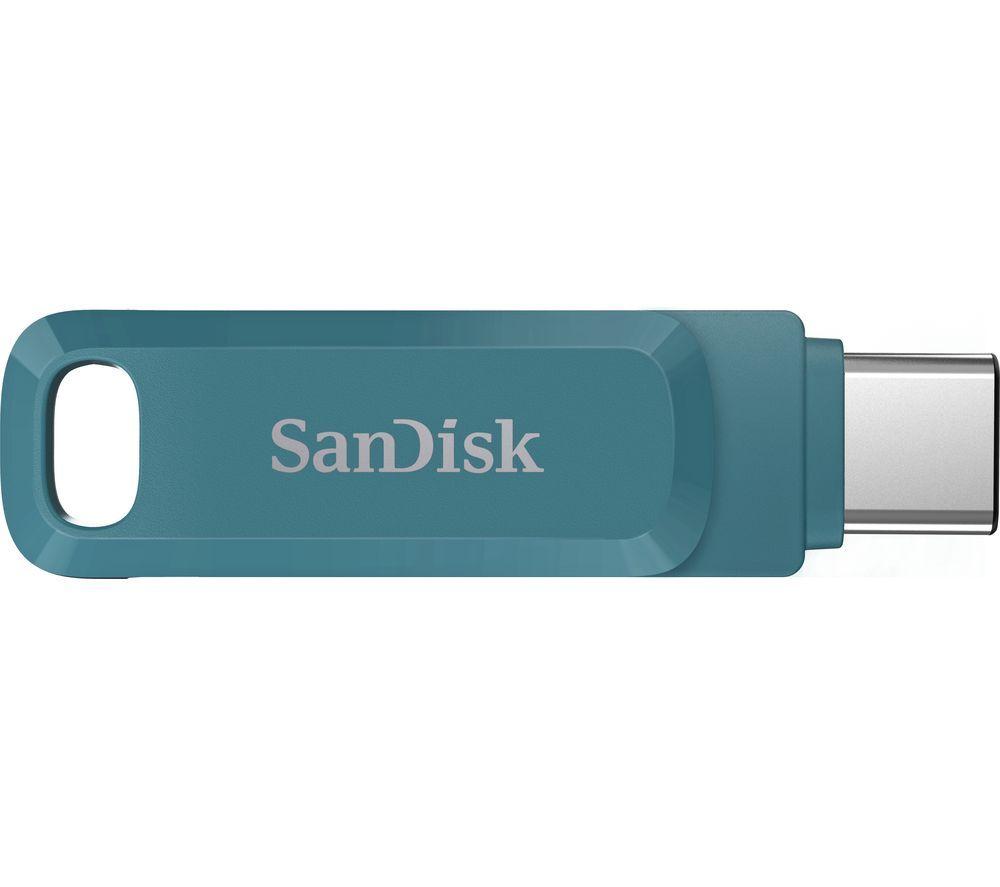
- Electronics Accessories like USB flash drives fit in a pocket. They move files between PCs without a cable mess.
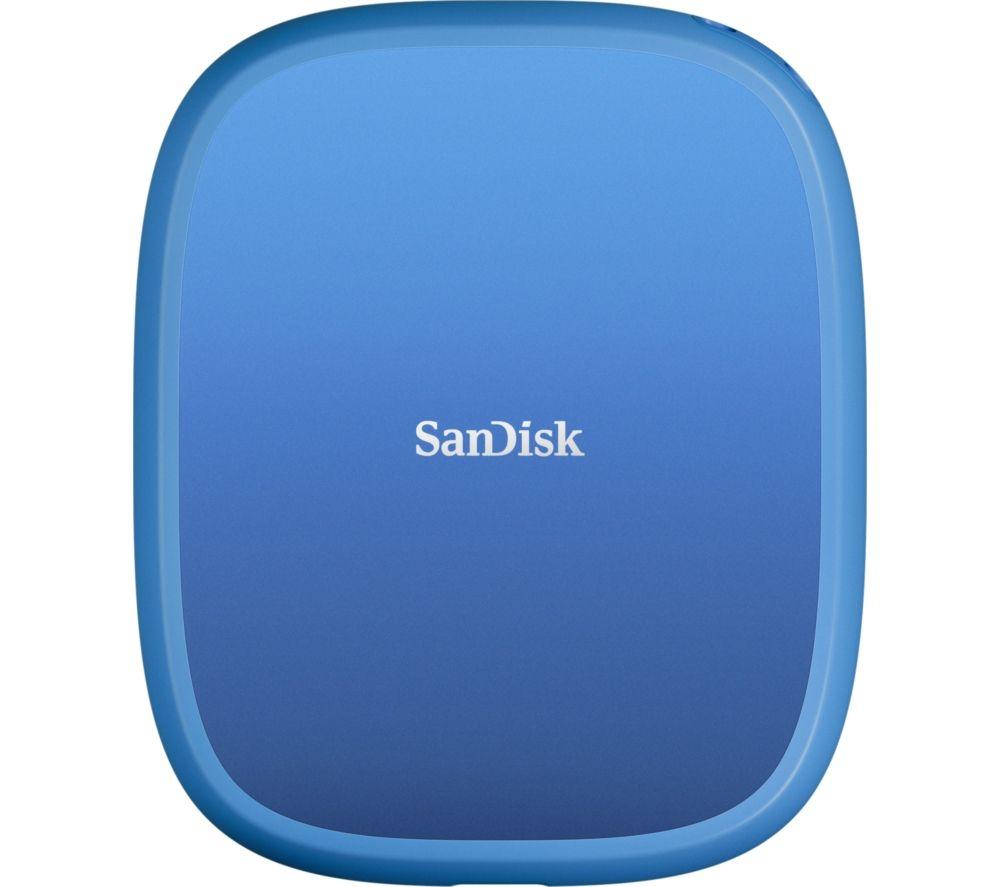
- Hard Drives in this range include external and internal builds. One category covers laptop backup and desktop upgrades.
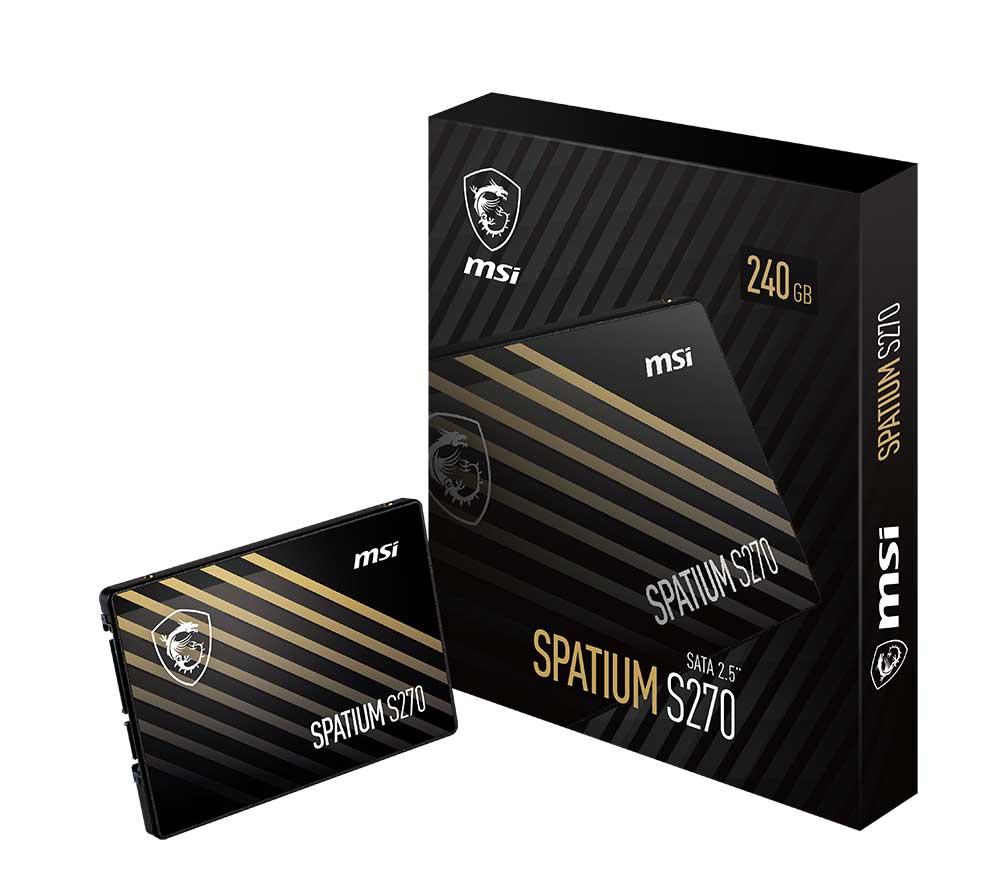
- Computer Components such as internal SATA drives let you repair an old tower. That avoids the cost of a full new system.
- Recertified or certified refurbished drives give hardware a second life. Buyers who dislike waste get a working product with less footprint.
Things to watch
- Internal Hard Drives (a Computer Components type) need a spare bay and some fitting. They are wrong for someone wanting a plug and play stick.
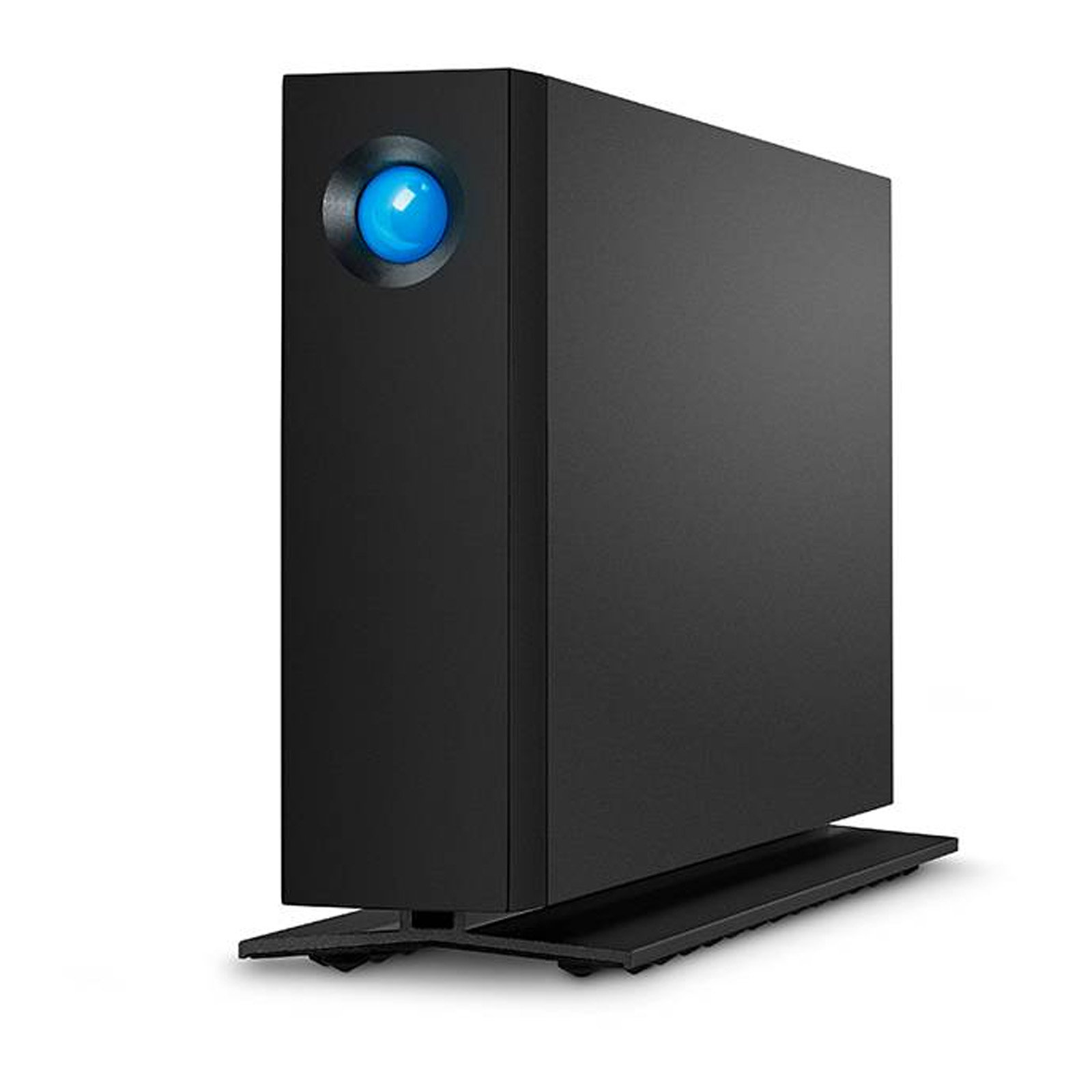
- 3.5" Hard Drives need their own power lead. They are heavier than a small flash accessory you clip to a keyring.
- Some Electronics Accessories favour novel looks over speed. They suit occasional docs, not huge video archives.
- Recertified units may show surface marks. They lack the sealed-box feel of new stock, a fair trade for reuse.
Care & maintenance
Keep spinning Hard Drives flat while running.
Keep spinning Hard Drives flat while running. Store desktop models upright when off to protect the platters.
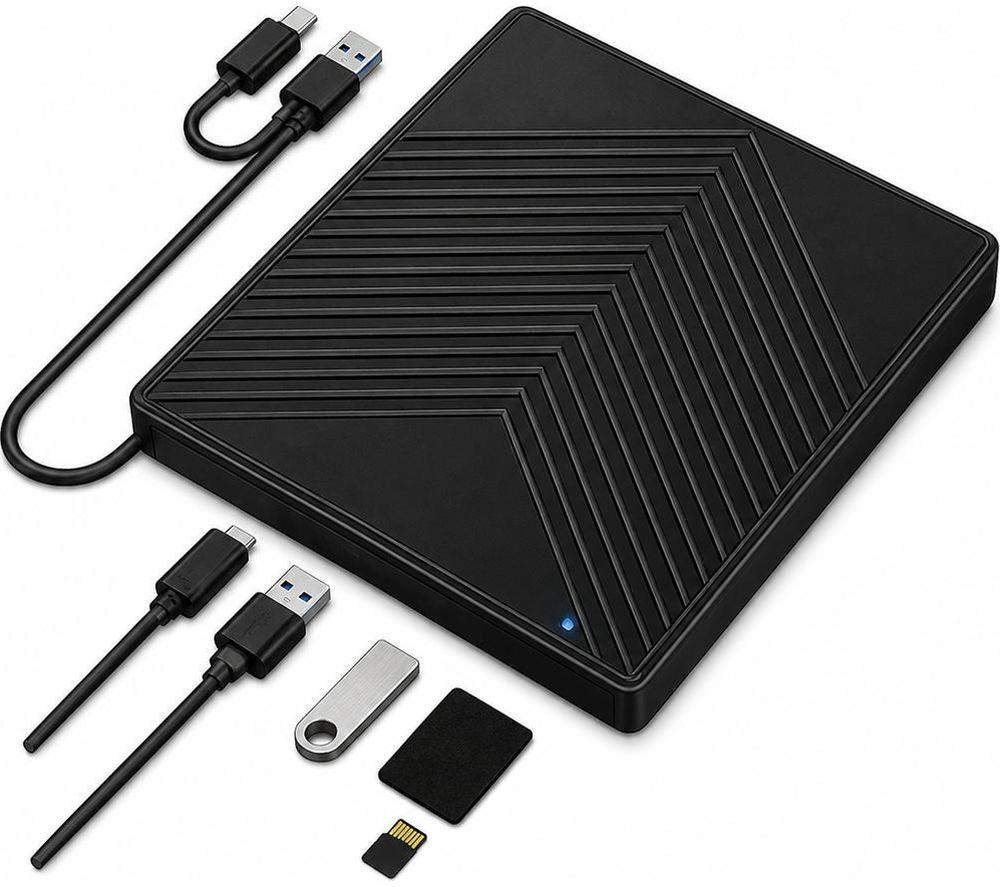
Dust the vents on Electronics docking stations monthly.
Dust the vents on Electronics docking stations monthly. Cool gear copies files longer without fault.
Wipe plastic or aluminium casings with a dry cloth.
Wipe plastic or aluminium casings with a dry cloth. Keep USB connectors clear of lint for a solid link.
A padded sleeve helps a portable drive with a wood or acrylic shell.
A padded sleeve helps a portable drive with a wood or acrylic shell. It stops cracks if it slides in a bag.
Frequently Asked Questions
What should I look for when buying storage devices?
When shopping for storage devices, consider factors such as quality, price, brand reputation, and customer reviews. Compare prices across multiple retailers to ensure you're getting the best deal. Look for products that match your specific needs and budget.
How do I choose the right storage devices?
Choosing the right storage devices depends on your individual needs, budget, and preferences. Research different options, read customer reviews, and compare specifications. Consider what features are most important to you and look for products that offer the best value for money.
Where can I find the best deals on storage devices?
You can find the best deals on storage devices by comparing prices across multiple retailers. Our price comparison tool helps you find the lowest prices from trusted UK retailers including Amazon, eBay, and other major online stores. Check regularly as prices and deals change frequently.
Are storage devices products worth the investment?
The value of storage devices products depends on your specific needs and how you plan to use them. Quality products from reputable brands often provide better long-term value, even if they cost more initially. Consider your budget and requirements when making your decision.
What's the difference between different types of storage devices?
Different types of storage devices vary in features, quality, price, and intended use. Some may offer premium features while others focus on affordability. Research the specific differences between models or brands to find the option that best suits your needs and budget.