Computer Accessories
How to choose computer accessories
Colour choice
Choose mouse pad colour first: black or grey hides wear, blue or red brightens but soils faster.
Stylus build
Pick stylus material by hand: plastic for lightness, metal for heft, silicone for grip.
Device or add-on
Decide between electronics and electronics accessories based on new function versus extension of current kit.
Upkeep load
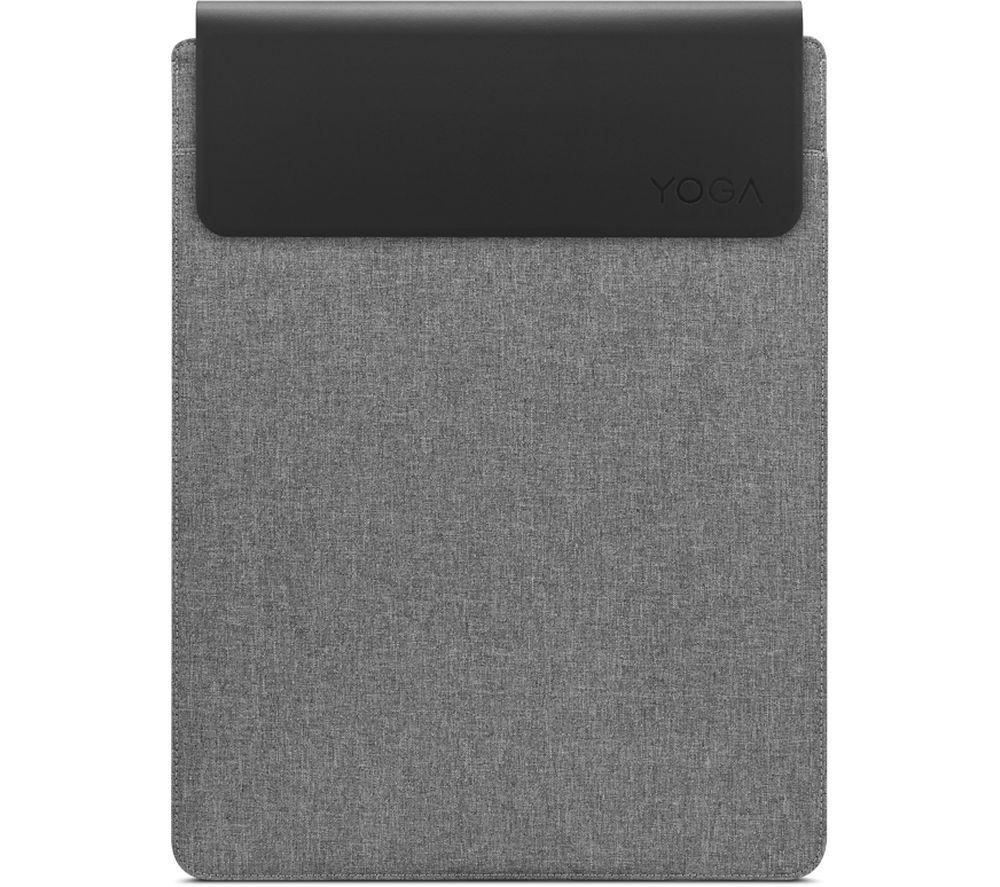
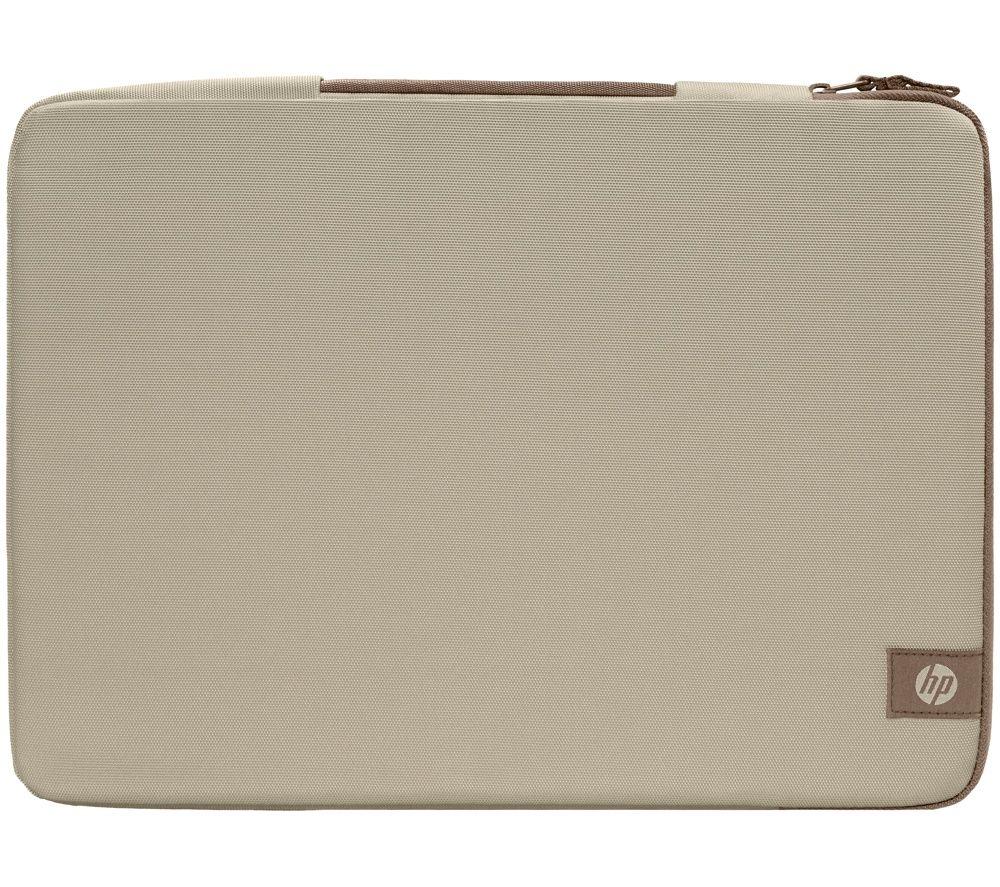
Weigh material care: leather needs attention, rubber and plastic stay fuss free.
Next step
Once you fix the subtype and colour, the grid below lists the sellers stocking that exact mix.
What's good
- Mouse pads with rubber bases stay put on the desk, cutting slip during daily use.
- Stylus pens in plastic or silicone keep weight low for long drawing or writing tasks.
- Electronics accessories let you add a port or function without buying a new main device.
- The wide colour choice, from black to purple, helps match kit to your workspace.
- Leather or steel builds offer a solid, durable feel for those who use gear often.
Things to watch
- Metal or steel stylus pens give a balanced barrel but feel heavier than plastic after long sessions.
- Light mouse pads in white or pink show dust and marks quicker than grey or black versions.
- Leather accessories need occasional care, while plastic ones shrug off spills with no effort.
- Electronics (the fuller devices) can mean more setup than a simple electronics accessory tweak.
- Silver or gold finishes look smart yet collect fingerprints during everyday handling.
Care & maintenance
Rubber pads
Wipe rubber mouse pads with a damp cloth, then let them air dry away from heat.
Leather care
Dust leather accessories with a dry soft cloth to keep the surface sound.
Stylus hygiene
Keep silicone or plastic stylus barrels free of grit so they do not scratch screens.
Metal shine
Buff steel or metal parts now and then to stop them looking dull.
Frequently Asked Questions
What should I look for when buying computer accessories?
When shopping for computer accessories, consider factors such as quality, price, brand reputation, and customer reviews. Compare prices across multiple retailers to ensure you're getting the best deal. Look for products that match your specific needs and budget.
How do I choose the right computer accessories?
Choosing the right computer accessories depends on your individual needs, budget, and preferences. Research different options, read customer reviews, and compare specifications. Consider what features are most important to you and look for products that offer the best value for money.
Where can I find the best deals on computer accessories?
You can find the best deals on computer accessories by comparing prices across multiple retailers. Our price comparison tool helps you find the lowest prices from trusted UK retailers including Amazon, eBay, and other major online stores. Check regularly as prices and deals change frequently.
Are computer accessories products worth the investment?
The value of computer accessories products depends on your specific needs and how you plan to use them. Quality products from reputable brands often provide better long-term value, even if they cost more initially. Consider your budget and requirements when making your decision.
What's the difference between different types of computer accessories?
Different types of computer accessories vary in features, quality, price, and intended use. Some may offer premium features while others focus on affordability. Research the specific differences between models or brands to find the option that best suits your needs and budget.