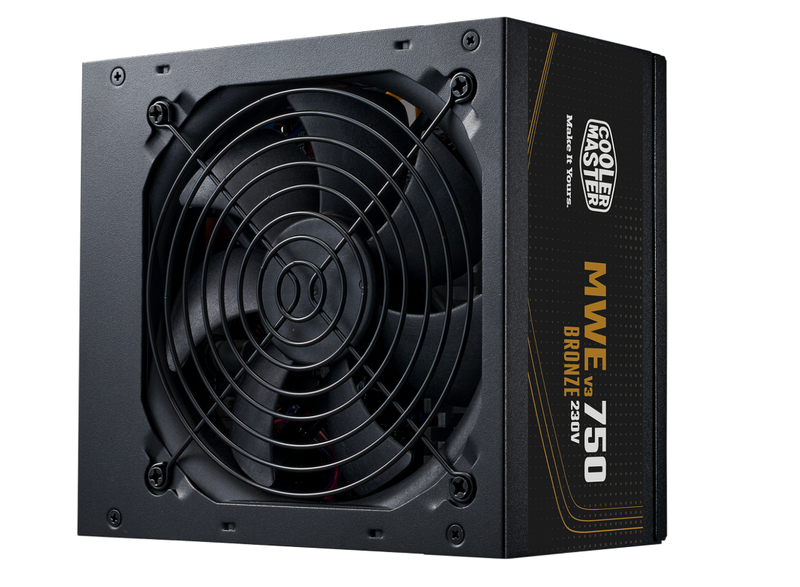
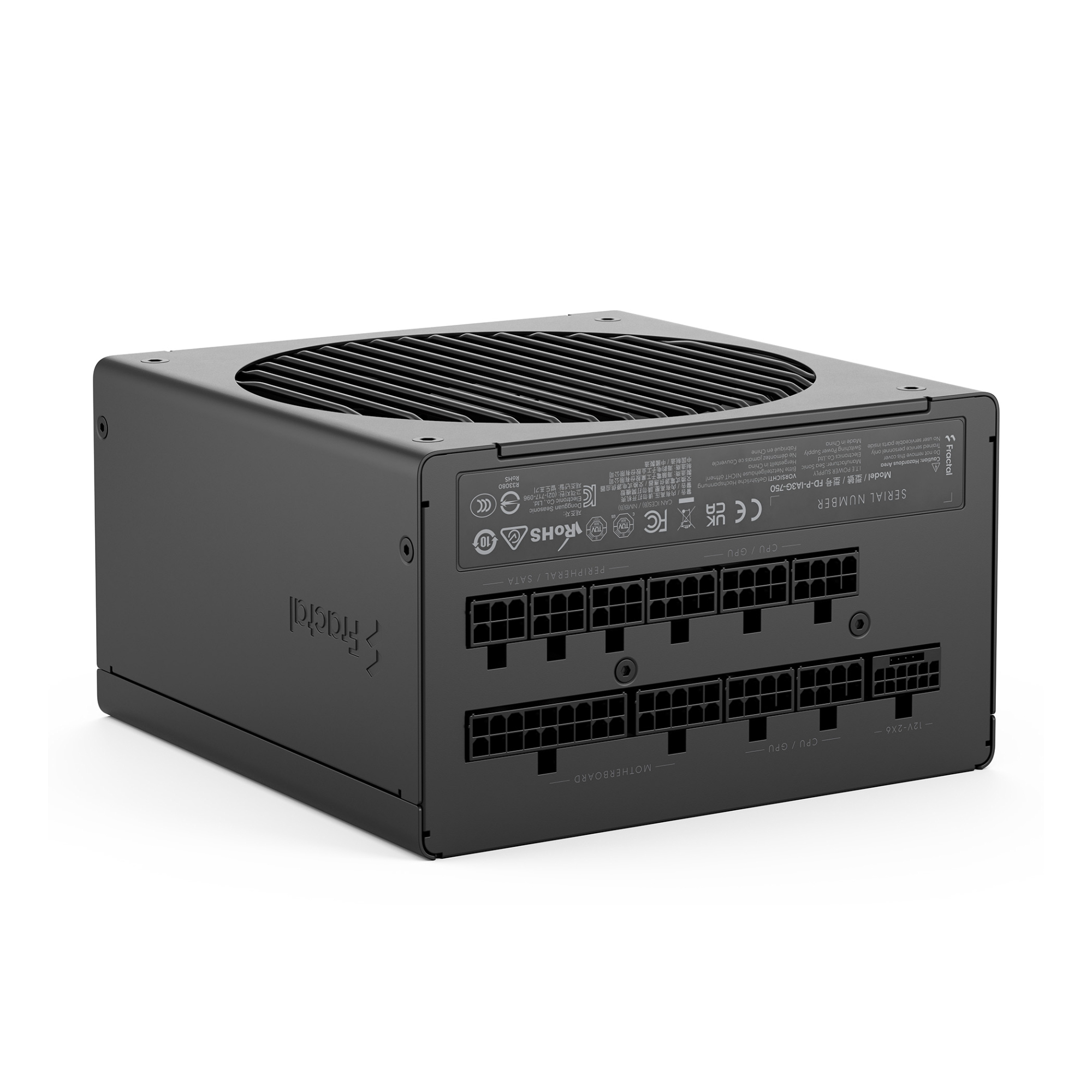
Computer Power Supplies
How to choose computer power supplies
Sub-type and fit
Sub-type matters: computer components cover standard ATX builds, while electronics or electronics accessories fit OEM and server swaps.
Wattage needs
Wattage tier: choose around 300W for mail and docs, 750W for a single GPU, 1000W plus for PCIe 5.1 cards and heavy loads.
Cable setup
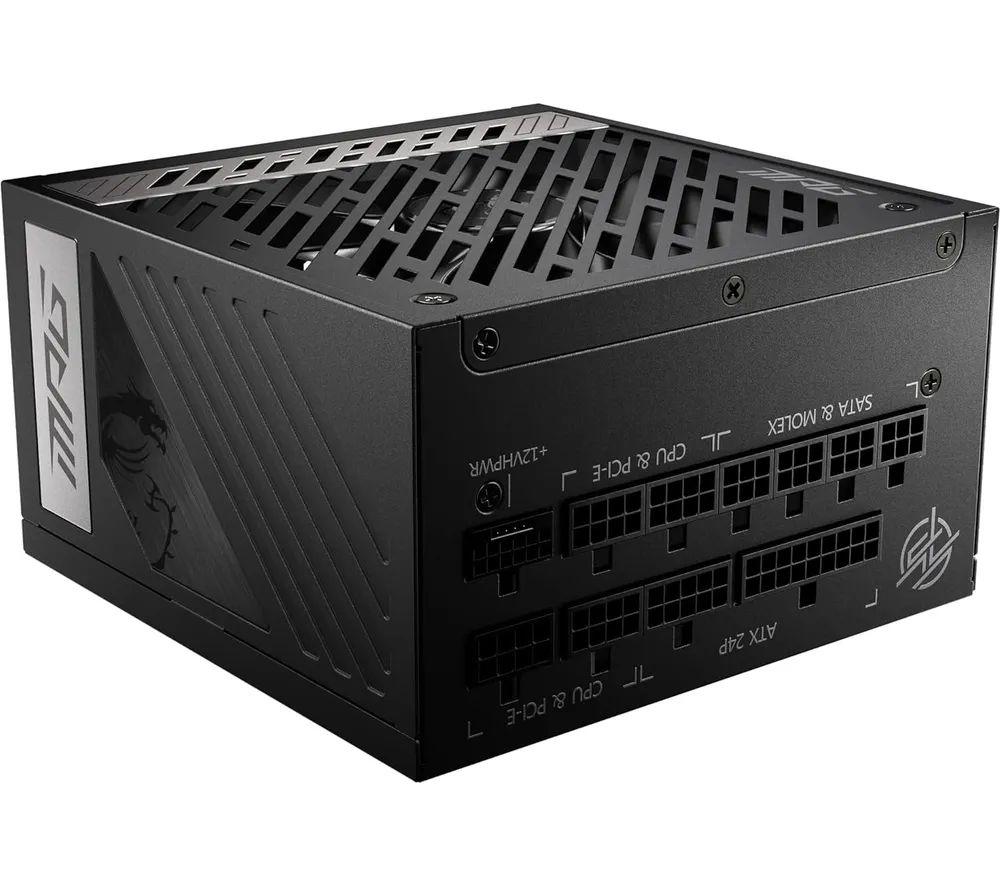
Modularity: fully modular suits show builds, semi-modular trades some tidiness for simpler first install.
Efficiency class
Efficiency: bronze meets basic need, gold balances heat and noise, platinum suits constant heavy use.
Colour and material
Finish: black, steel, or grey hide scuffs in a closed case, white, gold/black, or bronze/black match windowed panels, copper or silver/metal add accent but need care.
What's good
- Fully modular computer components let you attach only the cables your build needs, which tidies the case and aids airflow.
- High-wattage tiers with ATX 3.1 and PCIe 5.0 support handle modern graphics cards without headroom worries.
- Gold and platinum rated units convert power more efficiently, so they run cooler and quieter than bronze models.
- Redundant power supply types keep a system live if one module drops, a useful match for always-on file or game servers.
- Bronze rated electronics accessories give a straightforward replacement path for basic office PCs that do not need extra connectors.
Things to watch
- High-wattage ATX units are heavier and longer than low-wattage ones, and they can crowd a small form factor case.
- Bronze efficiency tiers shed more heat into the case, so they need stronger chassis fans to stay stable.
- Semi-modular or fixed cable electronics sub-types leave spare leads bundled behind the tray, which can snag on fans.
- Server style redundant PSUs prioritise airflow over silence, and their shape often clashes with consumer tower mounts.
- Coloured or copper material finishes look sharp but may mark more easily than plain steel or black metal.
Care & maintenance
Cable storage
Store modular cables in a labelled pouch, since mixing pinouts between units can damage parts.
Redundancy check
For redundant types, power each module in turn to confirm the standby side engages.
Vent clearance
Keep the exhaust vent clear of books or walls so warm air escapes the supply.
Dust control
Vacuum the PSU fan intake every couple of months to prevent dust from baking onto the heatsink.
Frequently Asked Questions
What should I look for when buying computer power supplies?
When shopping for computer power supplies, consider factors such as quality, price, brand reputation, and customer reviews. Compare prices across multiple retailers to ensure you're getting the best deal. Look for products that match your specific needs and budget.
How do I choose the right computer power supplies?
Choosing the right computer power supplies depends on your individual needs, budget, and preferences. Research different options, read customer reviews, and compare specifications. Consider what features are most important to you and look for products that offer the best value for money.
Where can I find the best deals on computer power supplies?
You can find the best deals on computer power supplies by comparing prices across multiple retailers. Our price comparison tool helps you find the lowest prices from trusted UK retailers including Amazon, eBay, and other major online stores. Check regularly as prices and deals change frequently.
Are computer power supplies products worth the investment?
The value of computer power supplies products depends on your specific needs and how you plan to use them. Quality products from reputable brands often provide better long-term value, even if they cost more initially. Consider your budget and requirements when making your decision.
What's the difference between different types of computer power supplies?
Different types of computer power supplies vary in features, quality, price, and intended use. Some may offer premium features while others focus on affordability. Research the specific differences between models or brands to find the option that best suits your needs and budget.