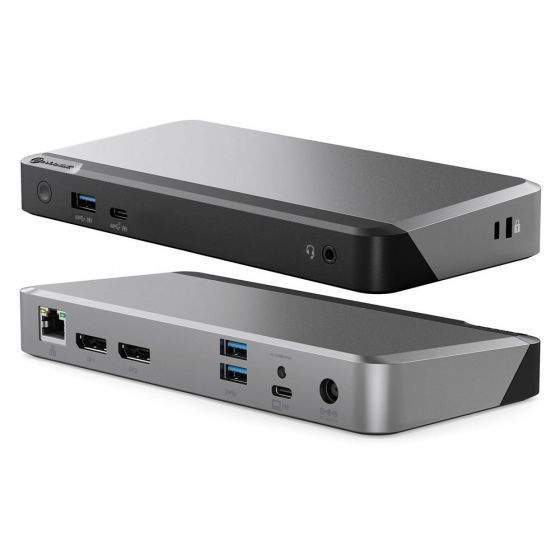
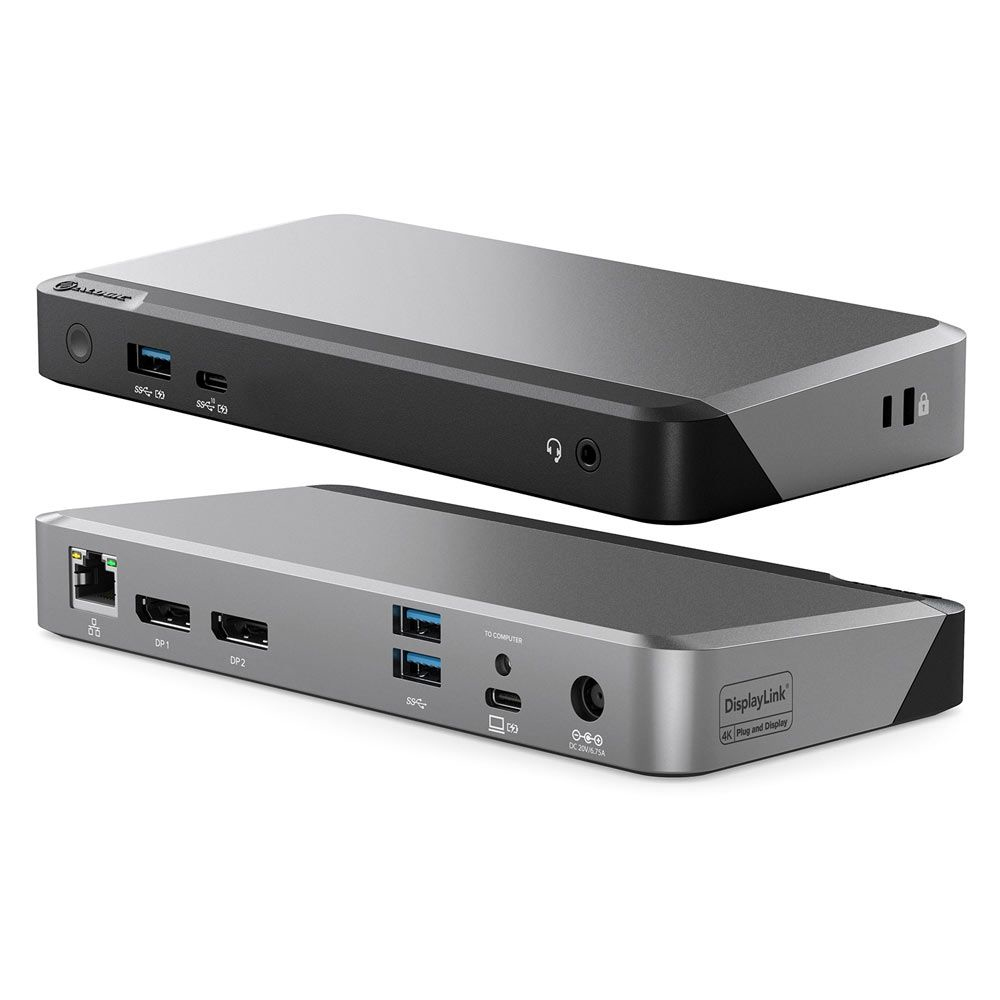
Laptop Docking Stations
How to choose laptop docking stations
Sub-type and tagging
Listings split into Computer Accessories, Electronics, and Electronics Accessories. The practical split is port count and size, not the tag.
Build material
Material choice matters. Aluminium cools better, plastic stays lighter, mode/aluminium/rubber adds grip.
Colour
Colour runs from black and grey for low profile to blue or gold for visibility. Pick what matches your desk.
Display output
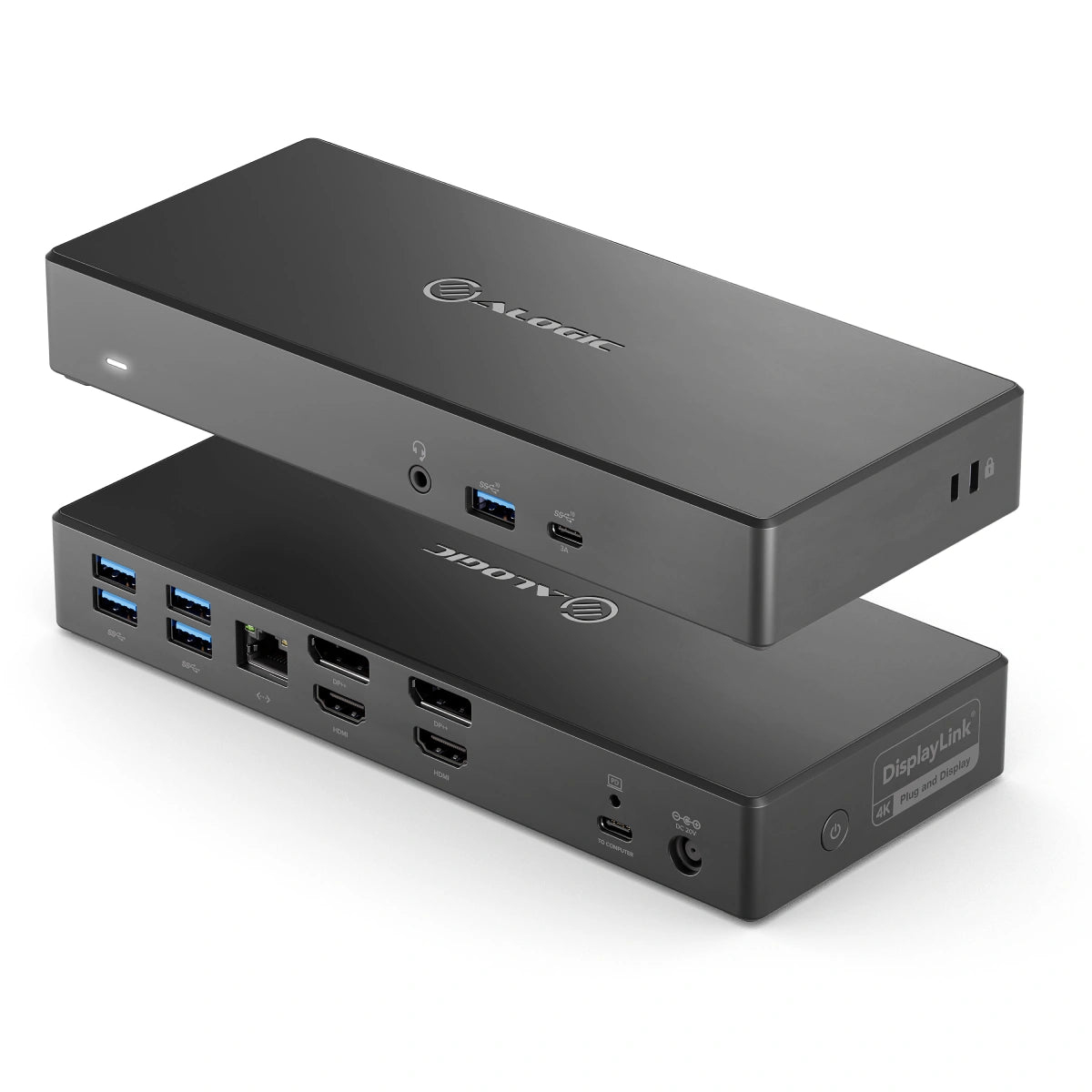
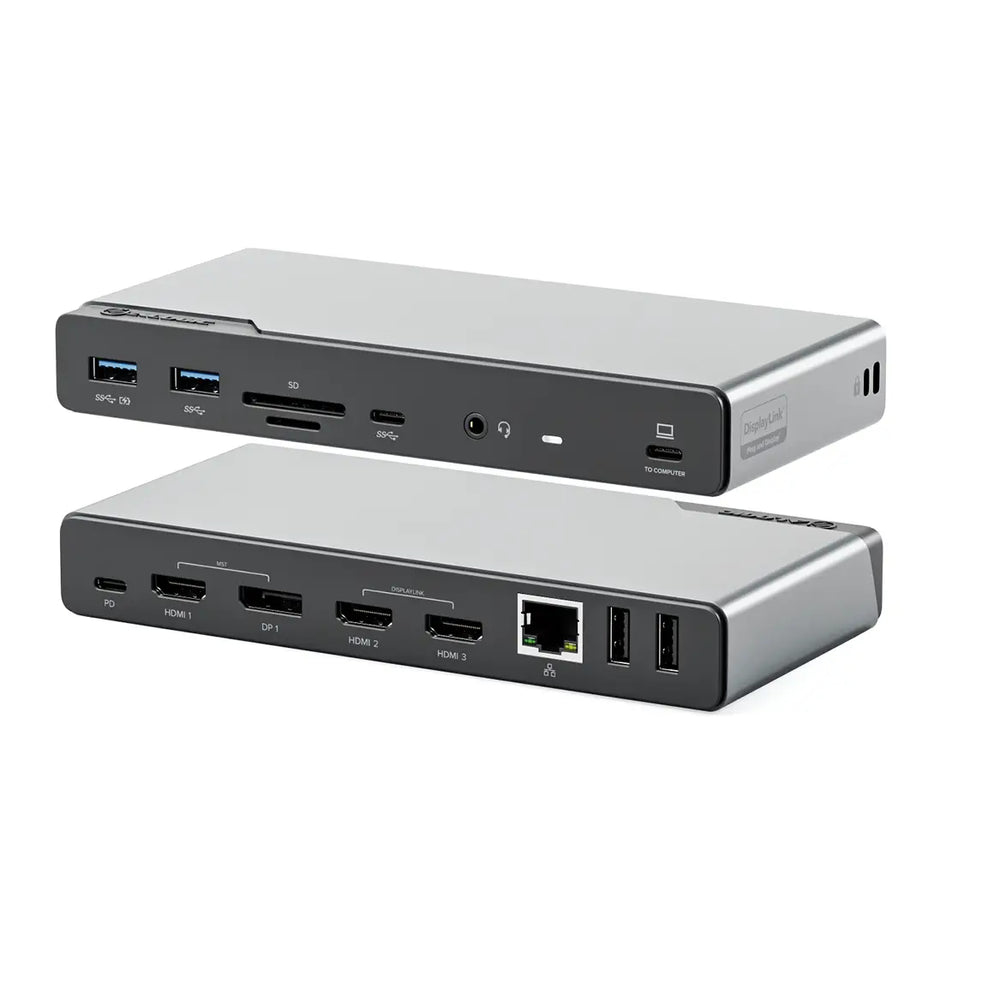
Display needs vary. A hub with dual HDMI or DisplayPort suits two screens, a basic adaptor handles one.
Power delivery
Charging tier: 100W PD models keep the laptop fed but require a separate power source. Non-PD hubs leave the laptop port free for its own brick.
What's good
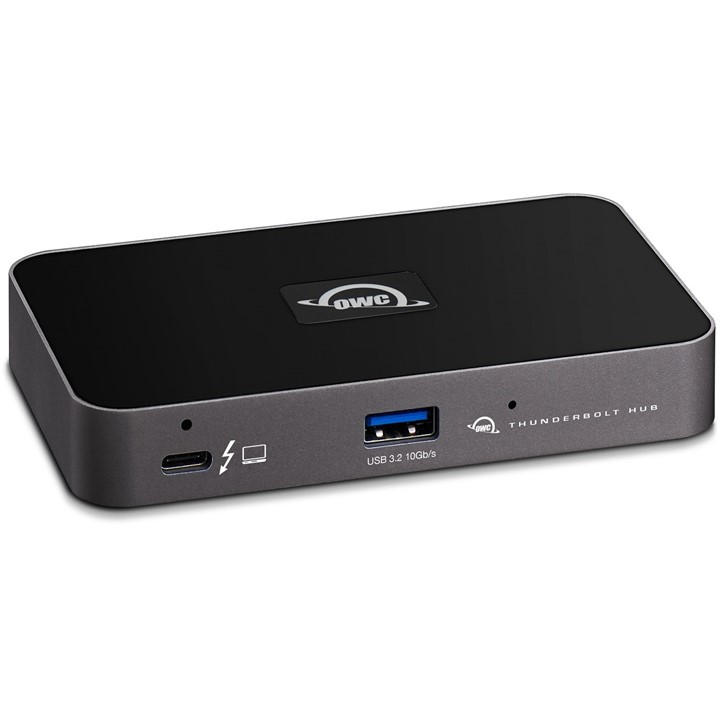
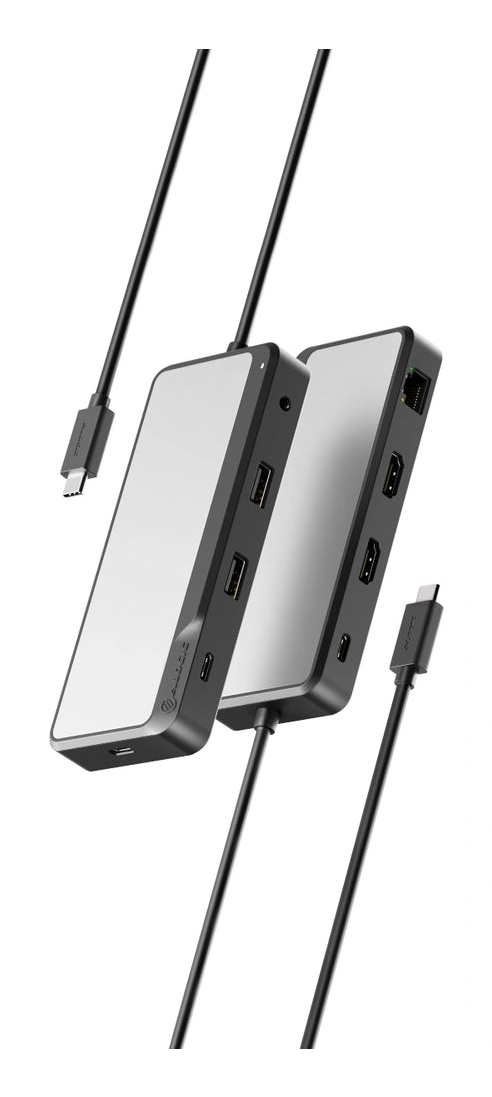
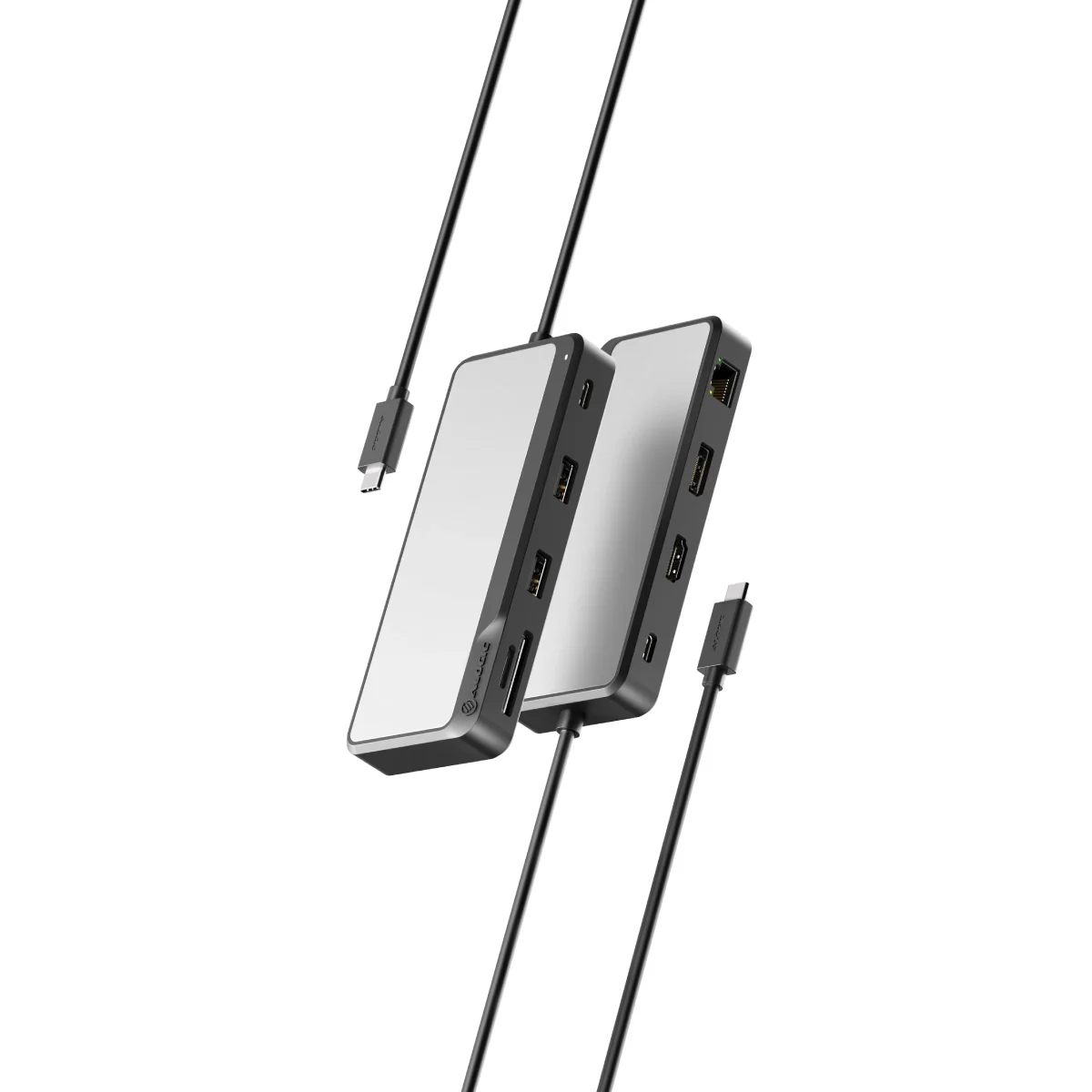
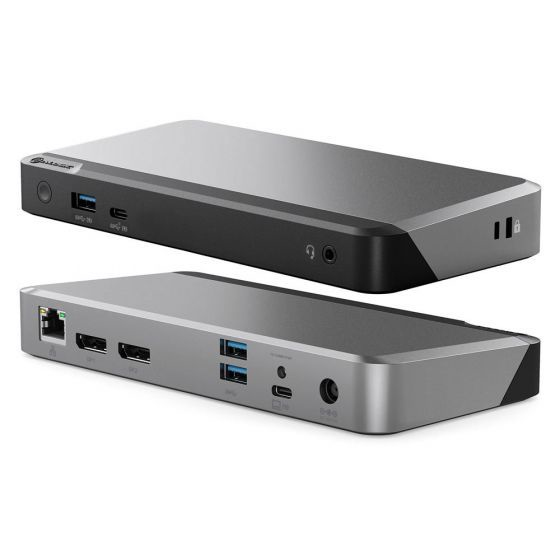
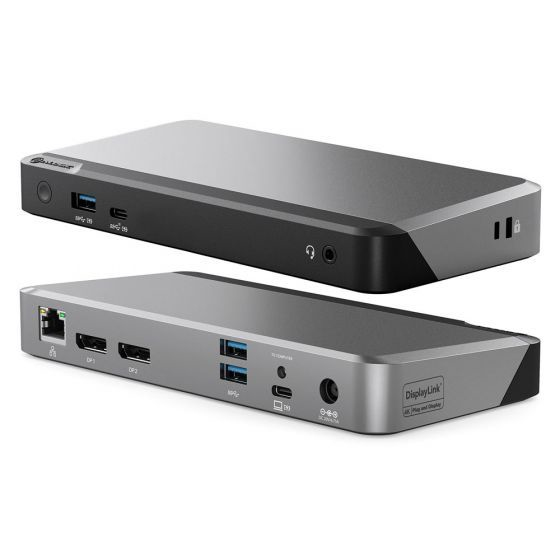
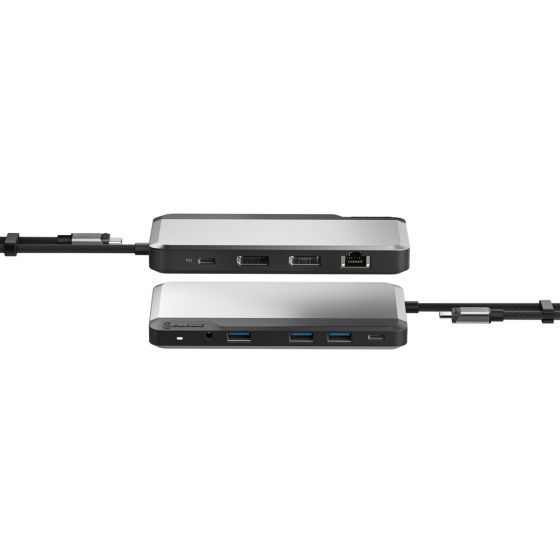
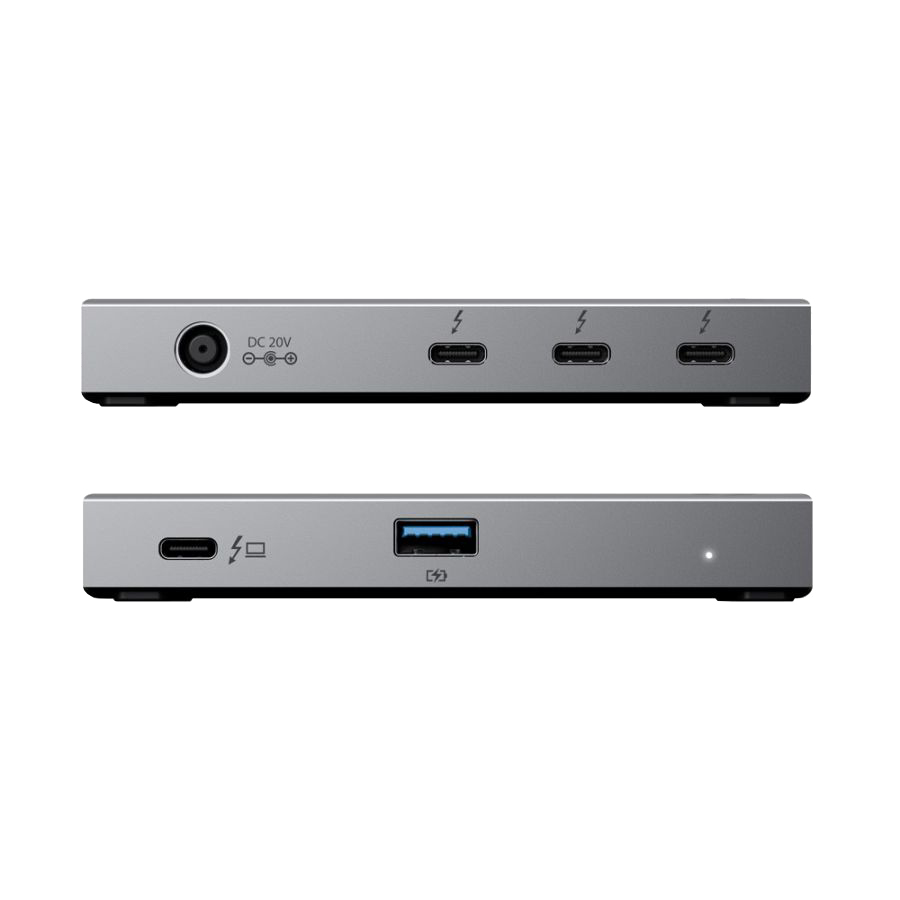
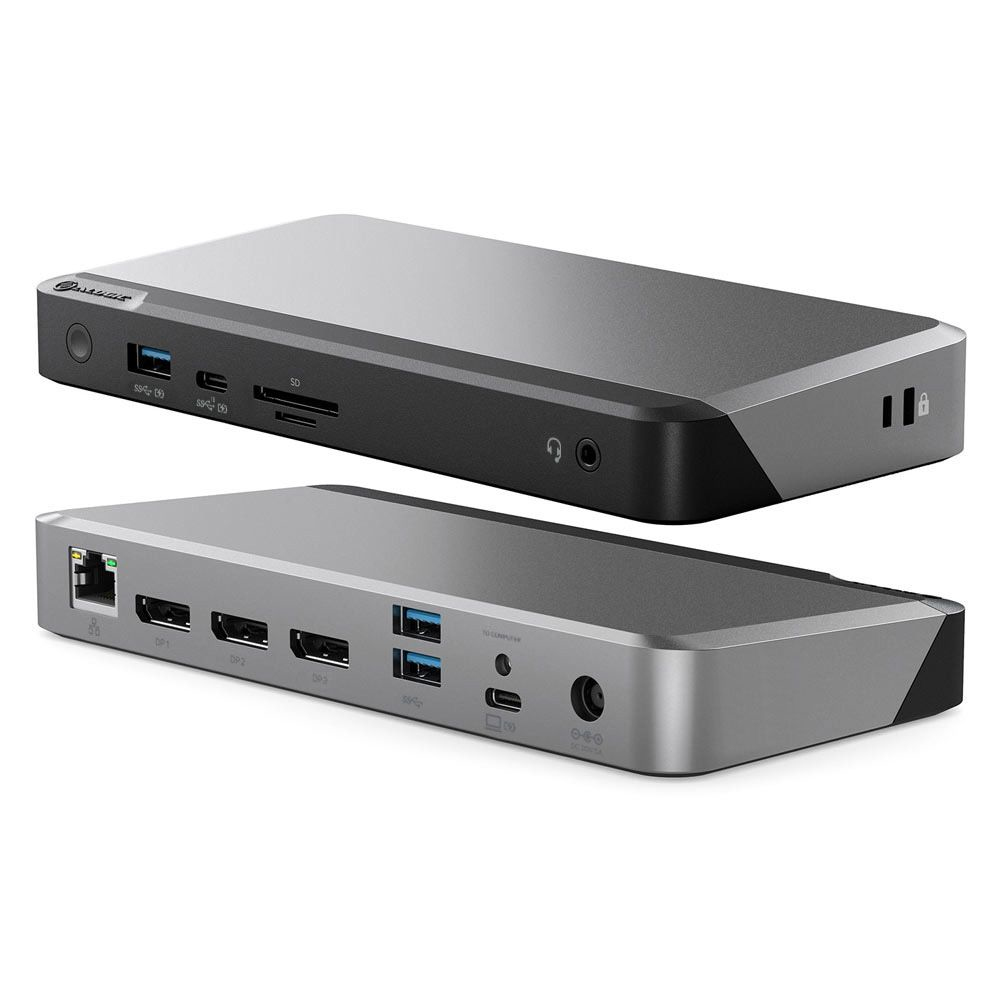
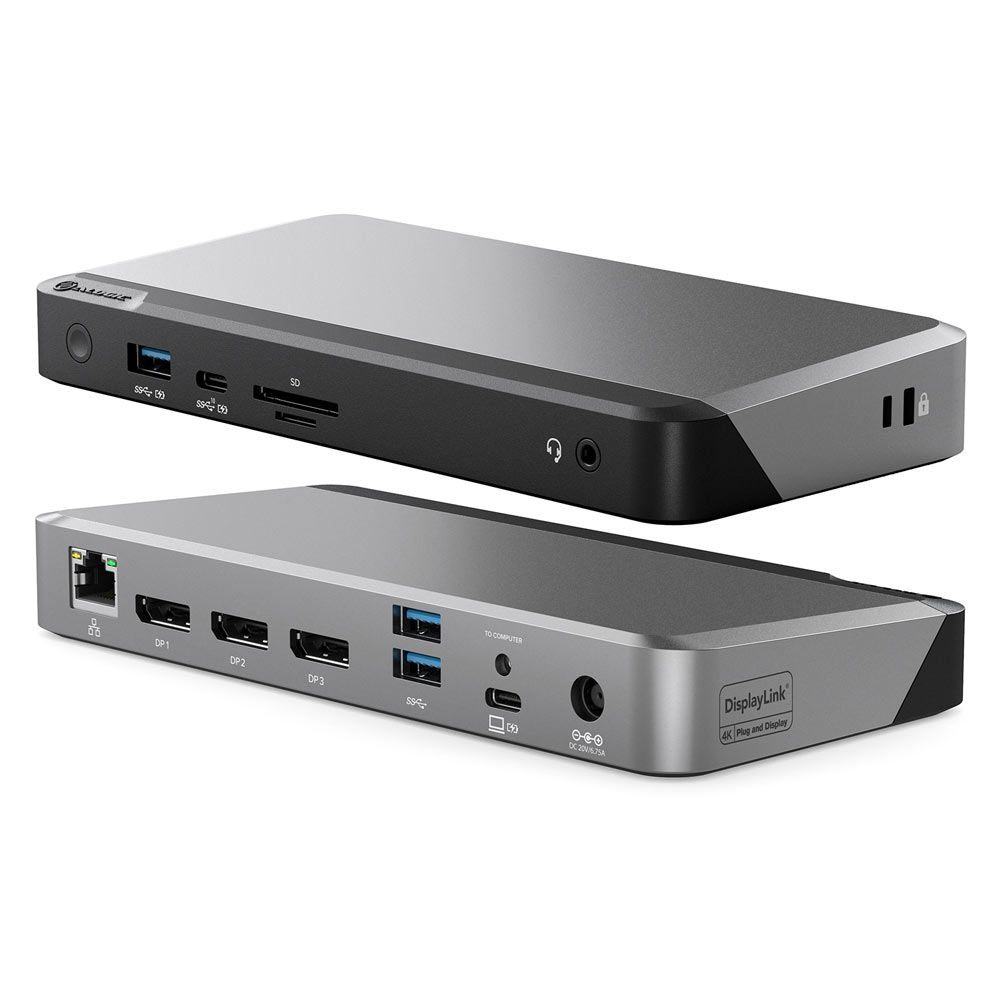
- A USB-C multiport hub (Computer Accessories) turns one laptop port into HDMI, LAN, and card readers. Desk workers gain wired network and extra screens from a single cable.
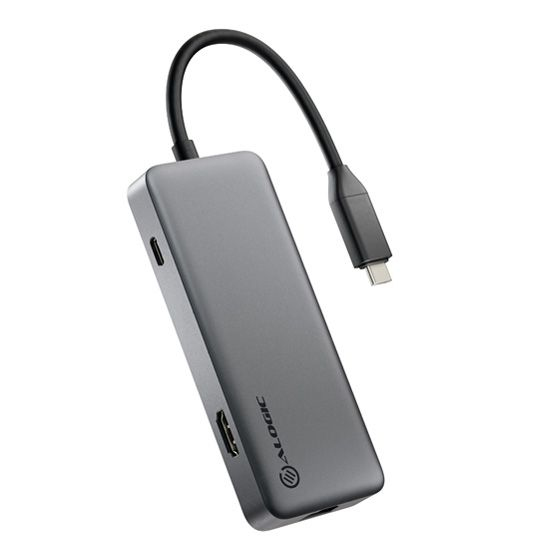
- Compact 4-in-1 adaptors (Electronics) pack light for commuters. They drop spare ports to fit a pocket.
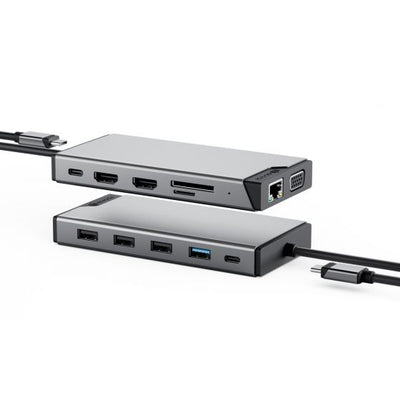
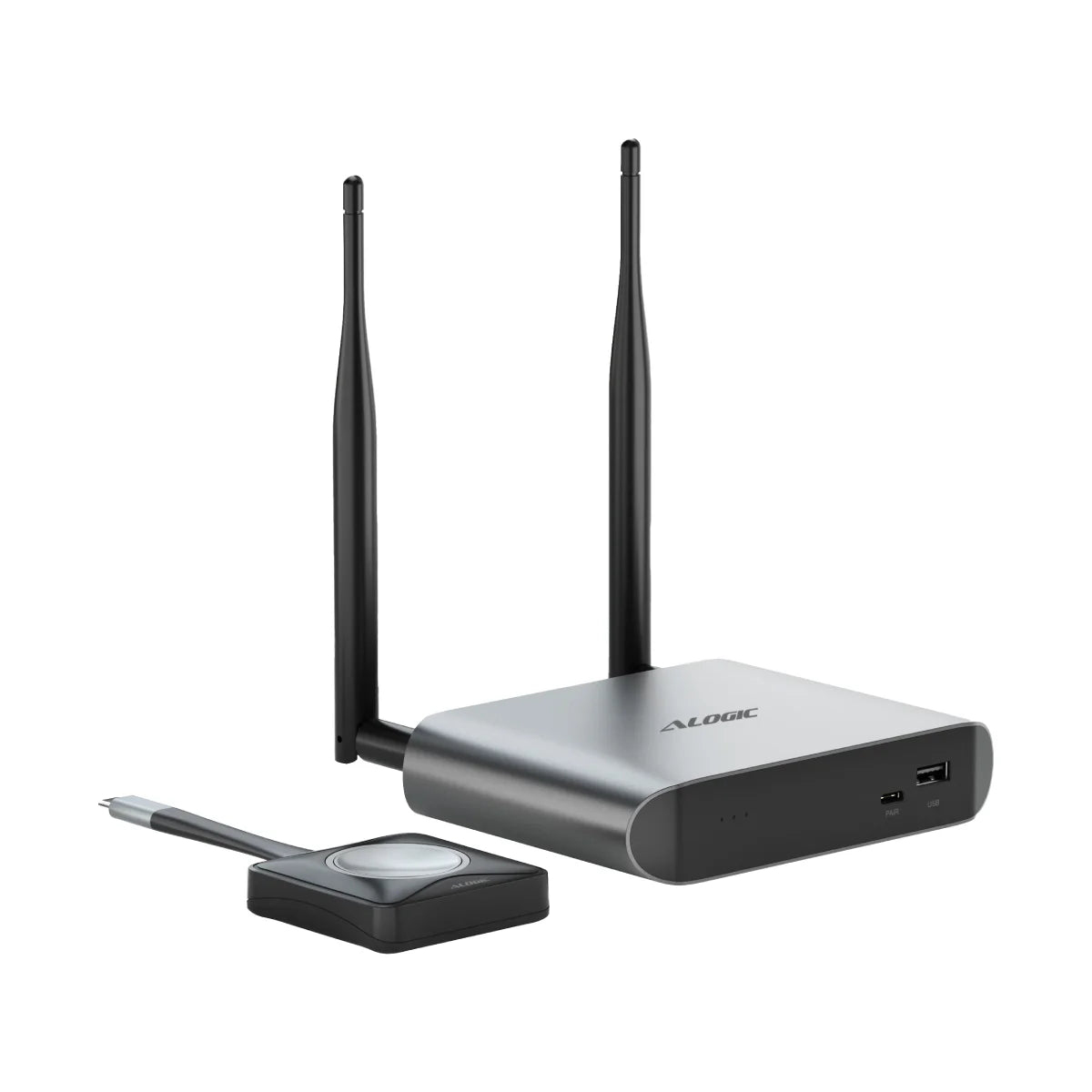
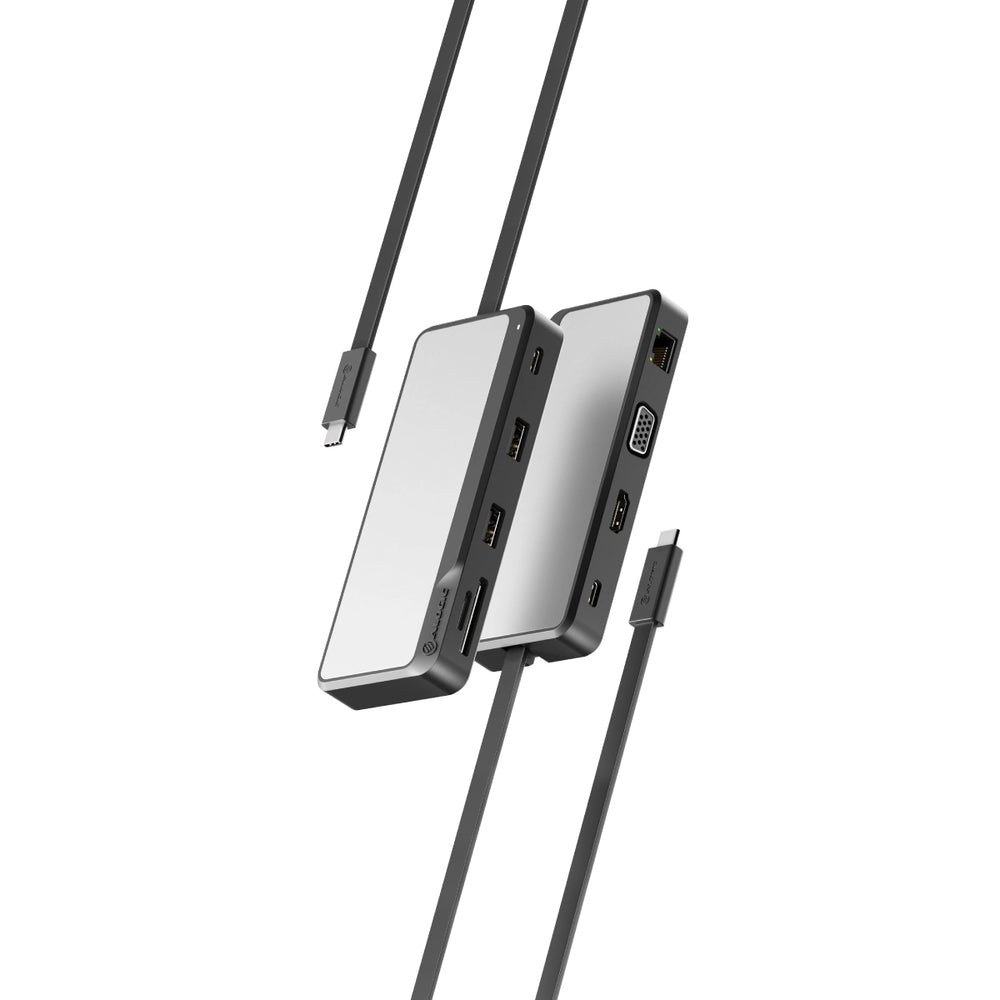
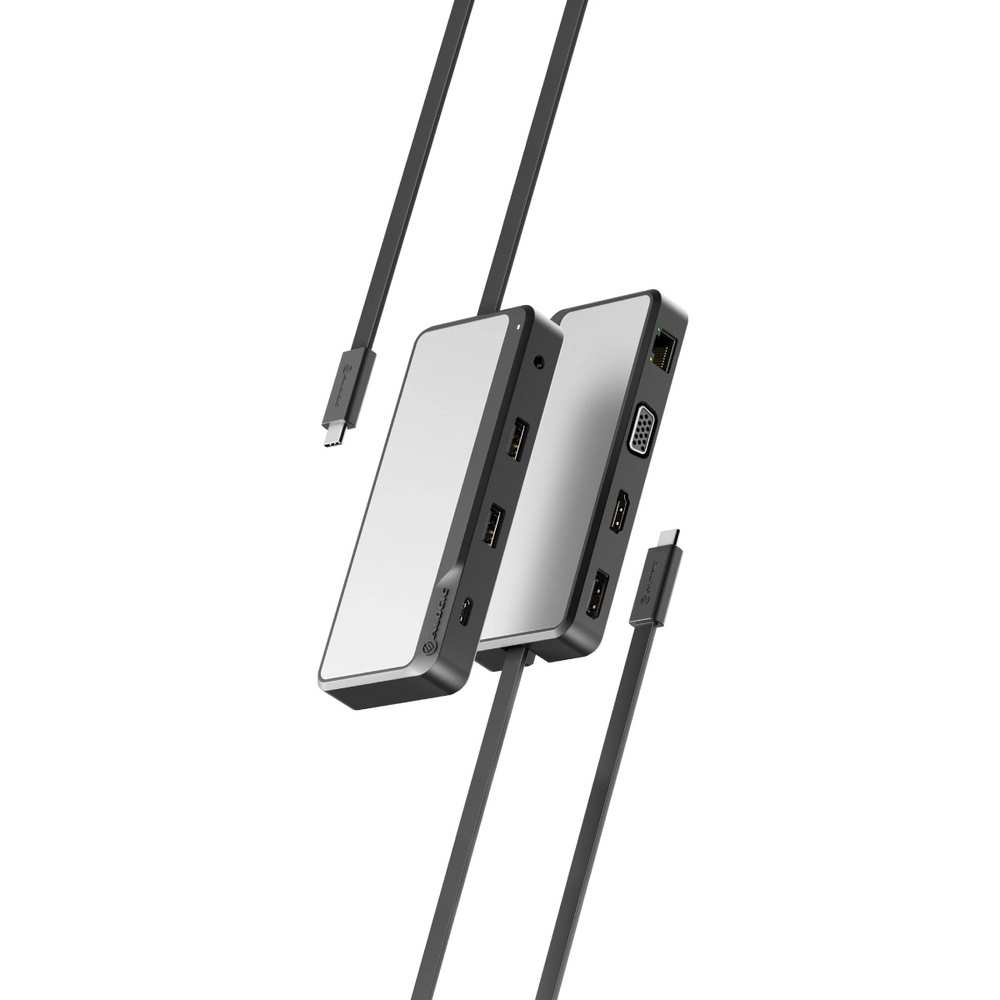
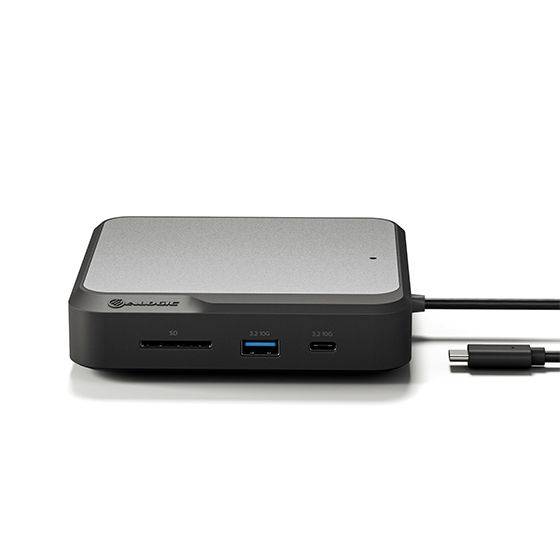
- Mini docking stations (Electronics Accessories) add VGA next to 4K HDMI and 100W pass-through. They suit meeting rooms with older projectors.
- Aluminium or metal builds pull heat away from busy hubs. This keeps connections stable during long transfers.
- A mode/aluminium/rubber shell gives grip on slick tables. It stops a small adaptor sliding off a shared desk.
Things to watch
- An 11-in-1 hub is capable but bulky. It is wrong for a daily train commute where a 4-in-1 adaptor fits better.
- Plastic shells (Electronics) are light yet flex under strain. They also trap heat more than aluminium bodies.
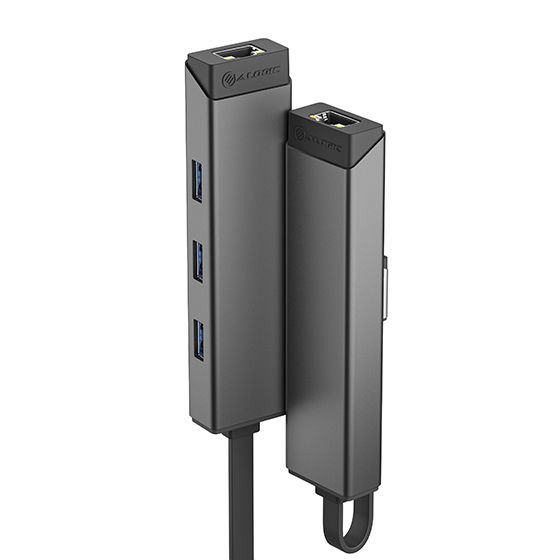
- Adaptors without LAN leave you on Wi-Fi only. That is a poor fit for offices with cabled security policies.
- Pass-through charging tiers need your own USB-C charger. That adds a power brick to your bag.
- Gold or copper accent models look sharp but show fingerprints. Matte black or grey hide marks better.
Care & maintenance
Port cleaning
Blow dust from USB and HDMI ports on hubs with compressed air each month.
Cable care
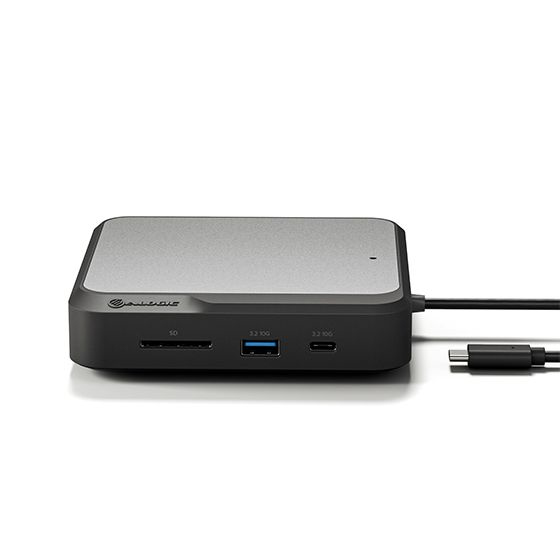
Keep the fixed cable on a mini docking station loosely coiled. Avoid sharp bends at the joint.
Surface wipe
Wipe aluminium bodies with a dry microfibre cloth to preserve the finish.
Storage
Store plastic or silicone items out of direct sunlight. Heat can warp the shell.
Frequently Asked Questions
What should I look for when buying laptop docking stations?
When shopping for laptop docking stations, consider factors such as quality, price, brand reputation, and customer reviews. Compare prices across multiple retailers to ensure you're getting the best deal. Look for products that match your specific needs and budget.
How do I choose the right laptop docking stations?
Choosing the right laptop docking stations depends on your individual needs, budget, and preferences. Research different options, read customer reviews, and compare specifications. Consider what features are most important to you and look for products that offer the best value for money.
Where can I find the best deals on laptop docking stations?
You can find the best deals on laptop docking stations by comparing prices across multiple retailers. Our price comparison tool helps you find the lowest prices from trusted UK retailers including Amazon, eBay, and other major online stores. Check regularly as prices and deals change frequently.
Are laptop docking stations products worth the investment?
The value of laptop docking stations products depends on your specific needs and how you plan to use them. Quality products from reputable brands often provide better long-term value, even if they cost more initially. Consider your budget and requirements when making your decision.
What's the difference between different types of laptop docking stations?
Different types of laptop docking stations vary in features, quality, price, and intended use. Some may offer premium features while others focus on affordability. Research the specific differences between models or brands to find the option that best suits your needs and budget.