Graphics Tablets
How to choose graphics tablets
Sub-type
Choose the sub-type first. Input Devices are pure tablets, Computer Components add a screen, Electronics covers LCD pads.
Size
Think about size. A 6x4 inch portable tablet travels easily, while a 17 inch plus display needs a fixed spot.
Material
Weigh the material trade. Aluminium is sturdy but heavy, bamboo is light but delicate, plastic is flexible.
Colour
Pick a colour with care. Black and white hide marks, blue/light or pink reveal every scratch.
User tier
Match the tier to the user. Pro pen displays suit working artists, toy LCD tablets suit young children.
What's good
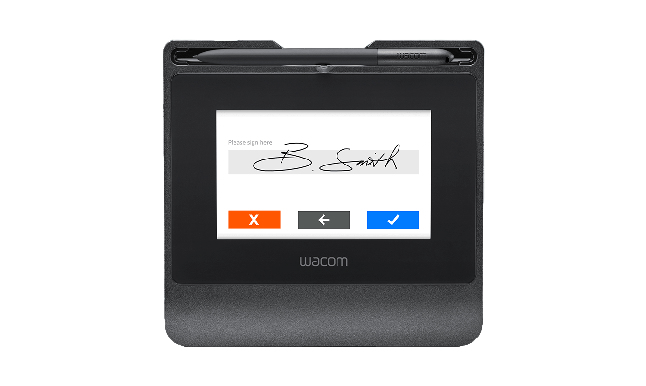
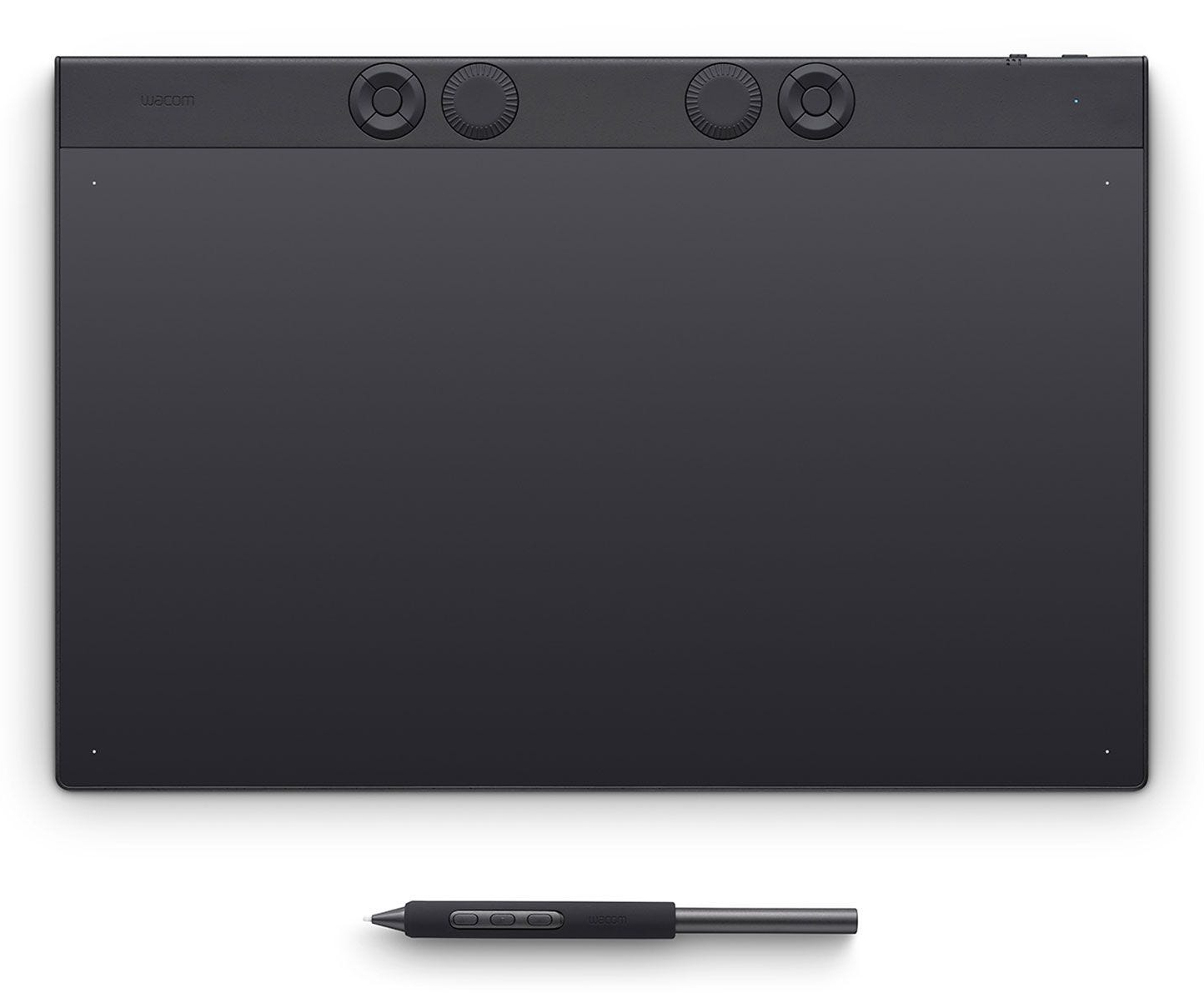
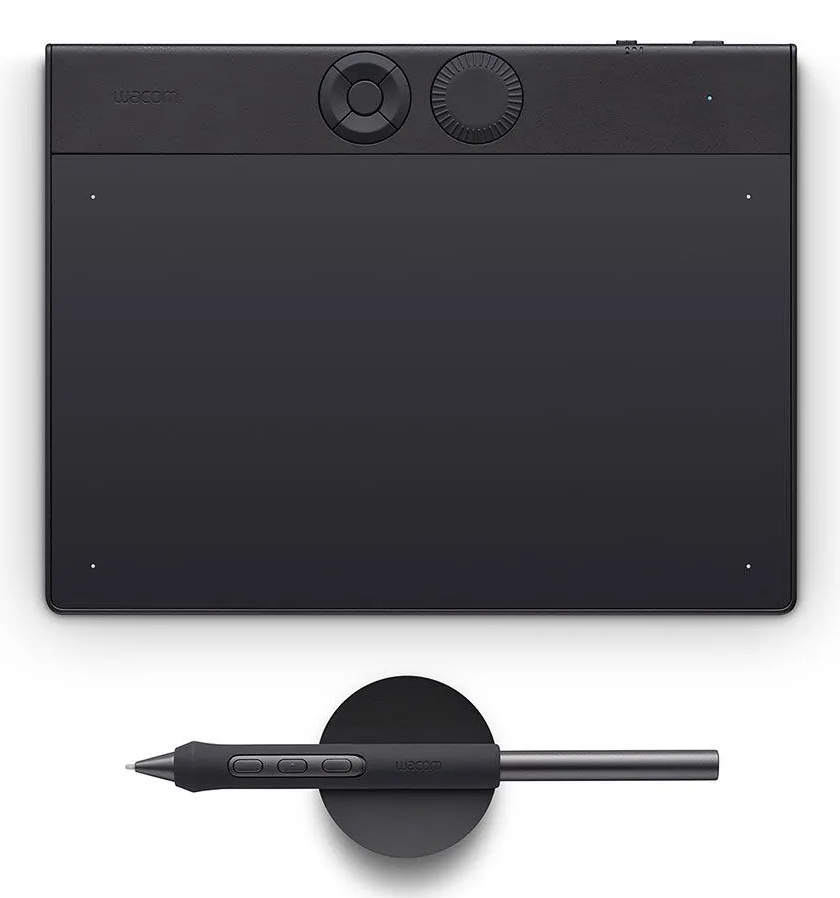
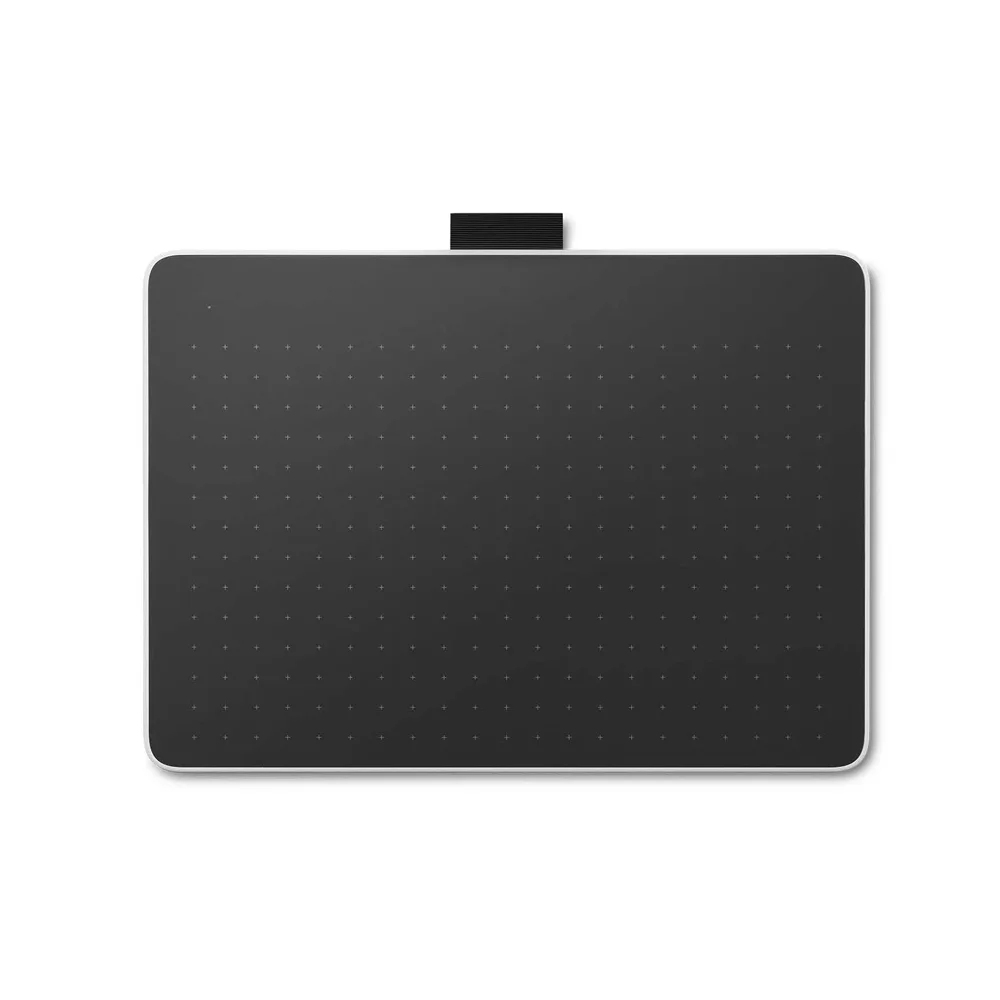
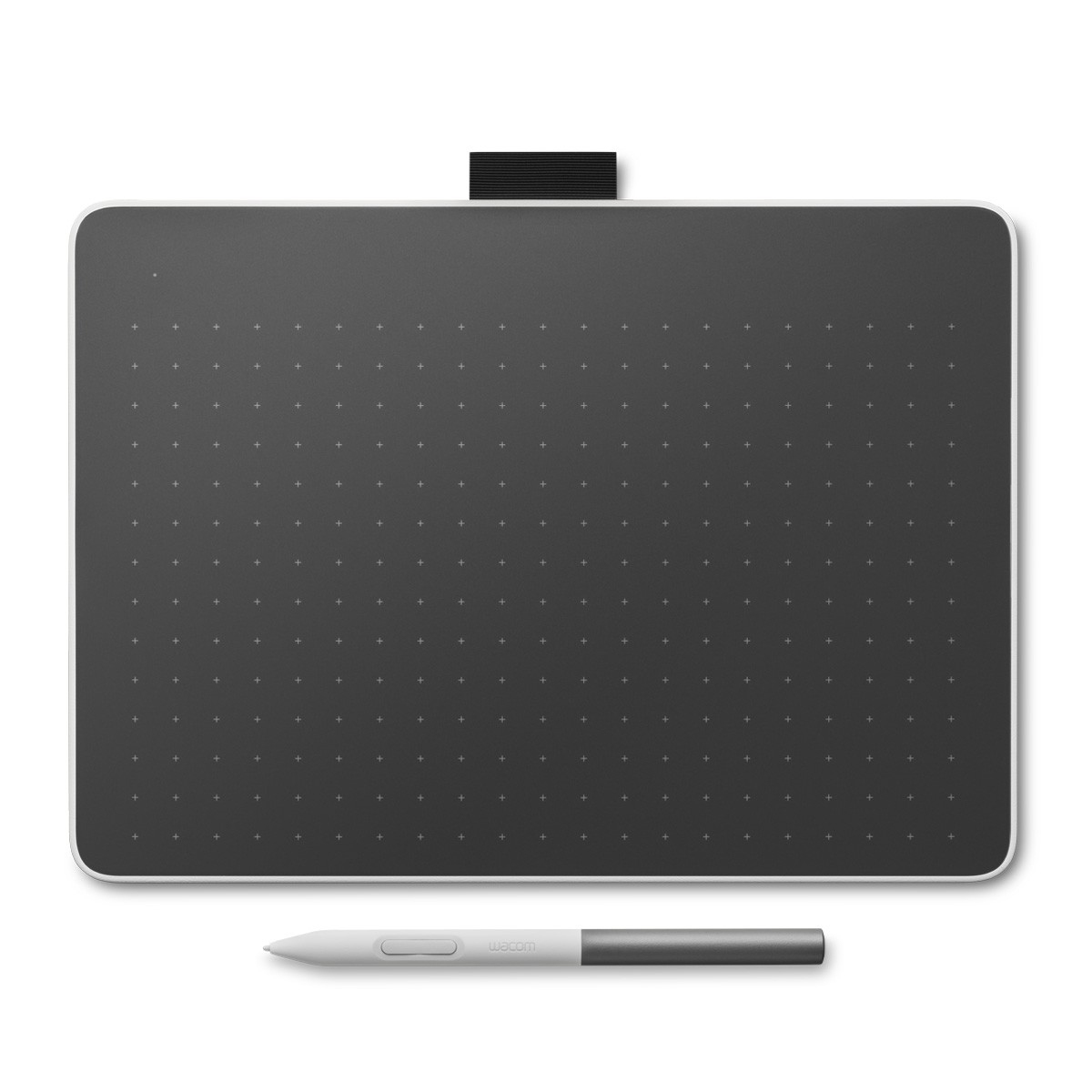
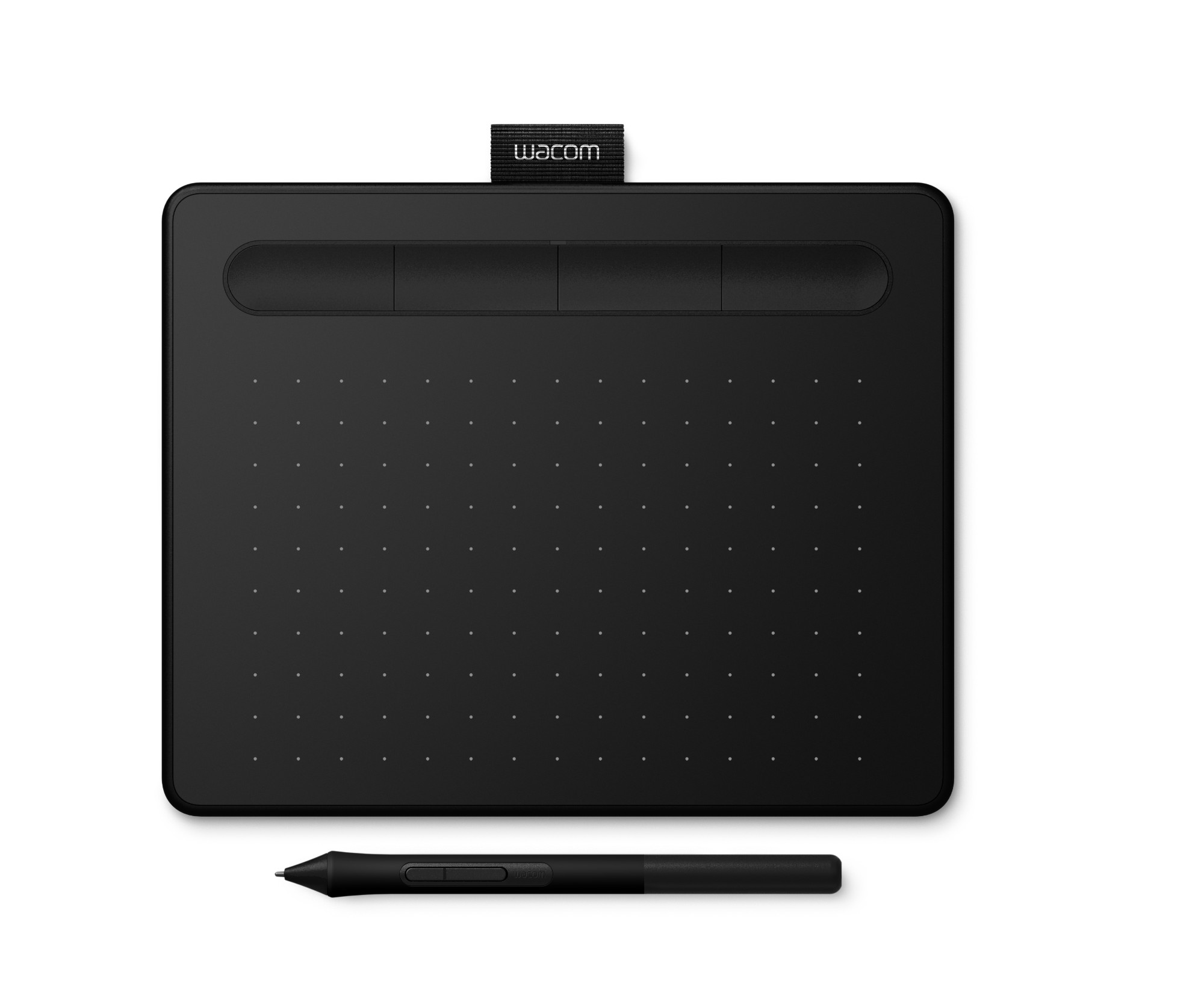
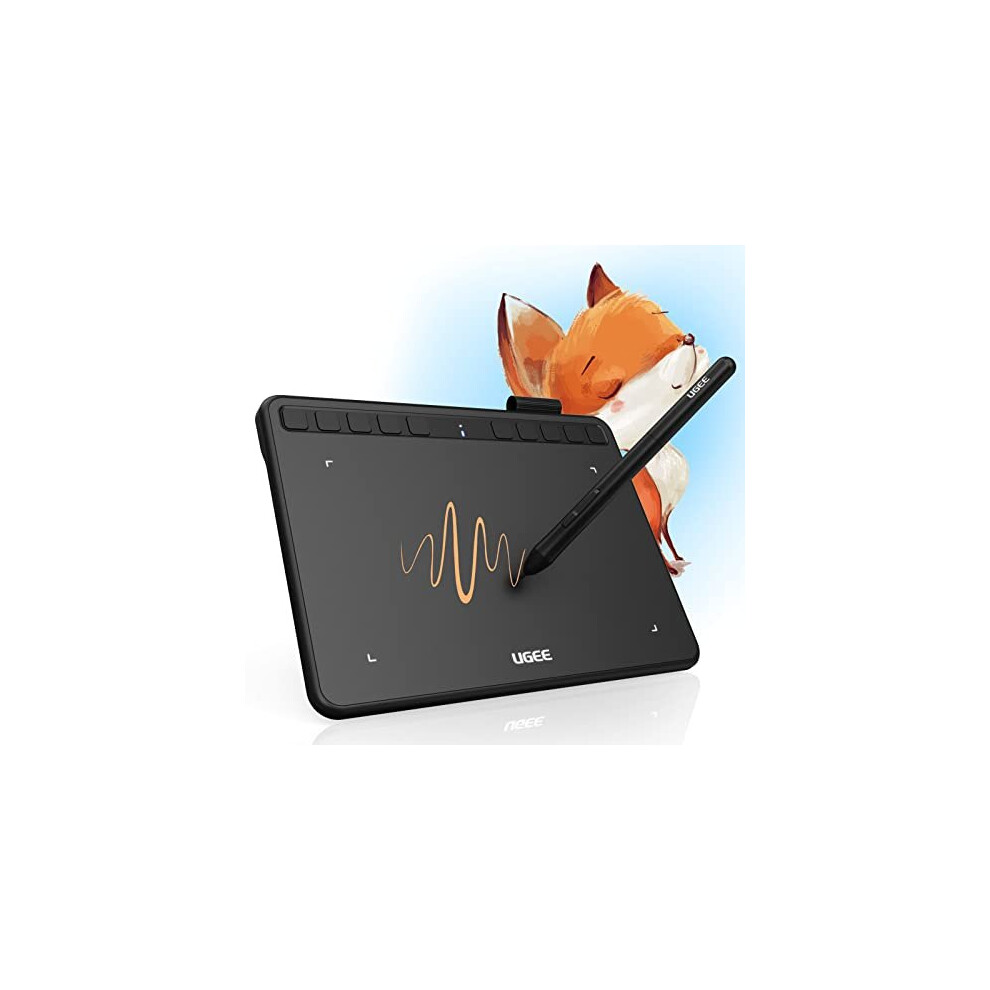
- Portable graphics tablets in the Input Devices sub-type let you draw without a monitor. Many offer 8192 pressure levels for fine control.
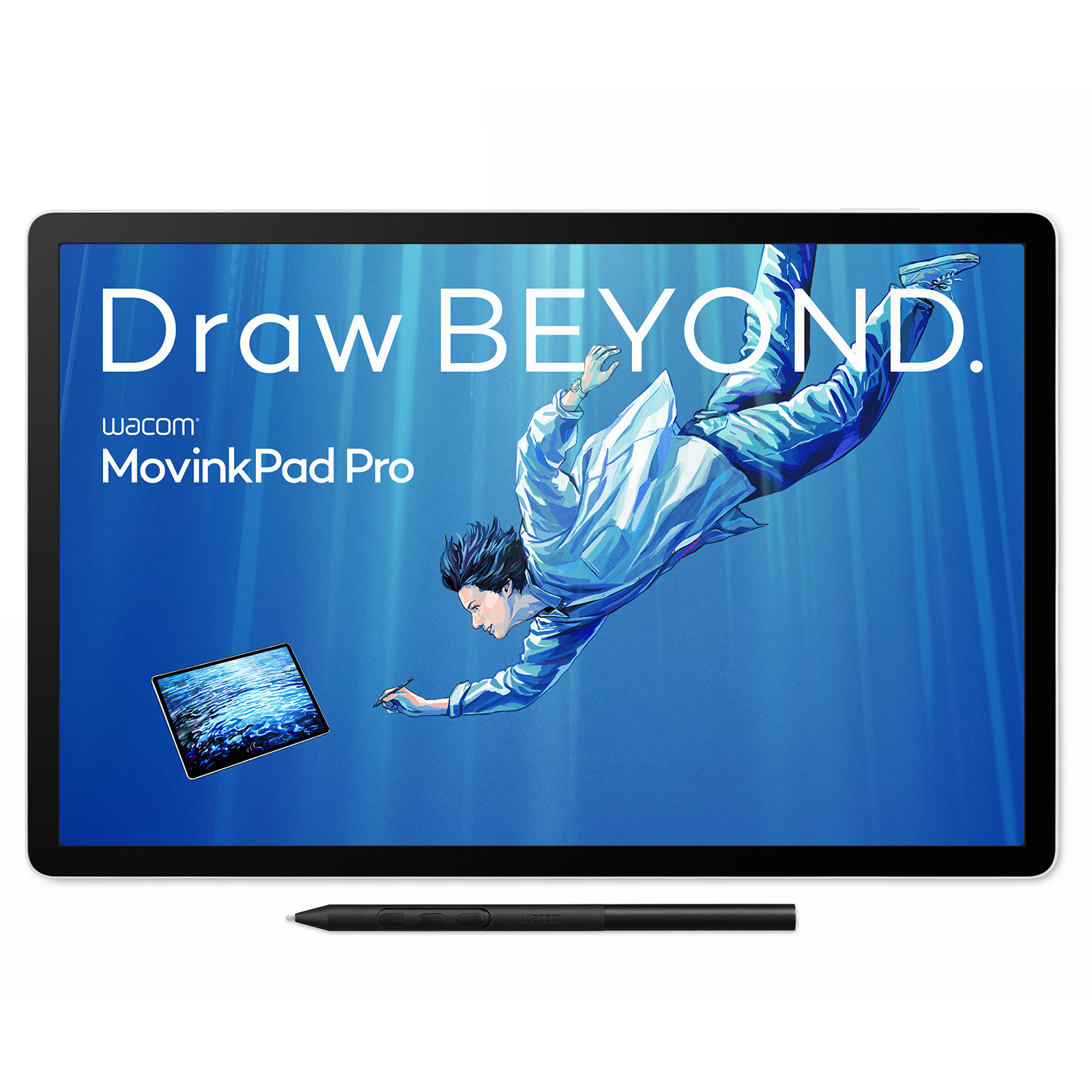
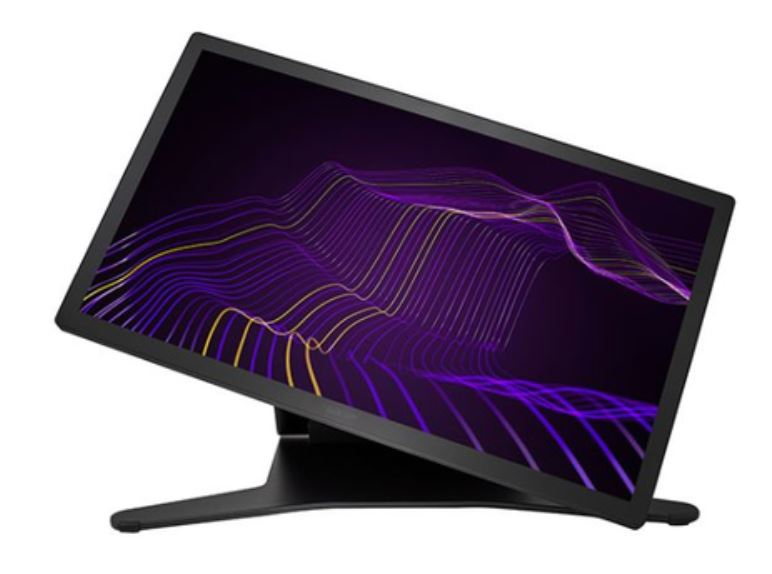
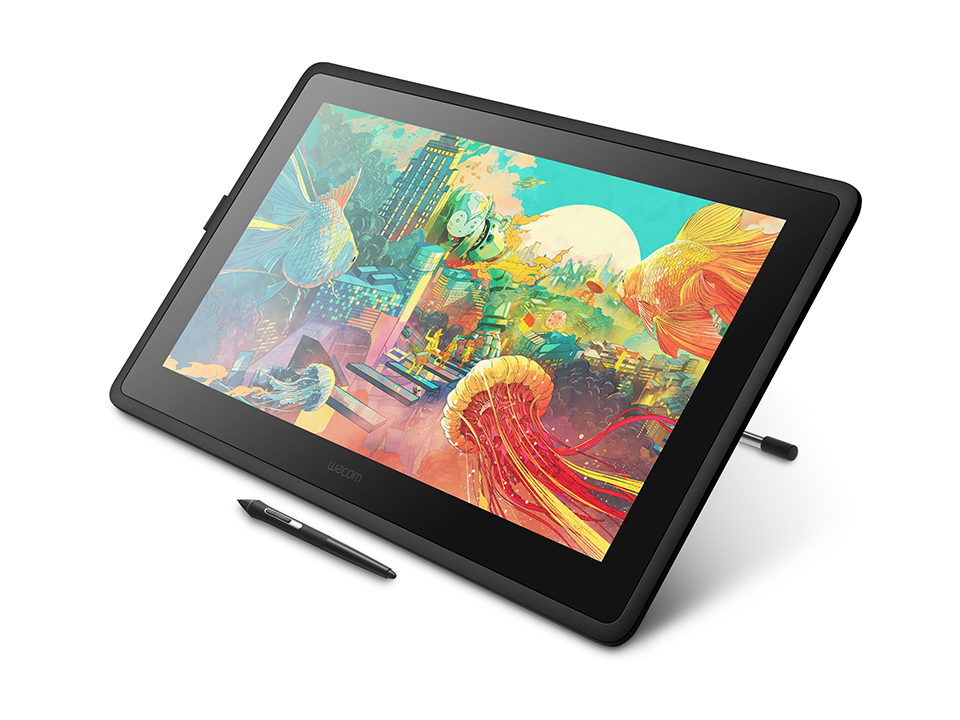
- Pen displays listed under Computer Components show a 17 inch or 24 inch screen. You work directly on the image, which suits studio use.
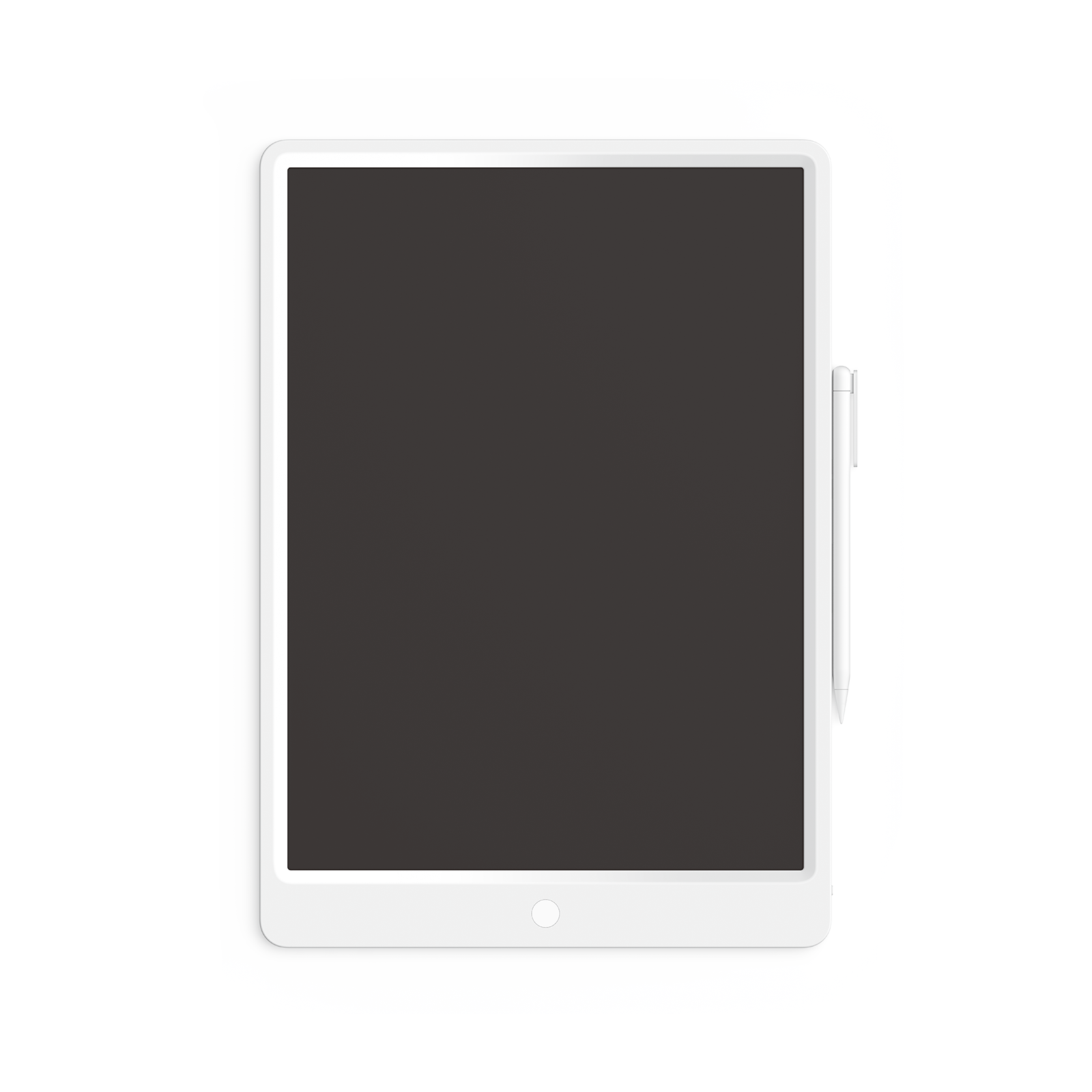
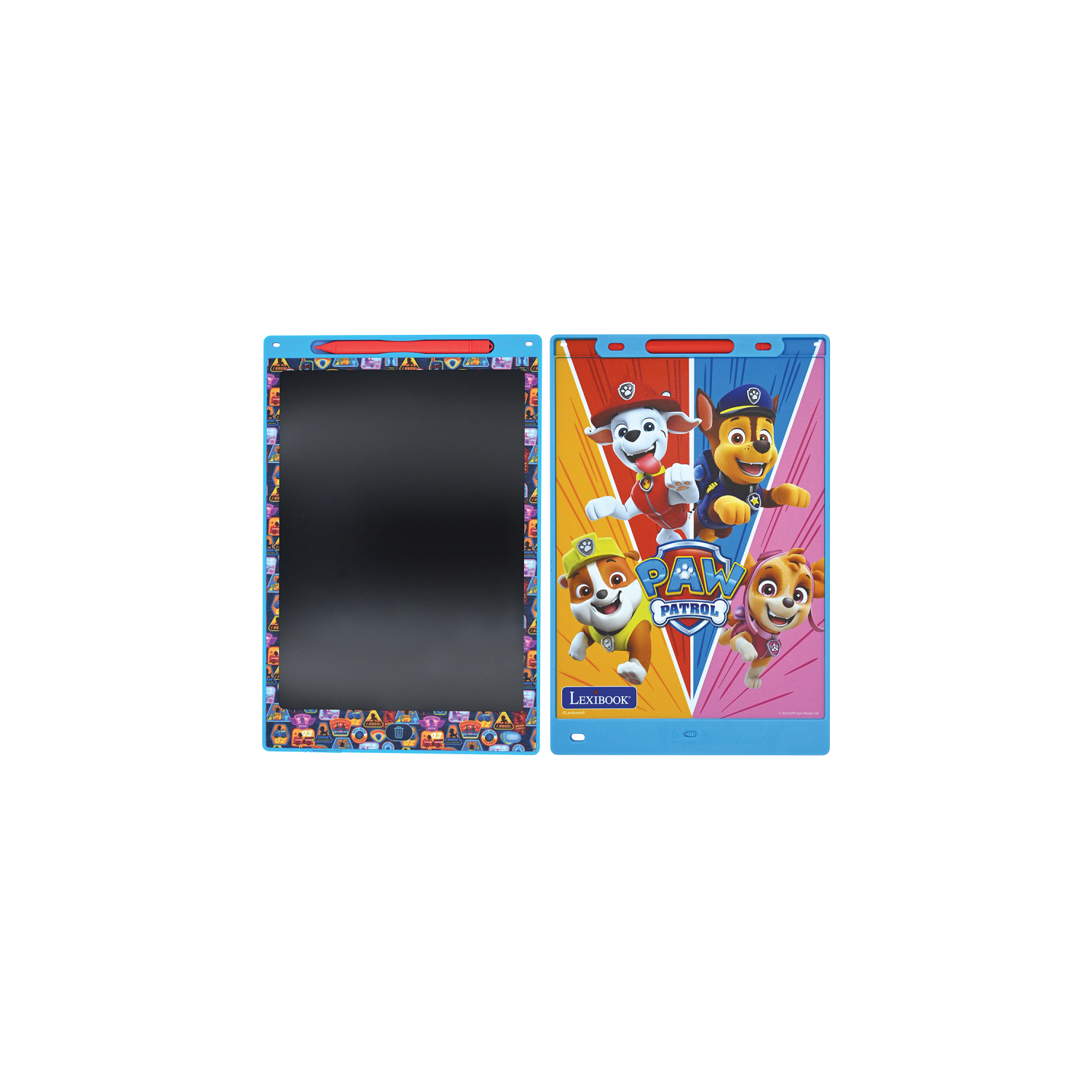
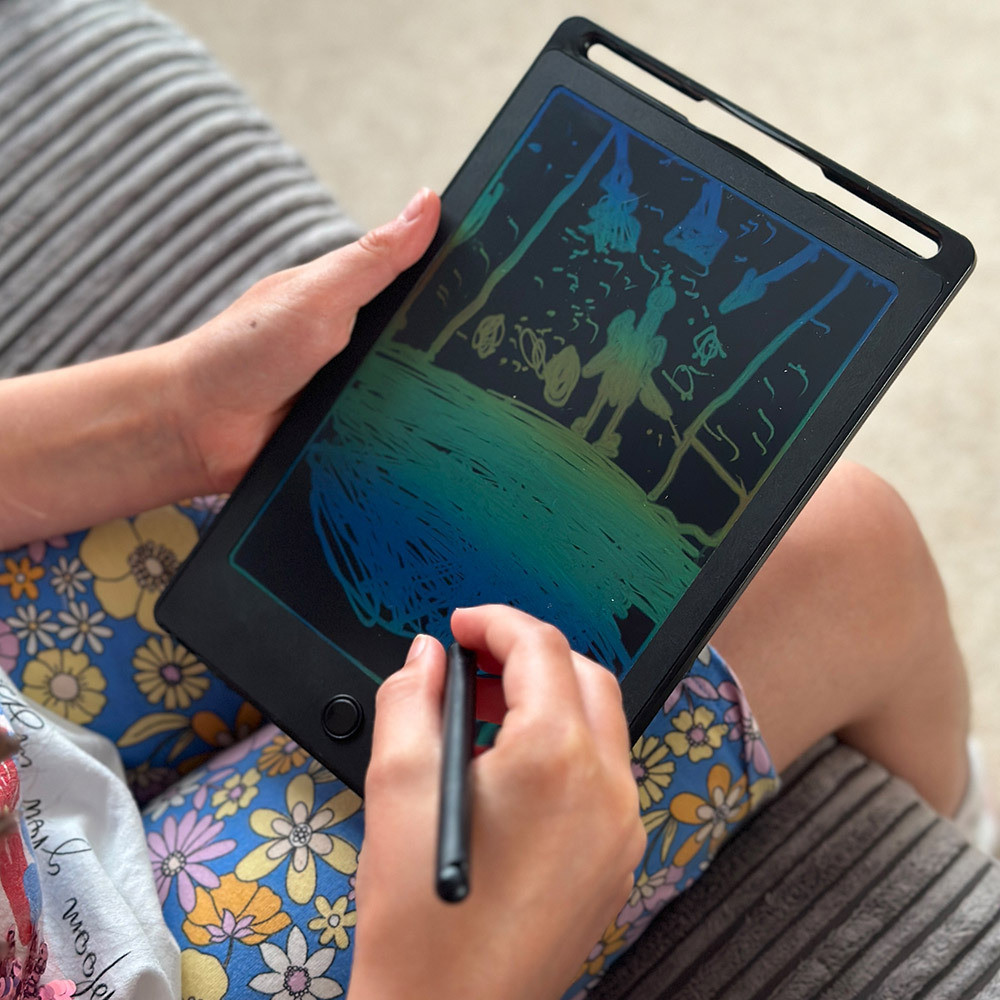
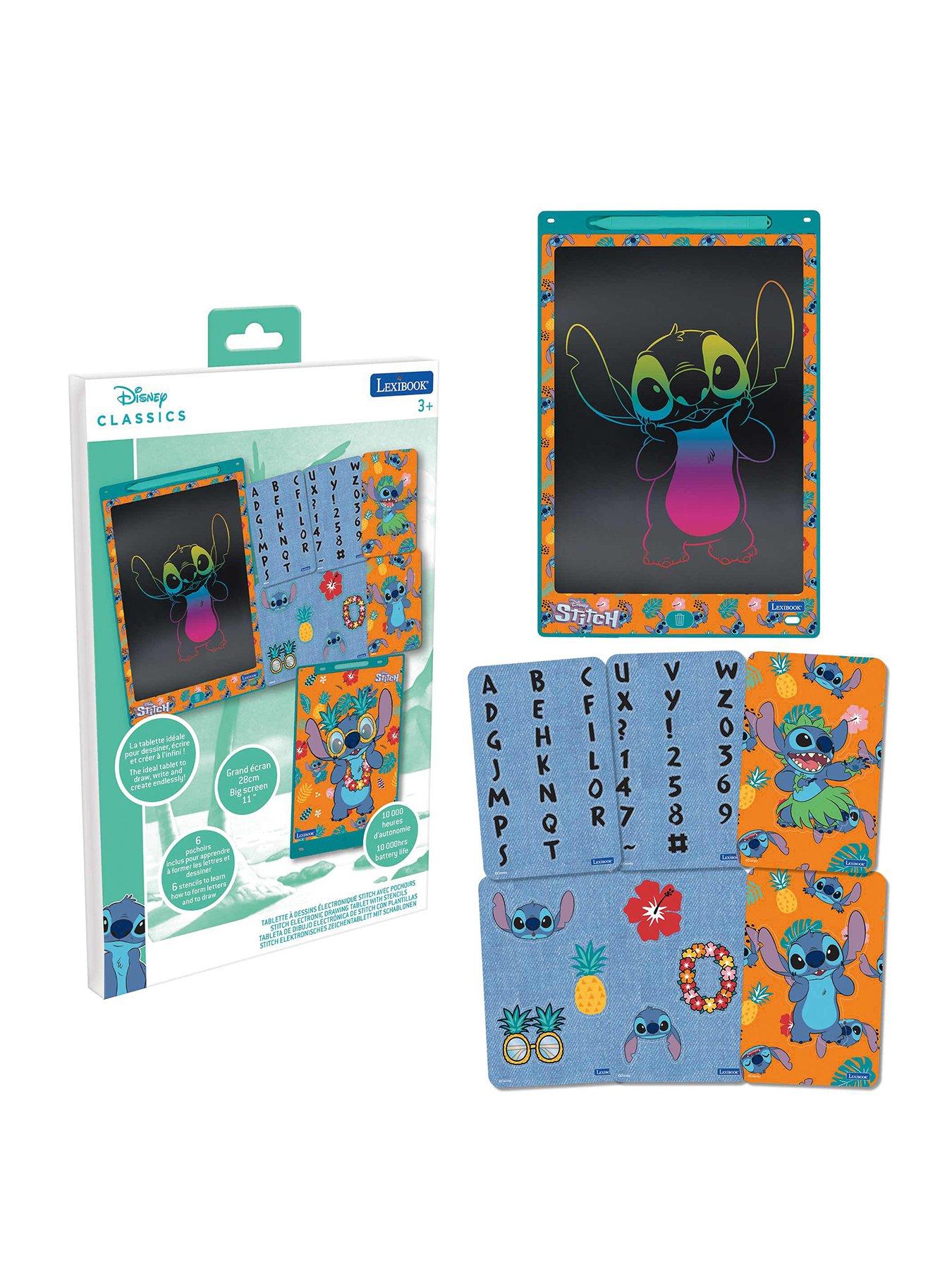
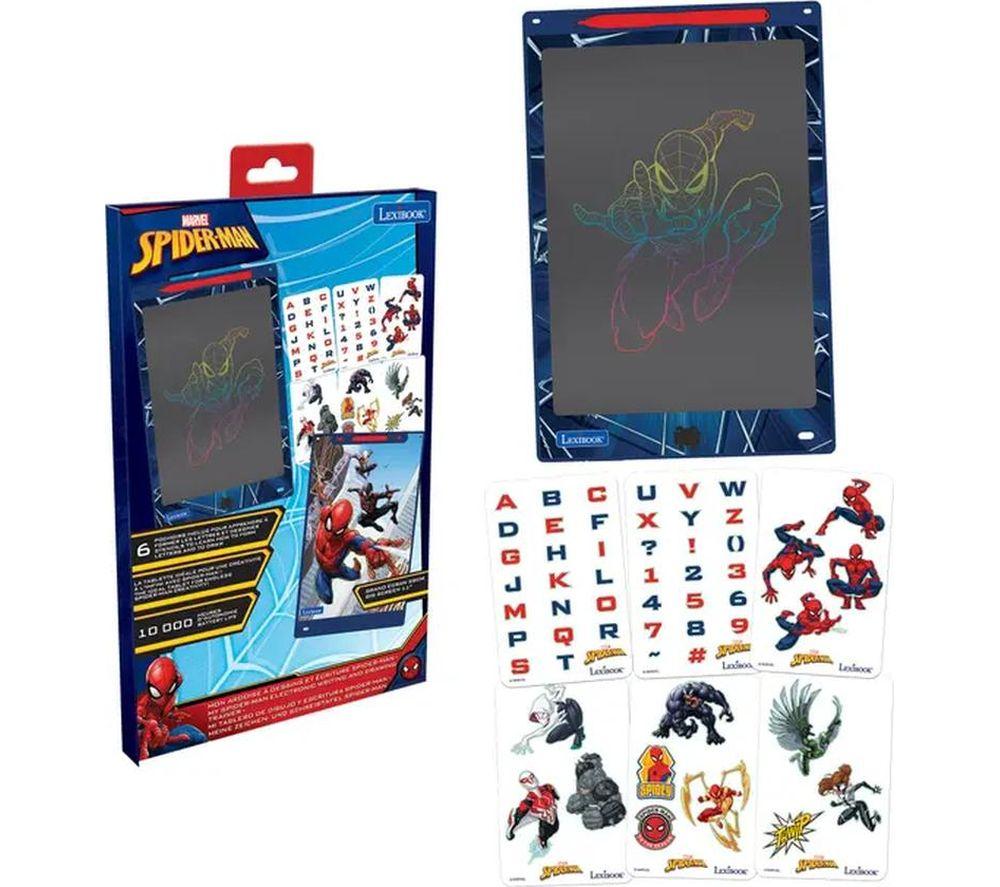
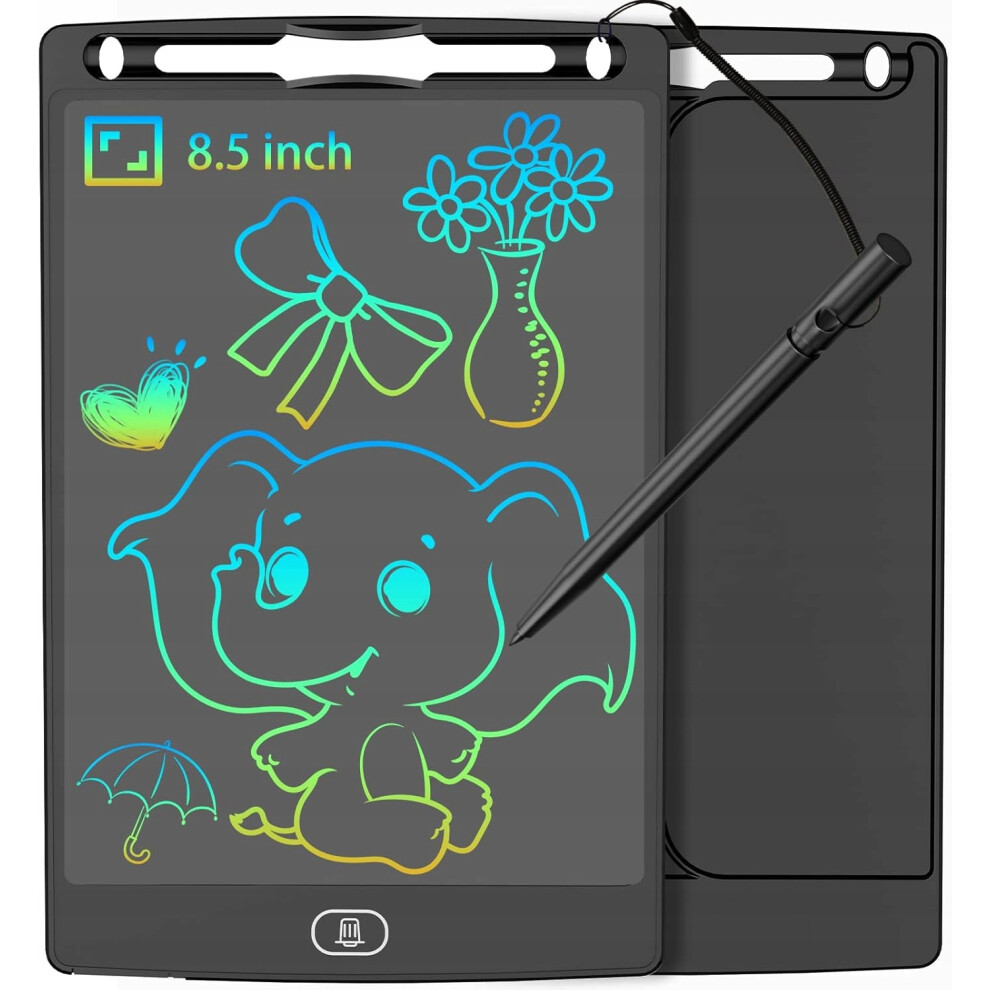
- LCD drawing tablets in Electronics are light and simple. They fit casual doodling or child use.
- The colour range includes black, white, pink, green and yellow. You can pick a tablet that matches a desk.
- Material options span plastic, bamboo and aluminium. Each changes the weight and feel in the hand.
Things to watch
- Pen displays are large and heavy. They belong on a desk, not in a bag.
- LCD drawing tablets skip high pressure sensitivity. They cannot match a pen tablet for detailed art.
- Input Devices tablets need a separate screen. New users may find the hand eye gap awkward.
- Some Electronics Accessories listings are item finders, not drawing tools. Check the sub-type before choosing.
- Bright plastic colours like yellow or red show scuffs. Black and white stay neater longer.
Care & maintenance
Surface care
Wipe plastic or bamboo surfaces with a dry cloth. Avoid soaking paper/plastic hybrid builds.
Storage
Store aluminium pen displays in a padded sleeve. This prevents corner dents.
Stylus upkeep
If you use a stylus with 8192 levels, inspect the nib. Swap it when it wears down.
Tracker care
Keep Electronics Accessories trackers dry and cool. Heat shortens the battery life.
Frequently Asked Questions
What should I look for when buying graphics tablets?
When shopping for graphics tablets, consider factors such as quality, price, brand reputation, and customer reviews. Compare prices across multiple retailers to ensure you're getting the best deal. Look for products that match your specific needs and budget.
How do I choose the right graphics tablets?
Choosing the right graphics tablets depends on your individual needs, budget, and preferences. Research different options, read customer reviews, and compare specifications. Consider what features are most important to you and look for products that offer the best value for money.
Where can I find the best deals on graphics tablets?
You can find the best deals on graphics tablets by comparing prices across multiple retailers. Our price comparison tool helps you find the lowest prices from trusted UK retailers including Amazon, eBay, and other major online stores. Check regularly as prices and deals change frequently.
Are graphics tablets products worth the investment?
The value of graphics tablets products depends on your specific needs and how you plan to use them. Quality products from reputable brands often provide better long-term value, even if they cost more initially. Consider your budget and requirements when making your decision.
What's the difference between different types of graphics tablets?
Different types of graphics tablets vary in features, quality, price, and intended use. Some may offer premium features while others focus on affordability. Research the specific differences between models or brands to find the option that best suits your needs and budget.