Computer Monitors
How to choose computer monitors
Sub-type fit
Sub-type: pick Electronics for everyday computing or Video for motion and colour work, each with different port mixes.
Screen size
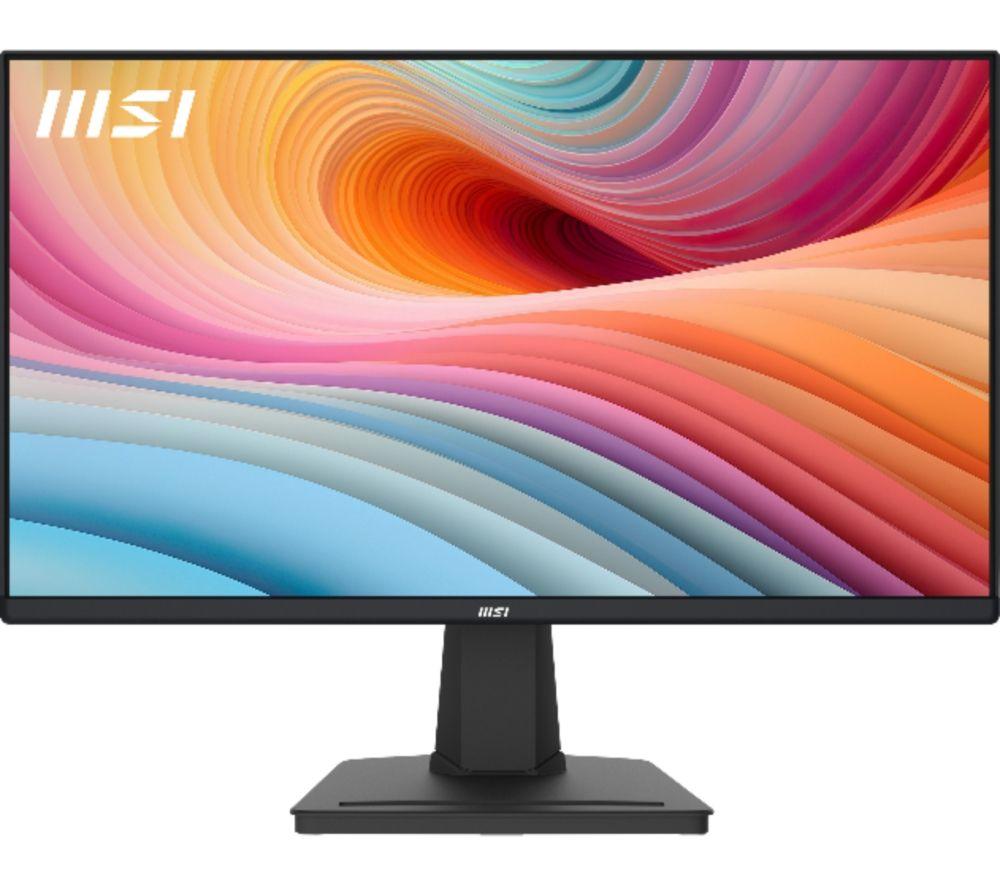
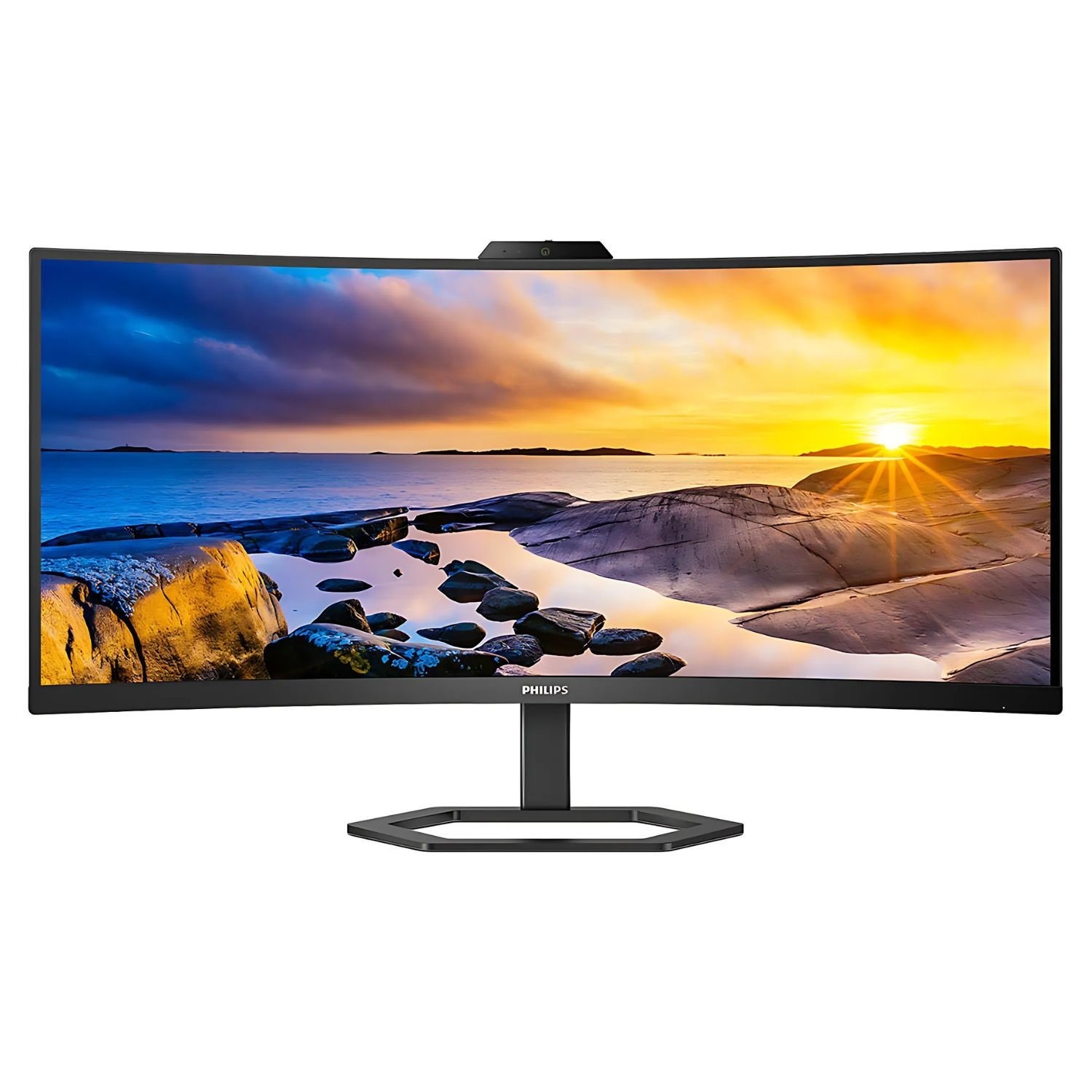
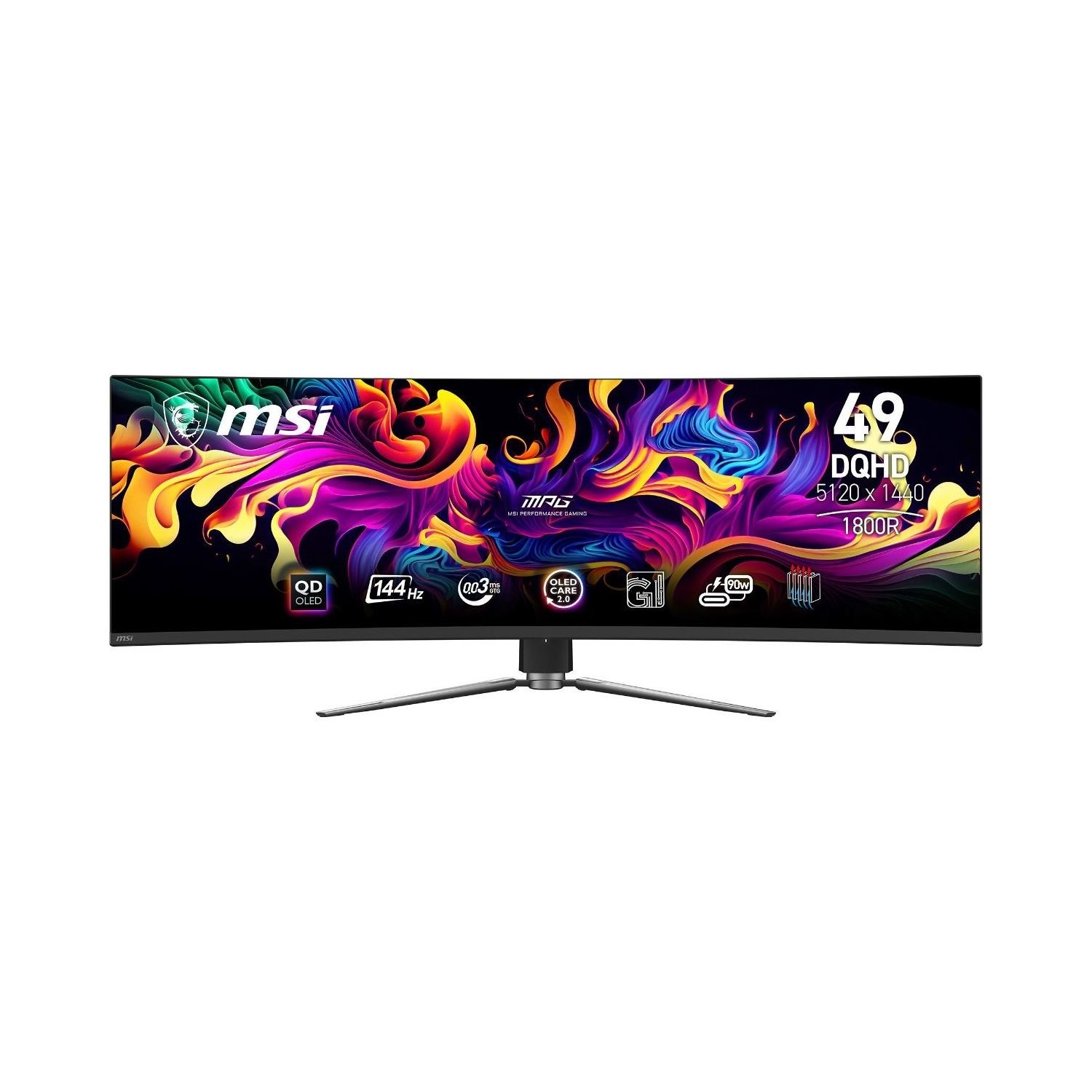
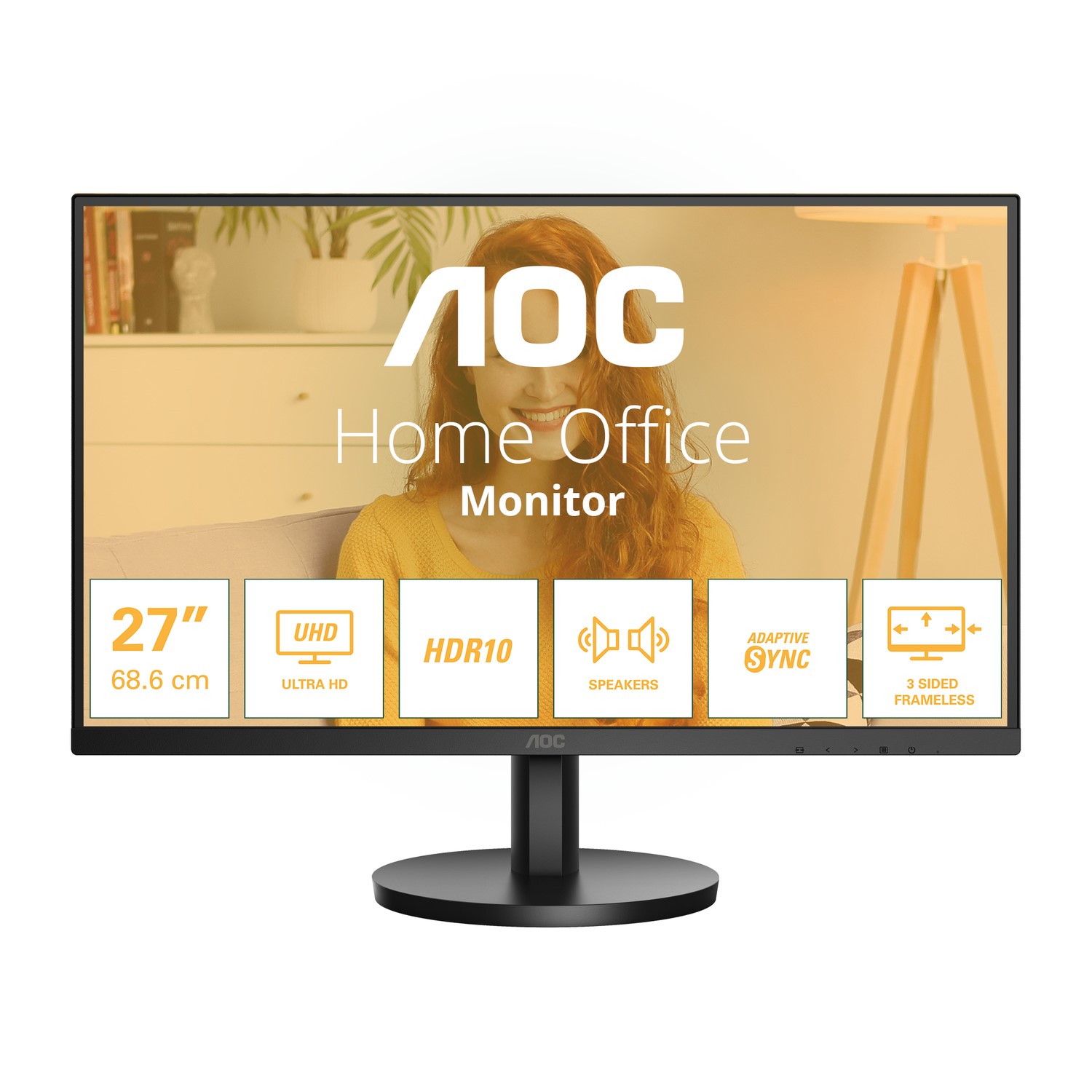
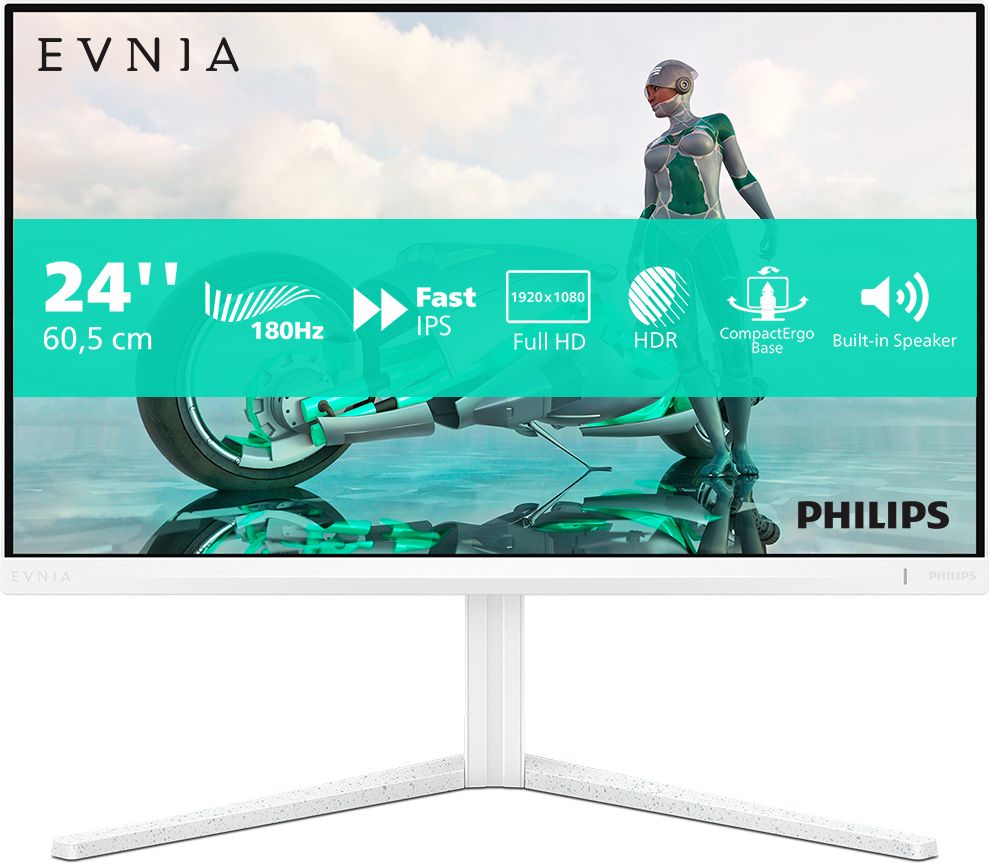
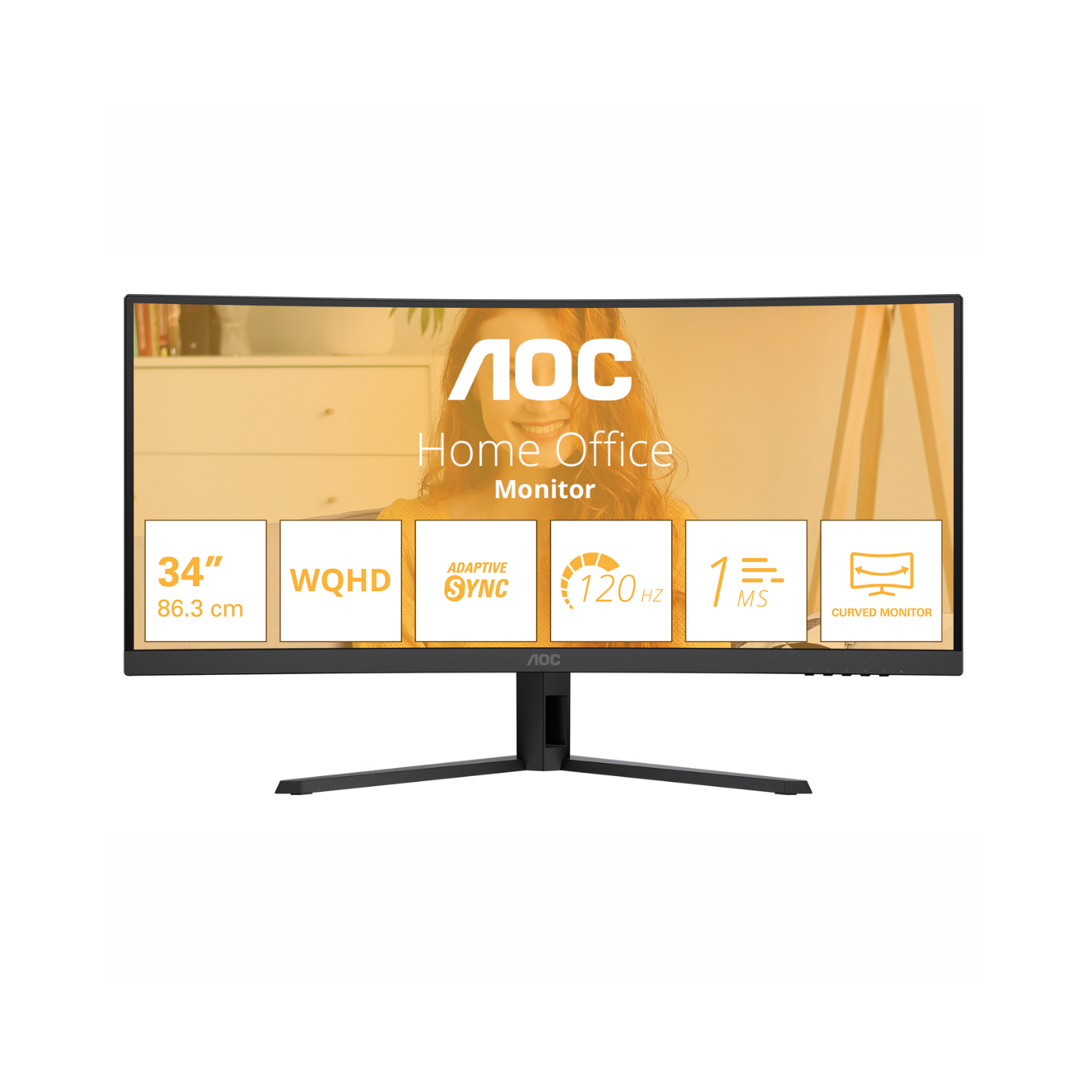
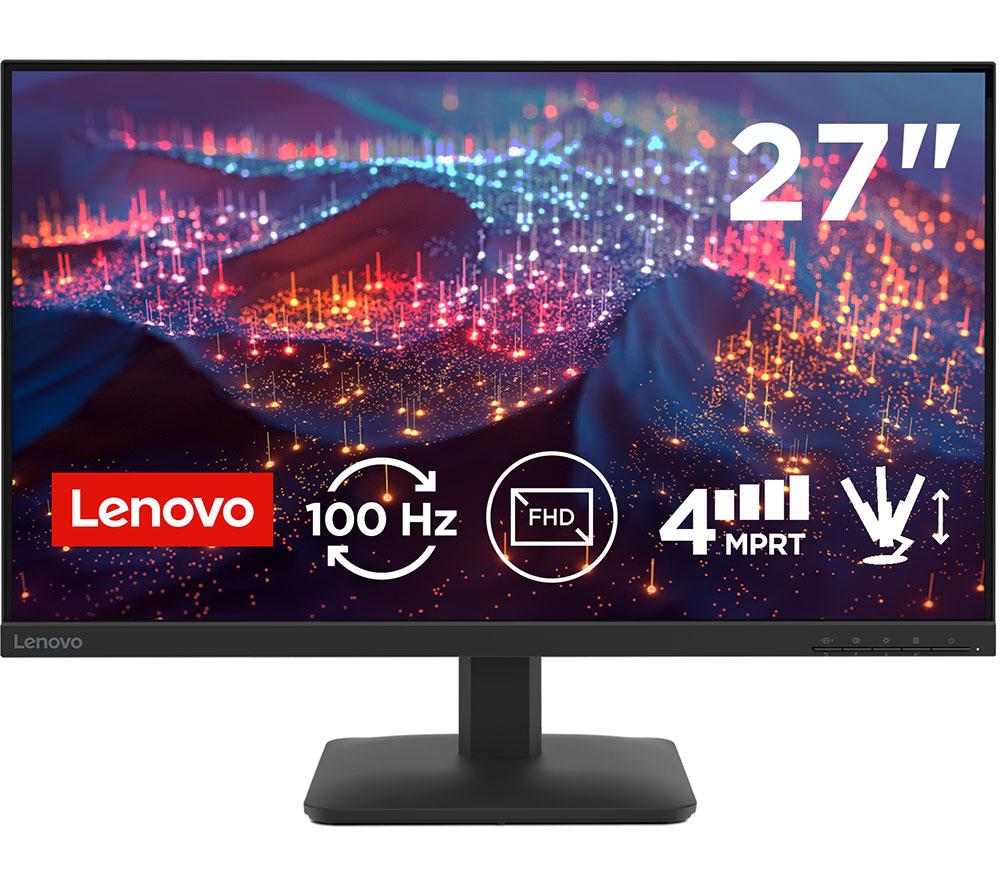
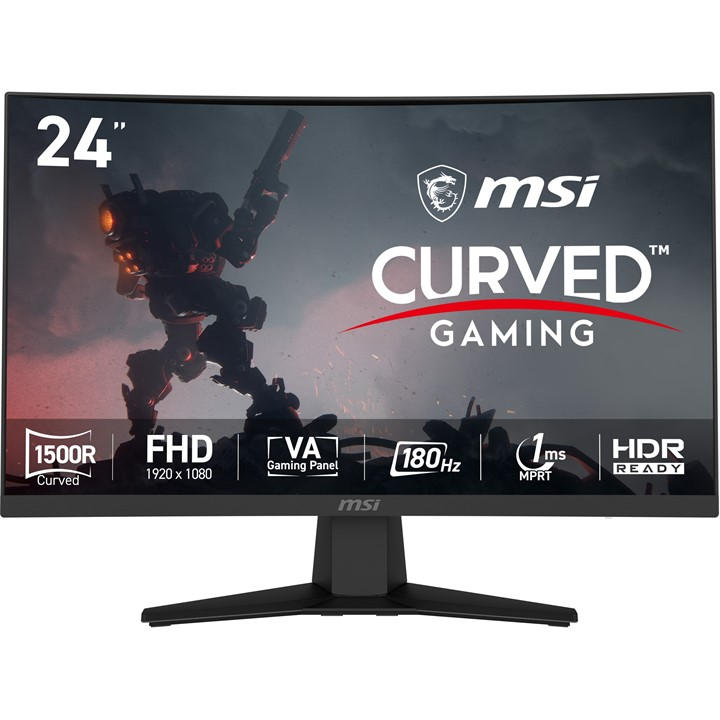
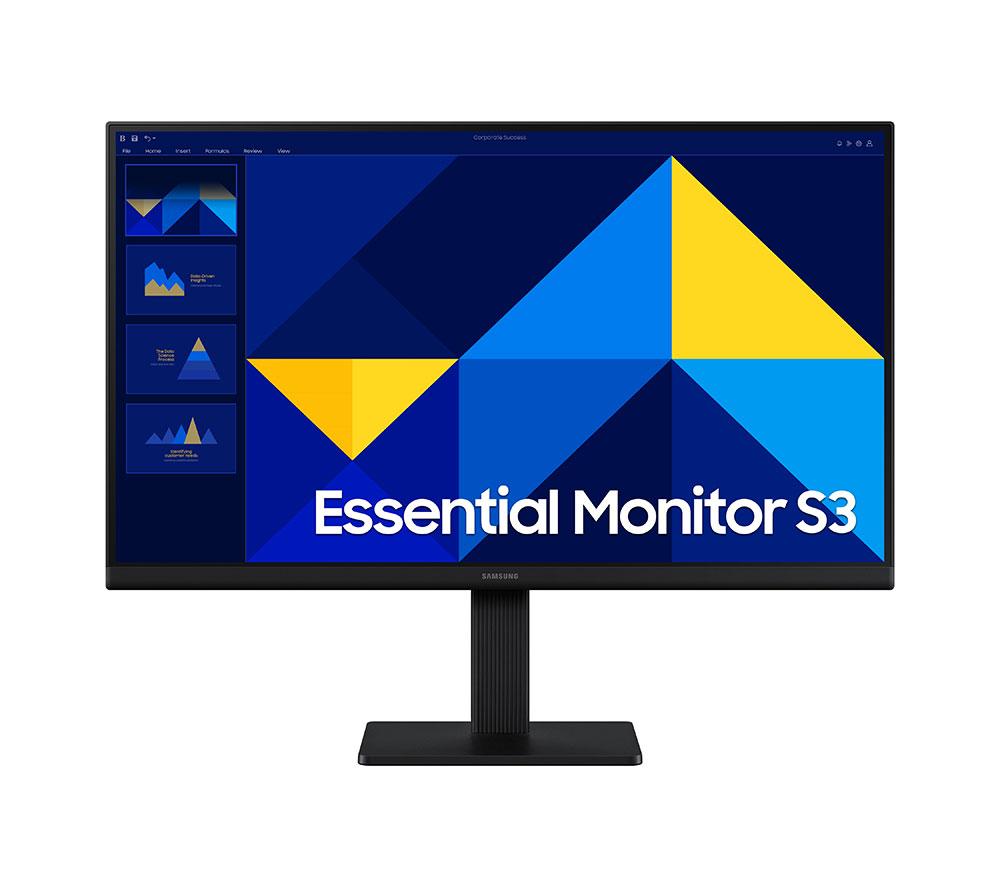
Size and resolution: 24-inch Full HD for saving space, 31.5-inch 4K for detail, 49-inch ultrawide for split views.
Panel choice
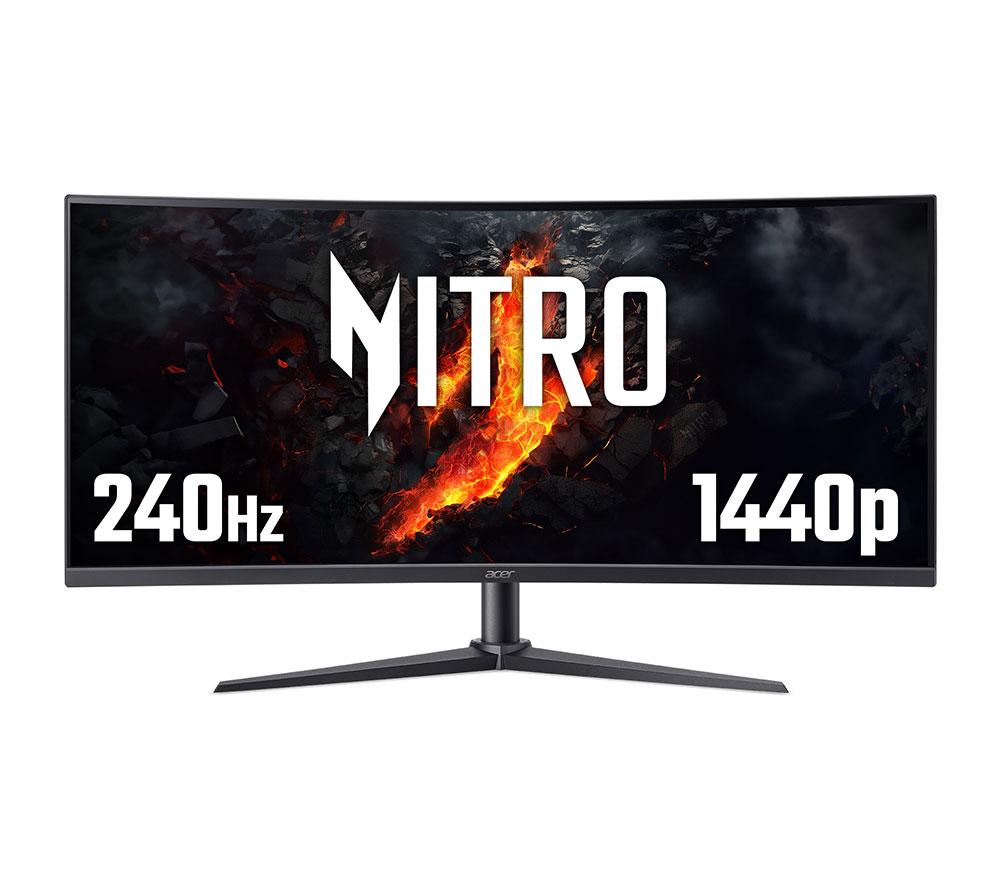
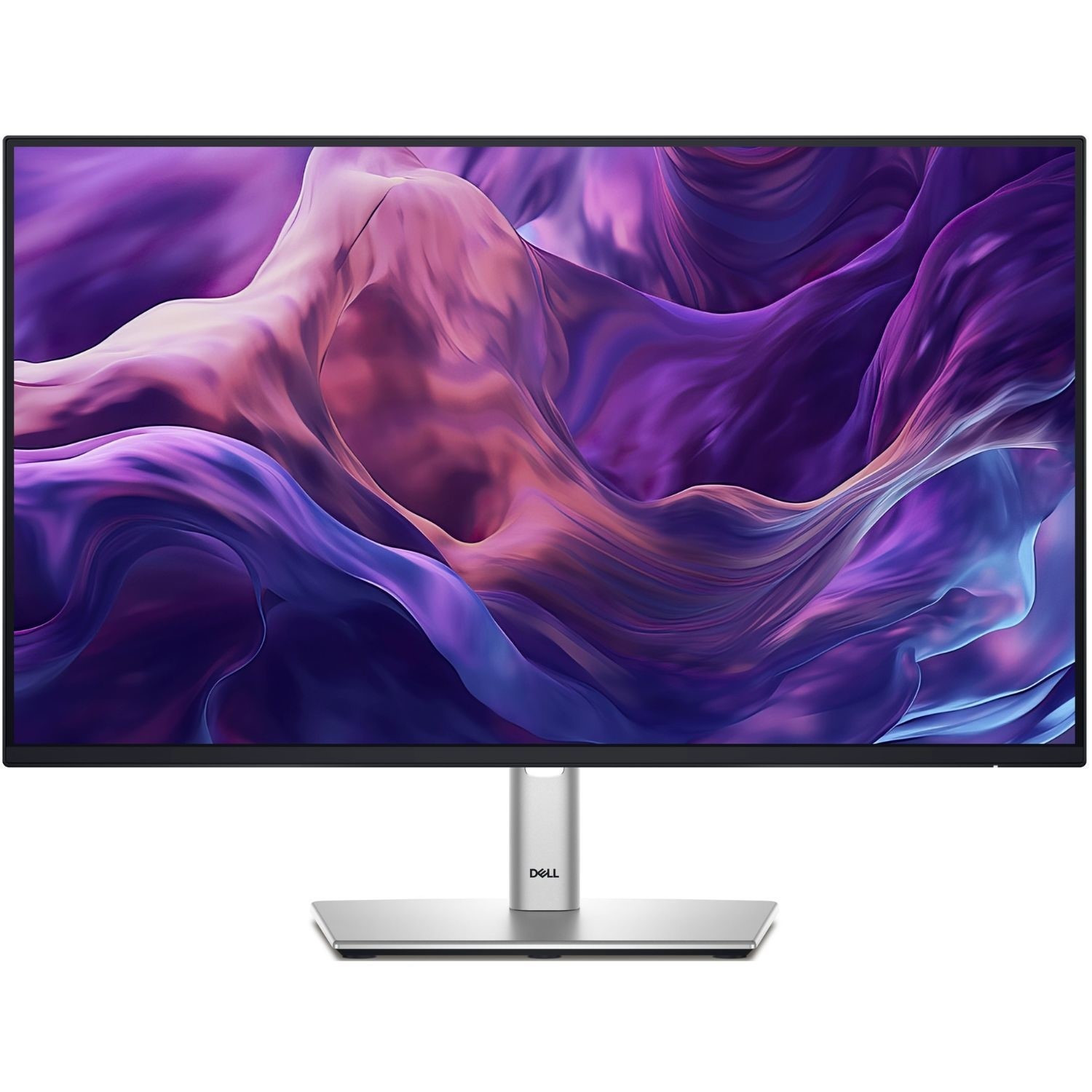
Panel and shape: flat IPS for accurate colour, curved VA for fast gaming, with tradeoffs in viewing angle and glare.
Finish and build
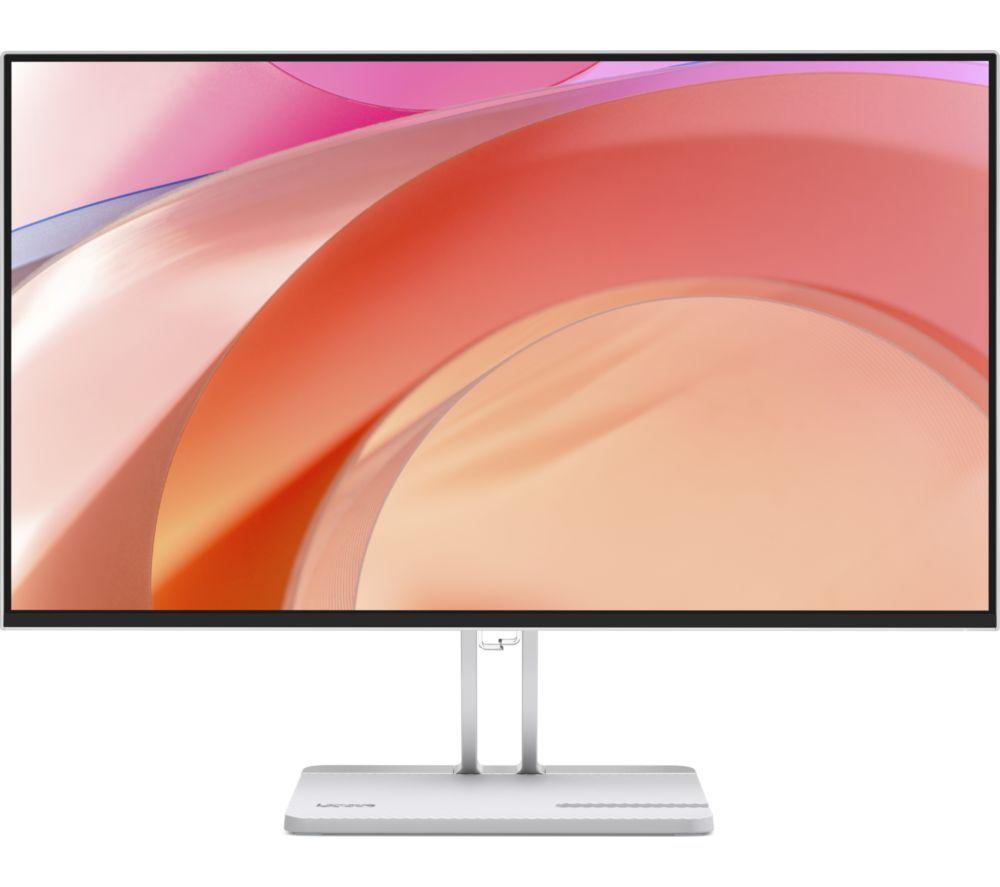
Colour and material: black plastic stays discreet and light, white aluminium looks sharp but needs more cleaning.
Input method
Touch input: a pen display suits artists, a standard monitor suits those who never draw.
What's good
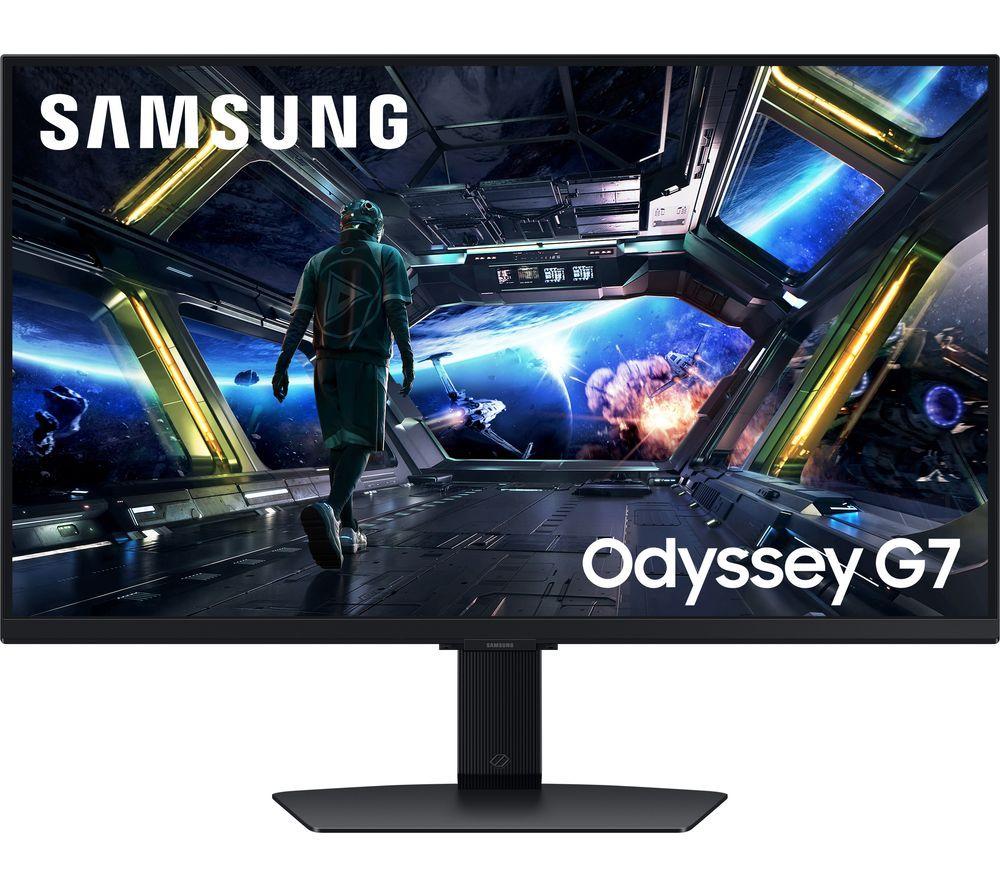
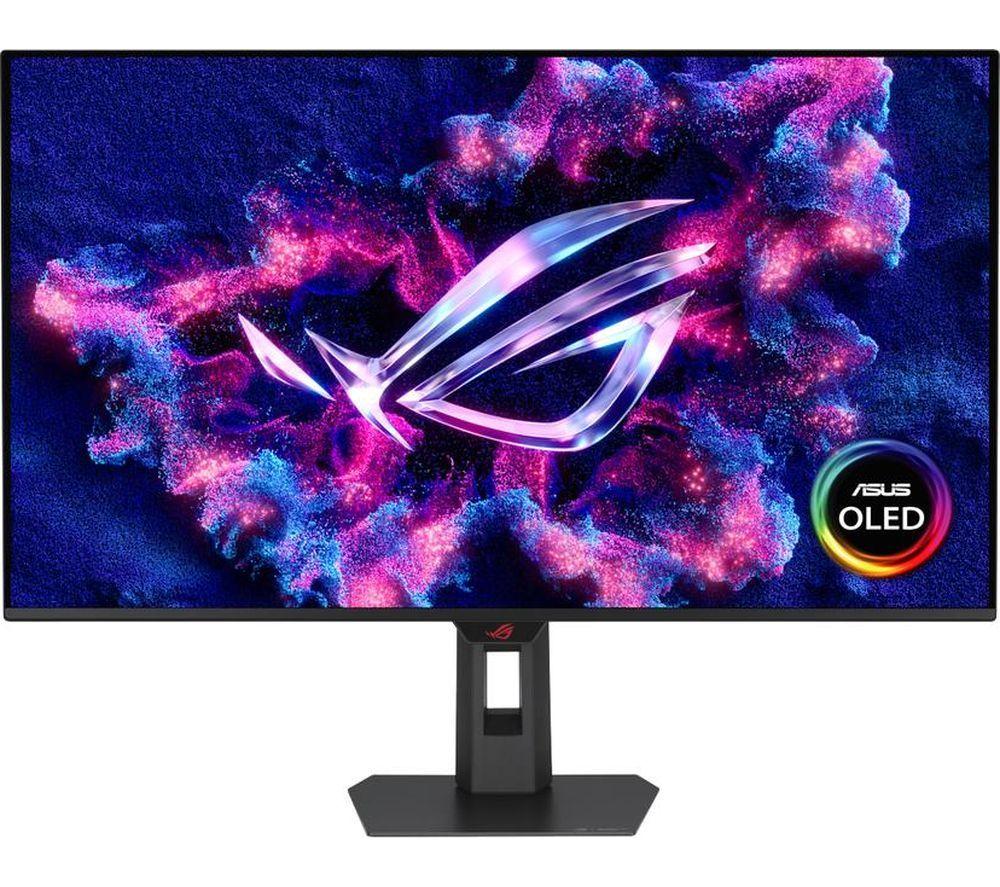
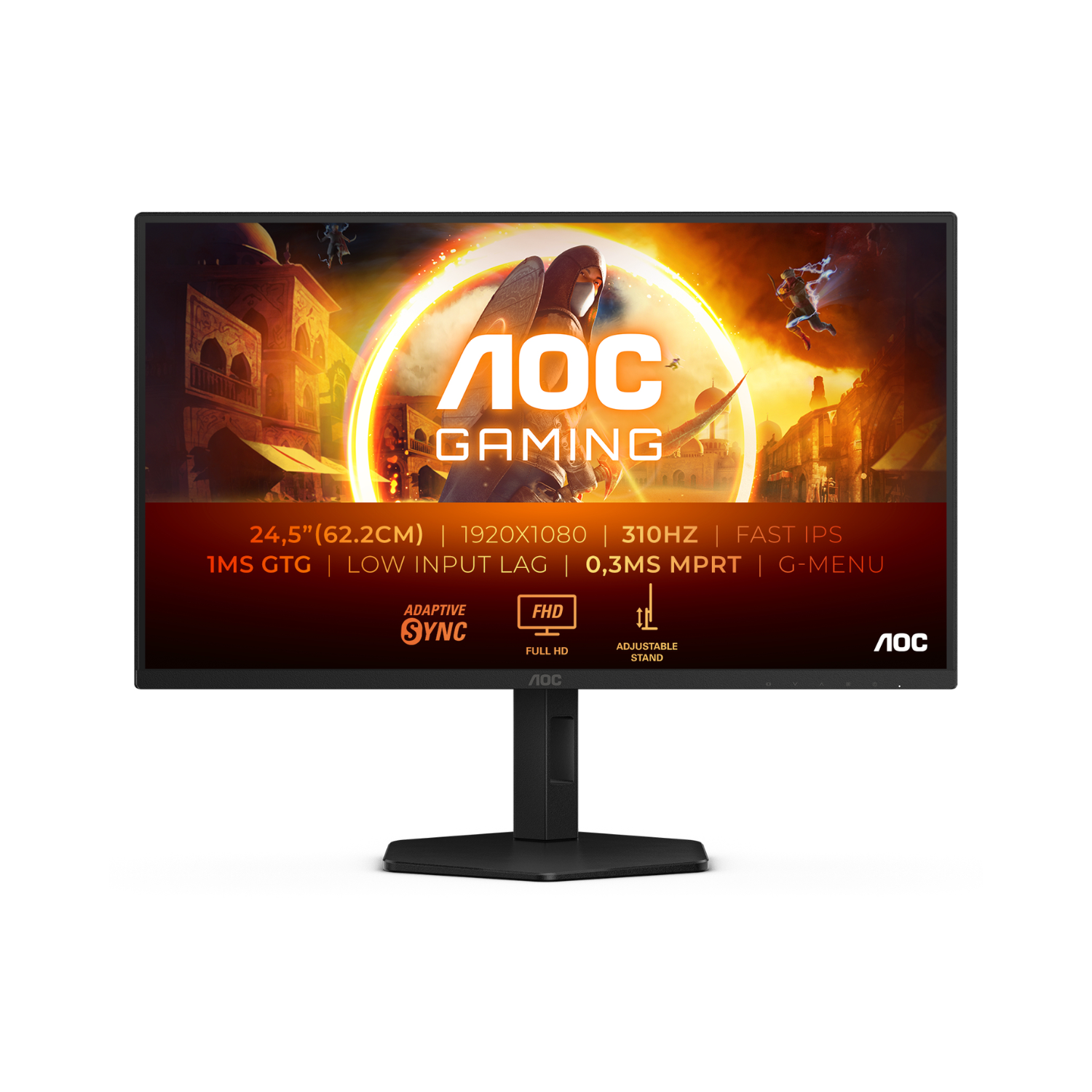
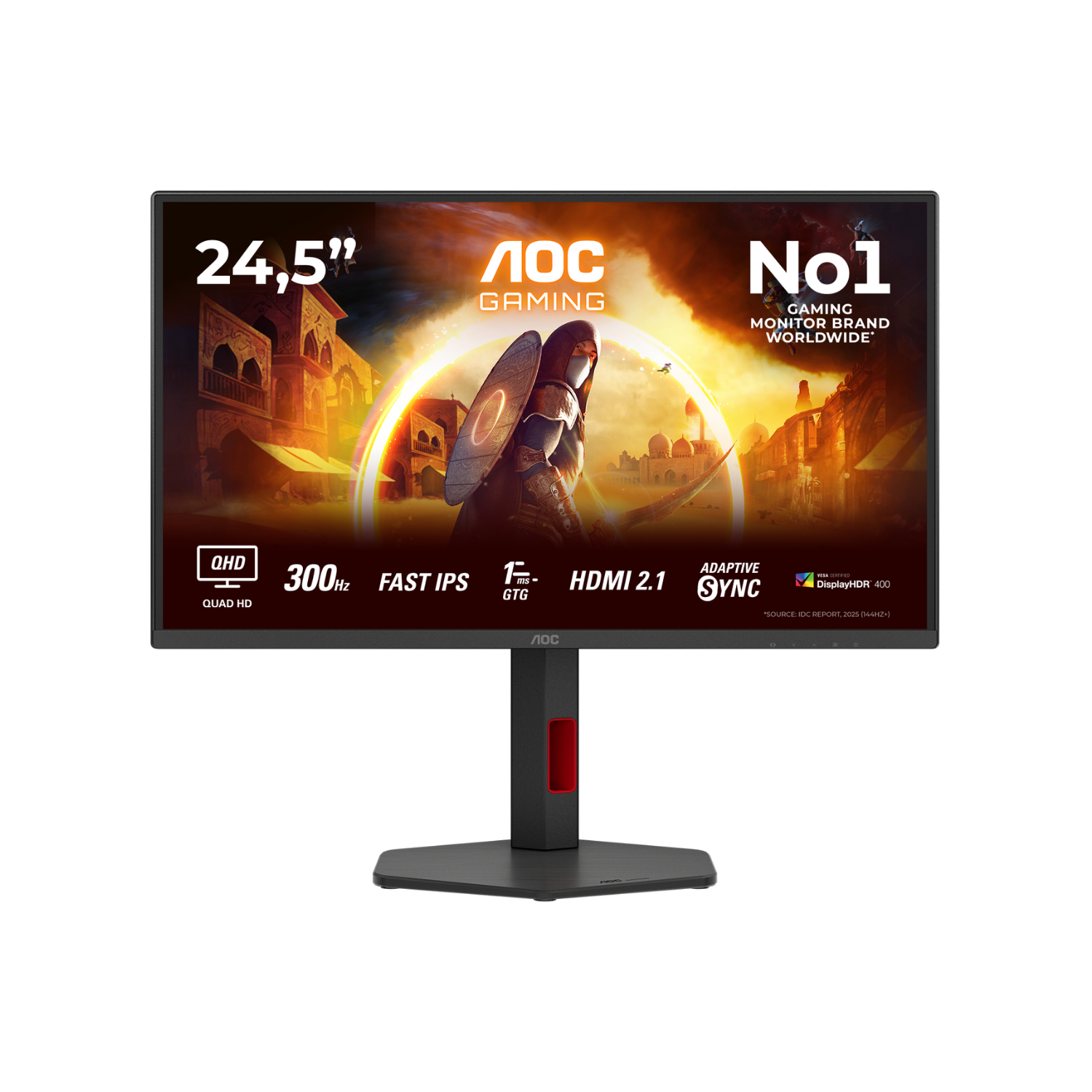
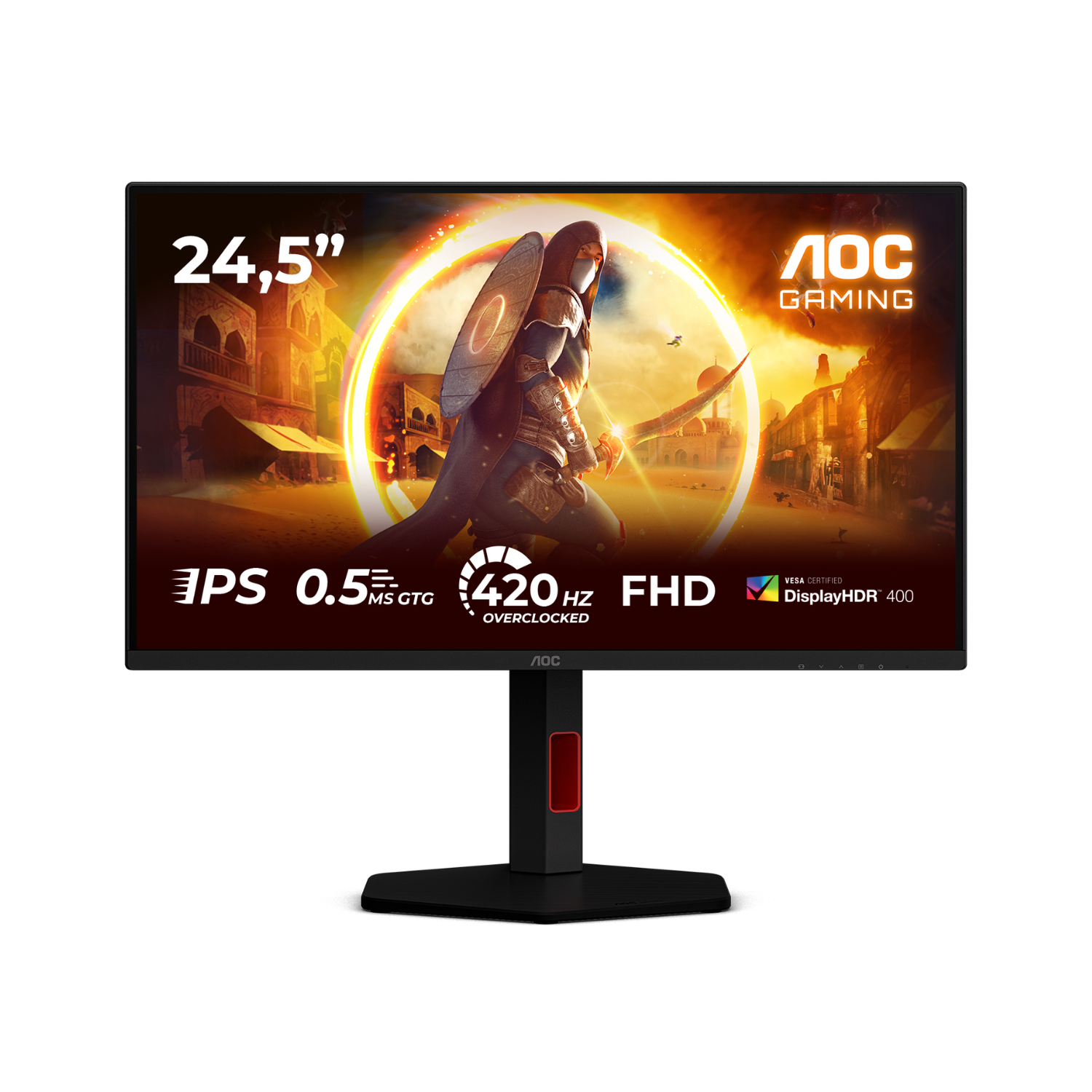
- High-refresh gaming monitors (180Hz to 280Hz) deliver smooth motion that standard 60Hz office screens cannot match.
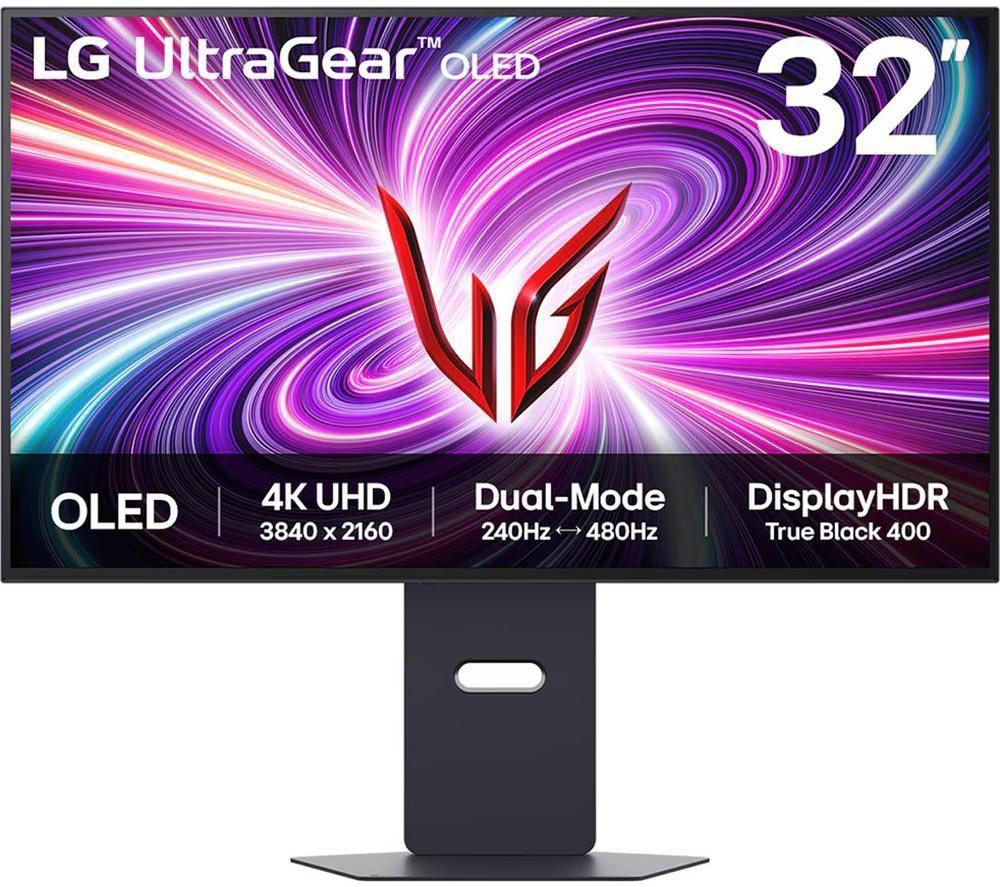
- Ultrawide and 4K panels give abundant workspace for multitasking, beyond what a 24-inch Full HD provides.
- Pen display touchscreen types let creators draw directly on a 4K surface, a capability absent in fixed monitors.
- Choice of colour finishes (black, white, silver, blue/light) helps match your desk without repainting the room.
- Material options from aluminium to plastic let you trade weight for sturdiness according to need.
Things to watch
- Curved high-refresh gaming monitors immerse in play but their size and glare suit office text work poorly.
- 4K and ultrawide professional screens need more desk depth and a stronger PC than a 24-inch Full HD panel.
- Pen display touchscreens are compact (around 15.6-inch) so they fail as primary monitors for spreadsheets.
- Light finishes like white or light/blue show fingerprints faster than black or dark/light colours.
- Cardboard or paper material accents offer an eco feel but lack the longevity of metal or aluminium frames.
Care & maintenance
Screen care
Wipe screens with a dry microfibre cloth, taking care near cardboard or paper backed edges.
Pen display upkeep
Recalibrate touchscreen pen displays monthly and cap the stylus when not in use.
Frame cleaning
Use a damp cloth on aluminium or metal frames, but skip solvents on plastic to avoid haze.
Cooling vigilance
Keep vents clear on high-refresh gaming monitors so heat does not build during long sessions.
Frequently Asked Questions
What should I look for when buying computer monitors?
When shopping for computer monitors, consider factors such as quality, price, brand reputation, and customer reviews. Compare prices across multiple retailers to ensure you're getting the best deal. Look for products that match your specific needs and budget.
How do I choose the right computer monitors?
Choosing the right computer monitors depends on your individual needs, budget, and preferences. Research different options, read customer reviews, and compare specifications. Consider what features are most important to you and look for products that offer the best value for money.
Where can I find the best deals on computer monitors?
You can find the best deals on computer monitors by comparing prices across multiple retailers. Our price comparison tool helps you find the lowest prices from trusted UK retailers including Amazon, eBay, and other major online stores. Check regularly as prices and deals change frequently.
Are computer monitors products worth the investment?
The value of computer monitors products depends on your specific needs and how you plan to use them. Quality products from reputable brands often provide better long-term value, even if they cost more initially. Consider your budget and requirements when making your decision.
What's the difference between different types of computer monitors?
Different types of computer monitors vary in features, quality, price, and intended use. Some may offer premium features while others focus on affordability. Research the specific differences between models or brands to find the option that best suits your needs and budget.