Computer Software
How to choose computer software
Office vs Business
Pick office application software for essays and budgets. Business and productivity software suits team automation, not solo home tasks.
Licence length
Weigh a one-year licence against a lifetime licence. Permanent access trades off against fresh features.
Device count
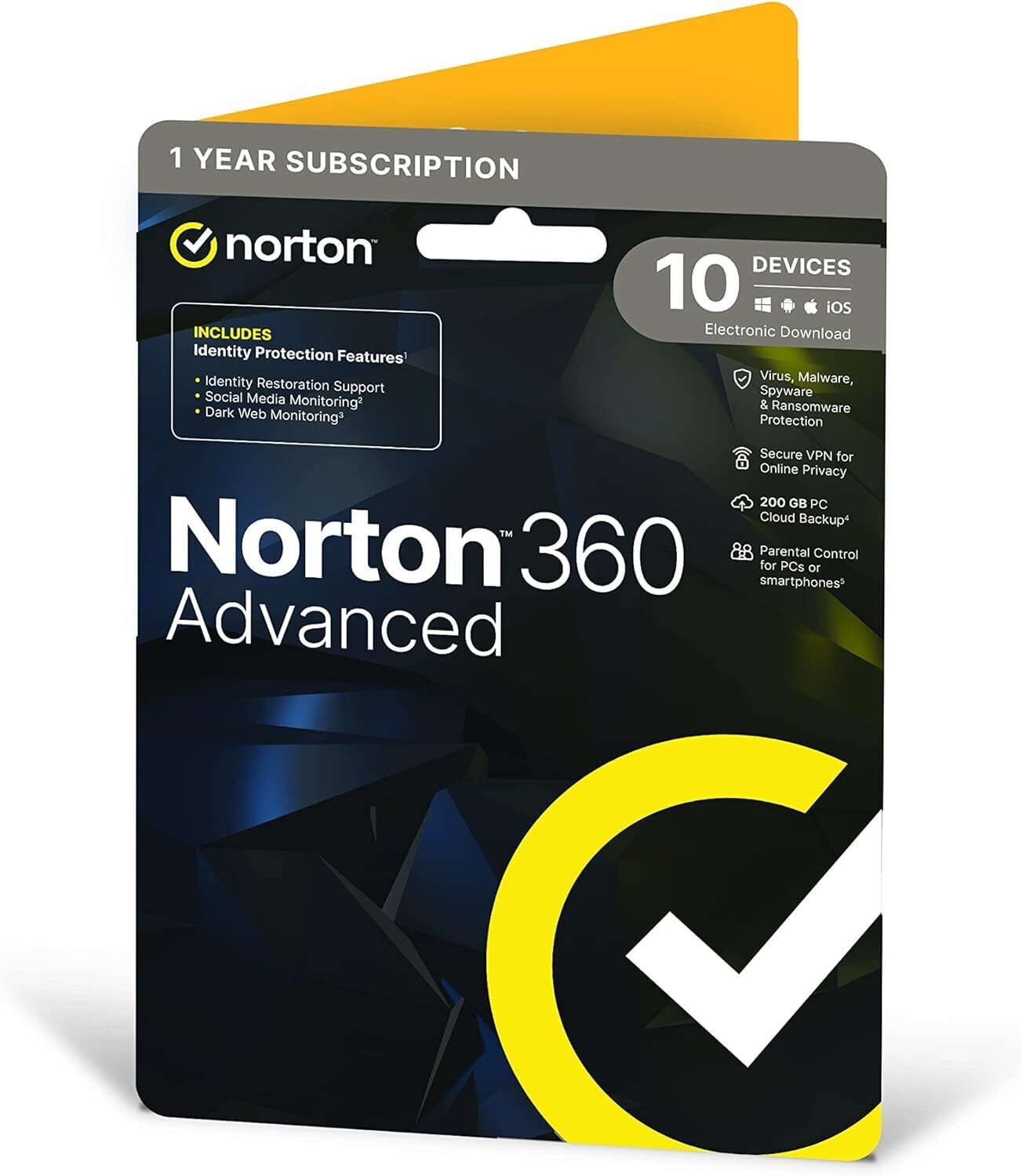
Check device count for antivirus and security software. One PC tier differs from a plan covering several gadgets.
Physical attributes
Ignore packaging colour (red, blue, multicolour). Material (paper, plastic) only affects storage, not the program.
Brand fit
If your gear uses Microsoft or Norton, filter by those brands in the sub-type. This keeps compatibility tight.
What's good
- Office application software with a lifetime licence gives permanent use on one Windows device. No renewal is needed.
- Antivirus and security software on a subscription tier gets updated threat definitions. This matters as new risks appear.
- Business and productivity software handles routine tasks like workflow automation. It saves staff time after setup.
- Physical copies come in plastic or paper, with colours from black to multicolour. You get a tangible backup away from the internet.
Things to watch
- A lifetime office licence freezes features at the bought version. Subscription tiers add features but need ongoing commitment.
- Single-device antivirus tiers leave phones or secondary laptops exposed. Choose a broader plan for full coverage.
- Boxed software in metal or plastic takes shelf space. The coloured packaging can be misplaced, losing the key.
- Business and productivity tools from Tungsten Automation or Cisco may need configuration. This slows day one for a team.
- Colour choices like gold or pink are skin deep. They add no function to the software.
Care & maintenance
Store keys safely
Keep paper or plastic licence cards in a labelled folder. The key then survives longer than the sleeve.
Track renewal
For security software on a yearly tier, note expiry in your calendar. This avoids a gap in cover.
Apply updates
Run update checks on office or business software even on a lifetime licence. Critical fixes still land.
Avoid heat
Store physical media away from heat. Materials like acrylic or metal can warp and hide the code.
Frequently Asked Questions
What should I look for when buying computer software?
When shopping for computer software, consider factors such as quality, price, brand reputation, and customer reviews. Compare prices across multiple retailers to ensure you're getting the best deal. Look for products that match your specific needs and budget.
How do I choose the right computer software?
Choosing the right computer software depends on your individual needs, budget, and preferences. Research different options, read customer reviews, and compare specifications. Consider what features are most important to you and look for products that offer the best value for money.
Where can I find the best deals on computer software?
You can find the best deals on computer software by comparing prices across multiple retailers. Our price comparison tool helps you find the lowest prices from trusted UK retailers including Amazon, eBay, and other major online stores. Check regularly as prices and deals change frequently.
Are computer software products worth the investment?
The value of computer software products depends on your specific needs and how you plan to use them. Quality products from reputable brands often provide better long-term value, even if they cost more initially. Consider your budget and requirements when making your decision.
What's the difference between different types of computer software?
Different types of computer software vary in features, quality, price, and intended use. Some may offer premium features while others focus on affordability. Research the specific differences between models or brands to find the option that best suits your needs and budget.