Networking
How to choose networking
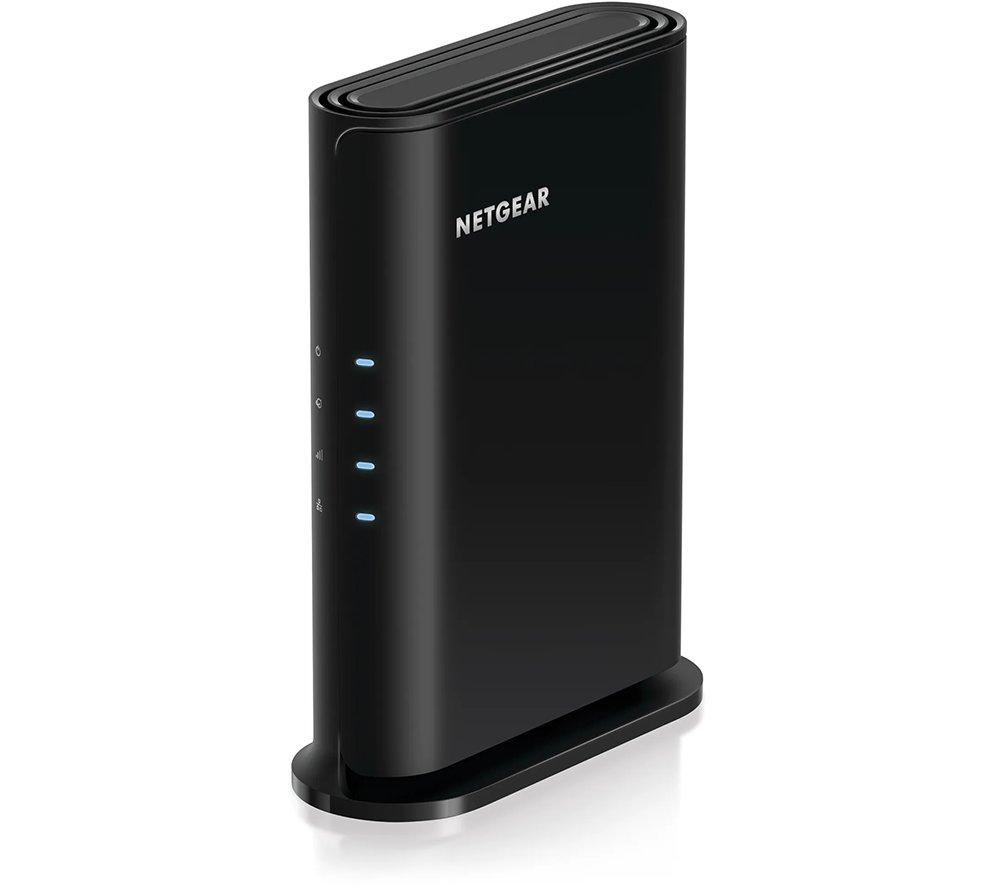
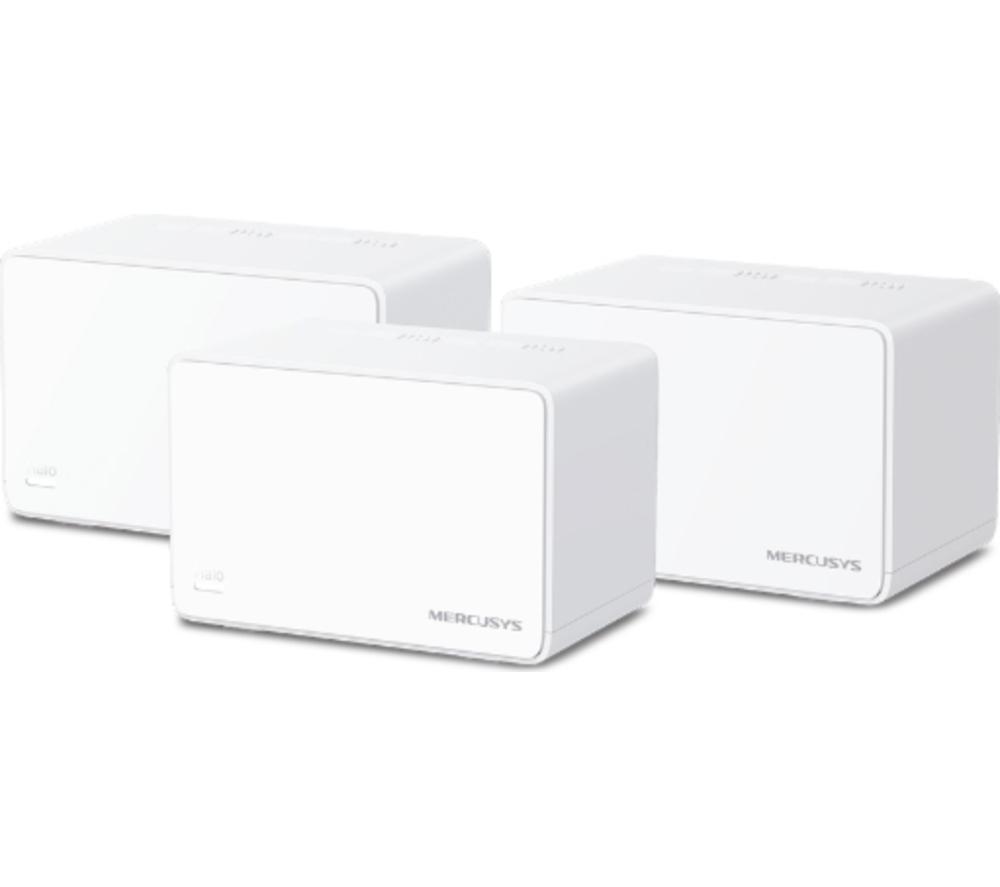
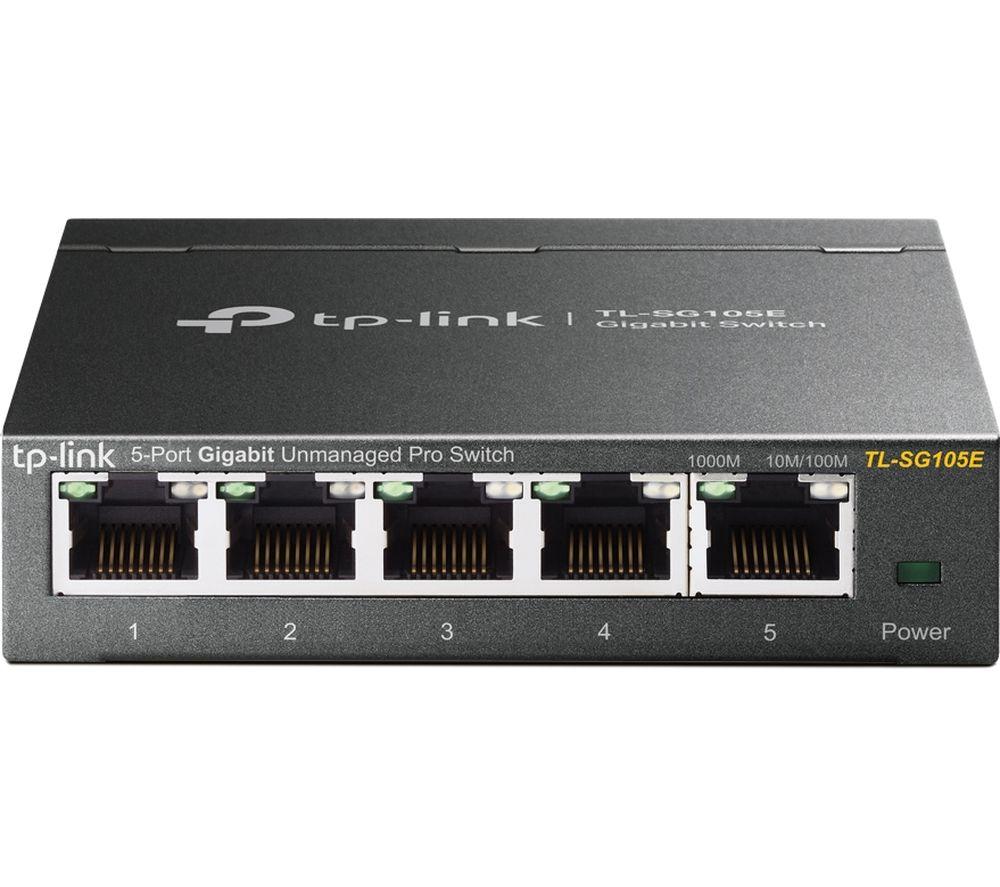
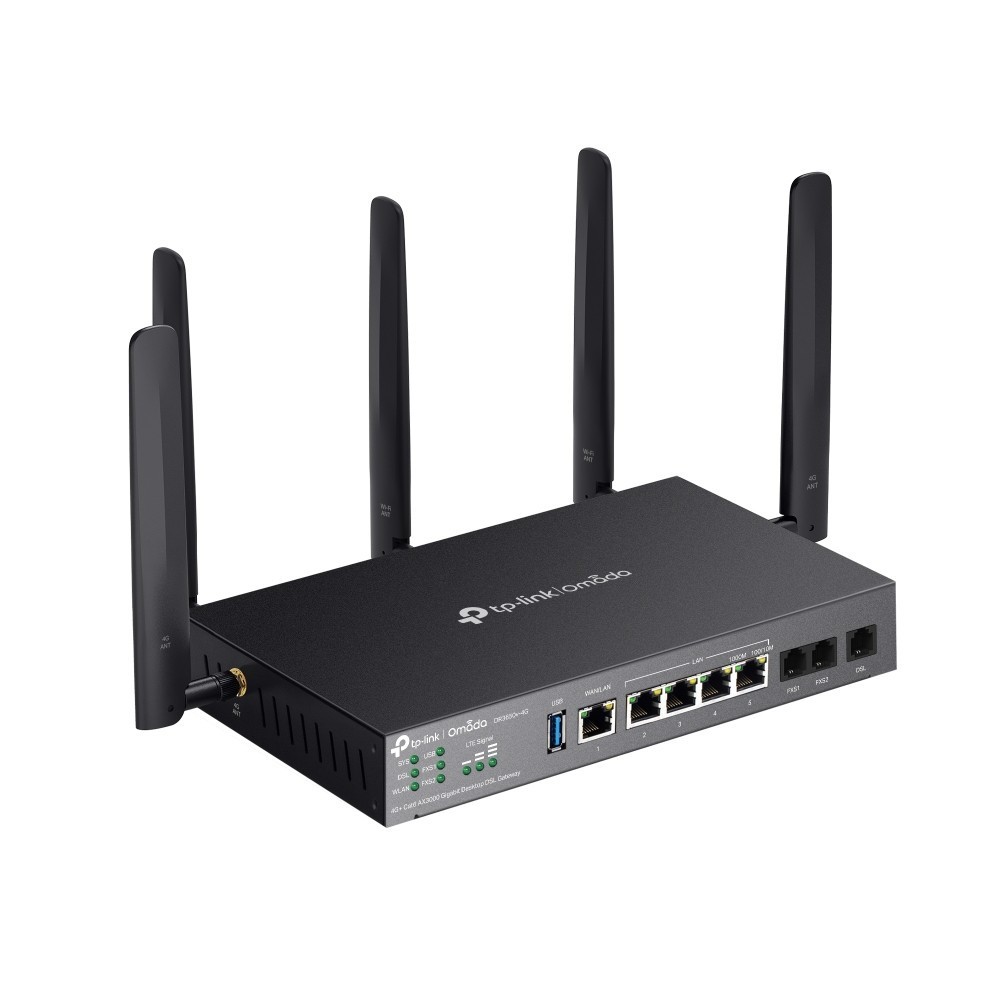
Pick Bridges and Routers tier: unmanaged for plug and play, managed or smart with SFP for control and fibre.
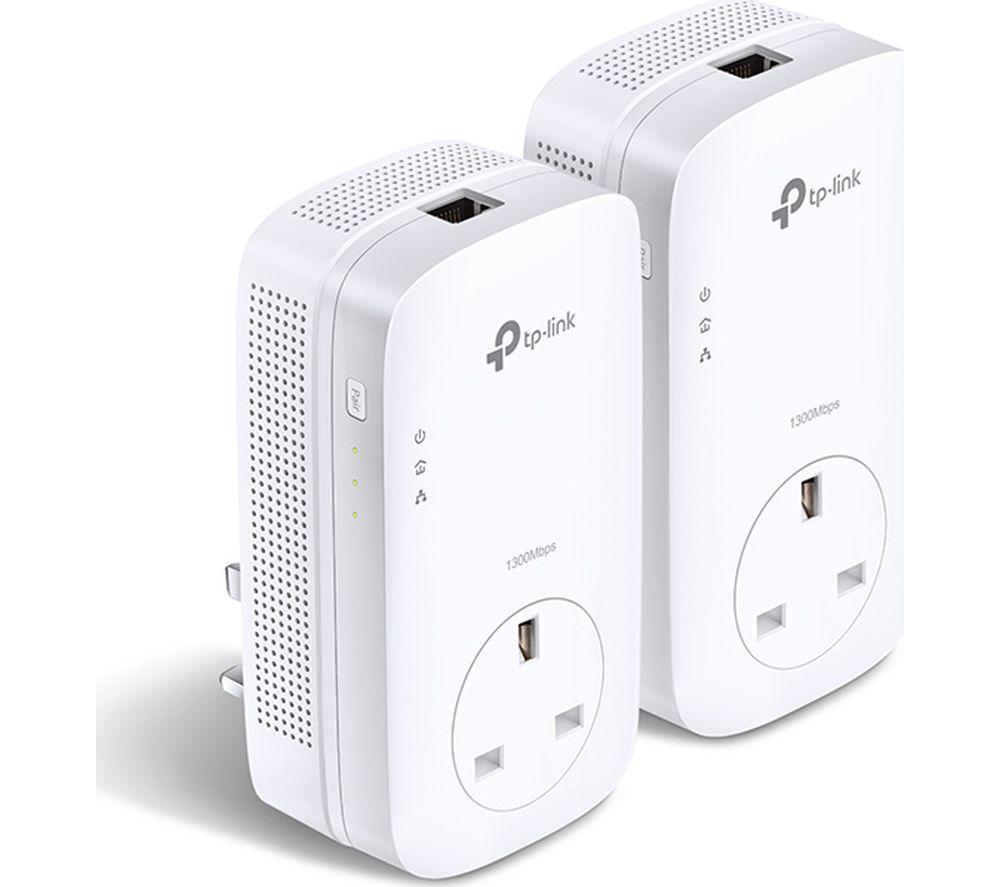
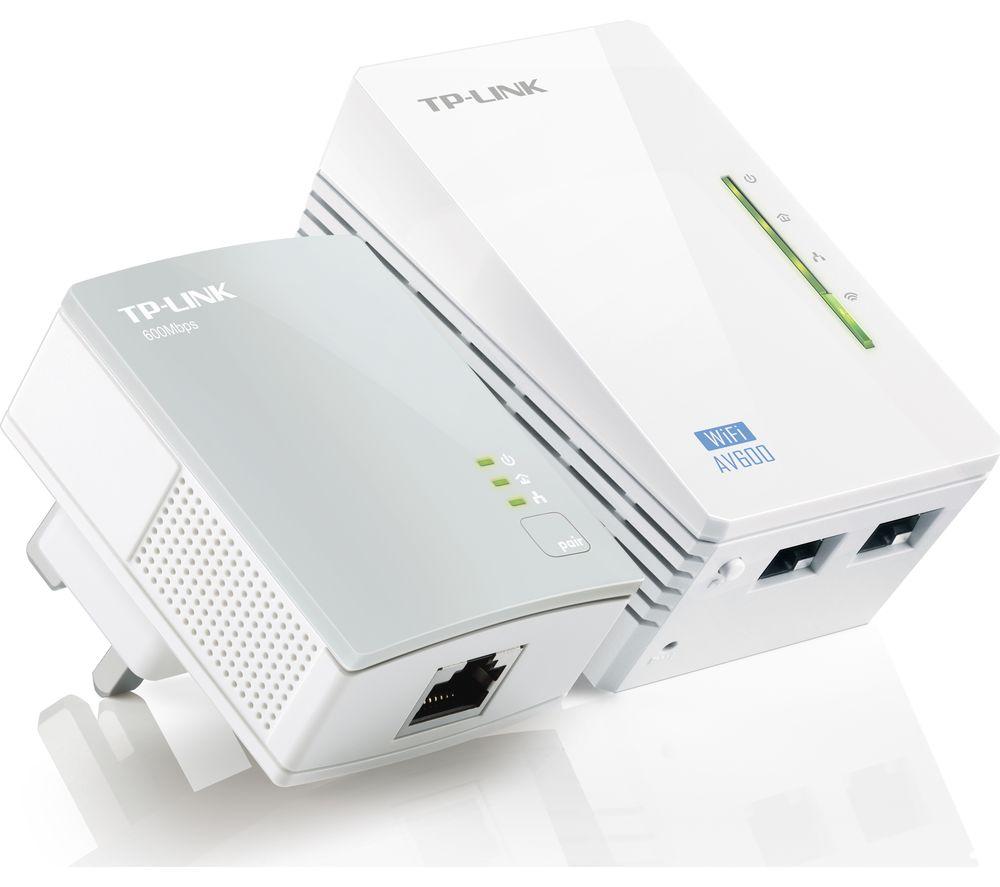
Need PoE? Power Over Ethernet Adapters feed devices from the switch, but add heat and weight to the closet.
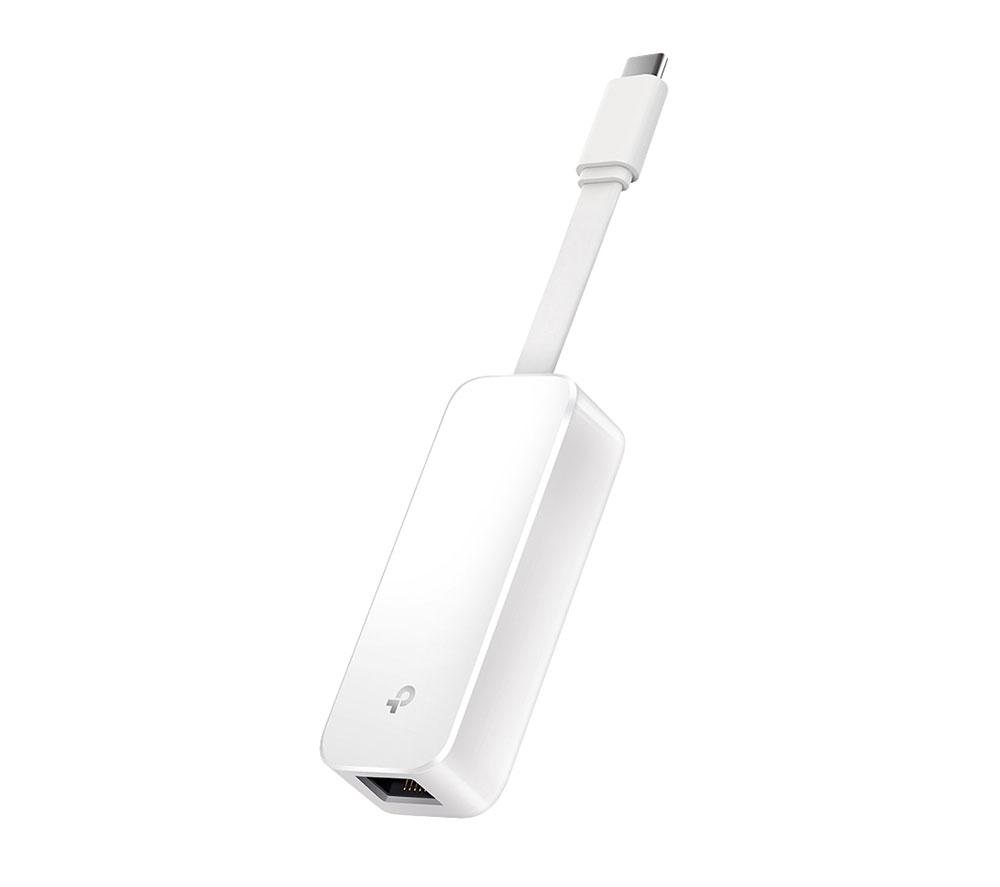
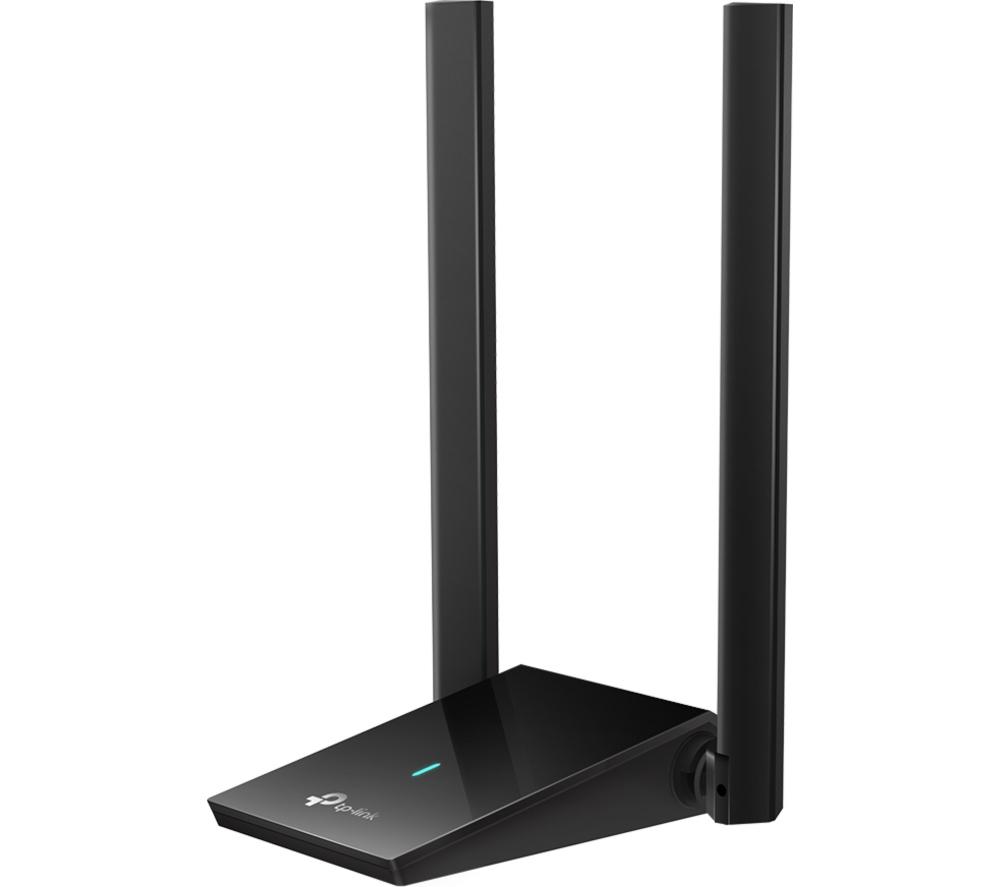
Network Cards and Adaptors: USB for quick upgrades, internal for stable throughput.
Material matters: plastic is light, metal and steel are tougher but heavier. Copper or mode connectors suit different cabling.
Colour runs from black and grey to green, blue or gold. Choose what fits the room, not just the spec.
What's good
- Bridges and routers with managed tiers let you shape traffic and use SFP slots for fibre links.
- Unmanaged bridges and routers are ready to go, suiting a small office that wants no config.
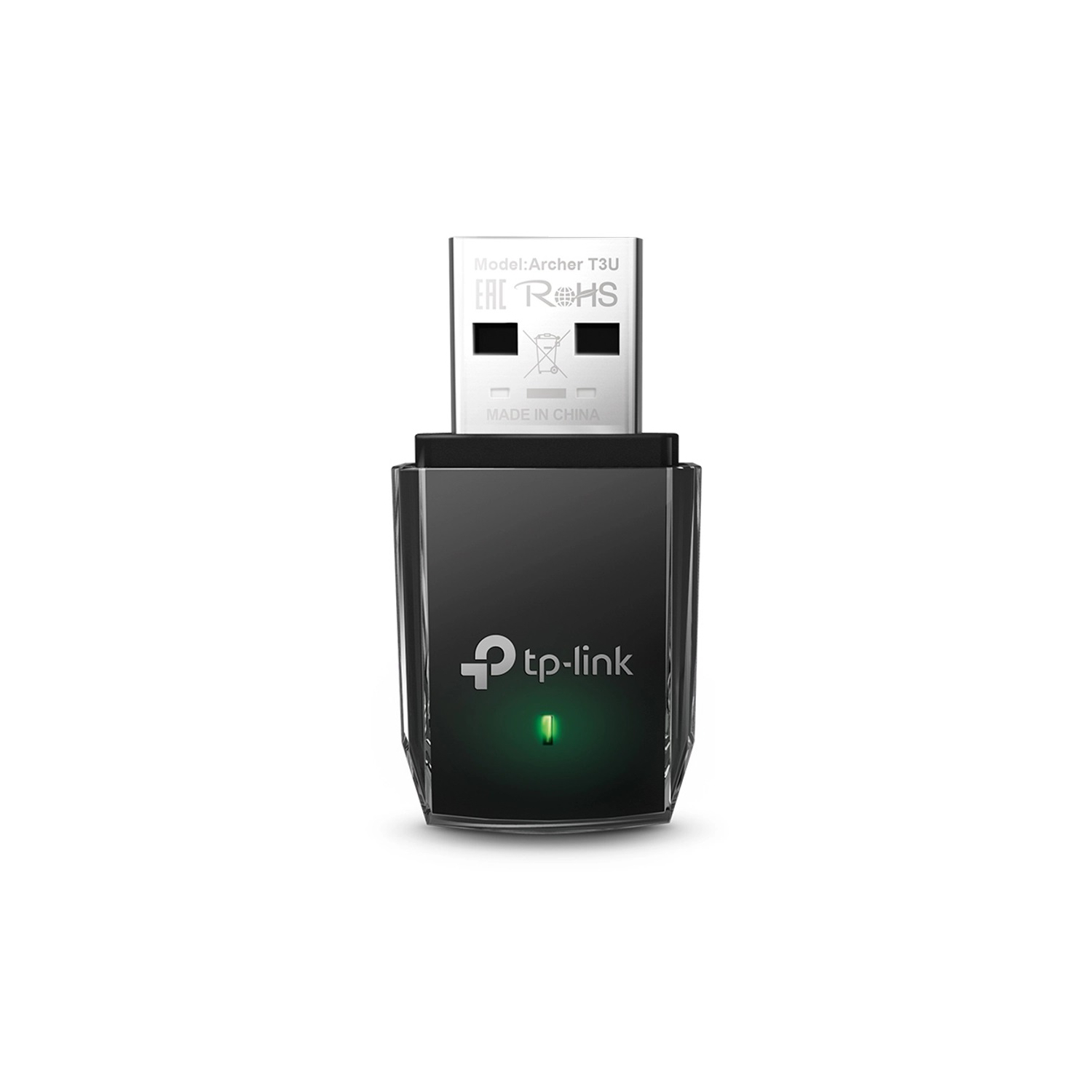
- Network cards and adaptors like USB WiFi 6 units add wireless and Bluetooth without opening the PC.
- Power over Ethernet adapters carry data and power on one cable, trimming clutter from cameras or access points.
- Electronics such as SFP transceivers connect gear over single mode fibre for longer runs.
Things to watch
- Unmanaged bridges and routers skip VLANs and remote control, wrong for larger setups.
- Managed bridges and routers gain features but demand time and know-how to configure.
- Power over Ethernet adapters run warmer than plain switches because they push current through the cable.
- USB network adaptors free up a slot internally but block an external port and can lag behind internal cards.
- Colour choices like white/green or gold are available, yet they limit you to specific lines and may not match a rack.
Care & maintenance
Wipe dust from bridges, routers and PoE units; metal and plastic casings need clear vents.
Cap SFP transceivers (Electronics) when pulled to keep the fibre ends clean.
Check copper or mode contacts on adaptors for tarnish every few months.
Unplug USB network adaptors when moving the laptop to avoid snapping the connector.
Frequently Asked Questions
What should I look for when buying networking?
When shopping for networking, consider factors such as quality, price, brand reputation, and customer reviews. Compare prices across multiple retailers to ensure you're getting the best deal. Look for products that match your specific needs and budget.
How do I choose the right networking?
Choosing the right networking depends on your individual needs, budget, and preferences. Research different options, read customer reviews, and compare specifications. Consider what features are most important to you and look for products that offer the best value for money.
Where can I find the best deals on networking?
You can find the best deals on networking by comparing prices across multiple retailers. Our price comparison tool helps you find the lowest prices from trusted UK retailers including Amazon, eBay, and other major online stores. Check regularly as prices and deals change frequently.
Are networking products worth the investment?
The value of networking products depends on your specific needs and how you plan to use them. Quality products from reputable brands often provide better long-term value, even if they cost more initially. Consider your budget and requirements when making your decision.
What's the difference between different types of networking?
Different types of networking vary in features, quality, price, and intended use. Some may offer premium features while others focus on affordability. Research the specific differences between models or brands to find the option that best suits your needs and budget.