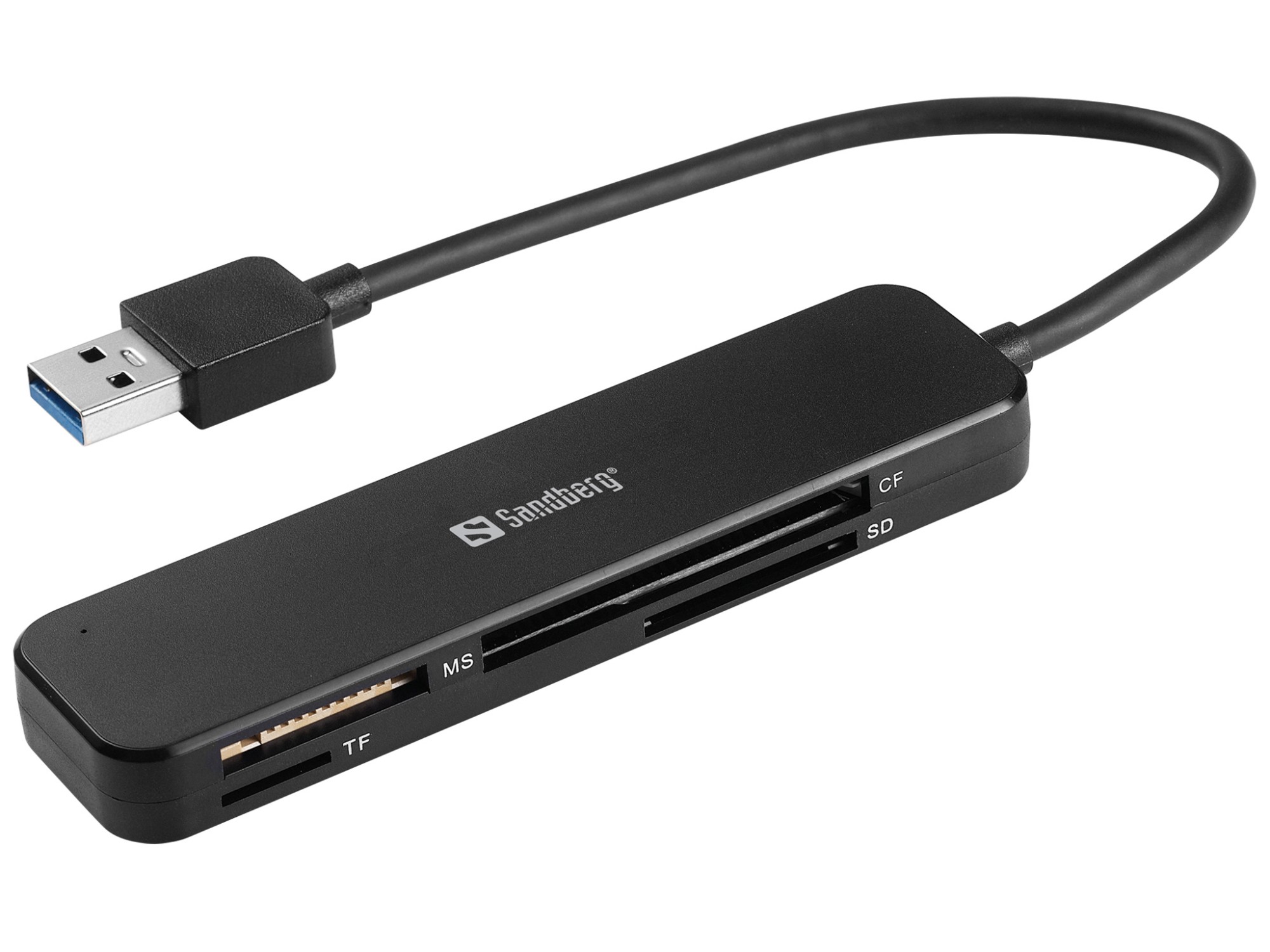
Memory Card Readers
How to choose memory card readers
Form factor
Choose internal (Computer Components) for a permanent desk setup, or external (Electronics Accessories) if you move between machines.
Transfer speed
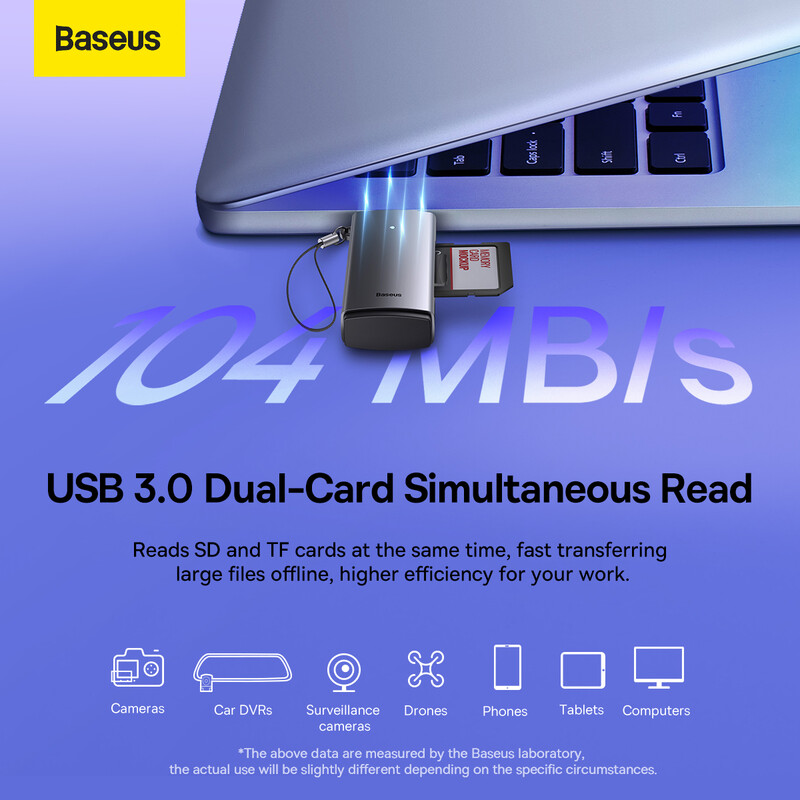
Pick USB 3.2 Gen 1 over USB 2.0 only if you transfer bulky files often, since the slower tier serves occasional snapshots.
Card support
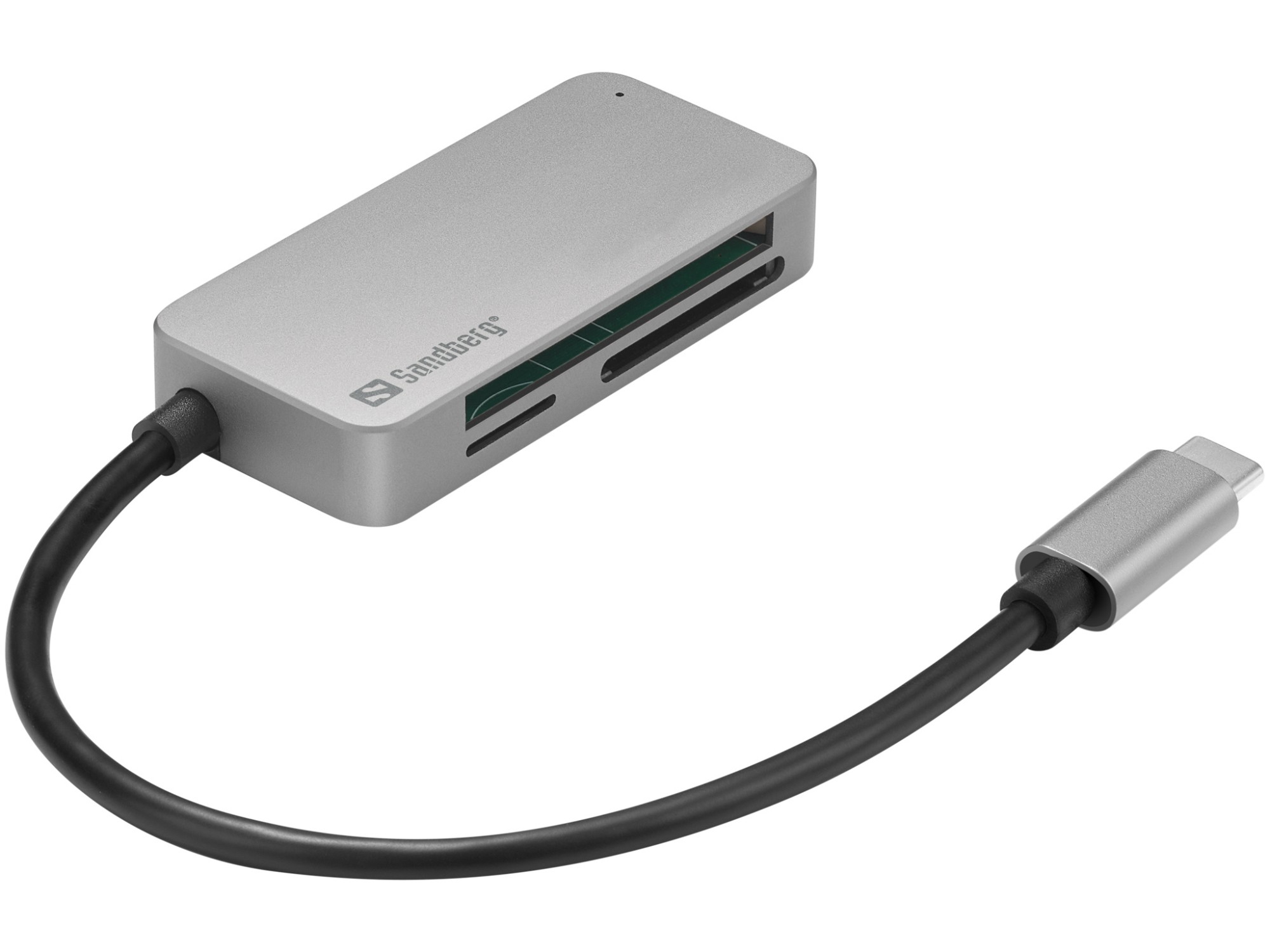
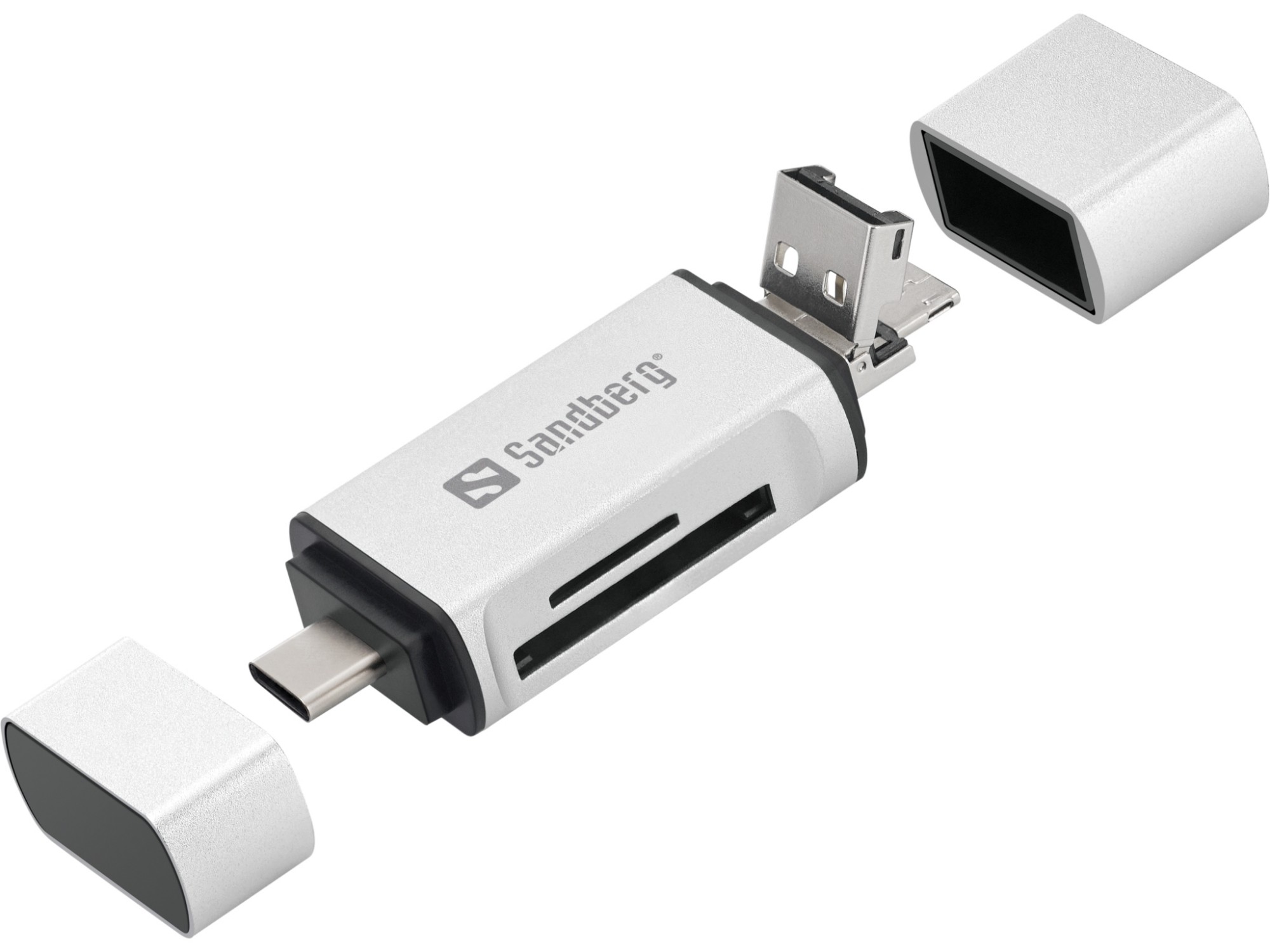
Decide card formats: all-in-one readers handle SD, MicroSD and CF, but a single-format replacement (Input Devices) fits a console slot tighter.
Build and look
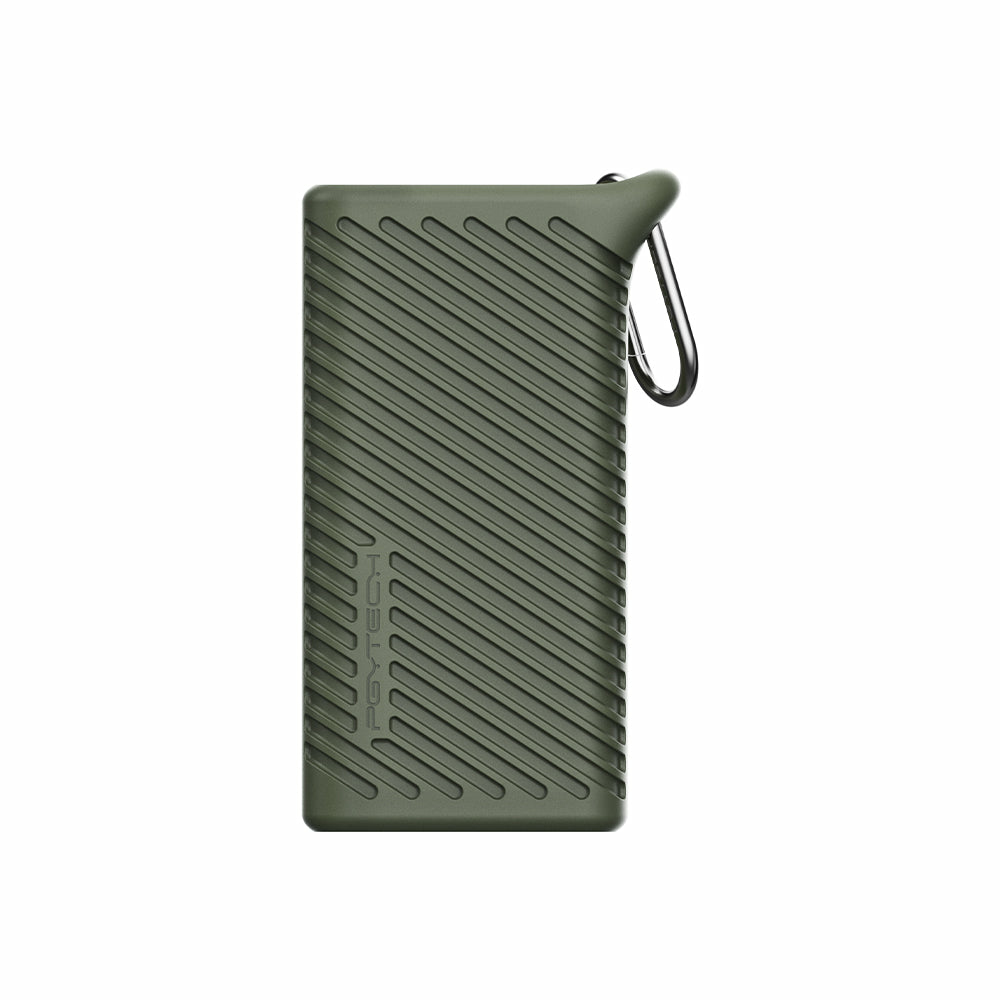
Weigh material: plastic keeps weight down, aluminium or metal resists drops, and colour choices like blue or red are easy to spot in a bag.
Use case
Check whether you need a bare reader (Electronics) or a device-specific replacement (Input Devices), as the latter matches original dimensions.
What's good
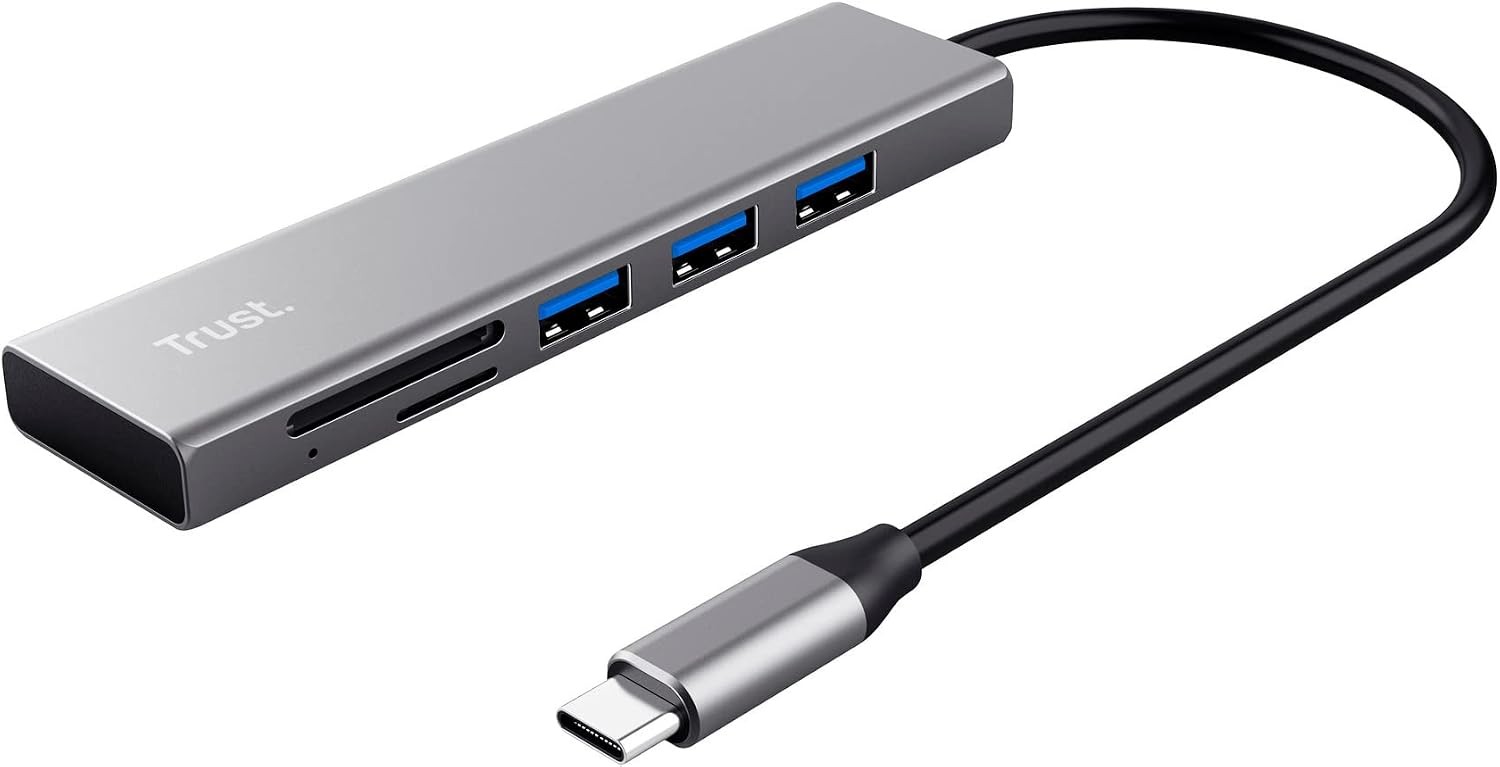
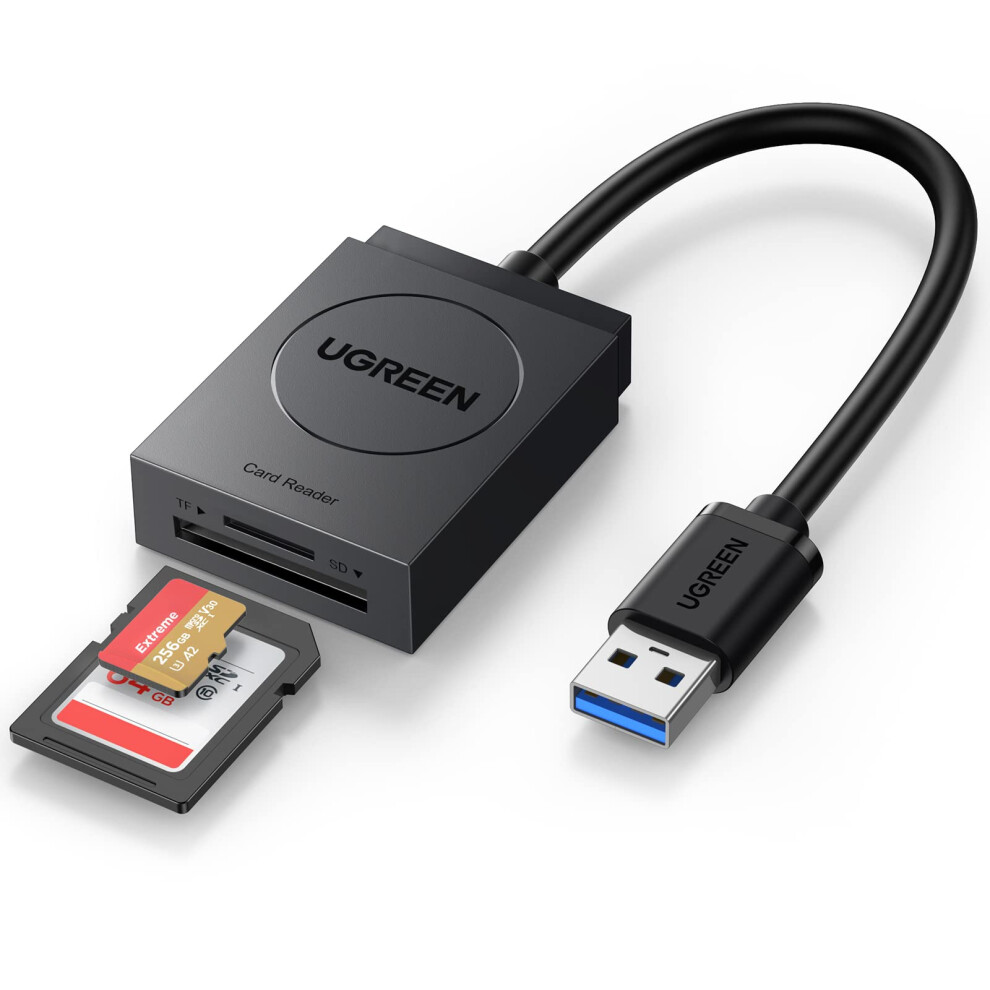
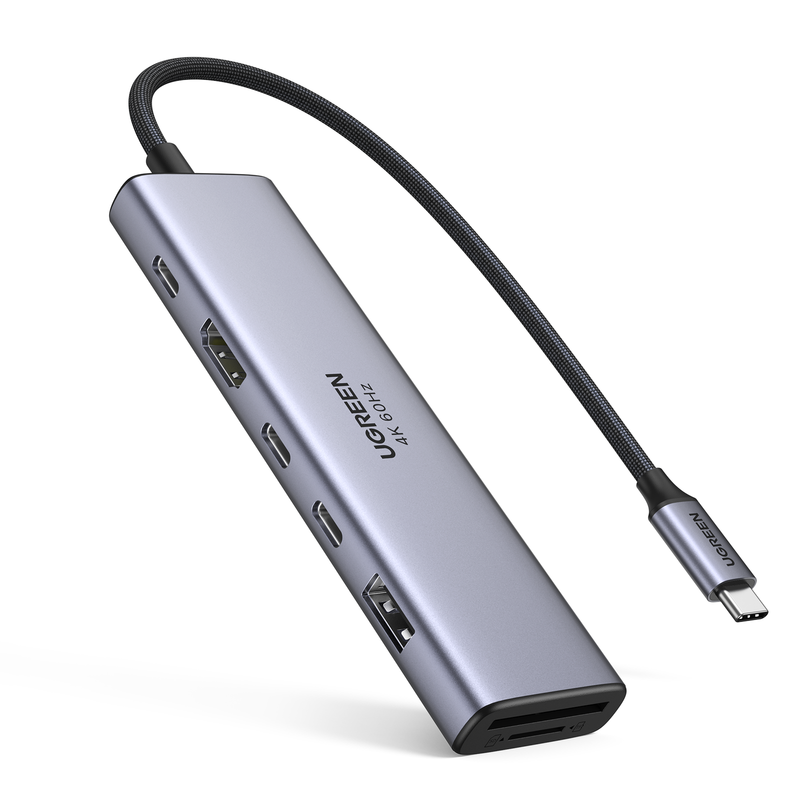
- External multi-card readers (Electronics Accessories) read SD, MicroSD and CF cards on any laptop via USB, with no PC teardown.
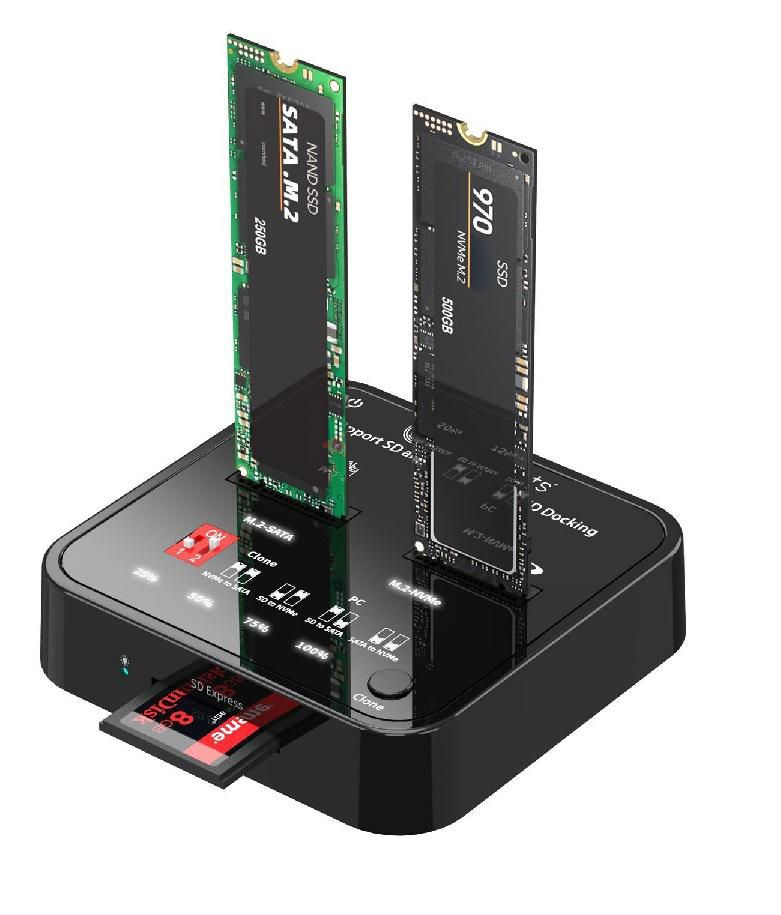
- Internal models (Computer Components) fit a desktop bay, freeing USB ports and keeping the desk clear.
- USB 3.2 Gen 1 readers (a faster tier in Electronics) shift large RAW photo sets quicker than USB 2.0 basics.
- Replacement readers (Input Devices) revive a broken handheld card slot without swapping the whole device.
Things to watch
- Internal readers (Computer Components) need case space and a spare motherboard header, so they suit desktop owners only.
- Basic USB 2.0 readers (entry tier in Electronics Accessories) stall when moving 4K video from a fast card.
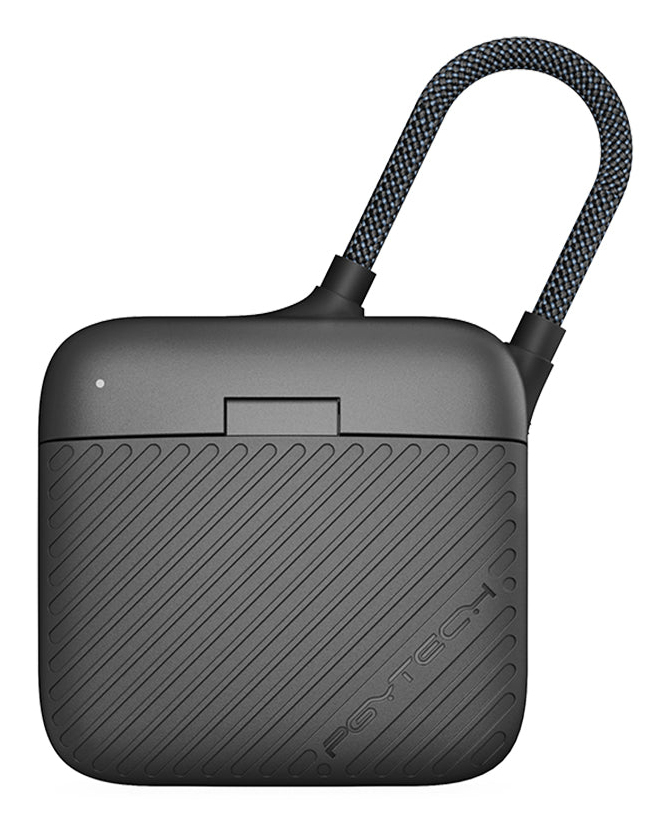
- Plastic bodies flex under repeated insertion, while metal or aluminium builds add weight to a keyring.
- Bright colour options like pink or gold show scuffs faster than black or grey plastic.
Care & maintenance
Keep slots clear
Blow dust from the slot before inserting a card.
Safe removal
Eject the reader through the OS before unplugging to avoid corrupted files.
Secure fitting
For internal units (Computer Components), check bay screw tightness every few months.
Avoid heat
Keep plastic/metal hybrids away from heat to stop the joint loosening.
Frequently Asked Questions
What should I look for when buying memory card readers?
When shopping for memory card readers, consider factors such as quality, price, brand reputation, and customer reviews. Compare prices across multiple retailers to ensure you're getting the best deal. Look for products that match your specific needs and budget.
How do I choose the right memory card readers?
Choosing the right memory card readers depends on your individual needs, budget, and preferences. Research different options, read customer reviews, and compare specifications. Consider what features are most important to you and look for products that offer the best value for money.
Where can I find the best deals on memory card readers?
You can find the best deals on memory card readers by comparing prices across multiple retailers. Our price comparison tool helps you find the lowest prices from trusted UK retailers including Amazon, eBay, and other major online stores. Check regularly as prices and deals change frequently.
Are memory card readers products worth the investment?
The value of memory card readers products depends on your specific needs and how you plan to use them. Quality products from reputable brands often provide better long-term value, even if they cost more initially. Consider your budget and requirements when making your decision.
What's the difference between different types of memory card readers?
Different types of memory card readers vary in features, quality, price, and intended use. Some may offer premium features while others focus on affordability. Research the specific differences between models or brands to find the option that best suits your needs and budget.