Optical Drives
How to choose optical drives
Form factor
Internal Computer Components suit a permanent repair; external Electronics Accessories favour temporary plug-and-play.
Packaging tier
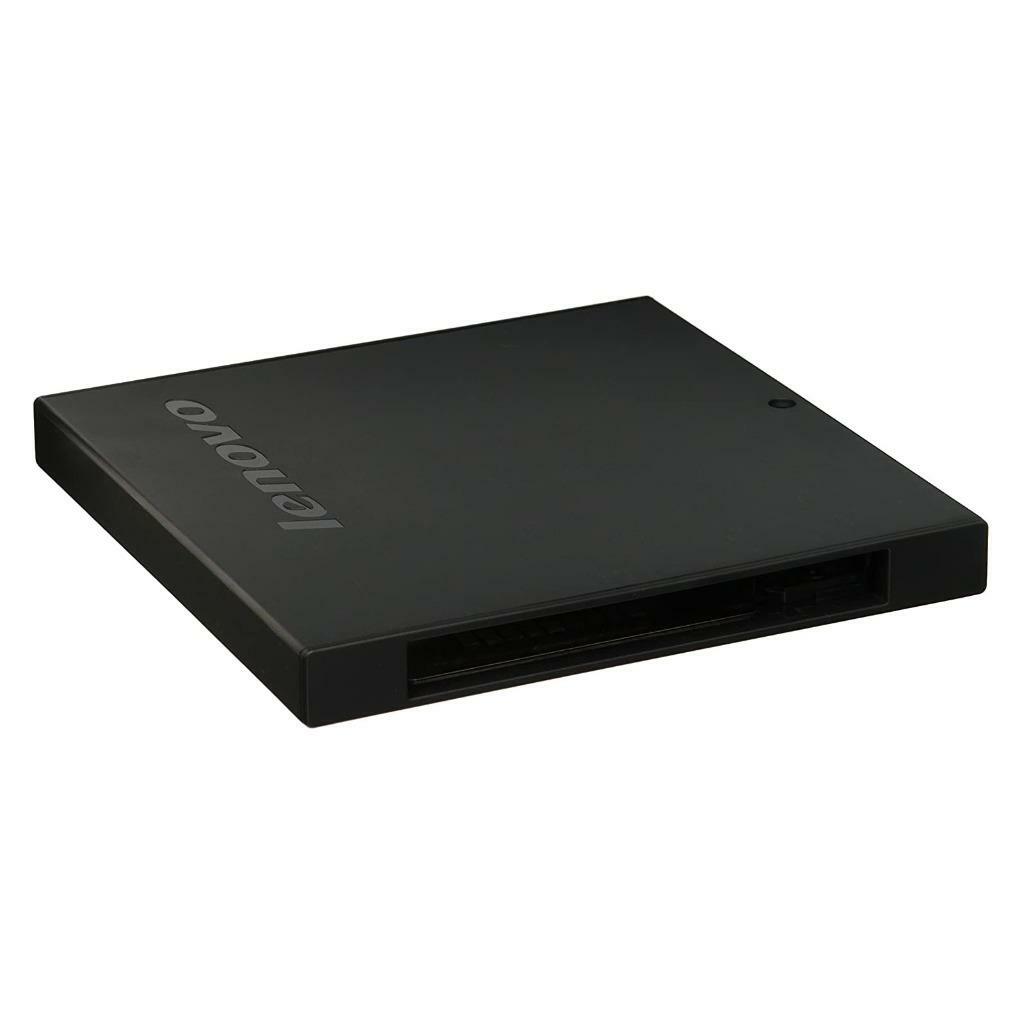
Electronics sub-type listings are often loose modules for system builders, not boxed externals.
Build material
Material tradeoff: plastic saves weight, metal or stainless steel adds longevity but heft.
Colour match
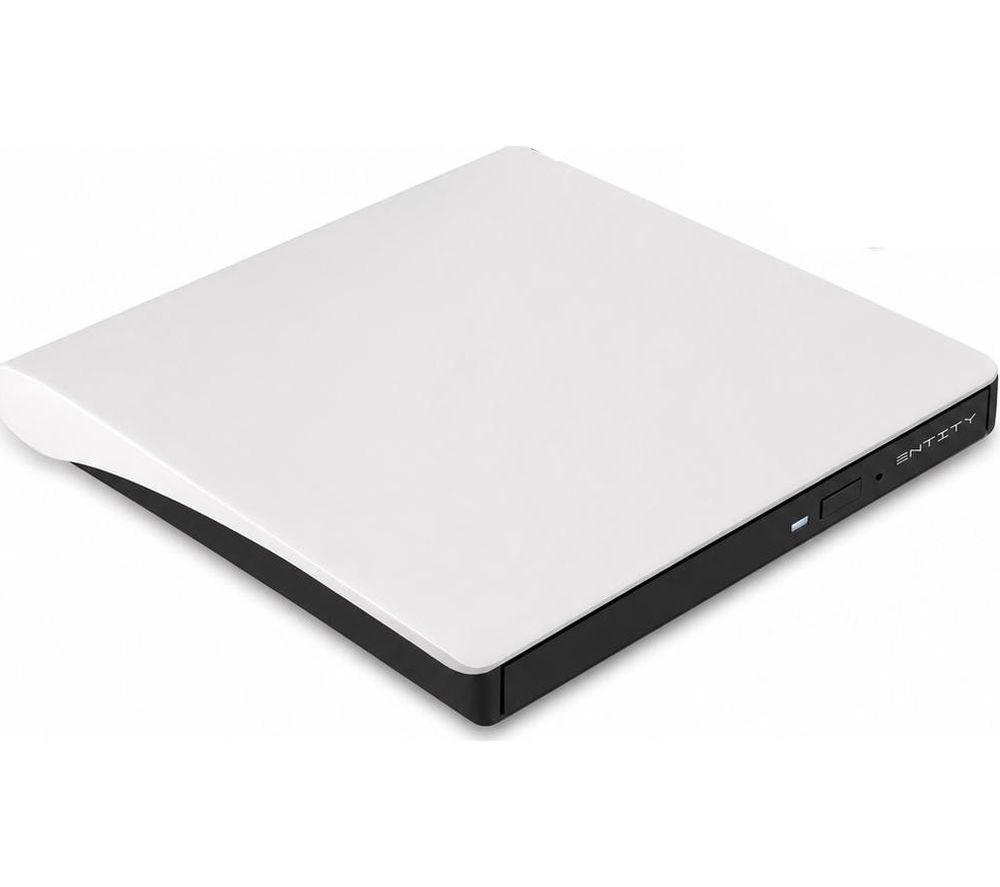
Colour pick: black, silver, white blend in, while blue or black/silver make a mark.
Function scope
Storage Devices may appear as bare enclosures, so confirm you need full read/write rather than just a shell.
What's good
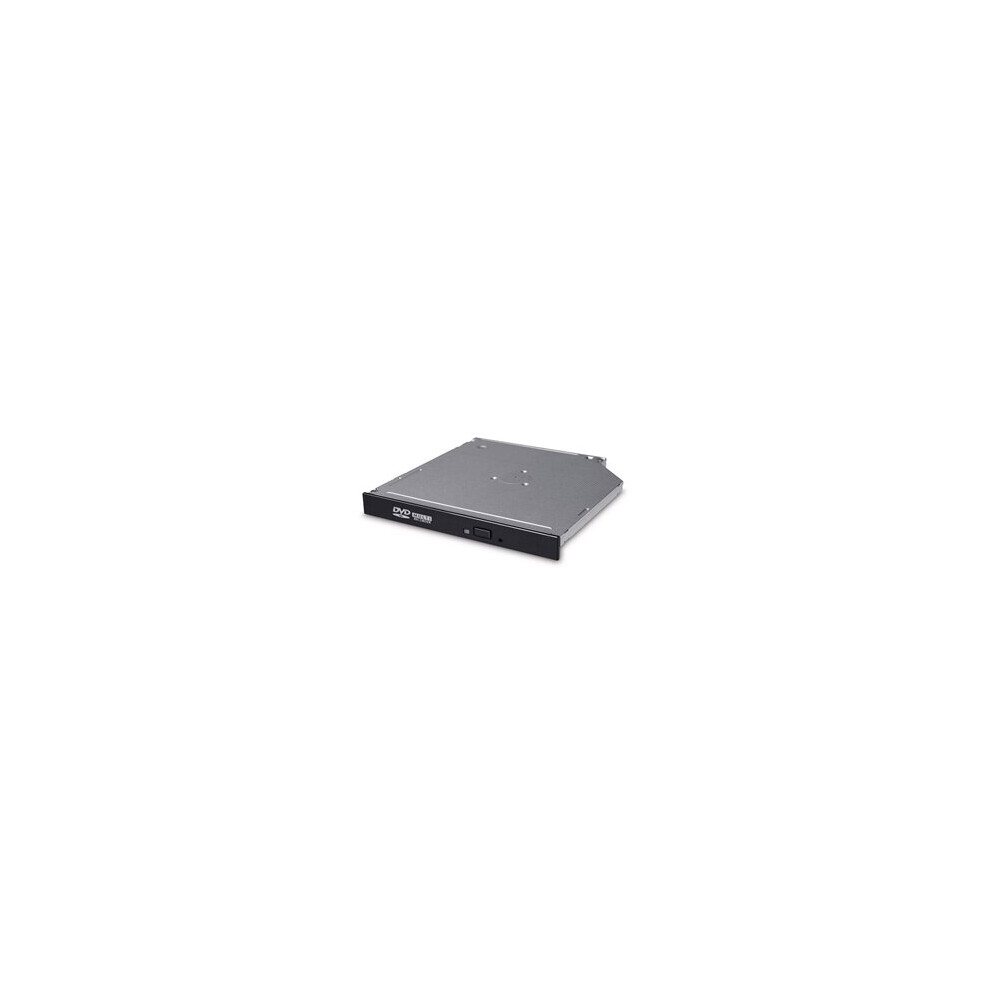
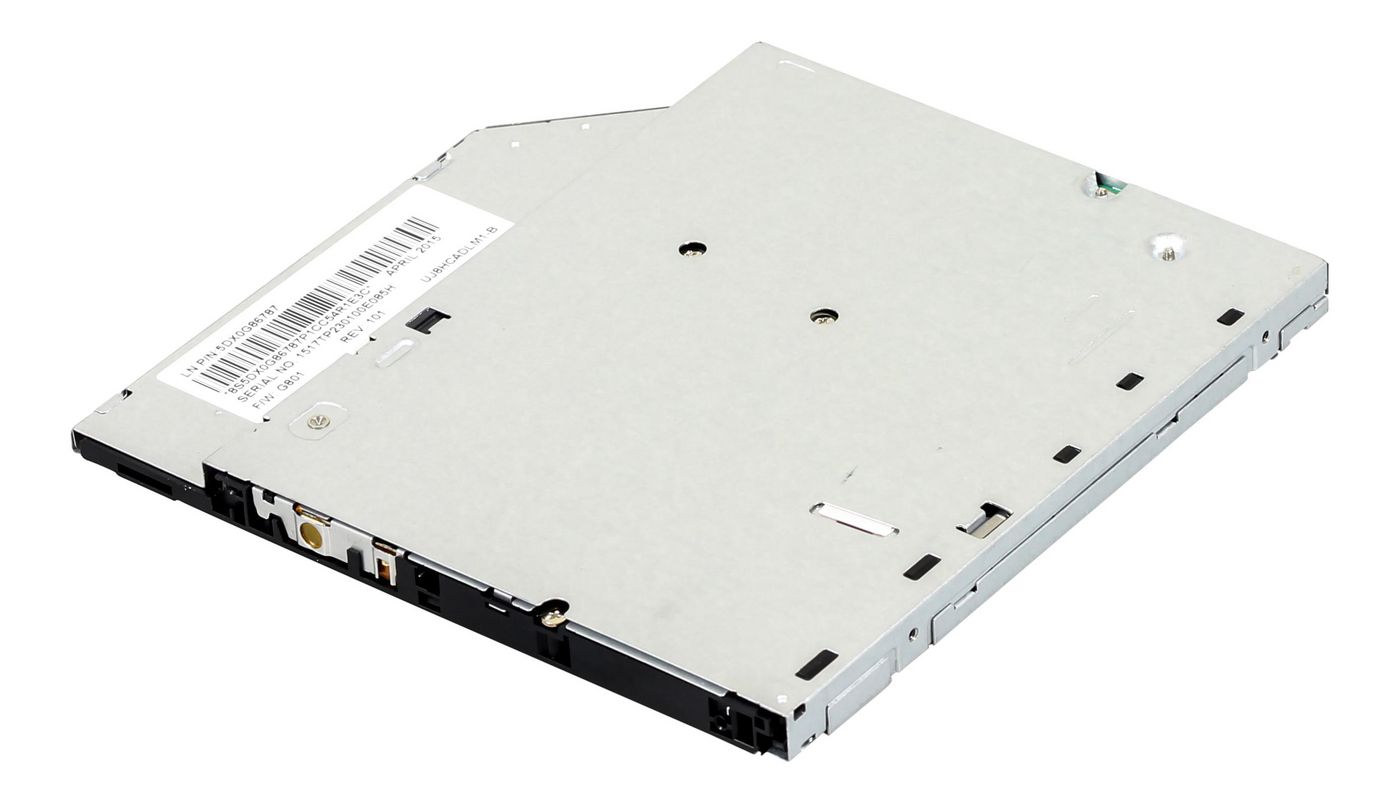
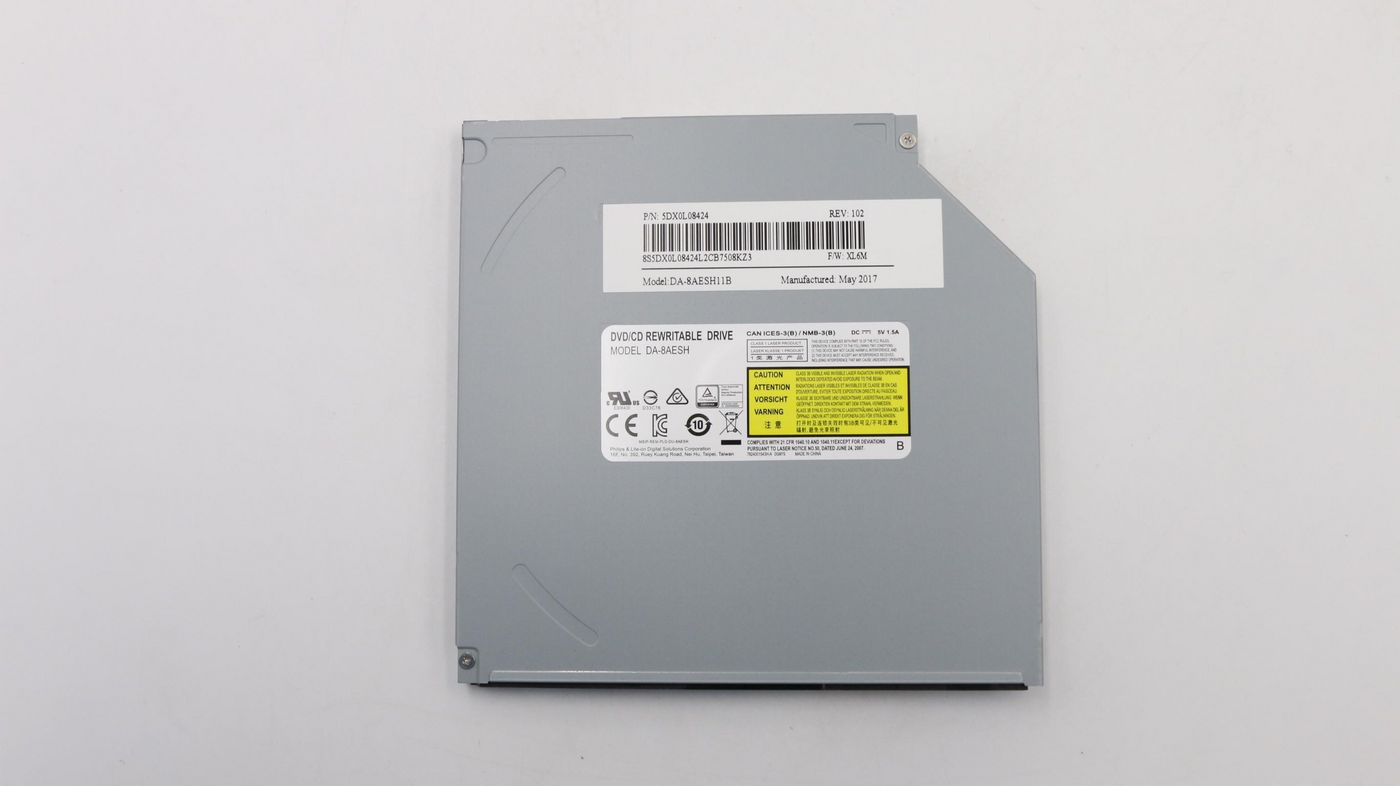
- Slim internal drives (Computer Components) bring disc reading back to an older laptop without a full machine swap.
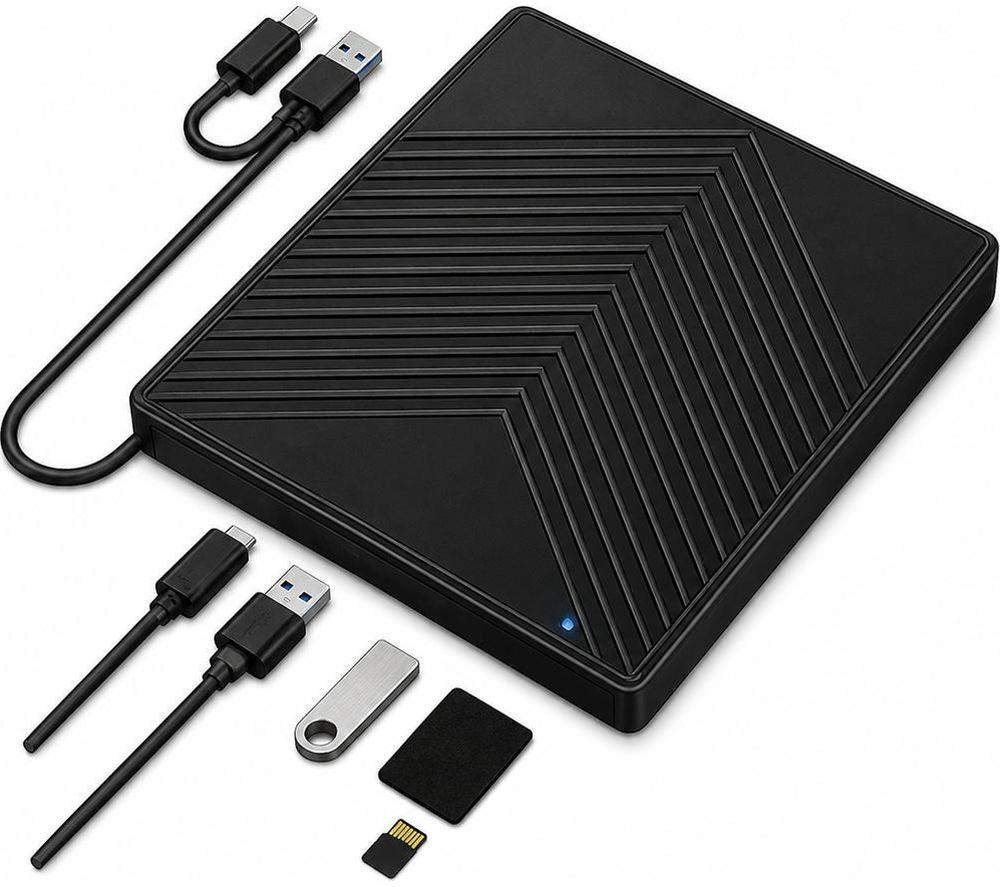
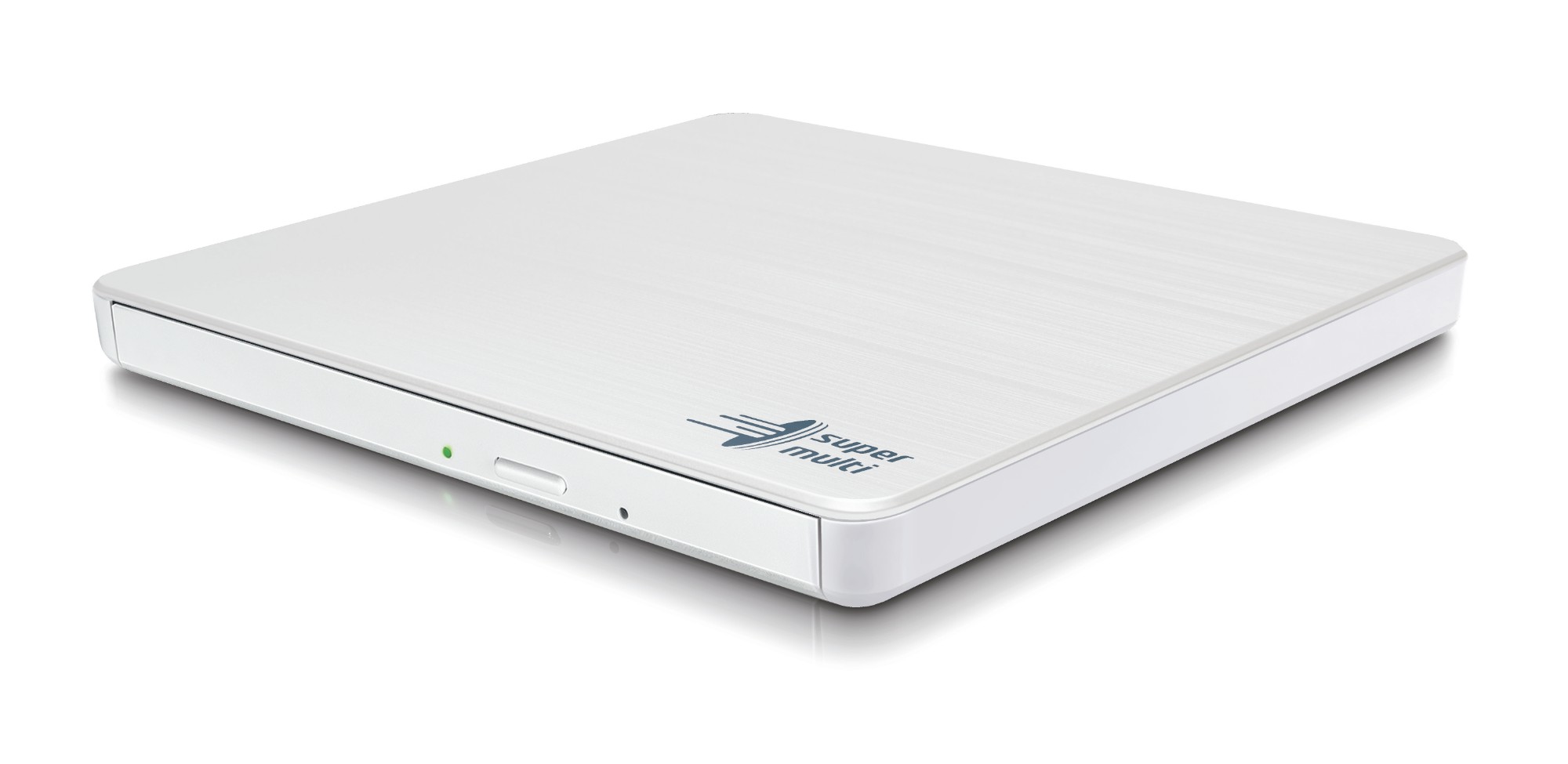
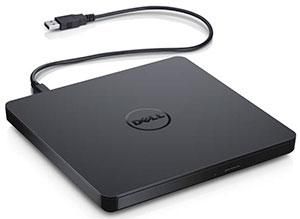
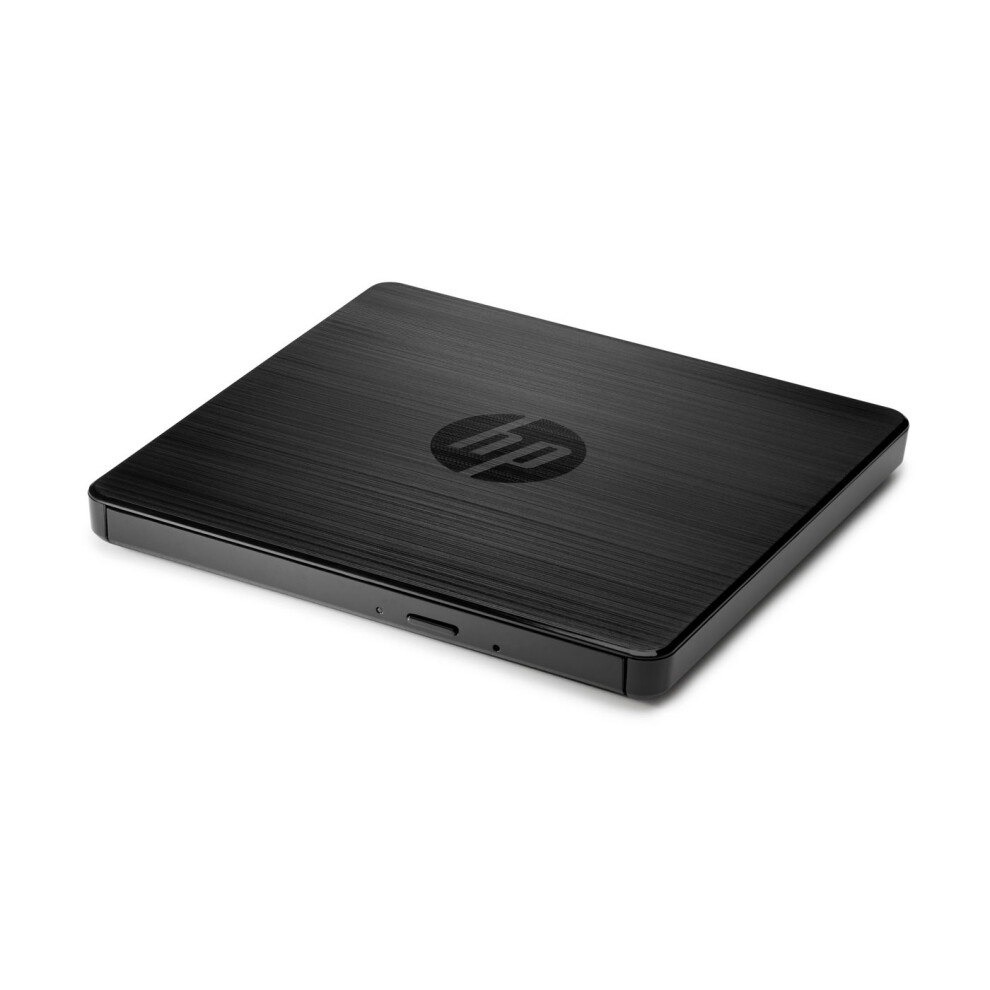
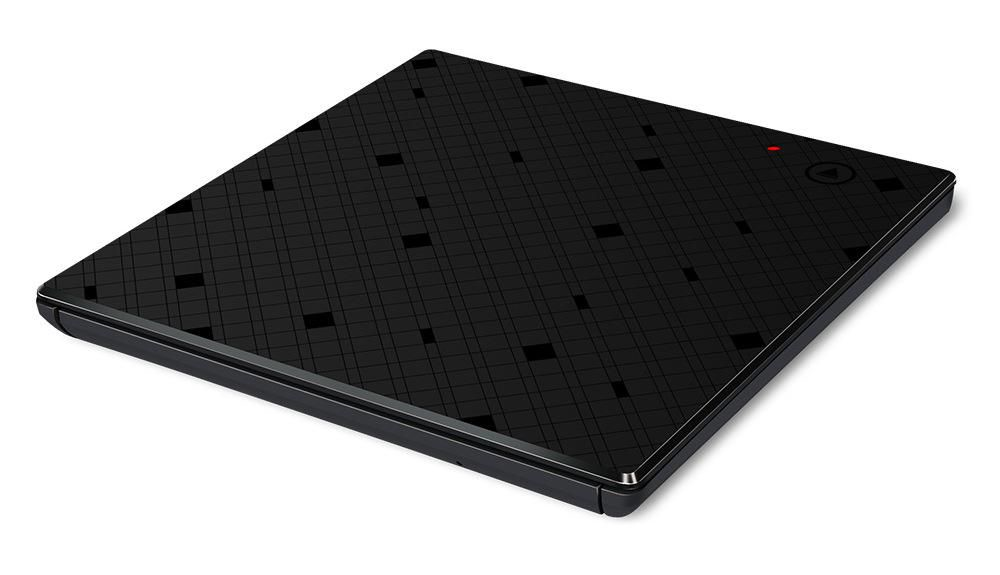
- External Electronics Accessories attach to a host machine and serve slim notebooks with no optical bay.
- Metal or stainless steel builds resist knocks better than plastic ones during daily use.
- Colour choices like black, silver, or blue let the drive match your desk kit.
Things to watch
- Slim internal units (Computer Components) require opening the laptop chassis, which unsettles cautious owners.
- Plastic builds keep weight low but scratch easily and flex under hand pressure.
- External Storage Devices and Electronics Accessories need a spare port and eat desk space.
- Unusual finishes such as fur or bright blue look fun yet clash with plain office kit.
Care & maintenance
Dust control
Brush the tray lightly to keep dust off the lens.
Mechanism rest
Eject discs and power down the mechanism when not in active use.
Safe storage
Store loose units in a padded case so plastic shells avoid cracks.
Frequently Asked Questions
What should I look for when buying optical drives?
When shopping for optical drives, consider factors such as quality, price, brand reputation, and customer reviews. Compare prices across multiple retailers to ensure you're getting the best deal. Look for products that match your specific needs and budget.
How do I choose the right optical drives?
Choosing the right optical drives depends on your individual needs, budget, and preferences. Research different options, read customer reviews, and compare specifications. Consider what features are most important to you and look for products that offer the best value for money.
Where can I find the best deals on optical drives?
You can find the best deals on optical drives by comparing prices across multiple retailers. Our price comparison tool helps you find the lowest prices from trusted UK retailers including Amazon, eBay, and other major online stores. Check regularly as prices and deals change frequently.
Are optical drives products worth the investment?
The value of optical drives products depends on your specific needs and how you plan to use them. Quality products from reputable brands often provide better long-term value, even if they cost more initially. Consider your budget and requirements when making your decision.
What's the difference between different types of optical drives?
Different types of optical drives vary in features, quality, price, and intended use. Some may offer premium features while others focus on affordability. Research the specific differences between models or brands to find the option that best suits your needs and budget.