Hard Drives
How to choose hard drives
Considerations
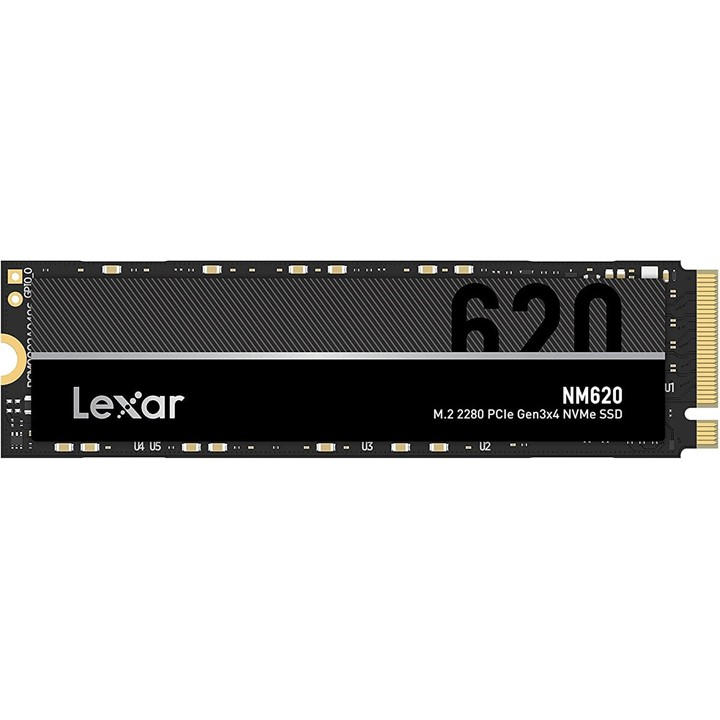
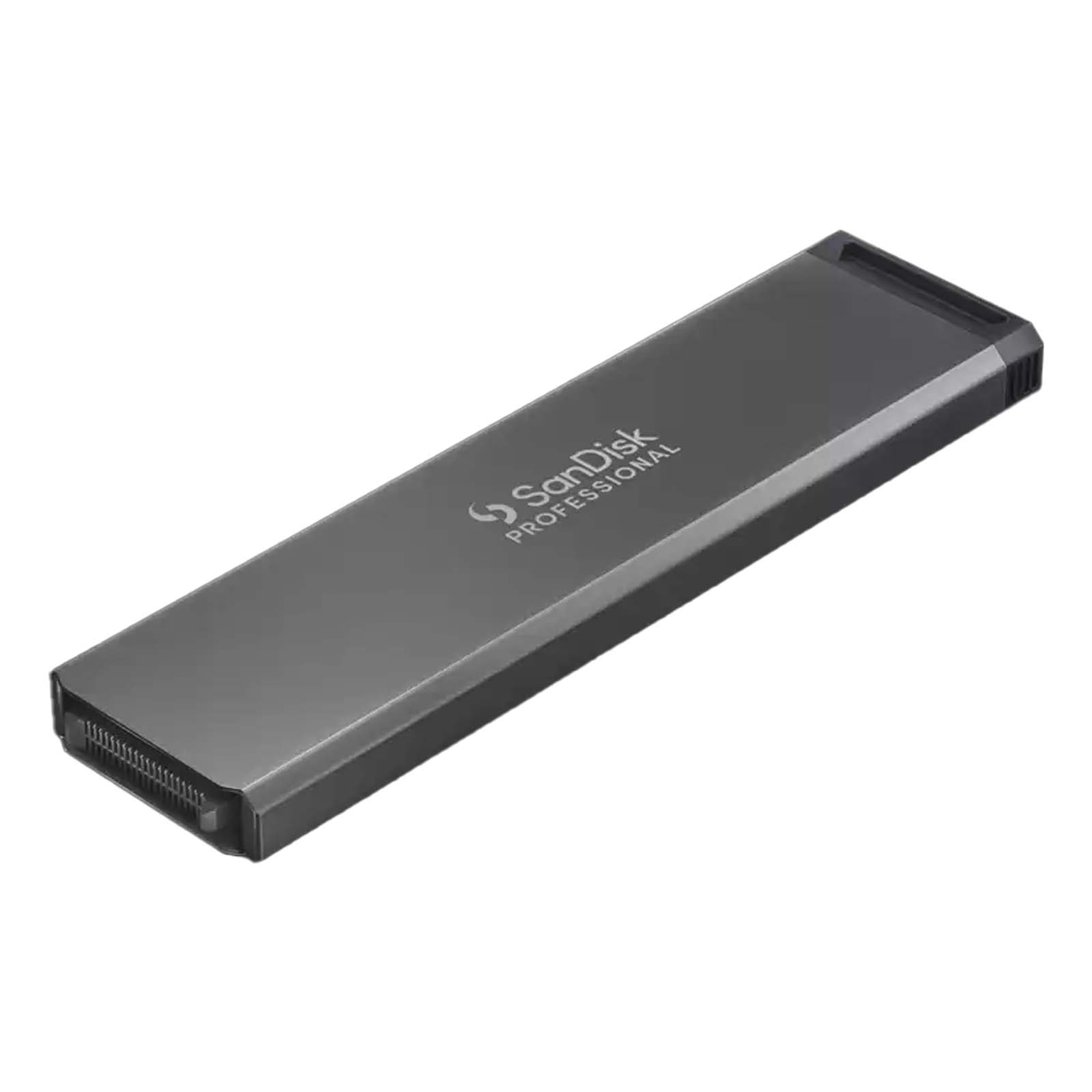
Choose an internal SATA drive from Computer Components for a NAS build, or a portable SSD from Storage Devices for travel. The first needs a bay, the second needs only a USB lead.
Considerations
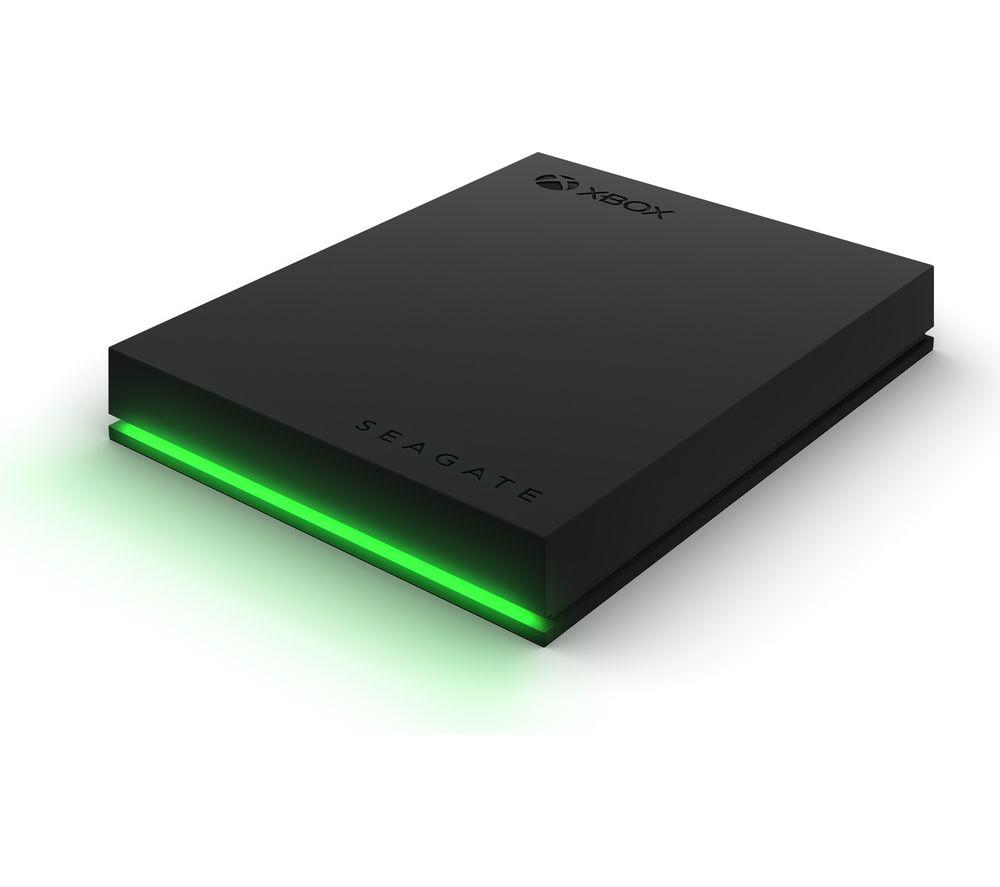
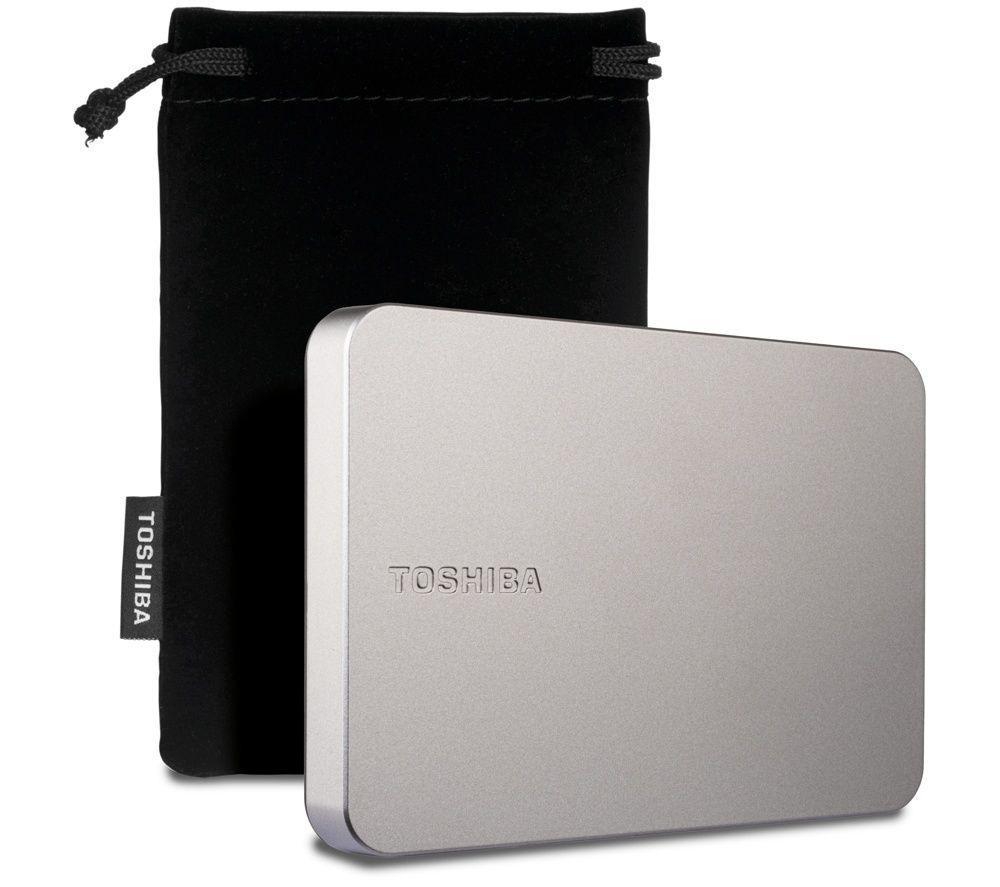
Check the material before you buy. A metal or aluminium external case sheds heat better than a plastic one, but weighs more in a backpack.
Considerations
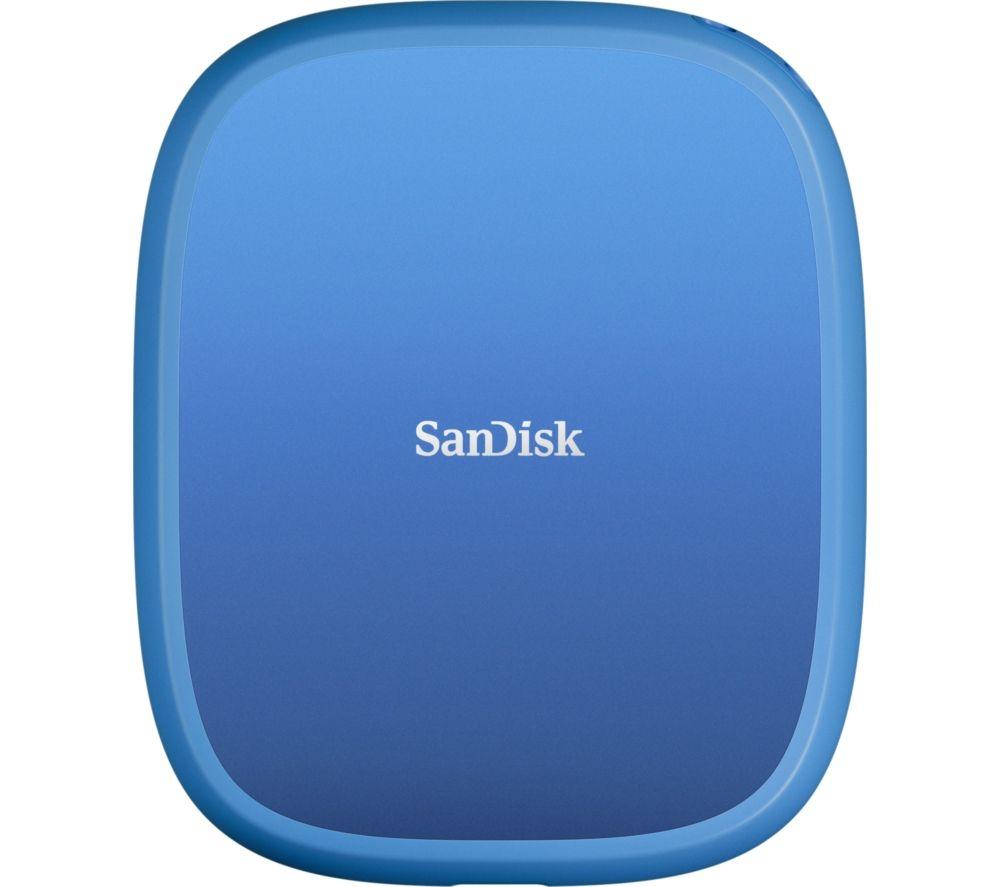
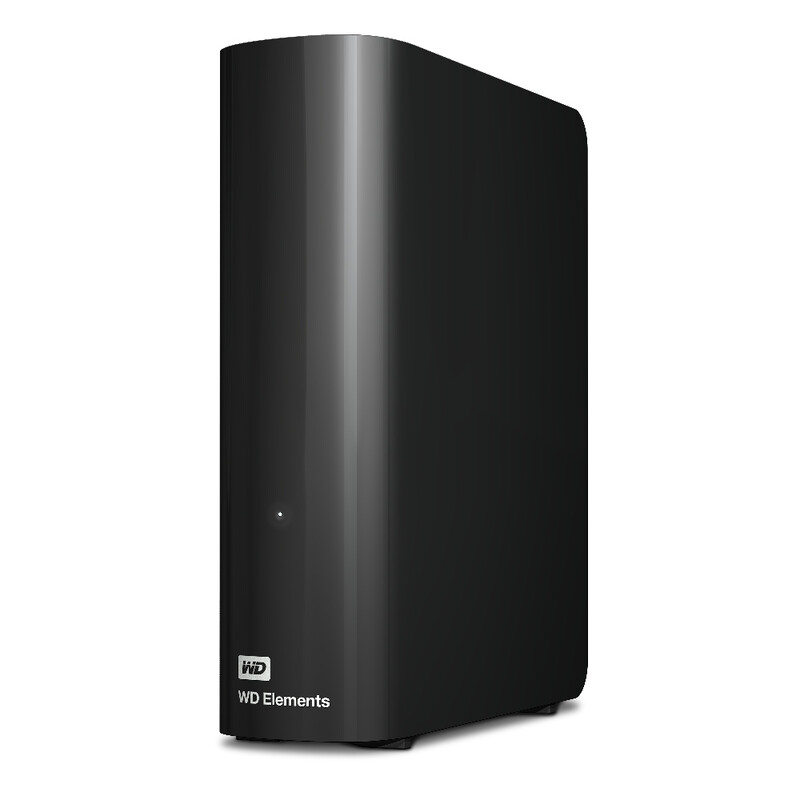
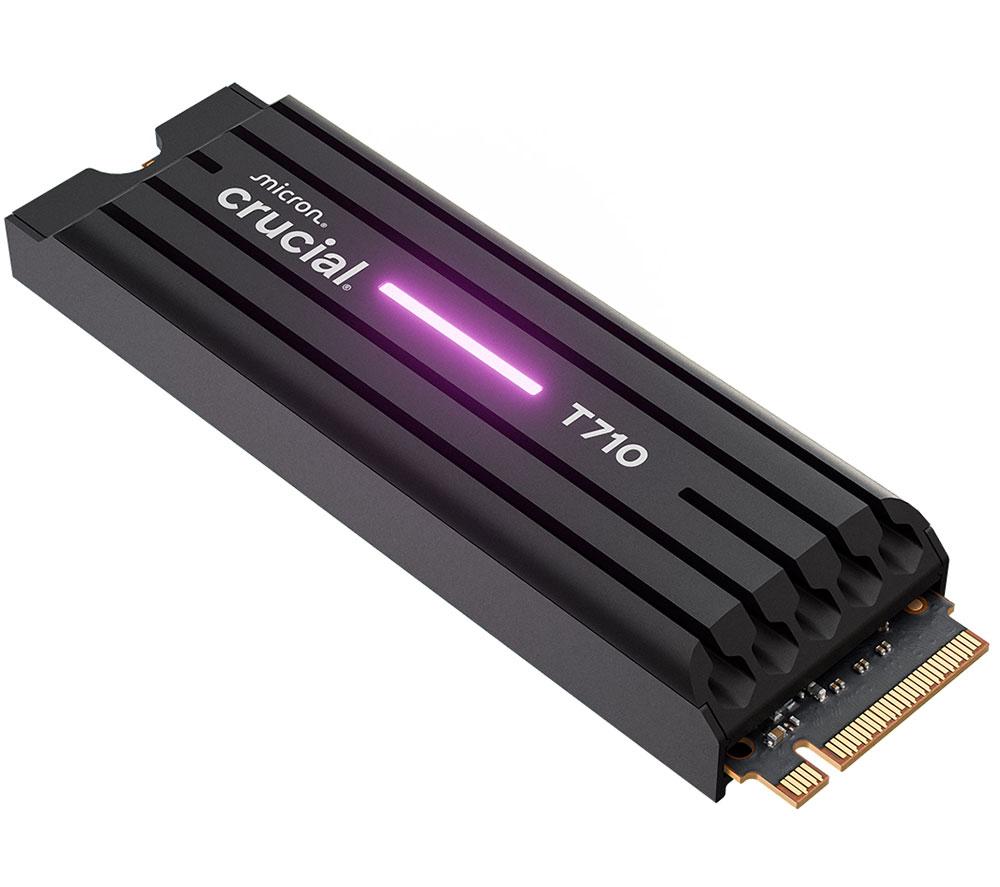
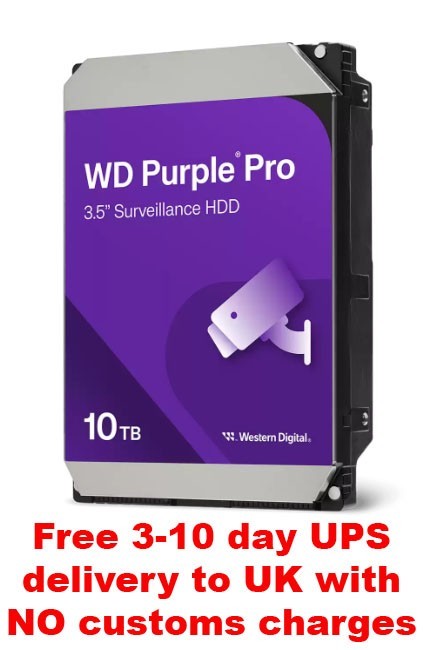
Colour often maps to tier here. Red or purple drives typically mark NAS or surveillance models, while black or grey fits a plain desktop. Pick by role, not just looks.
Considerations
Weigh new against recertified stock. Recertified drives cut waste but may not suit a mission critical primary array.
Considerations
Electronics and Computer Components like a bare internal drive need technical fitment and are wrong for non builders. Electronics Accessories like a USB external drive are easy to share across the house.
What's good
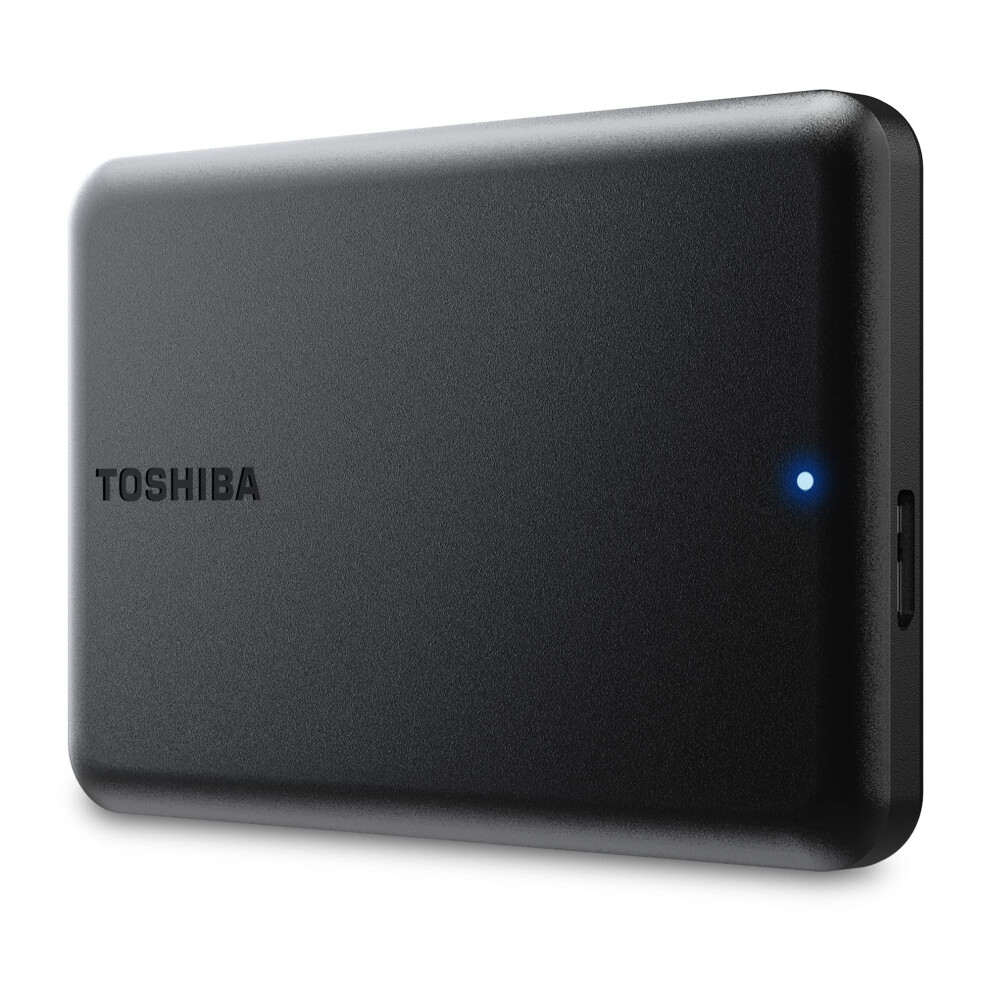
- Portable SSDs within Storage Devices shift large files fast without a mains cable. They suit editors who move between sites.
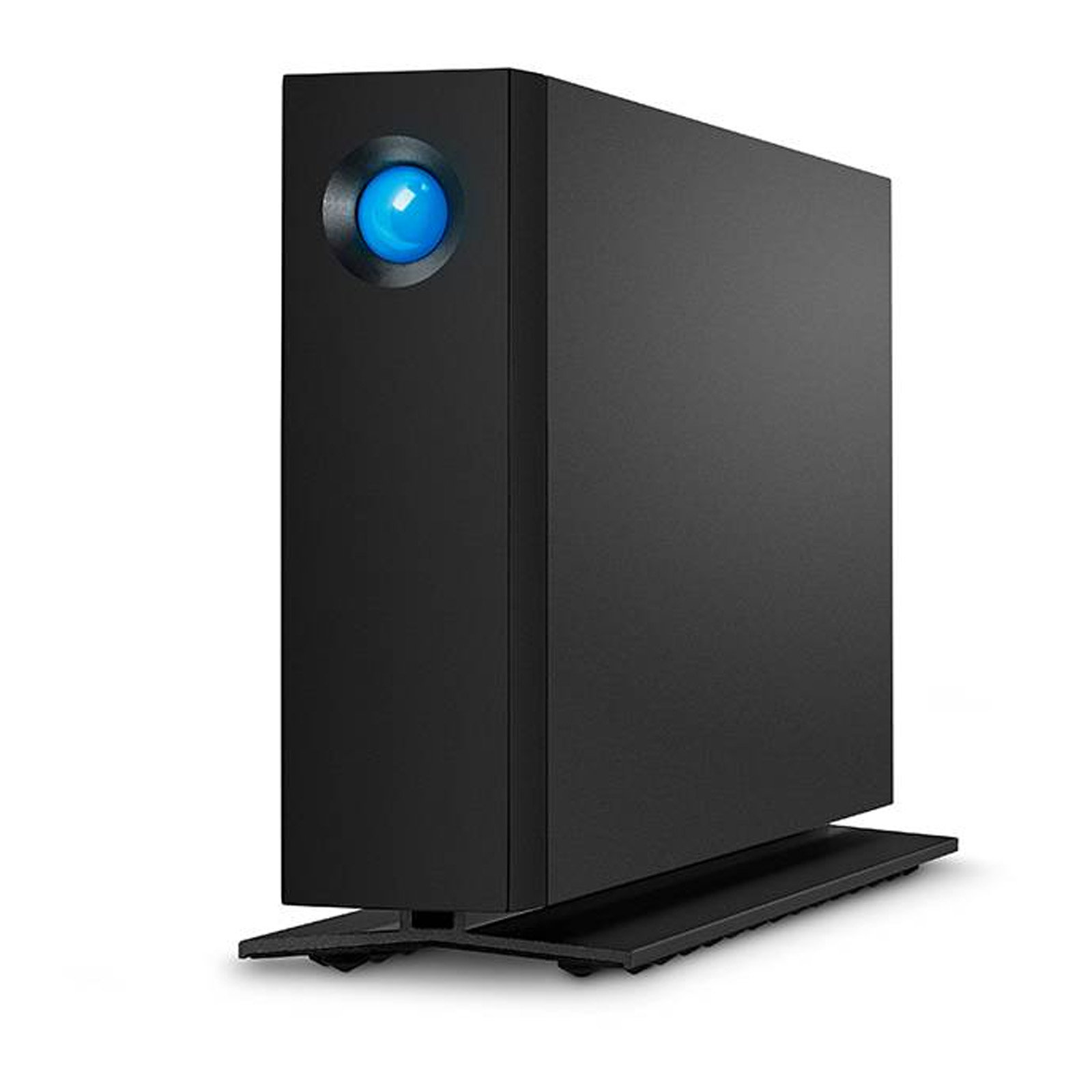
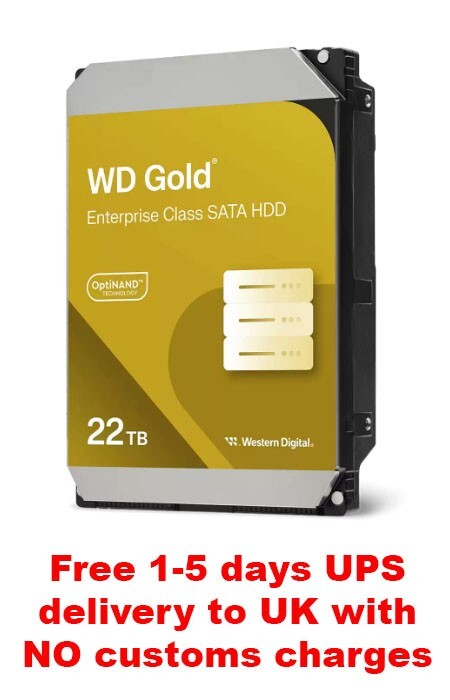
- Computer Components like 3.5" SATA internals let you fit higher capacities into a desktop or NAS than a pocket SSD. The multi terabyte units suit bulk archives.
- Surveillance and NAS rated drives handle constant write cycles better than a standard desktop platter. They suit a 24/7 CCTV or file server load.
- Recertified units in this range give a second life to high capacity drives. They suit cold backups where freshness matters less.
Things to watch
- External hard drives in plastic or rubber casings add bulk to a bag compared to a slim aluminium SSD. They are worse for daily commuting.
- Internal 3.5" SATA drives need a spare bay and power lead. They are wrong for anyone wanting a grab and go backup.
- High capacity surveillance and NAS units spin loud and run warm. They need a ventilated case, not a quiet living room shelf.
- Recertified stock may show cosmetic scuffs and offers less certainty on lifespan than a sealed box. Avoid it for a primary working array.
Care & maintenance
Maintenance
Keep portable drives in a sleeve so the aluminium or plastic shell avoids scratches in transit.
Maintenance
Mount internal 3.5" drives with the correct screws to stop vibration creeping into a NAS or tower.
Maintenance
Wipe dust from rubber or silicone casings on external units so ports stay clear.
Maintenance
Store spare drives in a cool, dry spot away from sunlight to protect the controllers.
Frequently Asked Questions
What should I look for when buying hard drives?
When shopping for hard drives, consider factors such as quality, price, brand reputation, and customer reviews. Compare prices across multiple retailers to ensure you're getting the best deal. Look for products that match your specific needs and budget.
How do I choose the right hard drives?
Choosing the right hard drives depends on your individual needs, budget, and preferences. Research different options, read customer reviews, and compare specifications. Consider what features are most important to you and look for products that offer the best value for money.
Where can I find the best deals on hard drives?
You can find the best deals on hard drives by comparing prices across multiple retailers. Our price comparison tool helps you find the lowest prices from trusted UK retailers including Amazon, eBay, and other major online stores. Check regularly as prices and deals change frequently.
Are hard drives products worth the investment?
The value of hard drives products depends on your specific needs and how you plan to use them. Quality products from reputable brands often provide better long-term value, even if they cost more initially. Consider your budget and requirements when making your decision.
What's the difference between different types of hard drives?
Different types of hard drives vary in features, quality, price, and intended use. Some may offer premium features while others focus on affordability. Research the specific differences between models or brands to find the option that best suits your needs and budget.