Flash Memory
How to choose flash memory
Capacity and format
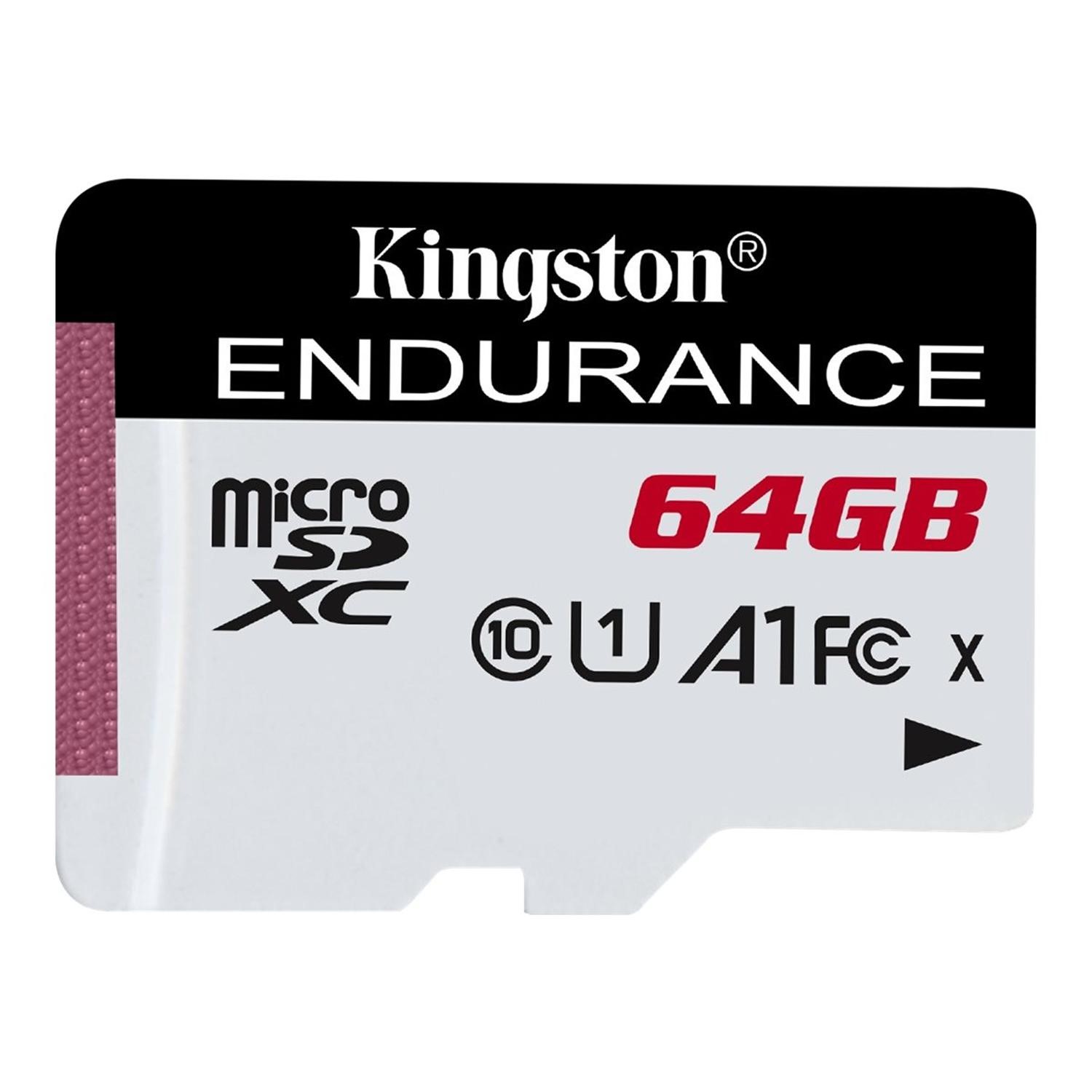
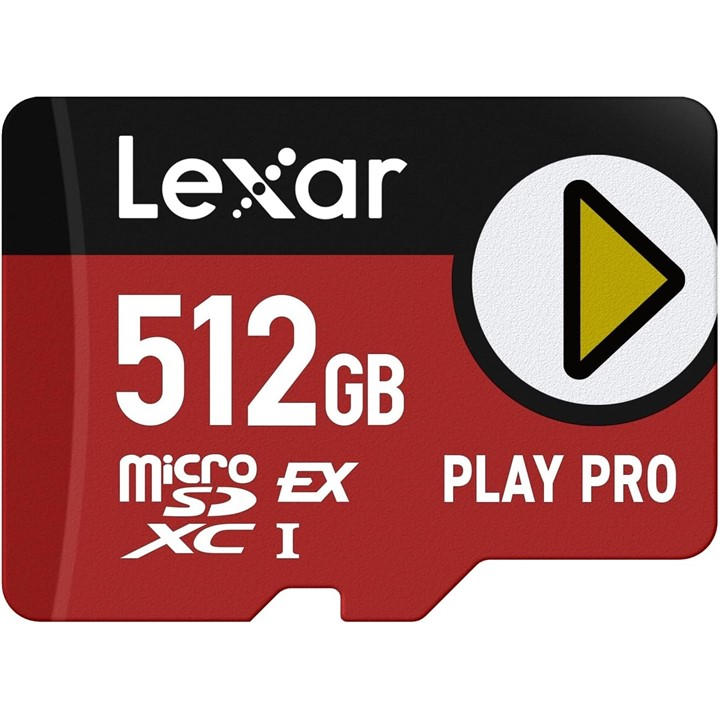
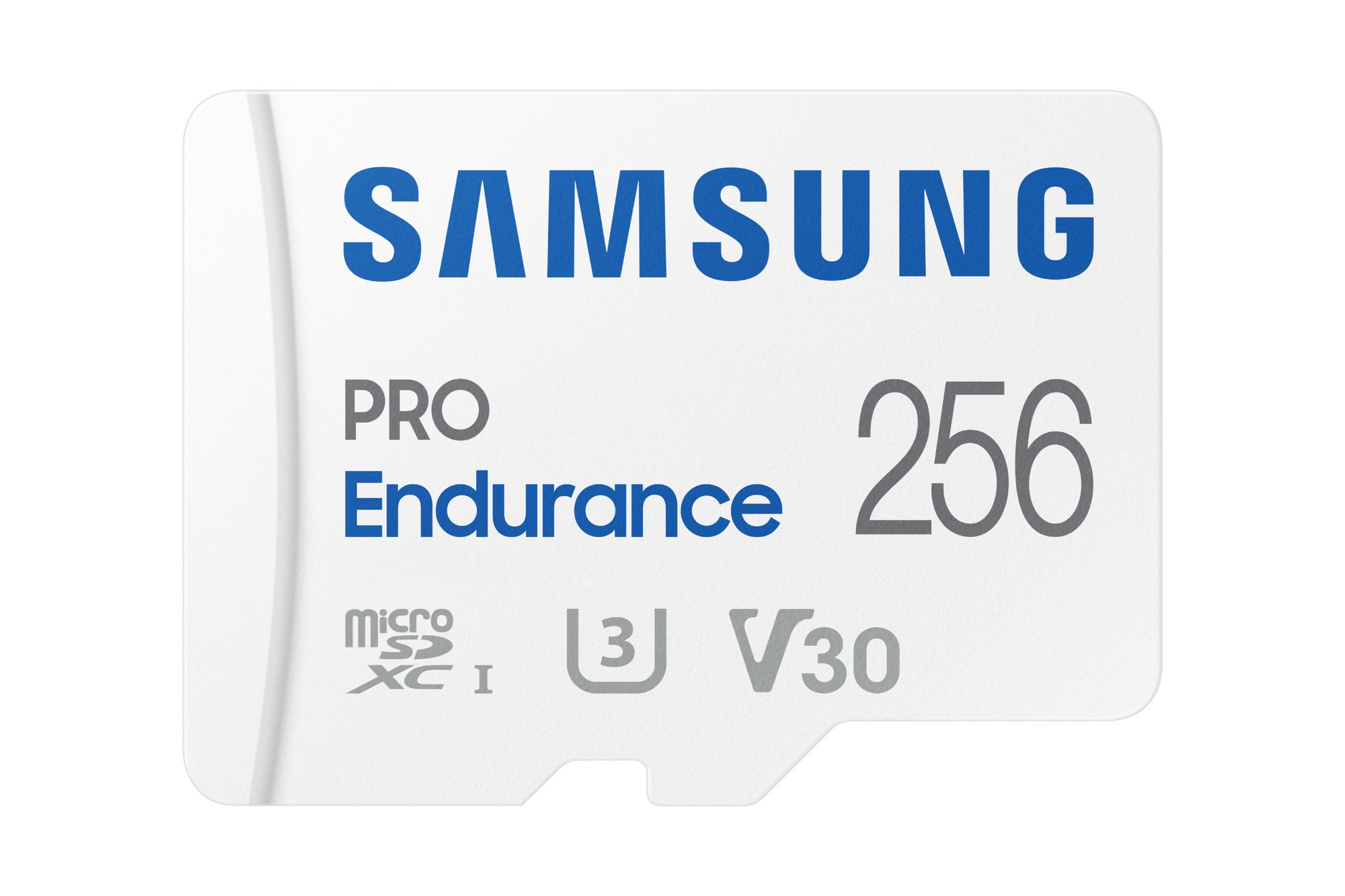
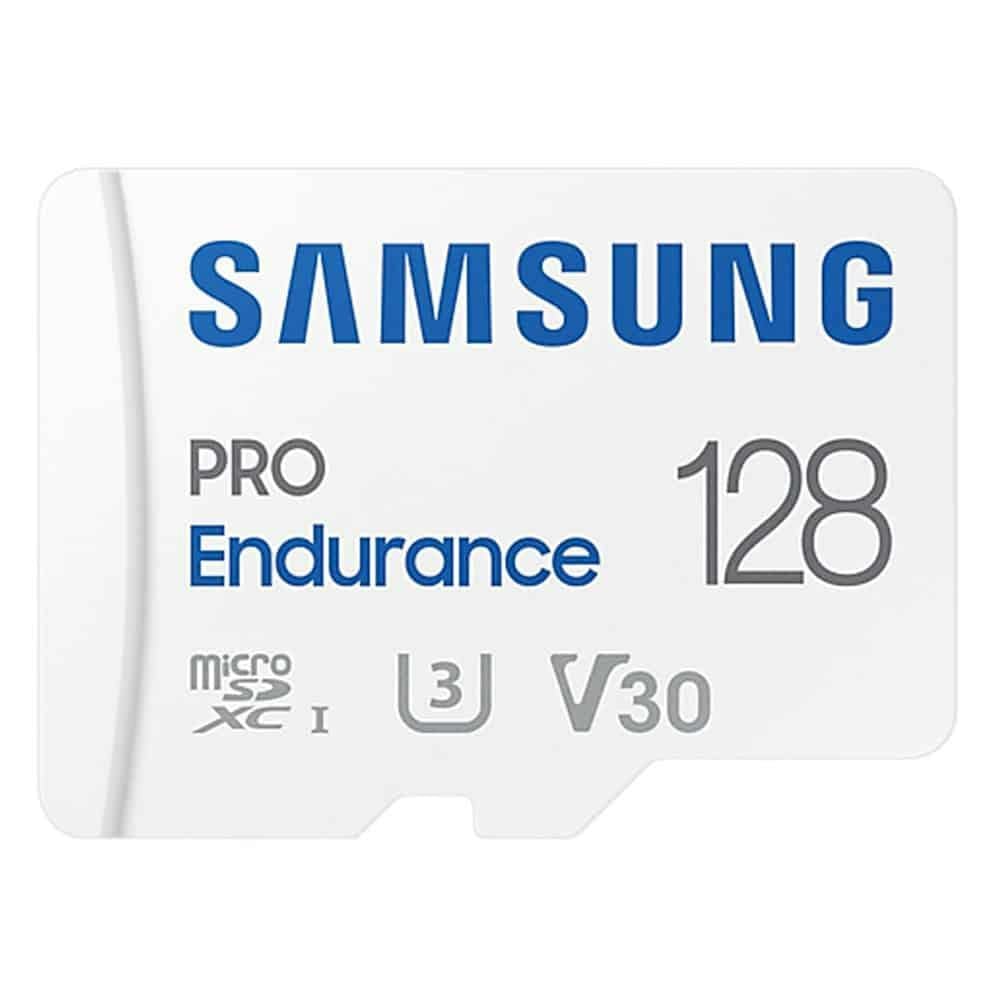
Pick SDHC for legacy gear, or SDXC if you need the 128GB to 512GB capacities found in this range.
Speed class
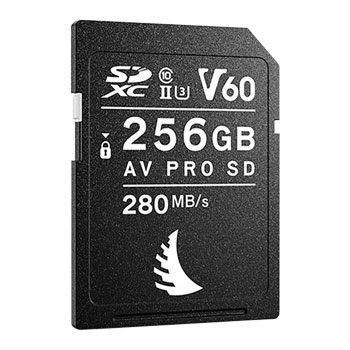
Choose Class 10, U1 or V10 for everyday phone shots, step up to U3, V30 or V60 for video capture.
Physical size
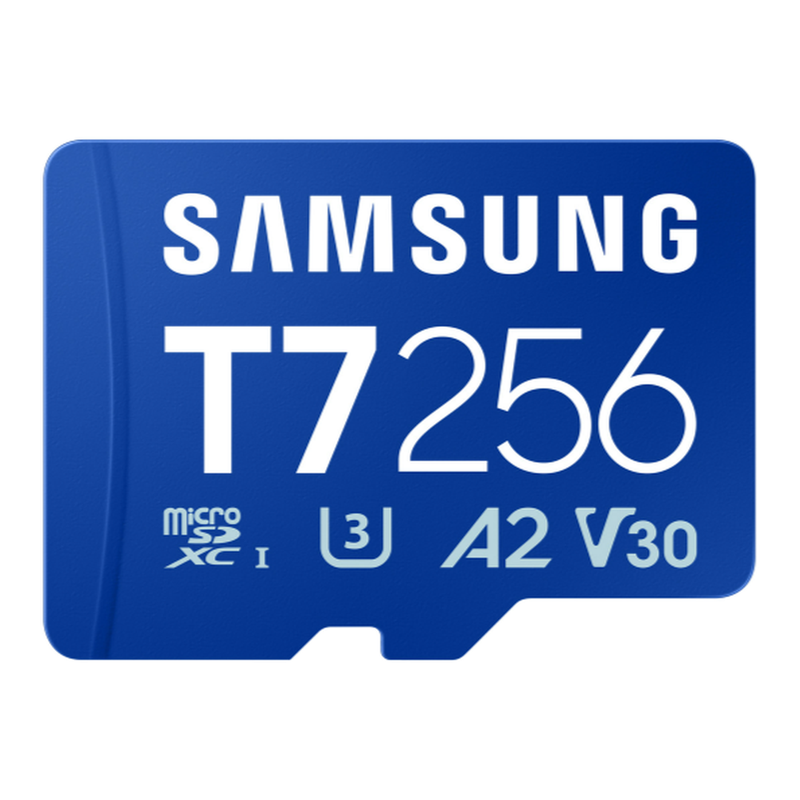
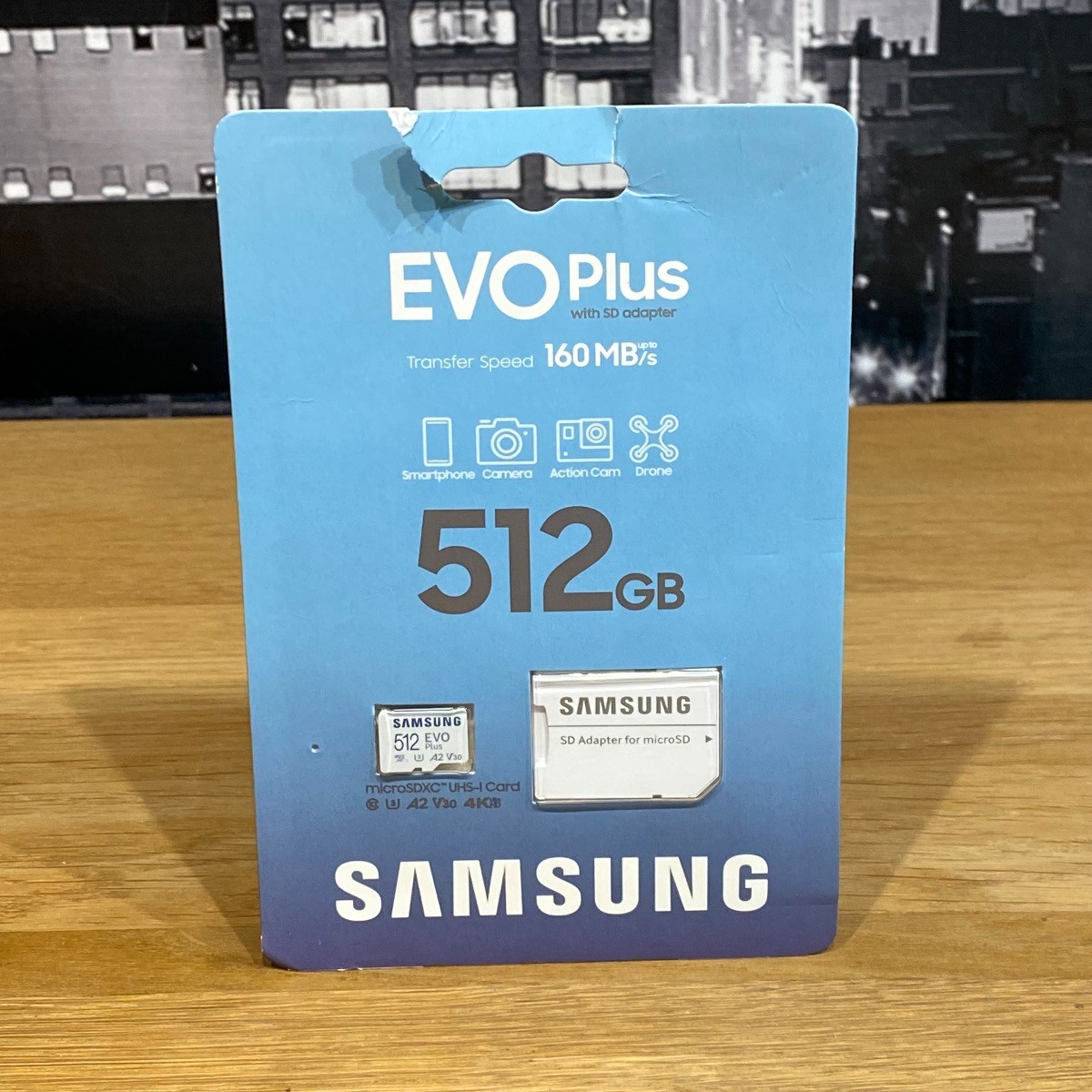
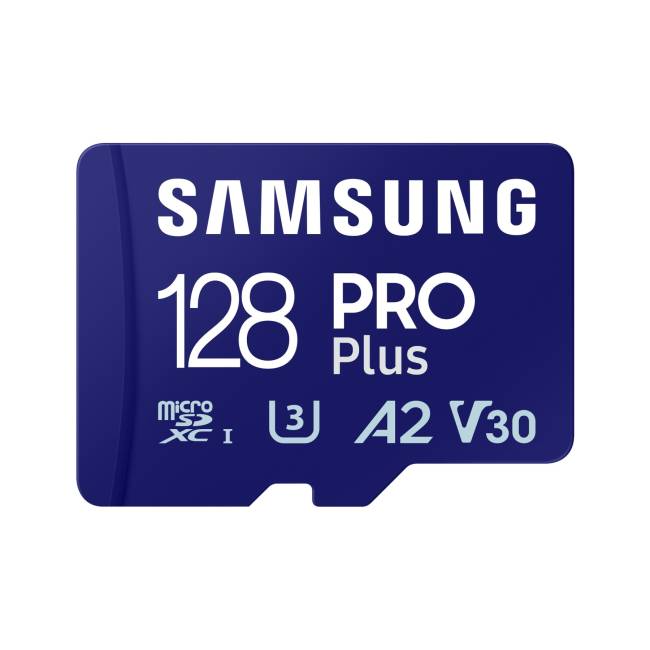
MicroSDXC suits tablets and smartphones, but check you have an adapter for full-size readers.
Look and build
Colour and material matter. Black or white plastic stays discreet, while red, purple, gold or wood finishes are easier to spot but stand out.
Category sub-type
Note the sub-type. Listings appear as flash memory cards, memory, electronics or electronics accessories. Make sure you select the card type that fits your device.
What's good
- High-capacity SDXC cards, from 128GB to 512GB, hold large photo sets and video without swapping.
- MicroSDXC cards fit tablets and smartphones directly, giving quick storage expansion.
- Professional tier cards with U3, V30 or V60 ratings write fast enough for continuous 4K capture.
- Basic Class 4 SDHC cards keep older cameras and readers running with simple, compatible storage.
- Some cards ship in metal, steel or wood builds, offering a tougher shell or a distinct look versus plastic.
Things to watch
- Entry-level Class 4 SDHC cards stall on modern video, their write speed is too low for smooth recording.
- MicroSD cards need a full-size adapter for camera or laptop SD slots, an extra piece to misplace.
- UHS-II V60 professional cards show no gain in a device that only supports UHS-I, leaving speed unused.
- Retro cards like NEOGEO AES+ fit only their own console, useless for phones, PCs or cameras.
- Metal or wood casings can add heft or pick up scratches quicker than matte plastic bodies.
Care & maintenance
Safe storage
Store cards in a rigid case to protect the contact rows from dust and bending.
Avoid extremes
Keep them out of direct sun and damp, as plastic can warp and metal may corrode.
Regular format
Reformat the card in its host device every so often to keep the file system clean.
Surface care
Wipe wood or metal bodies with a dry cloth, and avoid solvent-based cleaners.
Frequently Asked Questions
What should I look for when buying flash memory?
When shopping for flash memory, consider factors such as quality, price, brand reputation, and customer reviews. Compare prices across multiple retailers to ensure you're getting the best deal. Look for products that match your specific needs and budget.
How do I choose the right flash memory?
Choosing the right flash memory depends on your individual needs, budget, and preferences. Research different options, read customer reviews, and compare specifications. Consider what features are most important to you and look for products that offer the best value for money.
Where can I find the best deals on flash memory?
You can find the best deals on flash memory by comparing prices across multiple retailers. Our price comparison tool helps you find the lowest prices from trusted UK retailers including Amazon, eBay, and other major online stores. Check regularly as prices and deals change frequently.
Are flash memory products worth the investment?
The value of flash memory products depends on your specific needs and how you plan to use them. Quality products from reputable brands often provide better long-term value, even if they cost more initially. Consider your budget and requirements when making your decision.
What's the difference between different types of flash memory?
Different types of flash memory vary in features, quality, price, and intended use. Some may offer premium features while others focus on affordability. Research the specific differences between models or brands to find the option that best suits your needs and budget.