Laptop Replacement Speakers
How to choose laptop replacement speakers
Sub-type fit
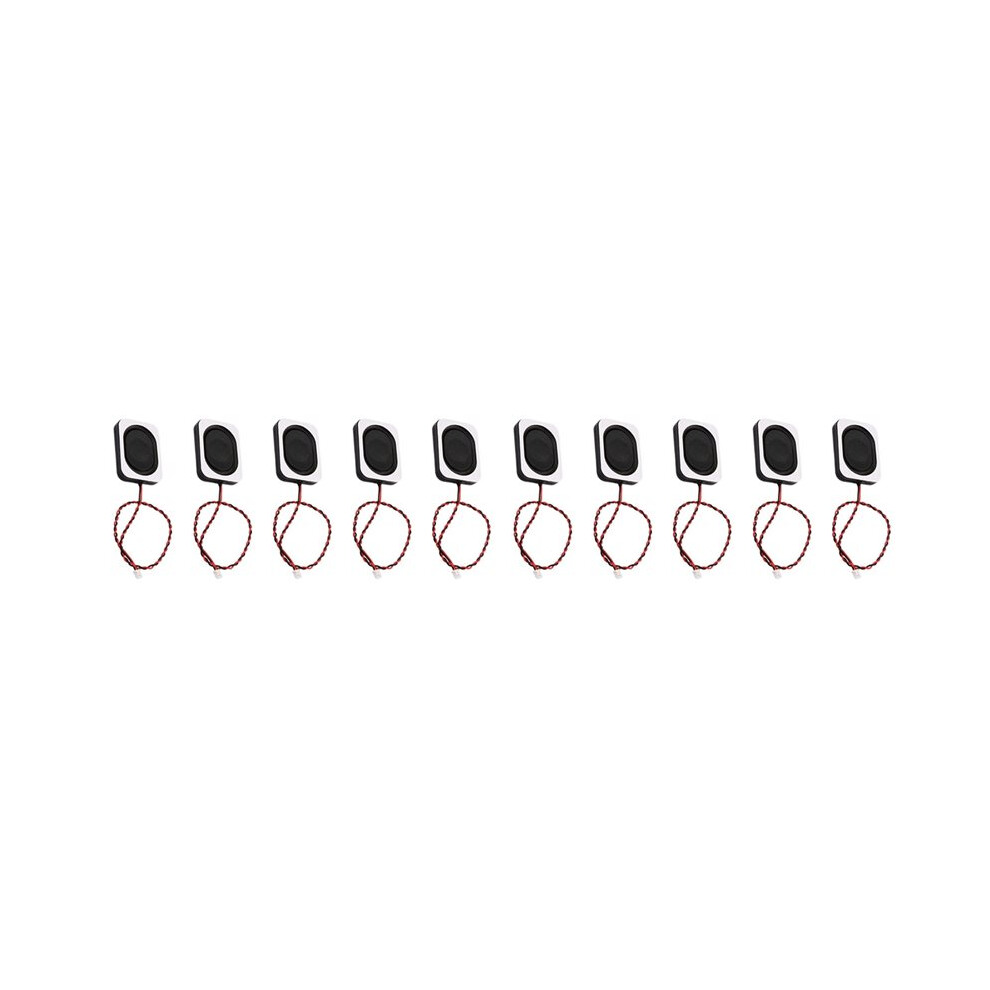
Match sub-type: Laptop Parts for model-specific audio, Computer Components for generic beeps, Electronics or Electronics Accessories for loose units.
Colour match
Choose black for standard interiors, white only if your casing is light coloured.
Material tradeoff
Pick plastic/metal when you want a rigid mount, plain plastic if you prefer lighter weight.
Pair or single
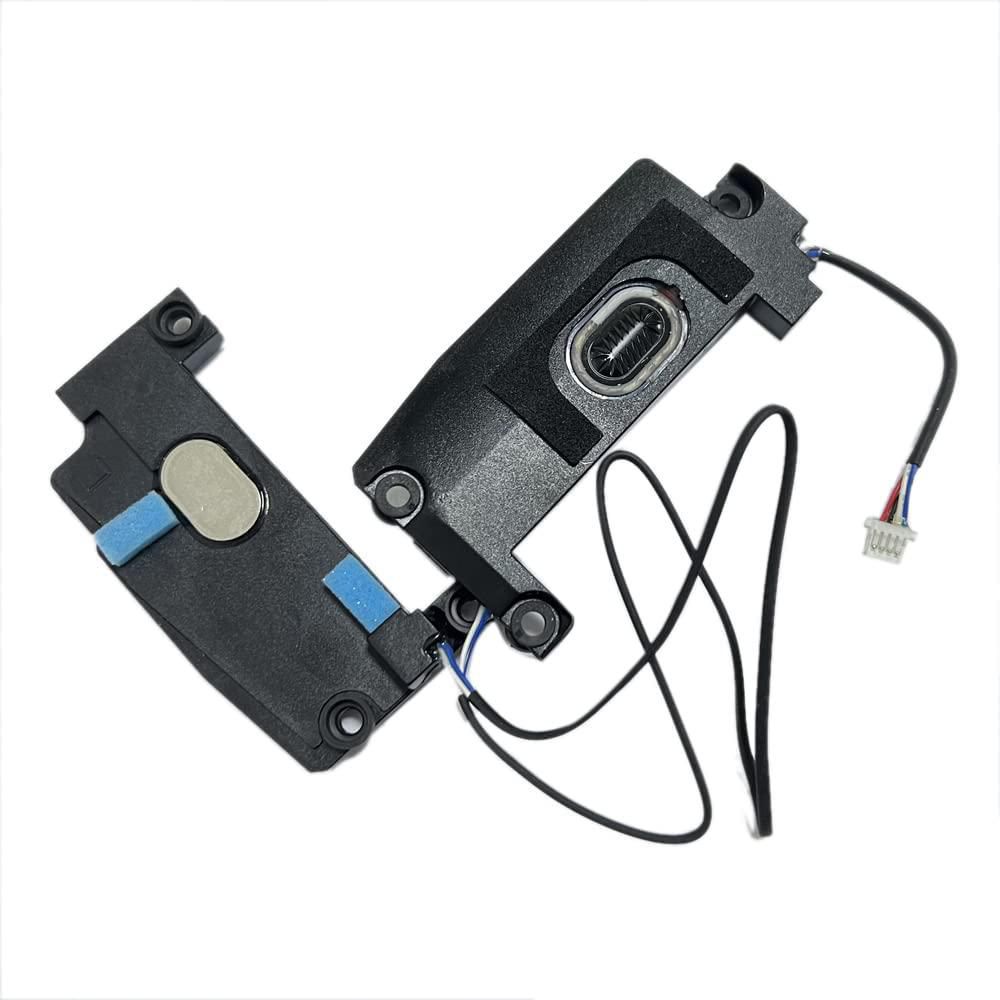
Confirm whether you need a paired set or a single left/right unit, as listings differ.
Branded vs blank
Both unbranded and branded stock appear here, so decide if a name matters for your peace of mind.
What's good
- Laptop Parts sub-type offers a direct fit for your original machine's speaker slots.
- Computer Components like motherboard buzzers give a simple way to get beep alerts across many builds.
- Internal Electronics items restore sound without replacing the whole laptop.
- Black or white colour choices help the part blend with your chassis.
- Plastic/metal frames hold their shape better than all-plastic ones.
Things to watch
- Laptop Parts are tied to specific models, so the wrong pick will not line up.
- Computer Components such as buzzers only emit tones, not speech or music.
- All-plastic speakers can bend more easily than plastic/metal units.
- White parts may stand out inside a typical black laptop body.
- Any internal fit requires opening the case, which risks damage if you lack tools.
Care & maintenance
Pre-fit clean
Wipe the plastic or plastic/metal frame with a dry cloth before install.
Channel check
Test both left and right speakers together before sealing the shell.
Spare storage
Store unused pairs in their bag to keep dust off the cone.
Safe handling
Hold by the edges so you do not push in the speaker dome.
Frequently Asked Questions
What should I look for when buying laptop replacement speakers?
When shopping for laptop replacement speakers, consider factors such as quality, price, brand reputation, and customer reviews. Compare prices across multiple retailers to ensure you're getting the best deal. Look for products that match your specific needs and budget.
How do I choose the right laptop replacement speakers?
Choosing the right laptop replacement speakers depends on your individual needs, budget, and preferences. Research different options, read customer reviews, and compare specifications. Consider what features are most important to you and look for products that offer the best value for money.
Where can I find the best deals on laptop replacement speakers?
You can find the best deals on laptop replacement speakers by comparing prices across multiple retailers. Our price comparison tool helps you find the lowest prices from trusted UK retailers including Amazon, eBay, and other major online stores. Check regularly as prices and deals change frequently.
Are laptop replacement speakers products worth the investment?
The value of laptop replacement speakers products depends on your specific needs and how you plan to use them. Quality products from reputable brands often provide better long-term value, even if they cost more initially. Consider your budget and requirements when making your decision.
What's the difference between different types of laptop replacement speakers?
Different types of laptop replacement speakers vary in features, quality, price, and intended use. Some may offer premium features while others focus on affordability. Research the specific differences between models or brands to find the option that best suits your needs and budget.