Interactive Kiosks
How to choose interactive kiosks
Sub type fit
Choose between Electronics and Computers sub types: pick a built in kiosk for fixed service, a computer tablet for flexible internals.
Mount style
Match mount to space: countertop for shelves and desks, floorstand for open foyers and queues.
Display size
Screen size tradeoff: 17.8 cm (7 inch) suits close counters, 39.6 cm (15.6 inch) suits queuing lines at distance.
Performance
Processing power: 2 GHz units handle basic payment or queuing apps, heavier tasks call for the larger computer style.
What's good
- A countertop kiosk (the mini style) fits a small desk and leaves floor space clear.
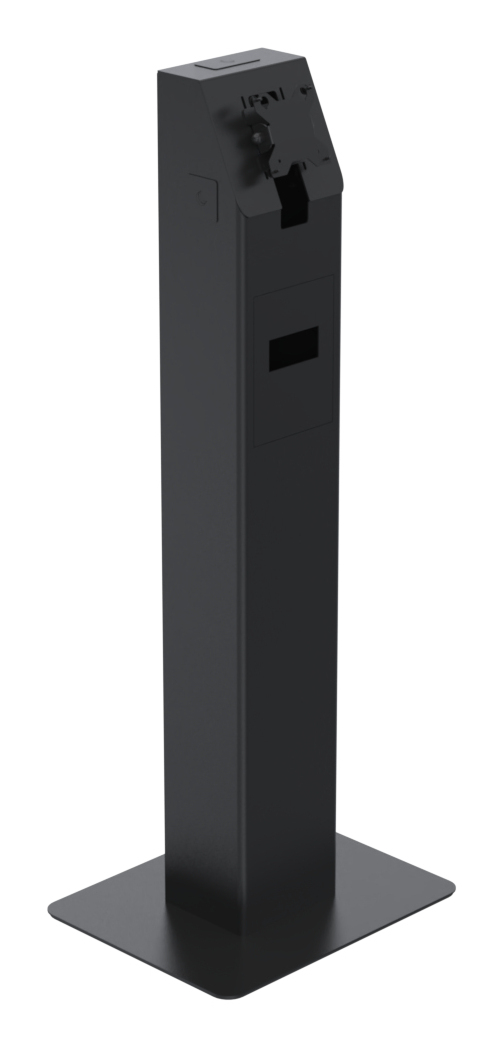
- A floorstand unit lifts the screen to standing eye height, good for queue points.
- The 15.6 inch computer style shows menus or queues clearly to a group at distance.
- Self contained electronics kiosks run check in or payment without a linked PC.
Things to watch
- The 7 inch kiosks pack a 1280 x 80 display tight, which is hard for gloved hands or fast taps.
- Floorstand units take a fixed footprint and need securing, so they are wrong for a cramped counter.
- Tablet style computers (the 15.6 inch type) need a separate mount to stay fixed, adding install steps.
- Sealed electronics enclosures limit later internal hardware swaps once your needs change.
Care & maintenance
Screen care
Wipe the touchscreen with a soft dry cloth to keep touch response accurate.
Fixing check
Tighten the countertop or floorstand fixings each month to stop wobble.
Vent upkeep
Keep air paths on the computer kiosks clear of dust so they do not overheat.
Frequently Asked Questions
What should I look for when buying interactive kiosks?
When shopping for interactive kiosks, consider factors such as quality, price, brand reputation, and customer reviews. Compare prices across multiple retailers to ensure you're getting the best deal. Look for products that match your specific needs and budget.
How do I choose the right interactive kiosks?
Choosing the right interactive kiosks depends on your individual needs, budget, and preferences. Research different options, read customer reviews, and compare specifications. Consider what features are most important to you and look for products that offer the best value for money.
Where can I find the best deals on interactive kiosks?
You can find the best deals on interactive kiosks by comparing prices across multiple retailers. Our price comparison tool helps you find the lowest prices from trusted UK retailers including Amazon, eBay, and other major online stores. Check regularly as prices and deals change frequently.
Are interactive kiosks products worth the investment?
The value of interactive kiosks products depends on your specific needs and how you plan to use them. Quality products from reputable brands often provide better long-term value, even if they cost more initially. Consider your budget and requirements when making your decision.
What's the difference between different types of interactive kiosks?
Different types of interactive kiosks vary in features, quality, price, and intended use. Some may offer premium features while others focus on affordability. Research the specific differences between models or brands to find the option that best suits your needs and budget.