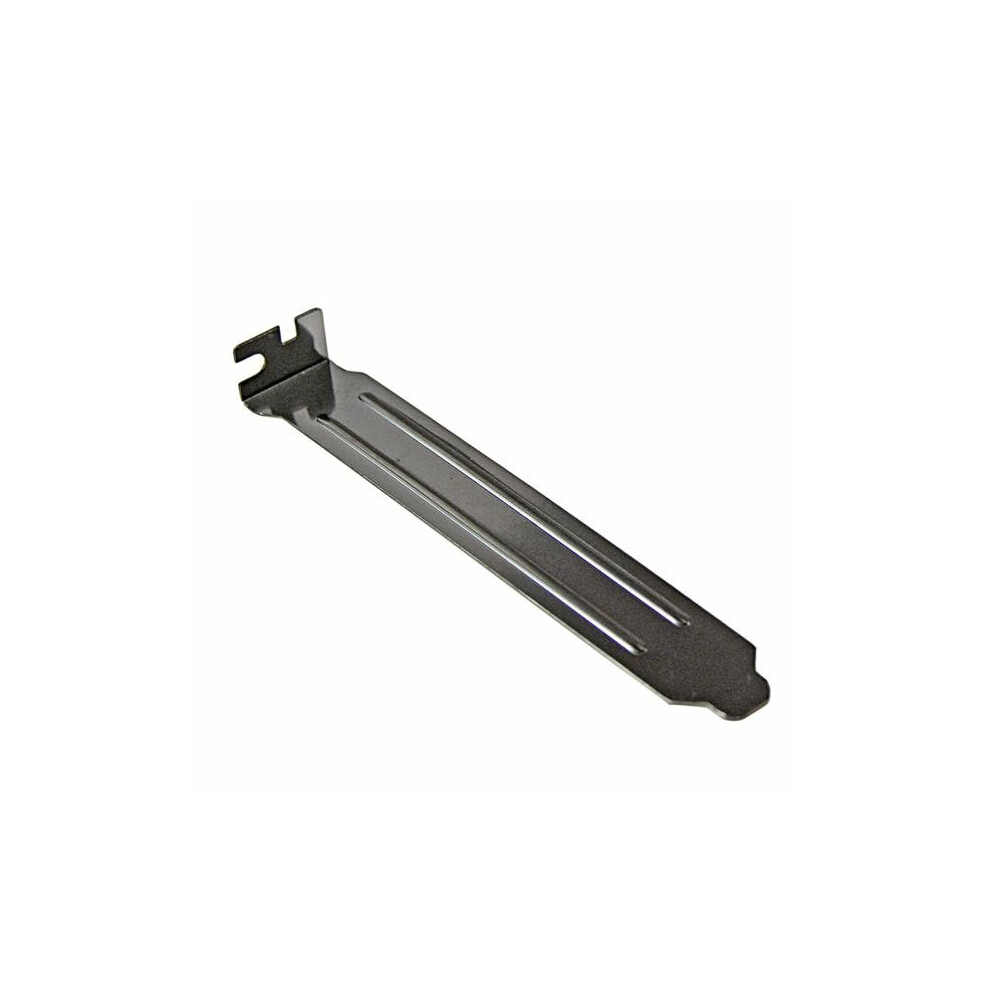
Computer Backplates & I/O Shields
How to choose computer backplates & i/o shields
Sub-type first
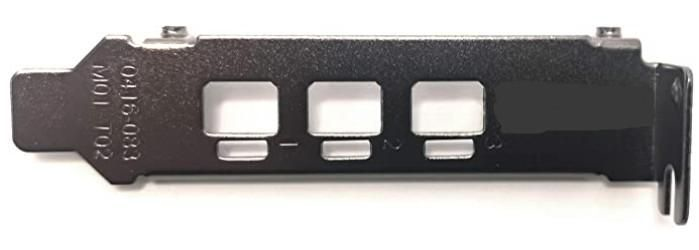
Decide between video card brackets and computer components backplates based on what you are fixing.
Pick the metal
Material choice matters: aluminium for light strength, iron for maximum hold, plastic for a quick fix.
Colour tradeoff
Colour is not just looks; black/grain hides marks, yellow or blue draw the eye.
Accessory vs part
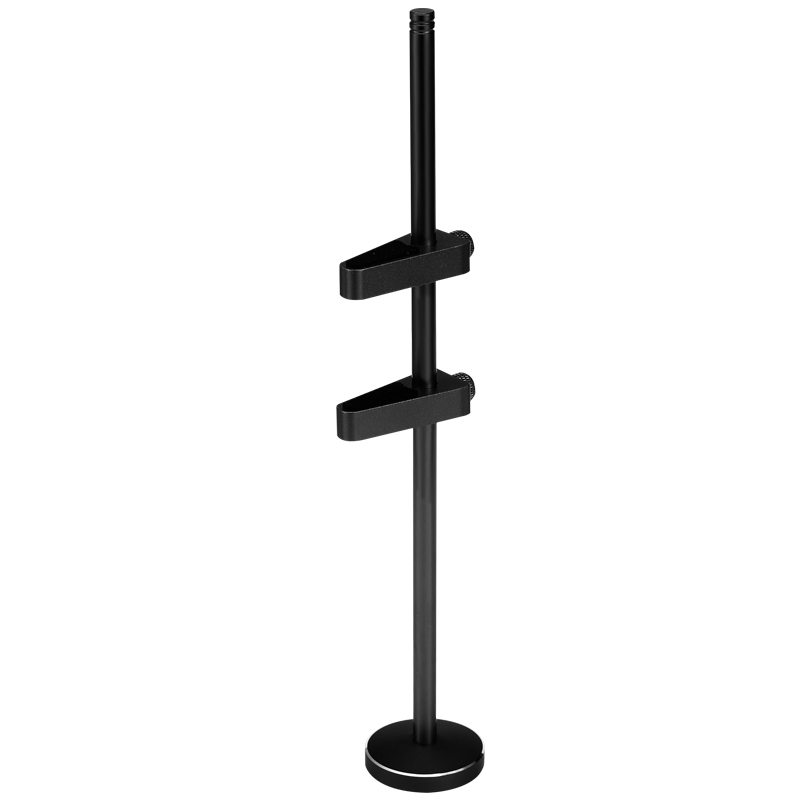
The electronics sub-type covers small internal items, while electronics accessories handle desk mounts.
Mixed materials
Rubber or metal/plastic mixes suit those wanting grip plus rigidity, but verify case fit.
What's good
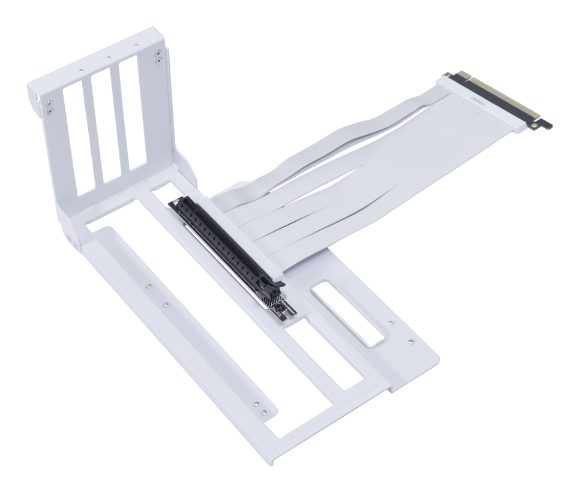
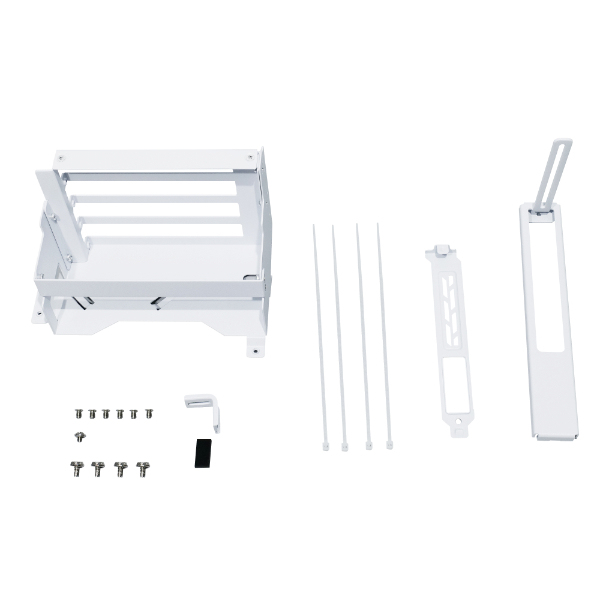
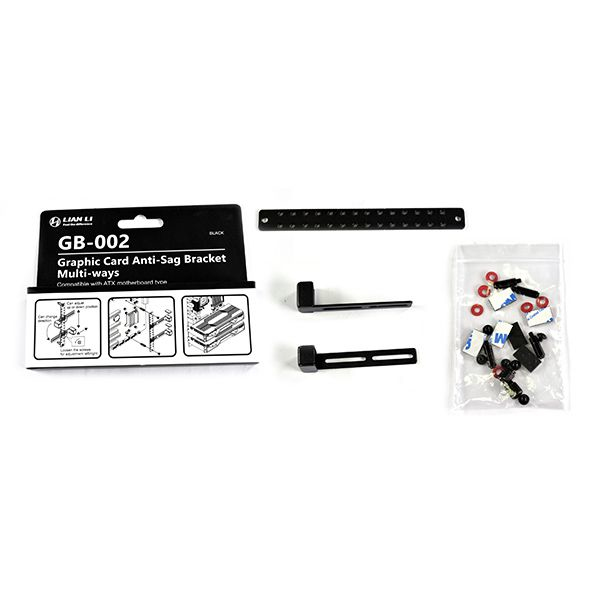
- Video card brackets give a heavy GPU proper support, stopping sag.
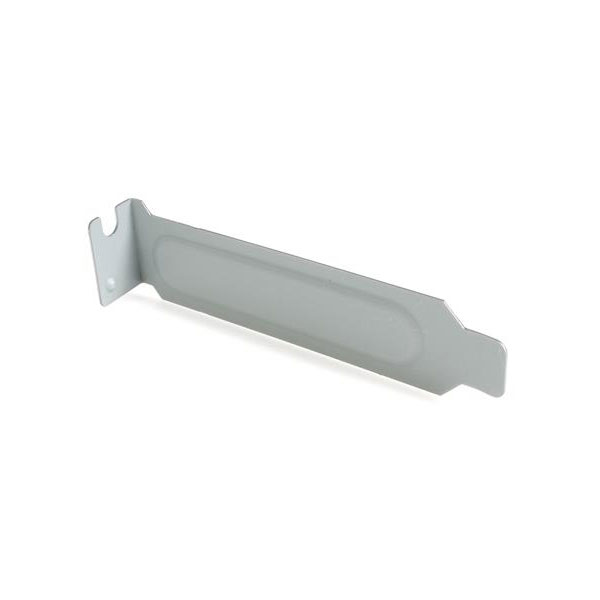
- Metal computer components like backplates add rigid structure inside the case.
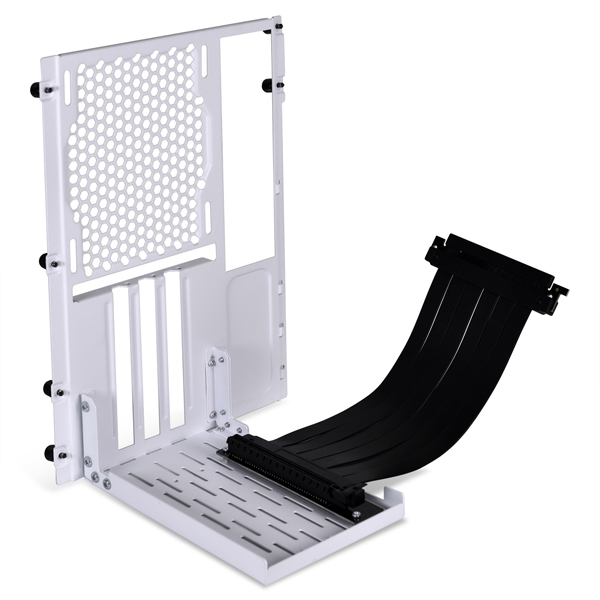
- A white or silver bracket can match a clean build theme.
- Under-desk mounts from the electronics accessories sub-type clear clutter from your desk.
- Unbranded options fit standard holes without paying for a logo.
Things to watch
- Plastic and acrylic brackets weigh less but bend under a large card.
- Coloured finishes like pink or red show dust faster than black/grain.
- Video card brackets need extra clearance, wrong for compact cases.
- Iron parts are tough but add noticeable heft to a small build.
- Hybrid metal/plastic items can have slightly loose tolerances at the join.
Care & maintenance
Keep metal dry
Dust metal brackets with a dry cloth to prevent corrosion.
Check screws
Re-tighten screws on GPU mounts every few months.
Avoid solvents
Keep acrylic shields away from harsh cleaning sprays.
Pad check
Inspect rubber pads on desk mounts for wear.
Frequently Asked Questions
What should I look for when buying computer backplates & i/o shields?
When shopping for computer backplates & i/o shields, consider factors such as quality, price, brand reputation, and customer reviews. Compare prices across multiple retailers to ensure you're getting the best deal. Look for products that match your specific needs and budget.
How do I choose the right computer backplates & i/o shields?
Choosing the right computer backplates & i/o shields depends on your individual needs, budget, and preferences. Research different options, read customer reviews, and compare specifications. Consider what features are most important to you and look for products that offer the best value for money.
Where can I find the best deals on computer backplates & i/o shields?
You can find the best deals on computer backplates & i/o shields by comparing prices across multiple retailers. Our price comparison tool helps you find the lowest prices from trusted UK retailers including Amazon, eBay, and other major online stores. Check regularly as prices and deals change frequently.
Are computer backplates & i/o shields products worth the investment?
The value of computer backplates & i/o shields products depends on your specific needs and how you plan to use them. Quality products from reputable brands often provide better long-term value, even if they cost more initially. Consider your budget and requirements when making your decision.
What's the difference between different types of computer backplates & i/o shields?
Different types of computer backplates & i/o shields vary in features, quality, price, and intended use. Some may offer premium features while others focus on affordability. Research the specific differences between models or brands to find the option that best suits your needs and budget.