As we move into 2026, the home office has transitioned from a temporary solution to a permanent sanctuary of productivity. For the discerning professional, the focus has shifted away from "making do" with basic peripherals toward a concept known as micro-luxury. These are the refined upgrades that sit between mass-market plastic and unattainable boutique items—the products that provide a tangible, tactile improvement to every hour you spend at your desk.
Investing in 7 micro-luxury tech accessories to upgrade your WFH setup in 2026 isn't about conspicuous consumption; it is about longevity, better materials, and superior haptics. Whether it is the dampened "thunk" of a high-end keyboard or the seamless switching of a Thunderbolt dock, these upgrades eliminate the daily frictions that lead to burnout and physical fatigue.
In this guide, we have curated the most reliable, design-led hardware available in the UK. These selections focus on a price tier of £50–£400, targeting professionals who work from home 3–5 days a week and are ready to swap cheap, disposable tech for gear that lasts a decade.
What to Look For in Micro-Luxury WFH Gear
When selecting premium peripherals, it is easy to be swayed by marketing jargon. To ensure you are getting a genuine quality-of-life upgrade, look for these key indicators:
- Material Integrity: Look for CNC-milled aluminium, PBT plastics (which don't go "shiny" over time), and natural materials like merino wool or top-grain leather.
- Tactile Feedback: Premium gear prioritises how things feel—from the resistance in a scroll wheel to the "gasket mount" cushioning of a keyboard.
- Functional Longevity: Micro-luxury items should feature user-replaceable parts (like switches) or robust software support that will remain relevant through 2026 and beyond.
- Aesthetic Cohesion: These products should look as good as they perform, opting for understated, professional designs rather than "gamer-centric" RGB lighting.
1. The Keyboard You'll Never Want to Stop Typing On
The standard membrane keyboard provided by most employers is a recipe for finger fatigue. A premium mechanical keyboard like the Keychron Q1 Max transforms typing from a chore into a tactile pleasure. Built with a heavy, gasket-mounted aluminium chassis, it absorbs the harshness of every keystroke, providing a "marbly" sound profile that is satisfying without being disruptive.
For professionals who prefer a lower profile, the Logitech MX Mechanical Mini offers a more familiar, streamlined experience while maintaining those clicky, high-end switches. These keyboards feature PBT keycaps that resist oil and wear, ensuring your setup looks pristine even after years of heavy use.
Key Features:- Gasket-Mount Design: Provides a softer, more rhythmic typing feel.
- Hot-Swappable: Change switches yourself if your preferences change.
- Dual Connectivity: Seamlessly switch between Mac and Windows via Bluetooth or 2.4GHz.
- Best For: Writers, coders, and anyone sending over 100 emails a day.
Compare Keychron Q1 Max Prices


Debenhams
Living And Home Unisex Black K98 3-Mode Rgb Mechanical Gaming Keyboard In
Prices and availability are accurate as of the date/time indicated and are subject to change.
2. The Precision Wireless Mouse for Infinite Scrolling
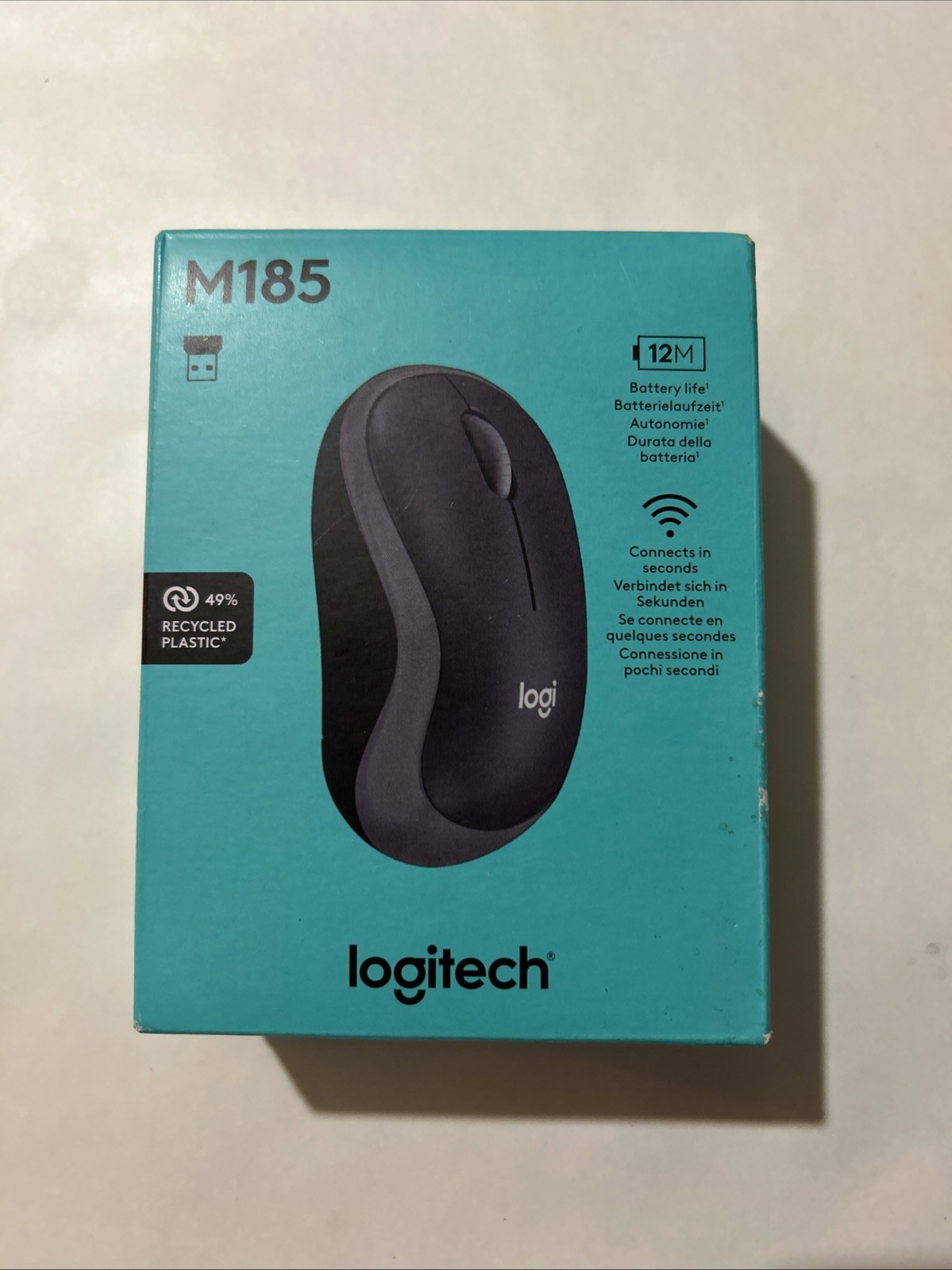
A cheap mouse is often the silent cause of wrist strain. Micro-luxury mice like the Logitech MX Master 3S or the Razer Pro Click V2 are sculpted for "all-day ergonomics," supporting the natural curve of your hand. The standout feature is often the scroll wheel; Logitech’s MagSpeed wheel uses electromagnets to switch from line-by-line precision to silent, "infinite" scrolling in a heartbeat.
These devices offer high-precision sensors (up to 8,000 DPI), meaning they work perfectly on glass or glossy desks without a mat. When you consider that you interact with this device thousands of times a day, the upgrade to quiet-click buttons and customisable thumb wheels becomes an essential comfort rather than a vanity purchase.
Key Features:- MagSpeed Scrolling: Fly through 1,000 lines of code or spreadsheets in seconds.
- Quiet Clicks: Delivers tactile feedback without the distracting noise.
- Multi-Device Flow: Move your cursor between a laptop and a desktop as if they were one screen.
- Best For: Power users and designers who require pixel-perfect accuracy.
Compare Logitech MX Master 3S Prices


Prices and availability are accurate as of the date/time indicated and are subject to change.
3. Top-Tier Noise-Cancelling Headphones for Deep Work
In a busy household, silence is the ultimate luxury. High-end ANC (Active Noise Cancelling) headphones like the Sony WH-1000XM5 or Bose QuietComfort Ultra are designed to disappear on your head. Their ability to neutralise the hum of a dishwasher or the chatter in the next room is the fastest way to enter a "flow state."
Beyond noise cancellation, these flagship models offer multi-point pairing, allowing you to take a call on your phone and instantly switch back to audio on your laptop. With 30+ hours of battery life and premium, soft-touch builds, they are a significant step up from the uncomfortable in-ear buds typically used for calls.
Key Features:- Industry-Leading ANC: Multiple microphones filter out high and low-frequency noise.
- Wear Detection: Automatically pauses music when you take them off.
- Crystal Clear Mics: Advanced beamforming ensures you sound professional on every Teams call.
- Best For: Professionals working in shared spaces or noisy environments.
Compare Noise-Cancelling Headphones


Prices and availability are accurate as of the date/time indicated and are subject to change.
4. The 4K USB Webcam that Looks Like a DSLR
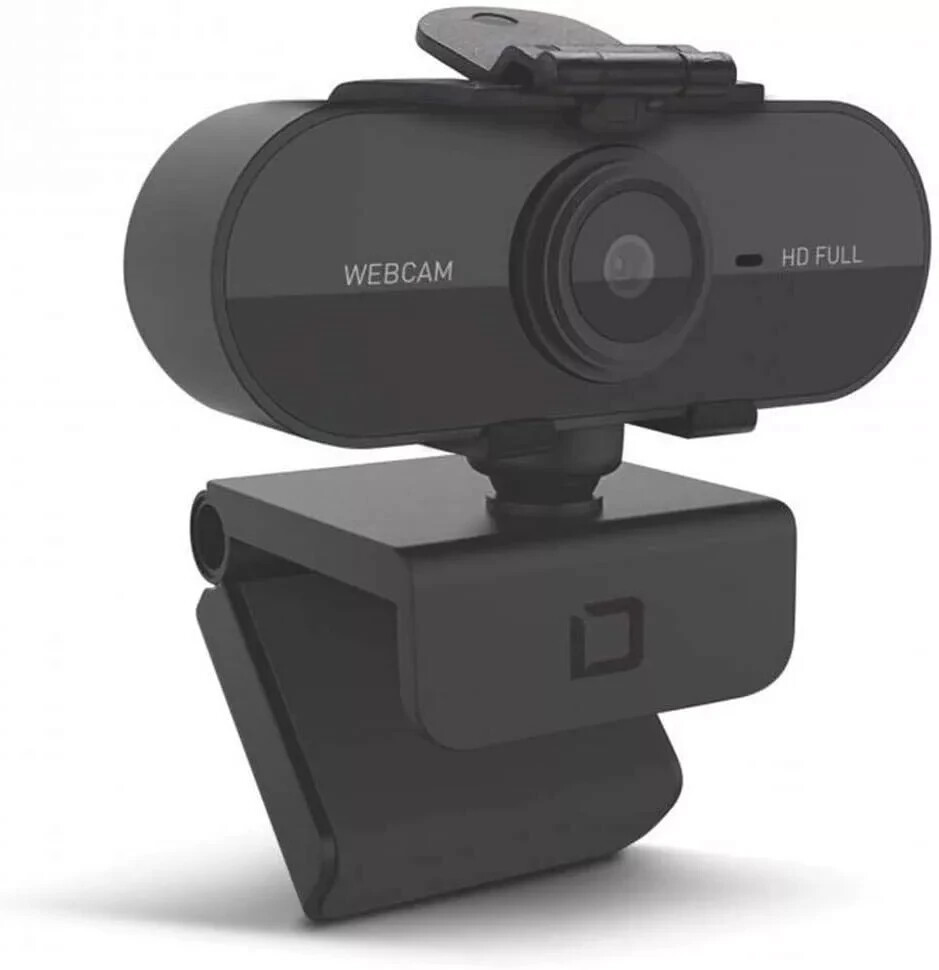
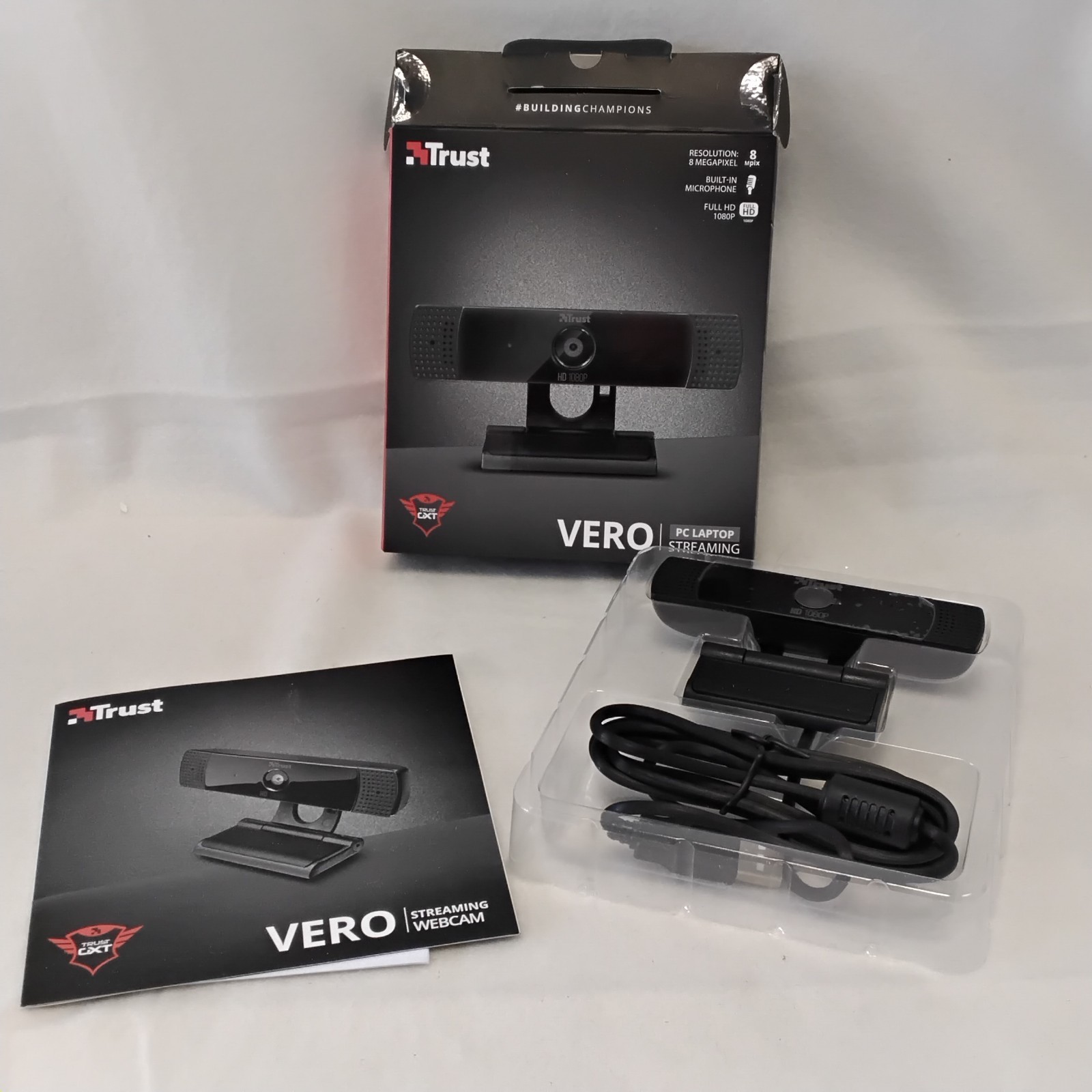
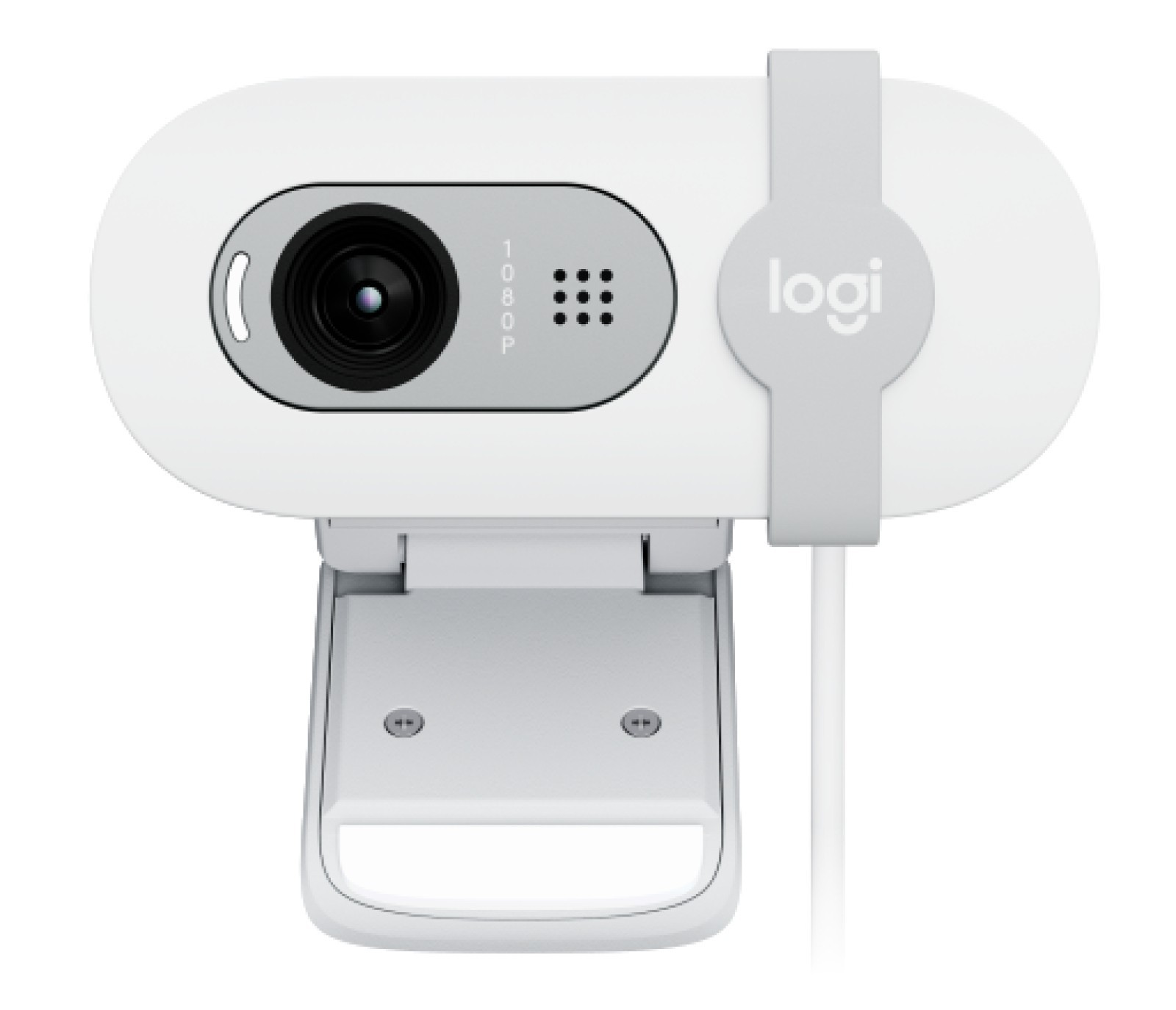
Grainy, low-light video calls are a distraction in 2026. Micro-luxury webcams like the Logitech MX Brio or the Insta360 Link 2 bring broadcast-level quality to your daily stand-ups. With 4K resolution and large sensors, these cameras handle shadows and bright windows with ease, ensuring you don't look like a silhouette during afternoon meetings.
The "luxury" lies in the AI features. These cameras can automatically frame you as you move, or even tilt down to show your desk (Show Mode) if you need to present a physical sketch or document. It’s an upgrade that projects a high level of professional intent to clients and colleagues alike.
Key Features:- Ultra HD 4K: Exceptional detail even when cropped or zoomed.
- HDR Support: Automatically balances lighting in high-contrast rooms.
- Privacy Shutter: Physical blocks for peace of mind when not in use.
- Best For: Managers, consultants, and anyone frequently presenting to clients.
Compare HD Webcams




Prices and availability are accurate as of the date/time indicated and are subject to change.
5. The Monitor Light Bar for Reduced Eye Strain
One of the most underrated upgrades to any WFH setup is the monitor light bar. Products like the BenQ ScreenBar Halo sit on top of your display, casting a precise "asymmetric" beam of light onto your desk without reflecting any glare off the screen itself. This reduces eye strain significantly during late-night sessions.
Unlike a desk lamp, it saves valuable surface space and includes a wireless controller to adjust brightness and colour temperature. The "Halo" version also includes an ambient backlight, which softens the contrast between your bright monitor and the dark wall behind it, creating a much more comfortable visual environment.
Key Features:- Zero Screen Glare: Patented optical design prevents reflections.
- Auto-Dimming: Built-in sensors adjust brightness based on ambient light.
- Wireless Controller: A heavy, tactile dial to control your environment.
- Best For: Late-night workers and those prone to digital eye strain.
Compare BenQ ScreenBar Prices

Prices and availability are accurate as of the date/time indicated and are subject to change.
6. A Thunderbolt 4 Dock to Eliminate Cable Chaos
Nothing kills the "luxury" feel of a workspace faster than a tangle of cables. A high-end dock like the CalDigit TS4 or the Anker Prime 14-in-1 act as the central nervous system of your desk. A single cable connects to your laptop, providing up to 98W of power, while simultaneously connecting your monitor, mouse, keyboard, and ethernet.
The TS4 is widely considered the gold standard, offering 18 ports of connectivity. It supports high-refresh-rate 4K monitors and ultra-fast data transfer. While expensive, it is a "set and forget" investment that makes starting your workday as simple as plugging in one connector.
Key Features:- Single-Cable Solution: Charges your laptop while handling all peripherals.
- Thunderbolt 4 Speed: 40Gbps bandwidth for lag-free performance.
- SD 4.0 Card Slots: Essential for photographers and video editors.
- Best For: Laptop users who want a "desktop" experience with no clutter.
Compare CalDigit TS4 Prices

Prices and availability are accurate as of the date/time indicated and are subject to change.
7. A Premium Desk Mat for a Finished Aesthetic
The final touch in any micro-luxury setup is the surface itself. Replacing a generic mousepad with an Orbitkey Desk Mat or a Grovemade Wool Desk Pad instantly elevates the entire room. These mats use premium materials like vegan leather or high-density merino wool, providing a soft, warm surface for your forearms.
The Orbitkey mat features a unique "document hideaway" to stash loose papers and a magnetic cable holder to keep your charging leads from sliding off the desk. It’s a simple upgrade that defines your workspace and provides a cohesive, intentional look to your tech.
Key Features:- Premium Materials: Choose between self-healing wool or water-resistant leather.
- Cable Management: Integrated grooves to keep your desk tidy.
- Protective Layer: Prevents scratches on expensive wooden desks.
- Best For: Design-conscious professionals who want a curated aesthetic.
Quick Comparison: Which Upgrade is Right for You?
| Accessory | Price Range | Top Recommendation | Primary Benefit |
|---|---|---|---|
| Keyboard | £120–£200 | Keychron Q1 Max | Superior typing feel & haptics |
| Mouse | £80–£120 | Logitech MX Master 3S | Ergonomics & scrolling speed |
| Headphones | £250–£380 | Sony WH-1000XM5 | Focus & deep work concentration |
| Webcam | £150–£250 | Logitech MX Brio | Professional video presence |
| Light Bar | £80–£150 | BenQ ScreenBar Halo | Reduced eye strain & desk space |
| Dock | £200–£350 | CalDigit TS4 | Clutter-free cable management |
| Desk Mat | £60–£130 | Orbitkey Desk Mat | Aesthetic & organizational finish |
Frequently Asked Questions
Are micro-luxury accessories worth the premium for WFH?
Yes, for professionals spending 40+ hours a week at a desk, the "cost per use" becomes incredibly low. These items are built with higher-quality materials that outlast budget alternatives, ultimately offering better value over 5–10 years while improving physical comfort.
What order should I upgrade my WFH setup?
We recommend starting with the "high-touch" items first: the keyboard and mouse. These provide the most immediate sensory improvement. Next, focus on environmental factors like noise-cancelling headphones and the monitor light bar for better focus and eye health.
Will a mechanical keyboard disturb calls or meetings?
Modern micro-luxury keyboards like the Keychron Q1 Max use dampened switches and "silent" configurations that are no louder than a standard office keyboard. Avoid "Blue" clicky switches if you are frequently on calls; look for "Red" or "Brown" tactile switches instead.
Do I need a Thunderbolt dock if I only have one monitor?
While you can use a simpler hub, a Thunderbolt dock provides better power delivery (to keep your laptop battery healthy) and ensures your desk remains tidy with a single cable. It is more about the convenience and reliability than the number of screens.
What is the best budget-to-impact upgrade on this list?
The Monitor Light Bar is often the most surprising upgrade. For around £100, it completely changes the "feel" of a workspace and significantly reduces the headaches and fatigue associated with poor office lighting.
Conclusion
Upgrading to 7 micro-luxury tech accessories to upgrade your WFH setup in 2026 is an investment in your daily wellbeing. By choosing items that prioritise better haptics, sustainable materials, and thoughtful ergonomics, you transform your home office from a place of work into a place of inspired performance.
You don't need to overhaul your entire desk overnight. Start with one high-touch item—perhaps a precision mouse or a premium keyboard—and feel the difference that "noticeably better" gear makes to your workday. Start comparing prices today to find the best deals on these lasting investments.