A small desktop can be a useful home for an AI agent, but buying the right one starts with where the model runs. An agent that calls a cloud API has different hardware needs from a machine generating every response locally. Decide that first, then compare memory, software compatibility and the complete system cost.
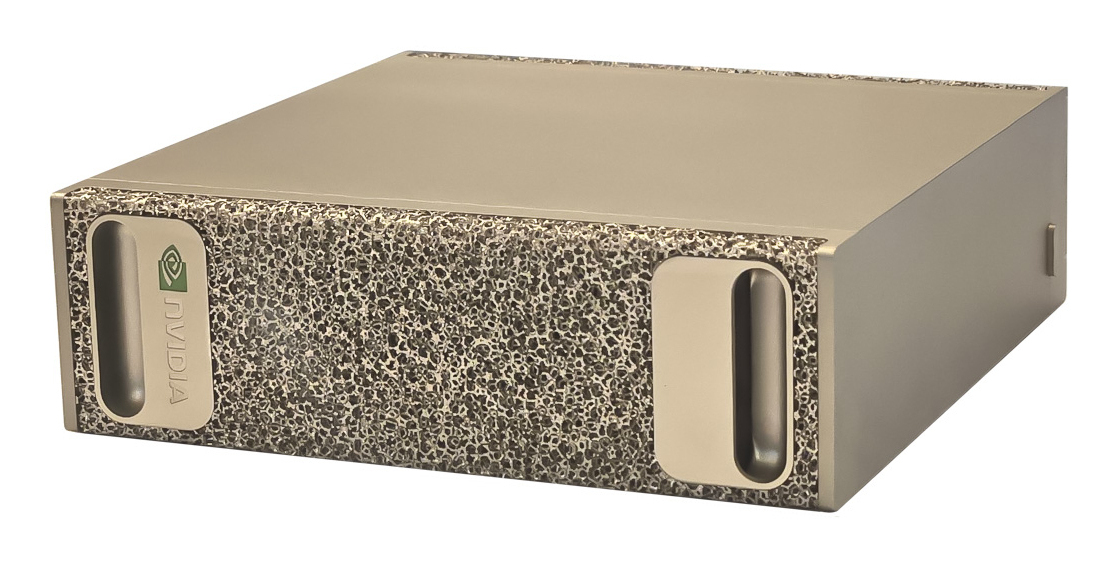
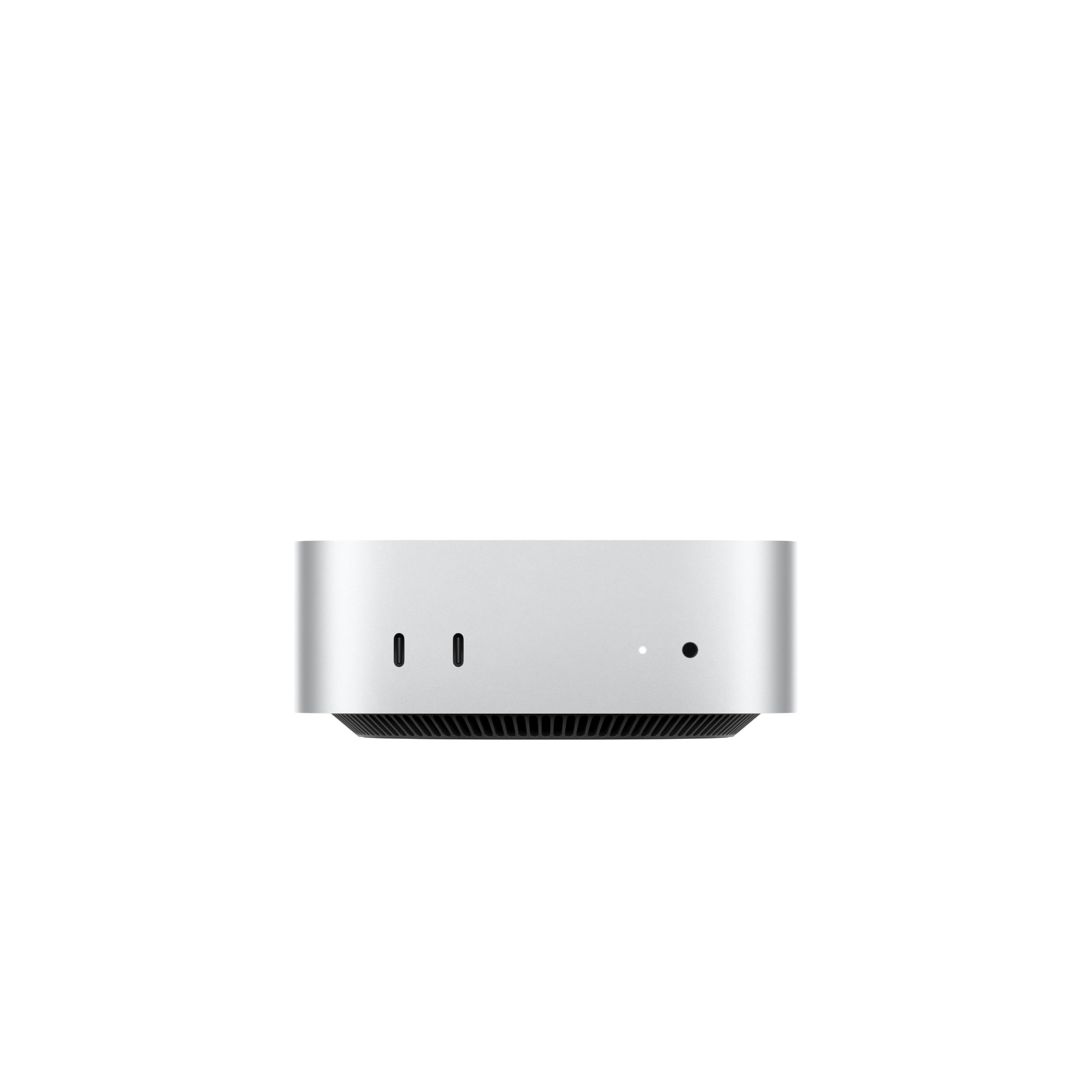
We have current catalogue listings for Mac mini M5 Pro, Mac mini M6, Mac Studio M5 Max, HP Z2 Mini G1a and NVIDIA DGX Spark. The cards below show current retailer listings for named configurations. This is a specification-based buying guide, not a benchmark or evidence that a particular model or agent has been tested on every machine.
Choose the job before the computer
See the at-a-glance comparison above ↑
These are different routes, not a speed ranking. More memory can make a model possible to load without making its responses fast enough for your task.
Agent host or local model server?
An agent host runs the application: scheduling work, calling tools, keeping state and making model requests. If those requests go to a hosted API, the model's weights do not need to fit on the host. Start by checking whether a computer you already own can run the agent and its tools reliably.
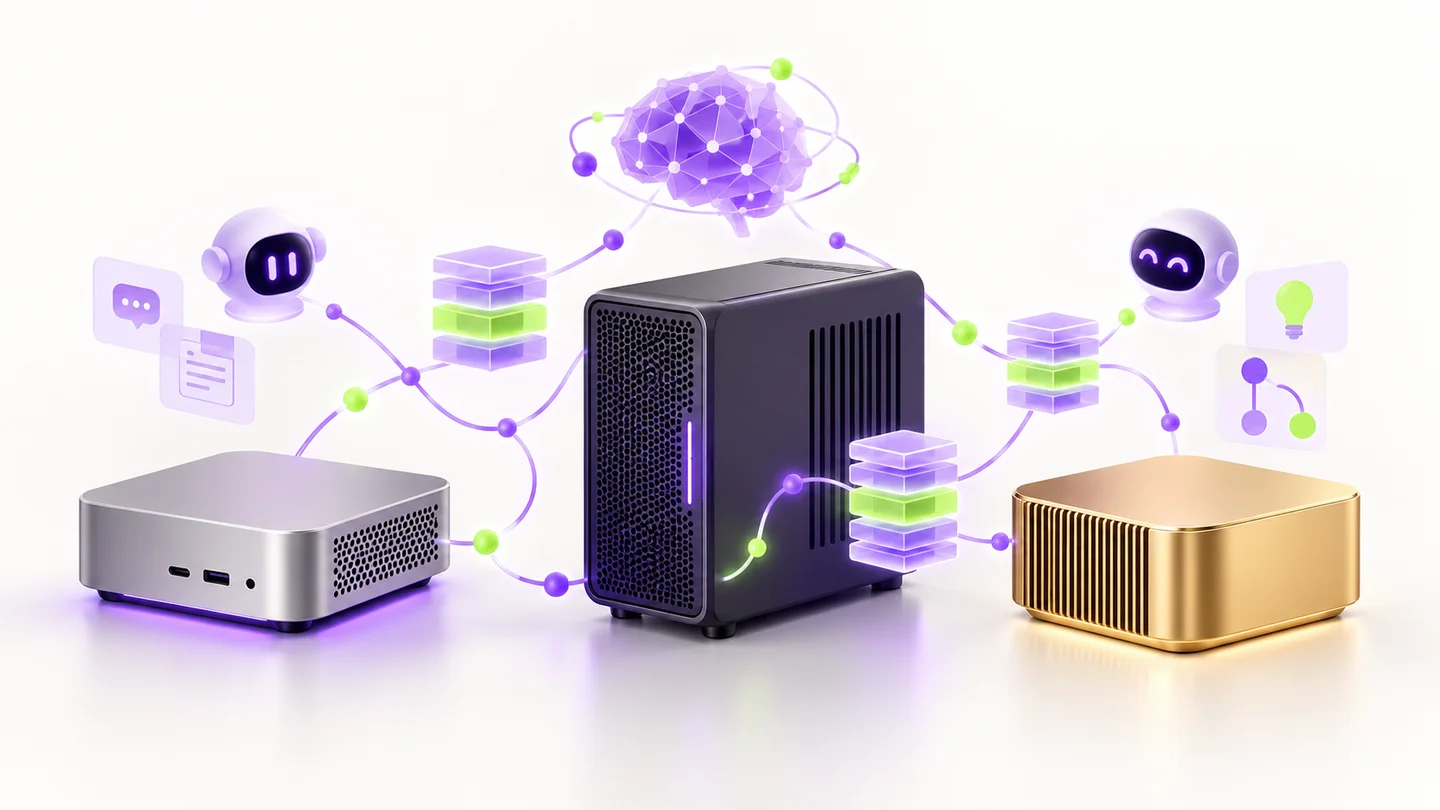
A local model server loads the model onto your own hardware and exposes it to an application. LM Studio describes local and remote model choices, including running inference on a separate machine. You can therefore use a small agent host with a more capable model server elsewhere, rather than buying a powerful desktop for every user.
Local inference also does not automatically make an entire workflow offline or private. An agent can still send information to remote tools, websites or a cloud fallback. Check where its actual requests go when deciding what “local” needs to mean for your use.
Mac mini M5 Pro: check the memory on the actual offer
Apple's current mini range uses M6 and M5 Pro. According to Apple's model-specific specifications, M6 configurations start at 16GB unified memory and can reach 32GB; M5 Pro starts at 24GB and has 48GB or 64GB options. Those are options across the range, not the specification of every listing.
The 24GB/512GB M5 Pro card below is a concrete catalogue configuration. It is not a 64GB model. If your intended model and context need more memory, compare a suitably configured machine before treating a lower entry price as the cost of your local-AI setup.
For a cloud-backed agent host, assess whether the M5 Pro's extra capabilities will actually be used. For local inference, match the model runtime and memory requirement first. LM Studio's documentation describes llama.cpp and Apple MLX model runtimes; Apple's MLX-LM project provides another route for running language models on Apple silicon. Verify support in the version you plan to install.
The M6 24GB/512GB configuration below is another compact Mac option. A newer chip number alone does not settle which computer suits a larger model; the memory configuration remains central to the comparison.
How much memory does a local model need?
Start with the exact model download, quantisation, intended context length and number of simultaneous requests. Memory must cover model weights, runtime overhead and the attention/KV cache, while leaving room for the operating system and agent tools. SSD capacity and system memory are different resources: a large drive does not make a model fit in RAM or VRAM.
As an idealised arithmetic example, four-bit weights use half a byte per parameter. Eight billion parameters would be about 4GB of weight data; 32 billion about 16GB; 70 billion about 35GB. These decimal-GB figures omit quantisation metadata, caches and other overhead, so they are not minimum-machine recommendations or promises that those models fit a particular configuration.
Ollama's context-length guidance explains that increasing context increases memory requirements. Agent conversations can accumulate tool definitions, retrieved documents and earlier steps. Test the context and concurrency you expect to use rather than assuming a short chat demonstration proves an agent workload will fit.For a purchase decision, record the exact model file, runtime version, quantisation and context used in any benchmark. Prompt-processing speed, generated tokens per second and multi-user throughput are different measurements. Do not compare a vendor's low-precision peak-compute figure directly with another machine's real token rate.
Mac Studio: a higher-memory macOS route
If the mini's memory ceiling is the constraint, compare the Mac Studio range. Apple's current specifications list M5 Max and M5 Ultra configurations, with different memory options. The M5 Max range can reach 128GB on the specified configuration, while M5 Ultra options extend higher, up to 512GB; confirm the selected configuration and availability with the retailer.
The card below is specifically the 36GB/512GB M5 Max version. It is not one of the higher-memory configurations. Decide how much memory the workload needs before comparing prices; moving to a Studio label without checking RAM can leave the same practical limitation.
Choose the software route before buying. A macOS/MLX workflow and a CUDA-dependent Linux project have different requirements. A large unified-memory capacity does not make software written specifically for NVIDIA CUDA run unchanged.
AMD mini workstations: check the runtime as carefully as the RAM
Compact AMD systems are another option for readers who want a Windows or Linux workstation. HP lists a Z2 Mini G1a configuration with Ryzen AI Max+ PRO 395, Radeon 8060S graphics and 128GB system memory. Our catalogue card below is a 128GB/1TB variant; the linked HP example has a different SSD configuration.
Do not treat the full advertised system memory as an interchangeable quantity of dedicated NVIDIA VRAM. Check the memory allocation and acceleration support available to your exact runtime, operating system and driver. An AI-PC or NPU badge alone does not establish that your chosen language model uses that accelerator.
If your preferred application has no supported accelerated path for this configuration, having a large memory pool may not produce the experience you expect. Seek a reproducible demonstration using your intended model and software stack before making this your local-model server.
NVIDIA RTX desktops: buy around VRAM and the complete build
A desktop with a discrete NVIDIA GPU is a relevant route when your software expects CUDA or you also want other GPU workloads. NVIDIA specifies 32GB GDDR7 for the desktop GeForce RTX 5090. A laptop GPU with a similar name is a separate product; confirm its own specifications rather than applying the desktop figure to it.
A graphics-card price is not the cost of a working workstation. Include the rest of the PC, an appropriate power supply, cooling, storage and the space it occupies. Check physical fit and the card manufacturer's installation requirements. Compare usable GPU memory for the model, then use matching software benchmarks to assess speed.
Use the manufacturer's exact desktop specification when comparing complete retailer builds. Confirm which GPU edition and memory capacity are included rather than assuming that every RTX 5090 system is equivalent.
DGX Spark: a compact Linux/CUDA development option
The 128GB DGX Spark combines NVIDIA GB10 Grace Blackwell hardware with a large coherent unified-memory pool. NVIDIA's hardware documentation describes its Arm CPU, Blackwell GPU, networking and storage options. The catalogue configuration below is 128GB/4TB, not a statement that every Spark-branded system has the same memory or SSD.
Spark is worth investigating when the workload benefits from its memory capacity and supported NVIDIA software. Check Arm64 and Blackwell compatibility, including containers and dependencies. Do not assume an x86 desktop package works unchanged just because both machines use Linux.
NVIDIA publishes a fully local multi-agent chatbot playbook, illustrating a supervisor and specialist models on Spark. That is a specific development example, not a promise that every agent framework or model will run at an acceptable speed. Ask for measurements at your intended context and concurrency.
NVIDIA's headline model-capacity and low-precision compute claims are not a substitute for that test. A model fitting in memory does not establish interactive latency, agent reliability or the number of users the system can serve.
A useful buying checklist for AI agents
1. Choose the model location. Cloud API, local inference or a separate server each leads to a different budget. 2. Name the workload. Record the agent framework, model, quantisation, context and simultaneous sessions. 3. Confirm software support. Check OS, CPU architecture, GPU/backend and the versions you intend to use. 4. Size memory with headroom. Include context caches, the operating system and the tools the agent runs. 5. Compare the complete cost. Add storage, peripherals, networking, electricity and any ongoing API or service charges relevant to your setup. 6. Check a matching demonstration. Look for the same model and settings, not an unrelated peak-performance score.
Ollama's tool-calling documentation shows how a model requests tools and uses their results. Hardware capacity alone does not establish that a chosen model follows those tool instructions reliably. Try a representative task before scaling up the system.Frequently asked questions
Do I need DGX Spark to run an AI agent?
No. An agent using a cloud model can run on a much more modest host if its application and tools support it. Spark is one option for local model development; choose it around a workload that needs its capabilities.
Is 24GB enough for local AI?
It depends on the exact model, quantisation, context and other memory use. Smaller models can be a starting point, but this guide does not guarantee a model class or context fits every 24GB machine. Check the runtime's estimate and test your intended settings.
Does more SSD storage let me run a larger model?
It gives you room to store more model files, documents and other data. It does not replace the RAM or GPU memory needed for the way the runtime executes the model. Check both capacities separately.
Which Mac mini should I look for?
Use the full generation and configuration: the current range includes M6 and M5 Pro, while older M4 listings may still be available. Our Mac mini collection separates the families. Confirm memory and storage on the individual retailer offer before buying.