The MacBook Air M5 is Apple's current Air generation as checked on 31 October 2026. Start with screen size, unified memory and SSD capacity, then compare matching retailer offers. This guide uses published specifications and catalogue listings; it is not a hands-on review or benchmark.
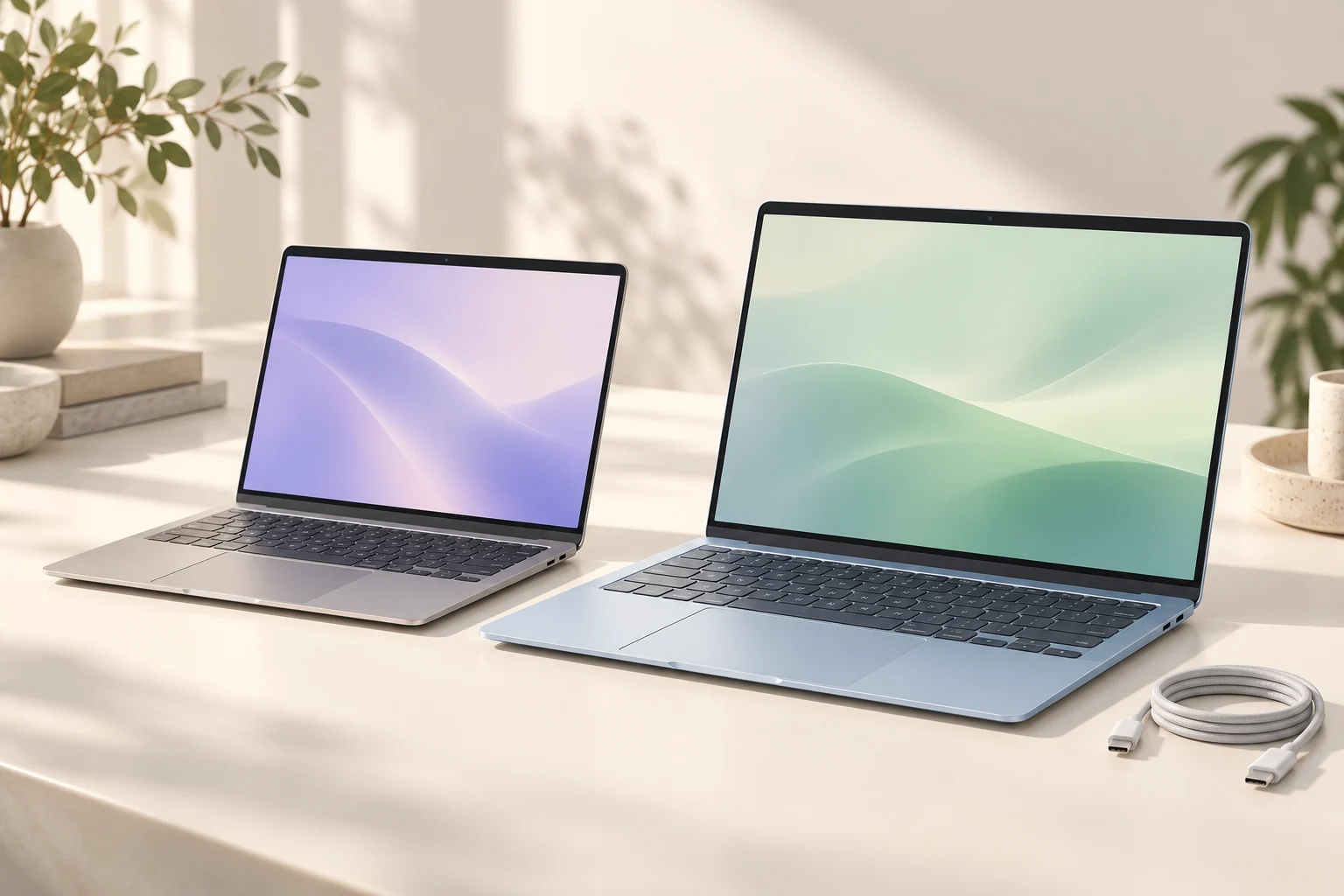
The hero is an editorial illustration, not an exact product photograph. Use the retailer images and selected configuration for product details.
See the at-a-glance comparison above ↑
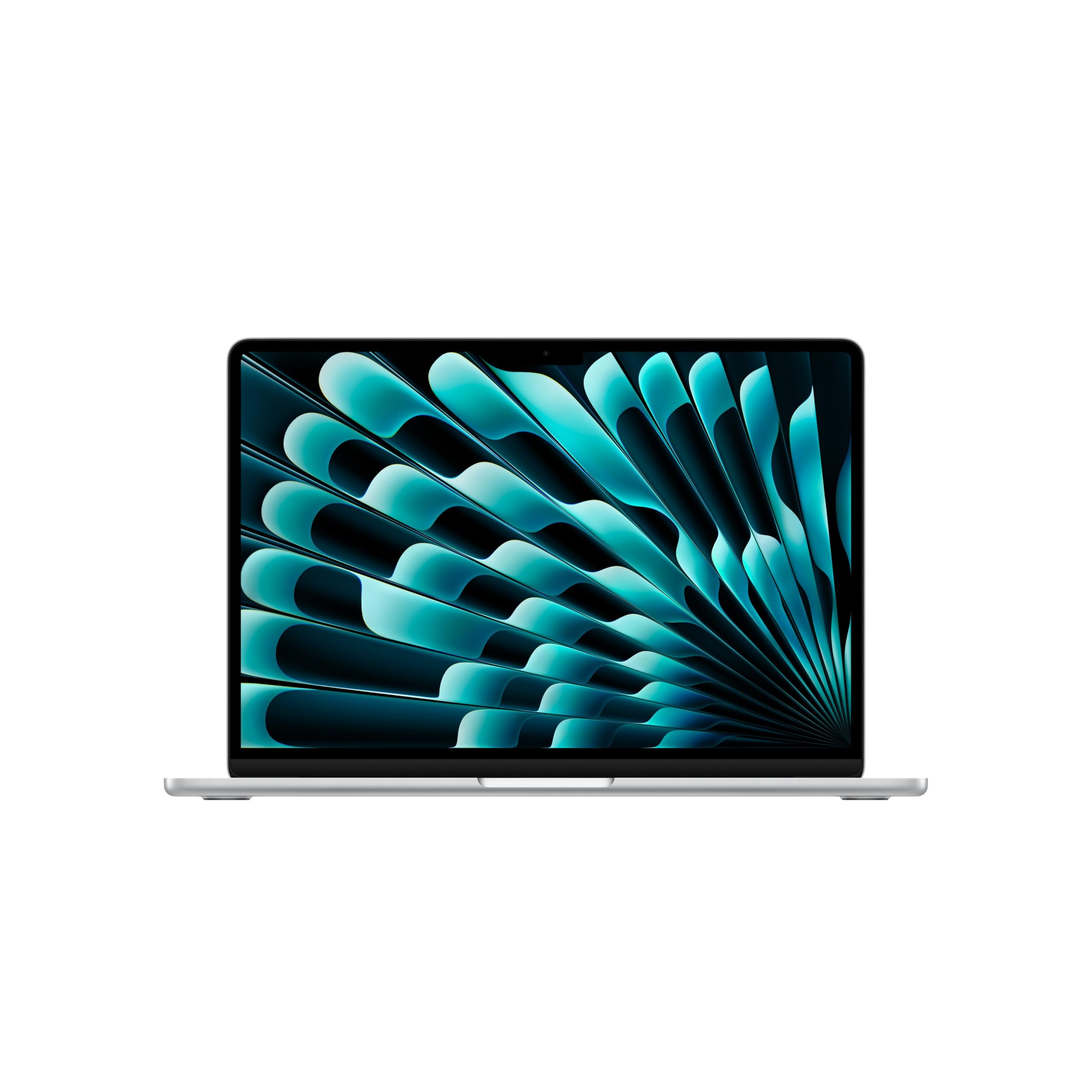
Apple's UK specifications are the reference for the range. Options across the family include different GPU, memory and SSD configurations; the maximum advertised specification is not included in every laptop. The cards below identify three distinct configurations observed in our UK catalogue on 31 October, with matching named retailer offers.13-inch M5: a smaller screen and a clear starting specification
The 13-inch M5 Air with 16GB unified memory and 512GB SSD offers a concrete starting point for comparison. The silver configuration below has a ten-core CPU and eight-core GPU. A title saying only “ten-core” does not confirm both processor counts.
Choose the smaller screen around how you work on the move. If your files will outgrow 512GB, compare an exact larger-SSD configuration; external storage has a separate cost and needs a suitable connection. Keep memory, storage, GPU and condition fixed when comparing retailers.
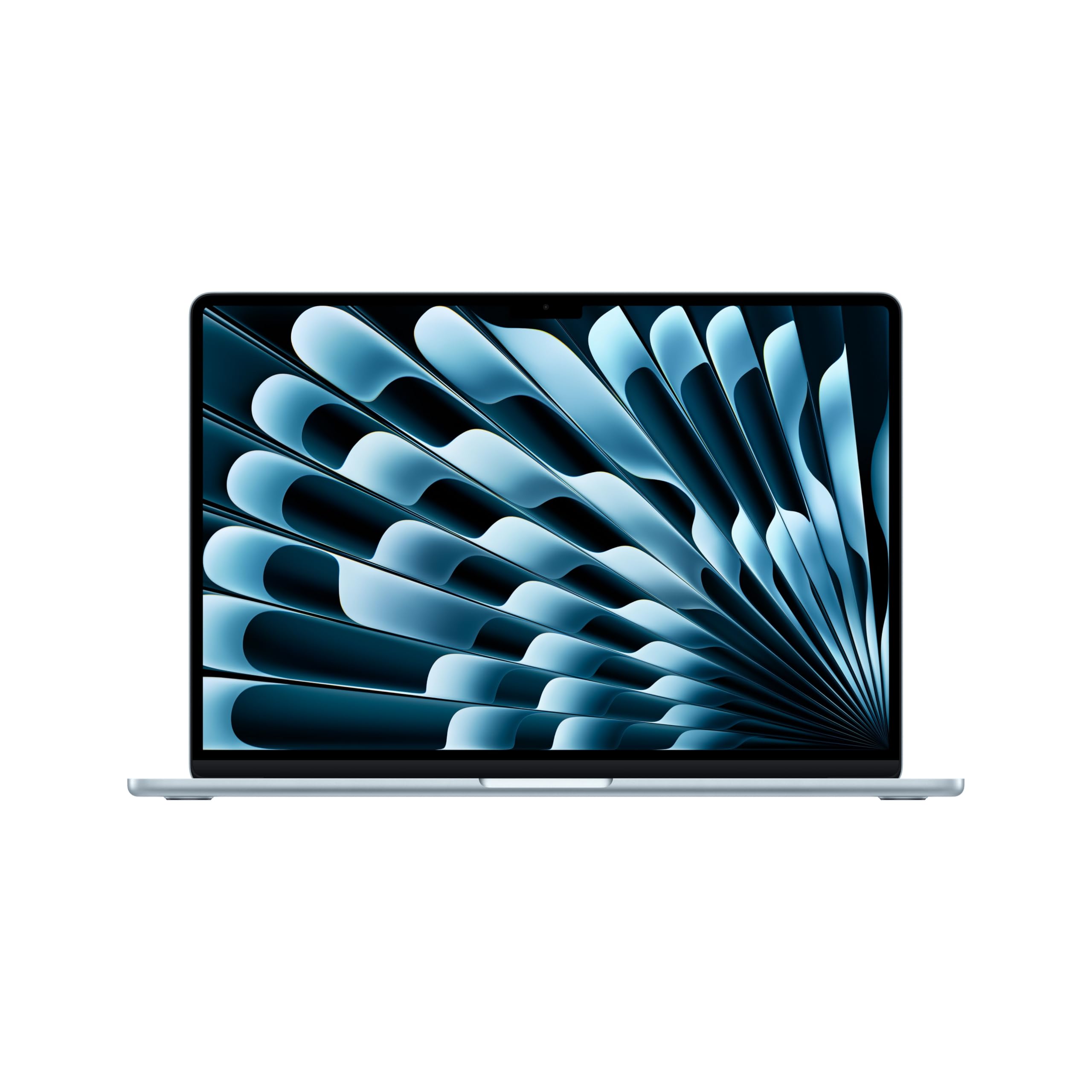
15-inch M5: compare screen size without changing every other specification
The 15-inch M5 Air with 16GB memory and 512GB SSD is useful alongside the smaller model because its listed memory and storage are the same. The larger screen can give you more workspace, but check the physical dimensions against your bag and usual desk.
Apple describes the M5 Air as fanless. A larger display alone does not establish faster sustained performance: compare the processor configuration and your software's requirements separately. Use the MacBook collection's Air filter for more offers, checking the generation on each listing.
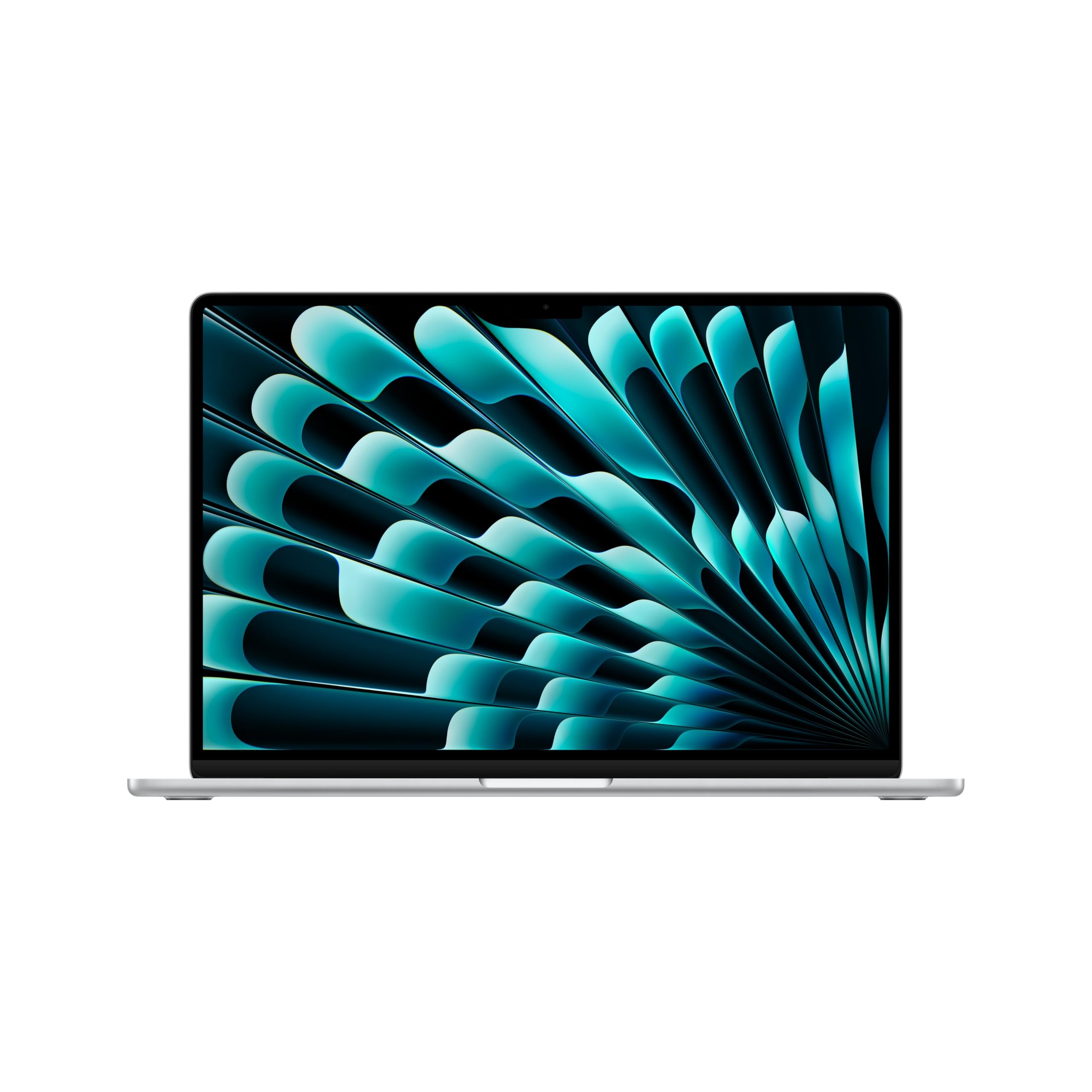
24GB and 1TB: pay for capacity you will use
The 15-inch M5 Air with 24GB unified memory and 1TB SSD changes both memory and storage. That makes it a capacity alternative, rather than a like-for-like price comparison with the 16GB/512GB models above. Check the selected retailer variation carefully before treating a lower headline price as an equivalent machine.
For local AI models, memory requirements depend on the model, quantisation, context and runtime; a chip name or 24GB label does not guarantee that a workload fits or runs quickly. For cloud-backed tools, assess the laptop requirements separately from the remote model. Our AI agent hardware guide explains those distinctions and desktop alternatives.
Check the charger, keyboard and condition
Apple's UK specifications list the charging cable and supported power requirements. Confirm whether the retailer includes a suitable power adapter, especially for a used, refurbished or imported laptop. Do not assume that a cable means a wall charger is included.
Check UK keyboard layout, the seller's condition description, guarantee and return terms. For used machines, also ask about battery condition and confirm that the seller supplies a complete working laptop. Compare the final delivered price with any missing charging equipment included in your budget.
Keep Air and Pro generations separate
Apple's current Air page identifies M5. Apple has also announced a 14-inch MacBook Pro with M6, with preorders from 28 October and availability announced for 6 November 2026. That does not establish an M6 MacBook Air, and a preorder date does not establish immediate delivery.An older M4 offer may still be worth comparing when its exact configuration, condition and total price suit you. Use our M4 Air buying checklist for older-stock and used checks. For any generation, confirm the selected configuration and current stock with the retailer before buying.